

Adobe Illustrator ✓
Create scalable vector graphics with precision and AI-powered speed.
from $22.99/mo
Verdict
A quick read before you dig into the full page.
- Best if
- Create scalable vector graphics with precision and AI-powered speed
- Skip if
- Learning curve for beginners
- Pick this when
- Vector graphics capability
Considering AIVector instead? Compare side by side
Overview
The latest version enhances productivity with improved responsiveness, smarter snapping tools, and refined drawing controls. Designers can work with greater accuracy using enhanced gradients, precise color selection, and advanced alignment features that allow snapping to curves and tangents. The upgraded Pencil tool with live preview offers smoother, more intuitive freehand drawing for detailed vector creation.
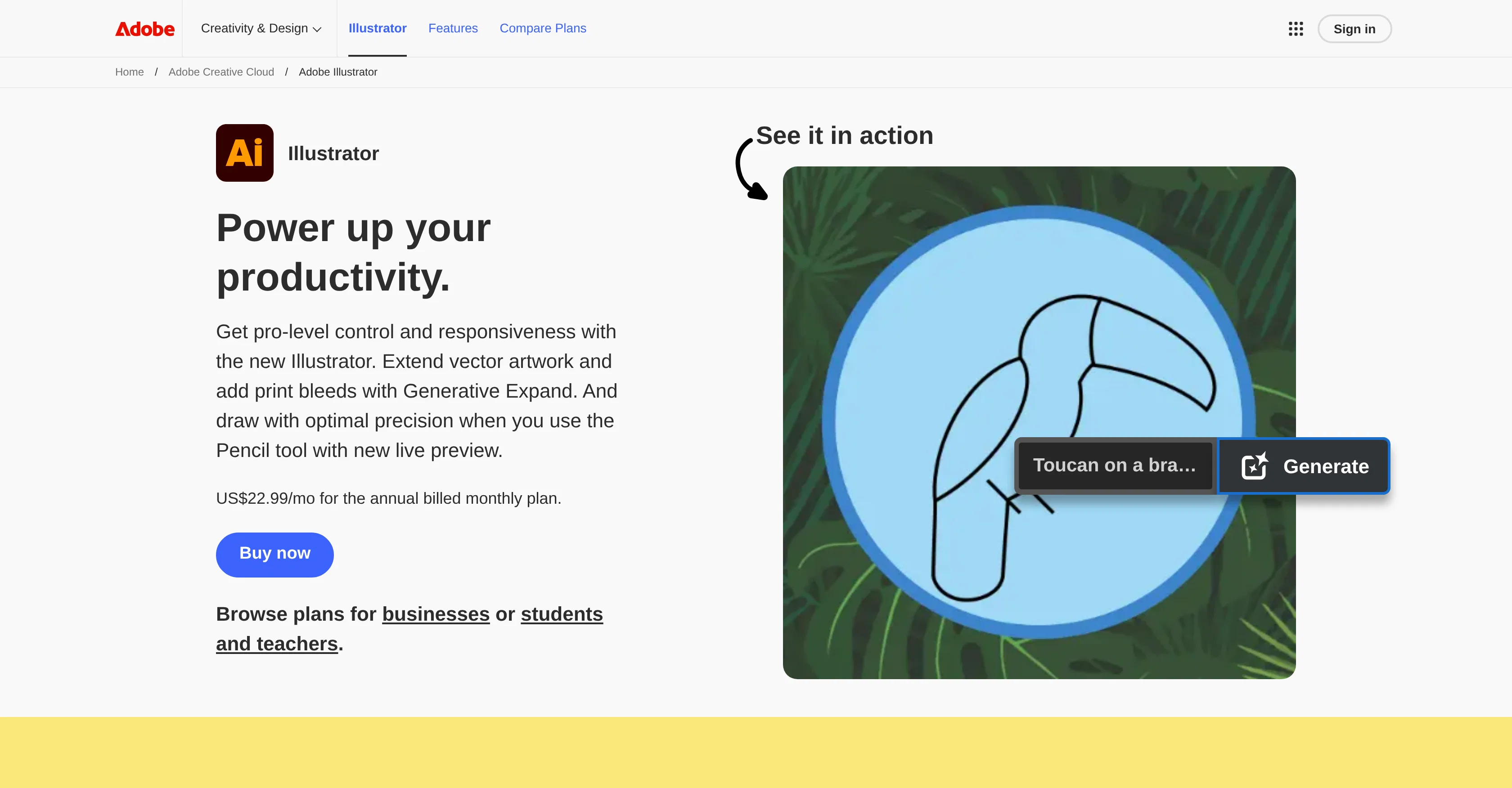
Illustrator integrates generative AI directly into the creative workflow through Adobe Firefly and selected third-party models. Features such as Generative Shape Fill, Text to Vector Graphic, Text to Pattern, and Generative Expand enable users to experiment with new ideas, resize artwork, add print bleeds, and generate editable vector elements quickly. All AI-generated assets remain fully editable, preserving professional control.
An enhanced Font Browser simplifies font discovery and organization, while Creative Cloud integration ensures seamless collaboration, cloud storage, and asset syncing across devices. Illustrator is available as a standalone subscription or as part of the Creative Cloud Pro plan, which includes additional apps and expanded generative credits.
Combining industry-standard vector tools with modern AI capabilities, Adobe Illustrator empowers creators to design bold, precise graphics for print, web, mobile, and beyond.
Access & connections
Where you can use Adobe Illustrator.
Platforms
Pros & cons
Pros
- Vector graphics capability
- Digital Illustration features
- Logo Design functionality
- Adaptable for print media
- Useful for creative industry
- Web design
- Professional typography
- Branding tools
Show 3 more
- 3D Art capabilities
- Professional design tools
- Artwork creation
Cons
- Subscription-based pricing model
- Learning curve for beginners
- Requires capable hardware for optimal performance
- Generative AI limited by monthly credit system
- May be more complex than needed for simple design tasks
Compare alternatives
Similar tools in the catalog — with a clear reason to open each one.

AIVector ✓
FreeConvert Images and Text to High-Quality Vectors in Seconds
Why look Fully free option
Full comparison
VectorMind ✓
FreemiumCreate stunning vector graphics in seconds with AI.
from $19.99
Full comparison
Editable Figure ✓
Free TrialConvert AI figures into editable vector graphics.
Free + from $29.9
Full comparison
SVG Maker AI ✓
Free TrialPrompt in. Clean, editable SVG out.
Why look Typically cheaper
Full comparison
FigPad ✓
Free TrialTurn your idea into a polished scientific figure
Why look Typically cheaper
Full comparison
PaperClaw ✓
Free TrialMake publication-ready scientific figures with AI.
Why look Typically cheaper
Full comparisonReleases 1
FAQ 12
What are the main features of Adobe Illustrator?
How does Adobe Illustrator work with vector graphics?
Can Adobe Illustrator be used for digital illustration?
Is Adobe Illustrator suitable for logo design?
What type of print media can be created using Adobe Illustrator?
Can Adobe Illustrator be useful in the creative industry?
How convenient is Adobe Illustrator for web design?
Is typography a feature in Adobe Illustrator?
Can you elaborate on the branding aspects of Adobe Illustrator?
Does Adobe Illustrator support 3D art?
How does Adobe Illustrator serve as a digital tool?
Is Adobe Illustrator suitable for professional design?
Related tools
Recommended

More from this creator

Adobe Audio Enhancer ✓
Free TrialClean up spoken audio with AI studio-quality filters.

Adobe Firefly ✓
FreemiumCreate stunning visuals with AI-powered text prompts

Adobe Express ✓
FreemiumCreate stunning content easily with AI-powered design tools.

Adobe AI Assistant ✓
PaidUnleash PDF intelligence with AI-powered assistance

Adobe Customer Journey Analytics ✓
UnknownUnified customer insights across every channel, every moment.

Adobe Brand Concierge ✓
UnknownAI-powered conversations that turn intent into action.