

Scientific illustrations 2026 Rank: #2038
FigPad ✓
Turn your idea into a polished scientific figure
Verdict
A quick read before you dig into the full page.
- Best if
- Turn your idea into a polished scientific figure
- Skip if
- Limited image editing tools
- Pick this when
- Text to Image conversion
Considering EZFigure instead? Compare side by side
Overview
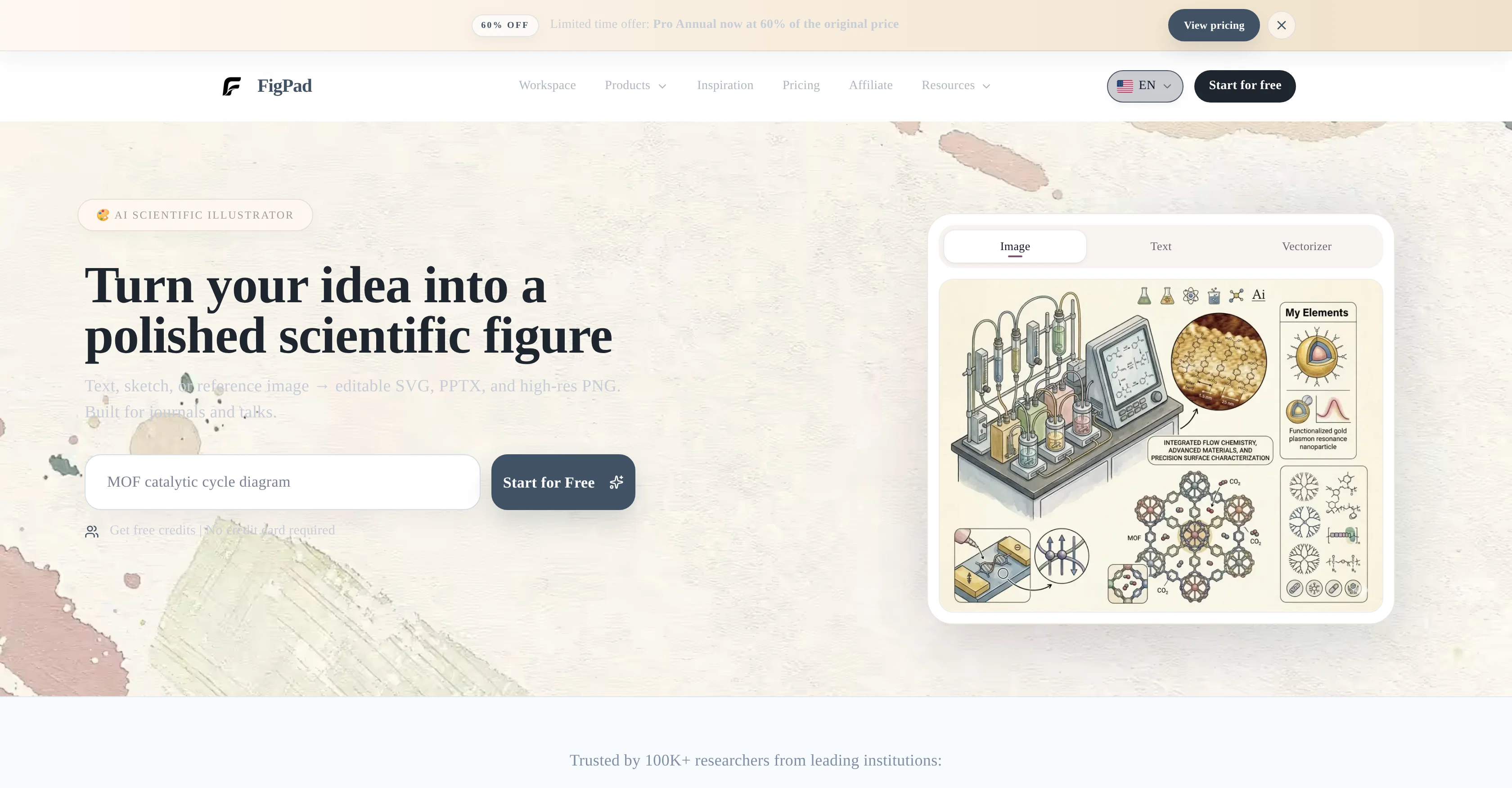
FigPad is a tool designed to streamline the creation of scientific figures. It leverages AI technology to convert sketches, text, or reference images into editable scientific visuals.
Users can create and edit their figures using workflows that include text-to-image, sketch-to-image, image-to-image conversions, and vectorization. The polished figures can be exported in formats including SVG, PPTX, and high-resolution PNG.
This tool aims to serve those who need to generate scientific figures, like researchers, with these export formats being suitable for use in journals and presentations.
FigPad offers a user-friendly workspace that is equipped with various product features and resources like blogs and tutorials to assist users. It is trusted by numerous researchers from leading institutions around the world.
Access & connections
Where you can use FigPad.
Platforms
Capabilities
What this tool accepts, produces, and is strongest at.
Input
- Image
- Text
Output
- Image
Supported features
- Image Generation
- Visual Creation
- Slides
- SVG
Pros & cons
Pros
- Text to Image conversion
- Sketch to Image conversion
- Image to Image conversion
- Vectorizer function
- Exports in SVG format
- Exports in PPTX format
- Exports in high-res PNG
- Suitable for academic journals
Show 18 more
- Suitable for presentations
- Reference-guided style extension
- Raster to vector conversion
- Polished, editable visuals
- Workflow support
- Free access
- No credit card requirement
- User-friendly workspace
- Additional blogs
- Online tutorials
- Used by renowned institutions
- Editable and scalable graphics
- Helps in science communication
- Supports data representation
- Figures suitable for publication
- Scientific figure generation capability
- Supports visual data
- Trusted tool for researchers
Cons
- Lacks collaborative features
- Limited to scientific visuals
- No mobile version
- No offline access
- No third-party integrations
- Hard to customize images
- Limited image editing tools
- Dependent on internet connection
Show 2 more
- No 3D image support
- Only exports in SVG, PPTX, PNG
Compare alternatives
Similar tools in the catalog — with a clear reason to open each one.

EZFigure ✓
Free TrialPublication-ready scientific figures, effortlessly.
Why look Higher community rating
Full comparison
Figviz ✓
Free TrialFrom a sentence to a science-ready diagram.
Why look Typically cheaper
Full comparison

Releases 1
FAQ 12
What is FigPad?
What primary functions does FigPad offer?
What kind of users is FigPad oriented towards?
Does FigPad support converting text into images?
How does the Sketch to Image feature in FigPad work?
Can I convert existing images using FigPad?
How can FigPad's Vectorizer function assist me?
Can I export my visuals in various formats using FigPad?
What is the role of the extended workflows in FigPad?
What is there for me to look forward to in FigPad's blog and tutorials?
Is FigPad free to use?
Do I need to provide credit card details to use FigPad?
Related tools
Recommended

B12 AI Website Builder ✓
FreemiumAI-powered website builder

Thea ✓
FreemiumAI study tools to master material, not just memorize it.

Automateed ✓
Free TrialCreate eBooks effortlessly with Automateed, the AI-powered writing tool.

Recall ✓
FreemiumSummarize Anything, Forget Nothing!

Suno ✓
FreemiumMake music at the speed of your ideas.

freebeat AI ✓
FreemiumTurn Music & Ideas into Viral Videos In One Click