

Amical ✓
Open Source AI App for Dictation, Meetings and Note-taking
Verdict
A quick read before you dig into the full page.
- Best if
- Open Source AI App for Dictation, Meetings and Note-taking
- Skip if
- Might struggle with complex terminology
- Pick this when
- Open-source tool
Considering Voicetype AI instead? Compare side by side
Overview

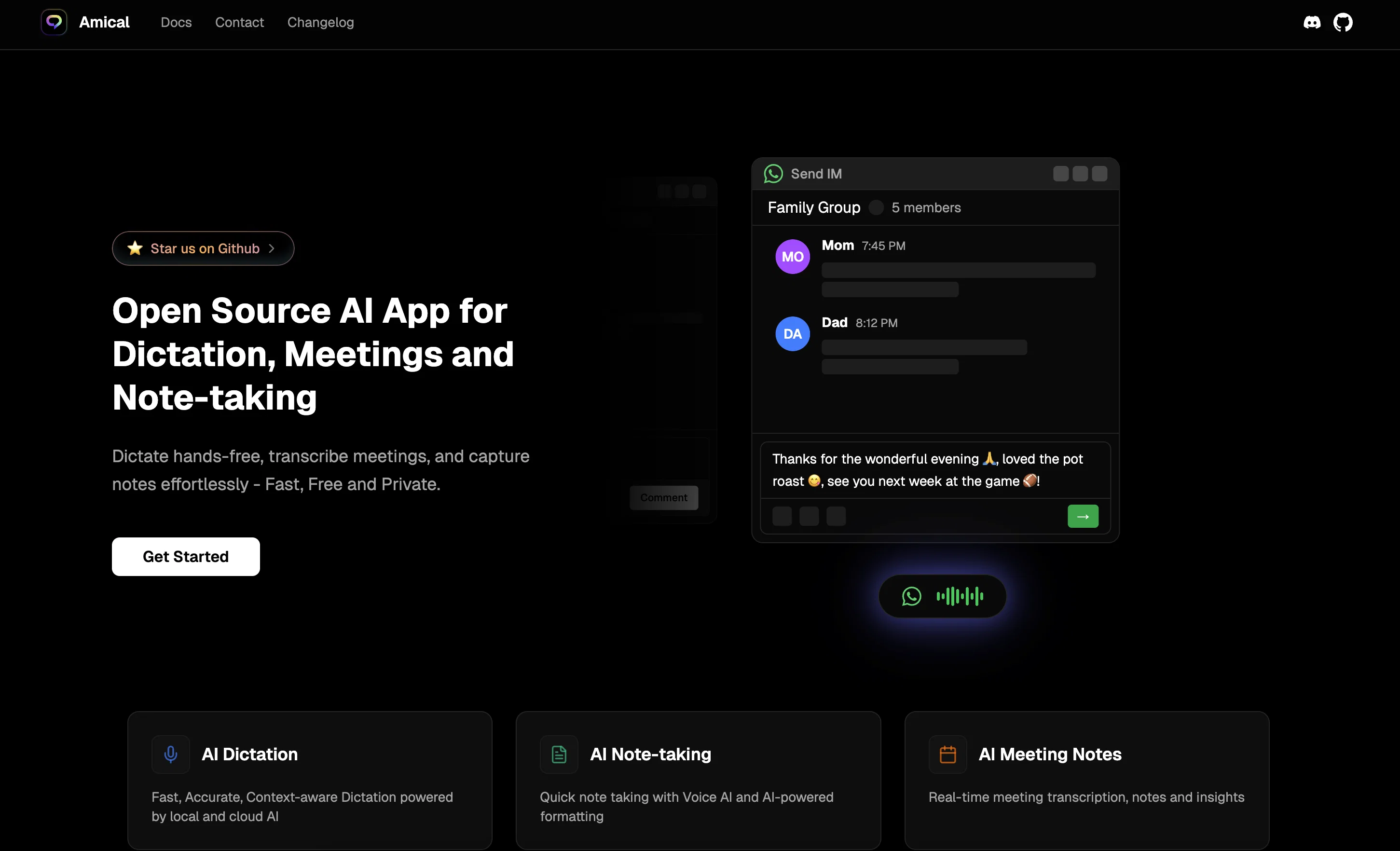
Amical is an open-source Artificial Intelligence (AI) application designed for dictation, meetings, and note-taking. The tool allows users to dictate hands-free, transcribe meetings and capture notes without any hassle.
It operates relying both on local and cloud-based AI models, providing users with choice and control over privacy. Users can also seamlessly switch between AI providers, balancing speed, accuracy, and security to meet their specific needs.
Notably, Amical offers a unique custom vocabulary feature, enabling the AI to recognize user-specific terminology and jargon for personalized and industry-specific transcription results.
Another highlight is the creation of personalized voice commands and shortcuts, which aims to streamline the users workflow and enhance productivity with hands-free operation.
Amical also supports over 50 languages, offering native-level accuracy for multilingual and mixed-language dictation. In terms of functionality, Amical understands the context of users' applications and formats the dictation based on the application it's being used with, whether that's a professional email in Gmail or a casual post on Instagram.
Importantly, the app maintains user privacy and ensures accurate transcription, catering to an assortment of applications from email to social media, all while handling industry-specific terms with precision.
Access & connections
Where you can use Amical, and what it plugs into.
Platforms
Capabilities
What this tool accepts, produces, and is strongest at.
Input
- Text
- Audio
Output
- Text
Highlights
- No Signup
Supported features
- No Signup
- Transcription
- Autocomplete
Pros & cons
Pros
- Open-source tool
- Hands-free dictation
- Meeting transcription
- Notes capture
- Local and Cloud-based models
- Customizable vocabulary
- User-specific terminology recognition
- Industry-specific transcription
Show 35 more
- Personalized voice commands
- Custom voice shortcuts
- Supports over 50 languages
- Native-level language accuracy
- Mixed-language dictation
- Context-aware functionality
- Formats dictation per application
- Privacy control
- Accurate transcription
- Supports variety of applications
- Precision with industry terms
- Effortless note-taking
- Choice in privacy control
- Maximizes user productivity
- Application-specific formatting
- Recognizes jargon and acronyms
- Streamlines workflow
- Users can dictate directly
- High-speed transcription
- Supports professional and casual use
- Flexible security options
- Dictate in multi-languages
- Runs locally for privacy
- Understands application context
- Recognizes proper nouns
- Operational on Mac and Windows
- Auto-corrects grammar
- Fixes pronouns
- Adds contextual emojis
- Automatic action triggering
- Adapts to personal writing style
- Automatic application-based tone adjustment
- Intelligent text formatting
- Workflows triggerable by speech
- High transcription accuracy
Cons
- Might struggle with complex terminology
- Security concerns with multiple providers
- Limited to 50 languages
- Assumed understanding of users' applications
- Keystroke shortcuts may be cumbersome
- May lack important integrations
- Open source requires technical knowhow
- Local models limit portability
Compare alternatives
Similar tools in the catalog — with a clear reason to open each one.

Voicetype AI ✓
Free TrialWrite 9x Faster with AI Speech to Text on all Apps
Why look Better for writing
Full comparison
Transcript LOL ✓
FreemiumUnlimited transcripts, summaries, 99.8% accuracy, speaker recognition, superfast
Why look Offers a public API
Full comparison
TurboScribe ✓
Freemium🎯 3 free transcripts every day. 🔥 Unlimited transcription starting at $10/mo.
Free + from $10/mo
Full comparison
RambleFix ✓
Paid⚡ Write by thinking aloud - emails, notes, articles, in your style.
Why look Better for writing
Full comparison
Paraspeech ✓
Free TrialPrivate dictation, cloud optional
Why look More privacy-focused
Full comparisonReleases 1
Imported reviews 1
I love the smart formatting and multi language support. It fits perfectly into my workflow and feels thoughtfully built for real world use.
FAQ 12
What is Amical?
What can Amical be used for?
Is Amical suitable for multilingual use?
Does Amical support industry-specific terminology?
How does Amical protect user privacy?
What are the functions of Amical?
How can Amical help improve workplace productivity?
What types of AI models does Amical use?
Can users switch between different AI providers on Amical?
How does Amical recognises user-specific terminology and jargon?
How does Amical dictate in context to the application it is used with?
What sort of personalized voice commands and shortcuts can be created on Amical?
Related tools
Recommended

PixPal - Free AI Chat with Image Editor & Video Gener... ✓
FreeAI chat with images – Create, edit, innovate for free!

DeepSeek ✓
FreeUnravel the mystery of AGI with curiosity

Collate ✓
FreeUnlimited free and private summaries and chat with PDF

AIVector ✓
FreeConvert Images and Text to High-Quality Vectors in Seconds

Thea ✓
FreemiumAI study tools to master material, not just memorize it.

remio: Your Personal ChatGPT ✓
FreemiumGet Tailored Answer with Your Personal ChatGPT