

Editable SVGs 2026 Rank: #1804
Editable Figure ✓
Convert AI figures into editable vector graphics.
Verdict
A quick read before you dig into the full page.
- Best if
- Convert AI figures into editable vector graphics
- Skip if
- Limited to SVG output
- Pick this when
- Converts scientific figures to SVG
Considering SVG Maker AI instead? Compare side by side
Overview
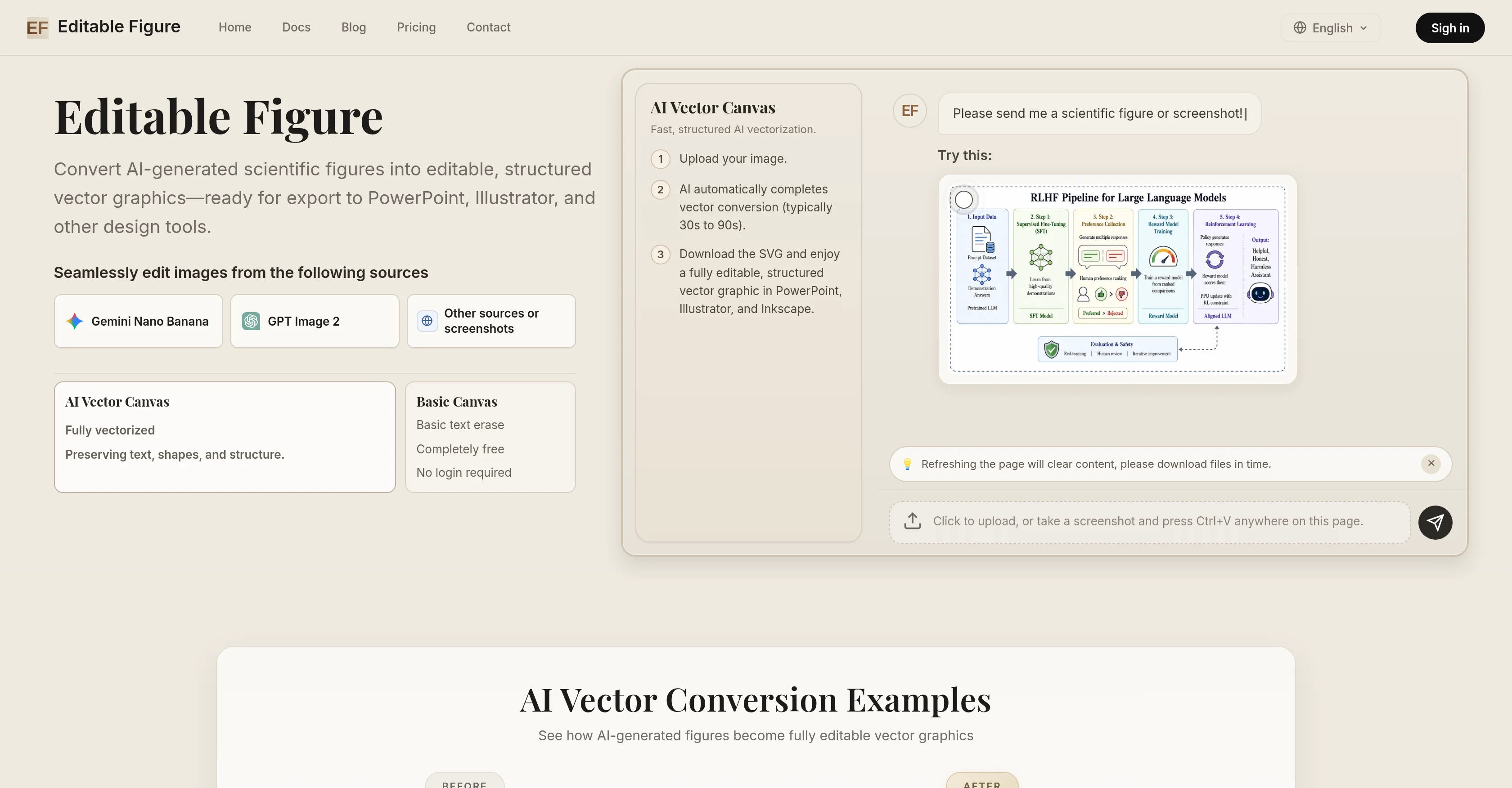
Editable Figure is an AI tool that converts AI-generated scientific figures into structured, editable SVG vector graphics. This tool has been professionally designed to preserve text, shapes, arrows, and structural information during the conversion process, making the resulting figures ready for further editing in PowerPoint, Illustrator, Inkscape, or other design software that can work with SVG files.
Within this tool, there are sophisticated features such as the AI Vector Canvas, fast and structured AI vectorization, and the Smart OCR Recognition system.
The AI Vector Canvas serves to provide a full vectorization of input images, maintaining shapes and structure. Meanwhile, the fast AI vectorization allows users to easily upload an image and download the converted vector graphic.
The tool also implements Smart OCR Recognition, a feature that intelligently recognizes text, frames, arrows, and all structured elements in an image.A notable free feature is the Basic Canvas, which enables users to select and remove unwanted text from figures, add custom text with full font control, and resize or rotate text boxes freely.
Editable Figure supports figures generated by a variety of AI image generators, such as Gemini Nano Banana and GPT Image 2 among others. Overall, Editable Figure offers a streamlined workflow to researchers, students, and professionals who regularly work with scientific figures and helps them to make figures from AI tools editable and ready for use for an array of purposes.
Access & connections
Where you can use Editable Figure, and what it plugs into.
Platforms
Integrations
Capabilities
What this tool accepts, produces, and is strongest at.
Input
- Image
Output
- Image
Supported features
- Visual Creation
- SVG
Pros & cons
Pros
- Converts scientific figures to SVG
- Output compatible with Illustrator
- Output compatible with PowerPoint
- Output compatible with Inkscape
- Smart OCR for accurate identification
- Preservation of structured elements
- Basic Canvas for selective editing
- Free feature, requiring no login
Show 36 more
- Allows unwanted text removal
- Enables text addition and customization
- Allows text box resizing
- Allows text box rotation
- Fast and structured vectorization
- Automatic vector conversion
- Supports PNG and JPG formats
- Preserves text, shapes, arrows
- Editable text
- Preserves lines, shapes, geometry
- High-resolution quality output
- Privacy-focused
- Quick editing process
- User-friendly interface
- Supports any SVG-editing software
- Maintains original structural information
- Allows inserting of text
- Text style and alignment customization
- Free Basic Canvas feature
- Clear and informative Docs section
- Seamlessly works with screenshots
- Allows exporting in JPG format
- Allows exporting in PNG format
- Efficient for research and publication
- Optimized for academic use
- Fast upload and conversion process
- Automatic completion of vector conversion
- Examples provided for clarity
- Streamlined workflow
- Ease of use for non-tech users
- Ideal for students and professionals
- Advanced font control
- Supports a variety of inputs
- Specially built for scientific figures
- Easy to import into PowerPoint
- Smart multi-agent recognition system
Cons
- Limited to SVG output
- No mention of color preservation
- No batch conversion feature
- No dedicated mobile application
- SVG - Partial Image Embed feature undefined
- Dependency on other design software
- Only supports PNG and JPG formats
- No direct export to design software
Show 1 more
- Image safety check vague
Compare alternatives
Similar tools in the catalog — with a clear reason to open each one.

SVG Maker AI ✓
Free TrialPrompt in. Clean, editable SVG out.
Why look Typically cheaper
Full comparisonReleases 1
FAQ 12
What is Editable Figure?
What are the key features of Editable Figure?
How does Editable Figure's OCR system function?
Which AI image generators is Editable Figure compatible with?
How can I remove unwanted text from figures using Editable Figure?
Does Editable Figure require a user login?
In what format does Editable Figure output graphics?
Can Editable Figure be used with Illustrator?
Can Editable Figure be used with PowerPoint?
Can Editable Figure be used with Inkscape?
How can Editable Figure assist in academic publishing?
How can I modify the orientation and dimensions of text boxes in Editable Figure?
Related tools
Recommended

Draw3D ✓
FreemiumTransform sketches and 3D blockout into photorealistic images.

SpeakPal ✓
PaidFun. Fast. Fluent. SpeakPal Makes It Easy!

Meshy ✓
FreemiumTurn text and images into production-ready 3D models with AI in seconds.

ClothesChange.ai ✓
FreemiumTransform your photos into any outfit instantly.

AITWO.CO ✓
FreemiumRemodel your home instantly with AI.

MyColoring.AI ✓
FreemiumTransform photos into printable coloring pages instantly.