
Image to video 2026 Rank: #321
AI Image to Video ✓
Upload an image and turn it into a video
Verdict
A quick read before you dig into the full page.
- Best if
- Upload an image and turn it into a video
- Skip if
- Limited to 1080p resolution
- Pick this when
- Supports JPG, PNG, WebP
Considering MojoMake - AI Image to Video Generator instead? Compare side by side
Overview
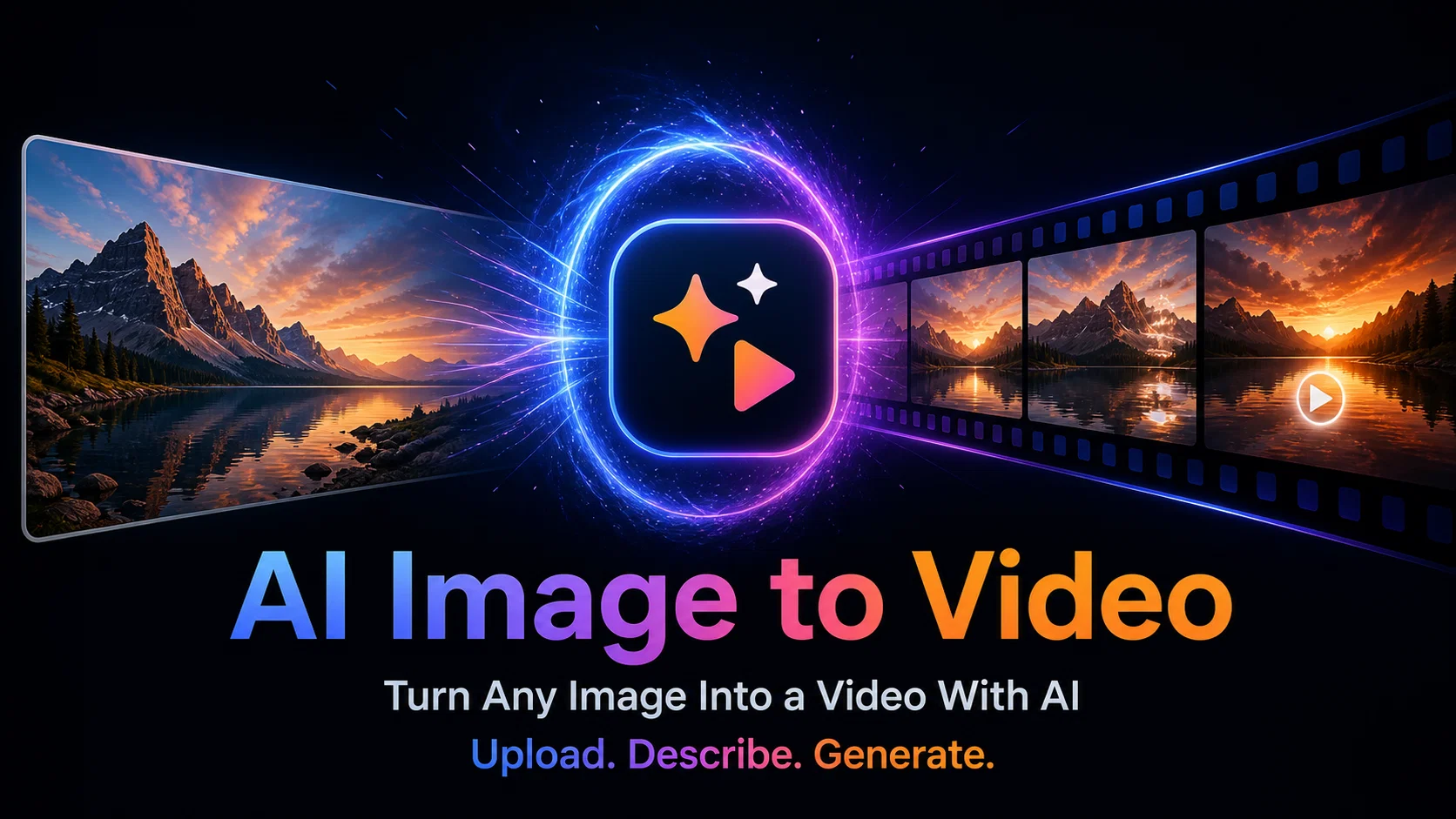
Image to Video AI is a tool that utilizes artificial intelligence models to generate videos from stagnant images. These AI models, which include Veo, Kling, Runway, and Hailuo, decipher the attributes of the image and create fluid animations, consequently breathing life into static photos.
The tool caters to an array of visual styles, supporting between cinematic visuals and 3D animations. Users can not only convert photographs into videos but also bring dynamic scenes and portraits to life.
For personalized control, they can add text prompts to specify the desired motion, style, or scene. Furthermore, Image to Video AI employs a multi-model approach, enabling users to select from industry-leading AI models, each offering unique motion styles and quality attributes.
Along with high-quality output up to 1080p resolution, the videos generated by this AI tool include commercial usage rights, making it suitable for marketing and advertising purposes.
The tool also caters to a wide range of applications beyond marketing, such as creating content for social media or turning product images into short demo videos.
The intuitive features of Image to Video AI make professional AI video generation accessible and fast.
Access & connections
Where you can use AI Image to Video, and what it plugs into.
Platforms
Integrations
Capabilities
What this tool accepts, produces, and is strongest at.
Input
- Image
- Text
Output
- Video
Highlights
- SOTA
Supported features
- Video Generation
- Image Edit
- Styling
- Visual Creation
- Social Media
Models
Text
Image
Audio
Video
Pros & cons
Pros
- Supports JPG, PNG, WebP
- Unique animation styles
- Creates lifelike videos
- Supports portraits, landscapes, objects
- Simulates cinematic camera movements
- Experiments with 3D animations
- Context understanding
- Tailored text prompts
Show 30 more
- High definition (1080p) export
- Commercial usage rights
- Free with premium subscriptions
- Supports marketing advertising
- Enables personalized control
- Uses multi model approach
- Fast video generation
- Transforms static images
- Caters to various visual styles
- Accommodates dynamic scenes
- Creates fluid animations
- Allows image-text combo input
- Generates commercial videos
- Suitable for social media use
- Can generate demo videos
- Facilitates user interactivity
- No watermark
- Turns portraits into videos
- Creates dynamic scenes
- Animates animals and objects
- Generates creative 3D videos
- Supports range of visual styles
- Free credits on signup
- HD video output
- Fast video generation
- Easily shareable content
- Supports diverse use cases
- Enables educational content creation
- Facilitates storytelling
- Accessible for creators and businesses
Cons
- Doesn't support vector files
- Limited to 1080p resolution
- No collaborator or team options
- Subscriptions for premium features
- Lacks multilingual support
- No API for developers
- Text prompt dependence for accuracy
Compare alternatives
Similar tools in the catalog — with a clear reason to open each one.

MojoMake - AI Image to Video Generator ✓
FreemiumUse every top AI model and 100+ effects in one account.
Why look Offers a public API
Full comparison
VidFlux - Photo to Video Generator ✓
PaidTransform photos into cinematic videos with AI.
Why look Typically cheaper
Full comparison
Grok Imagine ✓
FreemiumUnleash Your Creativity with Grok Imagine
Why look Offers a public API
Full comparison
VidFlux - Image to Video AI ✓
PaidTransform any image into stunning videos.
from $9/mo
Full comparison
MindVideo ✓
FreemiumCreate stunning videos from text or images.
Why look Typically cheaper
Full comparison
Releases 1
FAQ 12
What is the Image to Video AI tool?
What file types are supported by Image to Video AI?
What is the process to create a video from an image?
Can Image to Video AI be used for social media content creation?
What are some of the AI models that Image to Video AI utilizes?
What kind of images can be transformed into videos?
What does 'adding realistic motion' mean in terms of Image to Video AI capabilities?
Can I experiment with different motion styles using Image to Video AI?
How does Image to Video AI handle context in images?
What is the role of text prompts in the creation of videos using Image to Video AI?
At what resolution can I export videos using Image to Video AI?
Does Image to Video AI allow for commercial usage of created content?
Related tools
Recommended

Automateed ✓
Free TrialCreate eBooks effortlessly with Automateed, the AI-powered writing tool.

Whacka ✓
Free TrialTurn ideas into real apps from your phone.
BeatMV ✓
Free TrialTurn any song into scroll-stopping videos in minutes with AI-directed scripts and

Vdoo AI | Image to Video Generator ✓
Free TrialTurn any image into AI video. No watermark, 10+ models, free.

Lacuna ✓
FreemiumCreate songs from text in seconds.

Couple Goals AI ✓
Free TrialGenerate romantic couple photos with AI.