

Video editing 2026 Rank: #1111
AI Video Editor ✓
Edit video with words, not timelines.
Verdict
A quick read before you dig into the full page.
- Best if
- Edit video with words, not timelines
- Skip if
- No explicit multi-user support
- Pick this when
- Edit video with prompts
Considering CapCut Online Creative Suite instead? Compare side by side
Overview
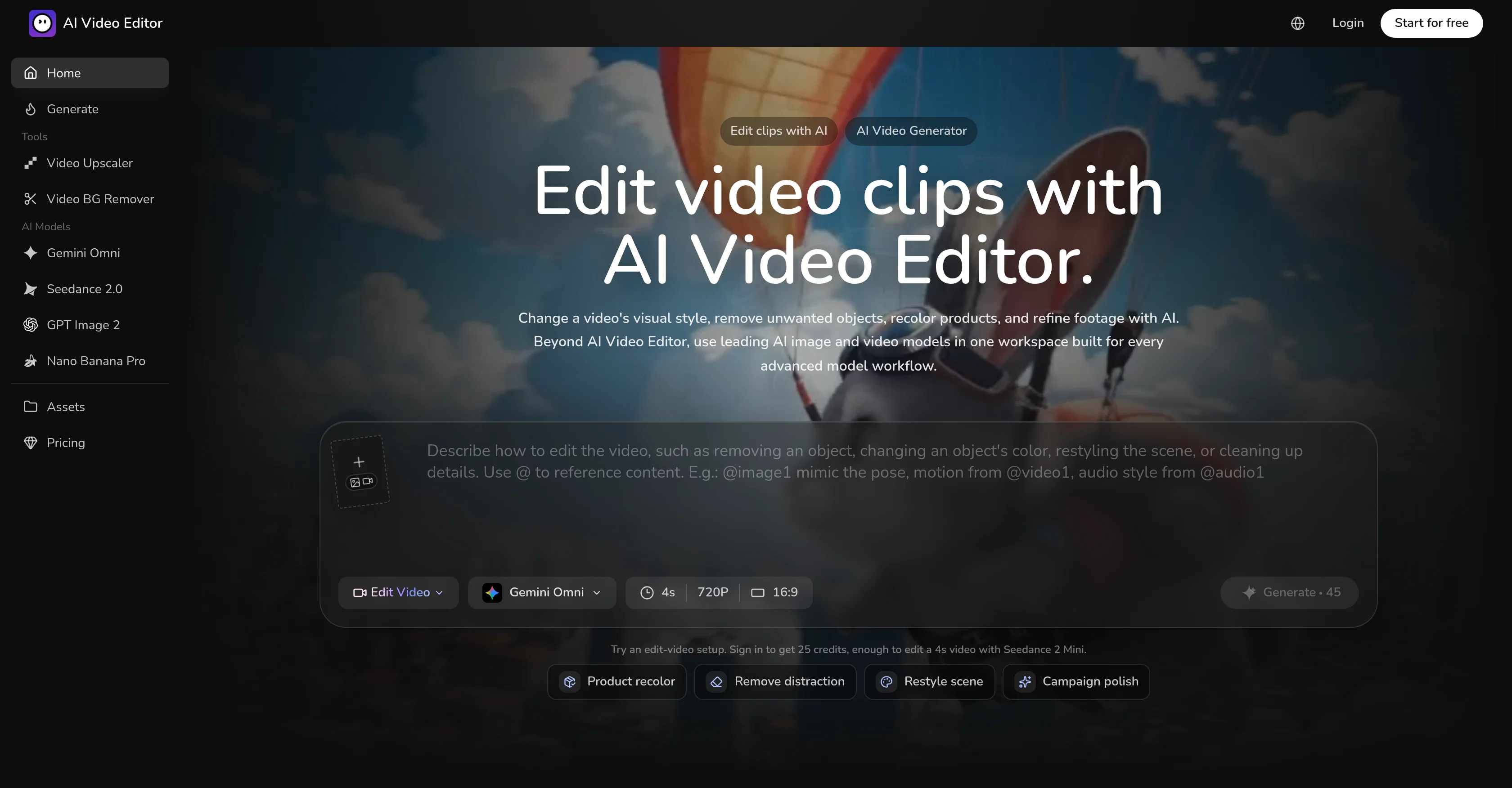
AI Video Editor is a comprehensive tool that employs artificial intelligence to edit videos based on user prompts. It offers advanced functionality to alter visual style, remove unwanted objects, recolor products, and refine footage.
Users are able to describe the edits they require in natural language, and the Video Editor creates suitable alterations based on these instructions. It has the potential to generate a variety of polished styles, from cinematic to brand-specific aesthetics, all while preserving the core elements of the clip.
Unnecessary objects or barriers can be removed or cleaned to keep the focus on desired subjects. It allows environment alteration including changes in weather and character modifications with simple sentence directives.
Product color alterations are also made easy with this tool, enabling tests of new SKU directions without the need to reshoot. The AI Video Editor platform provides clip editing, image generation, color editing, and model controls and also features a library of reusable assets.
Advanced AI video and image models are accessible from the same workspace making it convenient for diverse user profiles including growth marketers, creative teams, ecommerce teams, and independent creators.
Access & connections
Where you can use AI Video Editor.
Platforms
Capabilities
What this tool accepts, produces, and is strongest at.
Input
- Image
- Video
Output
- Video
- Image
Highlights
- SOTA
- Use code TAAFT
- 10% OFF
Models
Text
Image
Audio
Video
Pros & cons
Pros
- Edit video with prompts
- Advanced functionality offered
- Alter visual style
- Remove unwanted objects
- Recolor products
- Enhance video footage
- Natural language commands
- Generates multiple styles
Show 44 more
- Preserves core clip elements
- Environment alteration capabilities
- Simple sentence directives
- Easy product color alterations
- Reuseable asset library
- Convenient for diverse users
- Accessible image models
- Distinct video models
- Provides model controls
- Clip editing function
- Color editing function
- Potential SKU testing tool
- Useful for growth marketers
- Creative team tool
- Ecommerce video solution
- Brand aesthetic creation
- Cinematic style generation
- Editable chat directives
- Integrated image model function
- Clear model-specific controls
- Keeps edit references connected
- Retains visual context
- Allows object replacements
- Watermark removal tool
- Frame edit commands
- Changes in weather
- Character modification potential
- Convenient for creators
- Variety in visual style
- Generation of clean visuals
- Promises brand consistency
- Offers easy asset reuse
- Provides presets for output formats
- Allows multiple simultaneous edits
- Optimized for different team workflows
- Lighting preservation during edits
- Background cleaning feature
- Retains camera move after edits
- Perfect for independent creators
- Environment change with single sentence
- Brand-specific looks creation
- Distinct workflow for precise changes
- Ideal for diverse style requirements
- Enables creation of campaign stills
Cons
- No explicit multi-user support
- No mobile version
- Lack of integrated sharing options
- Inability to import custom assets
- Cannot edit audio
- Limitations in character modifications
- No real-time collaboration feature
- Lack of transparent revisions history
Show 2 more
- Doesn't support all video formats
- No offline version
Compare alternatives
Similar tools in the catalog — with a clear reason to open each one.

CapCut Online Creative Suite ✓
FreemiumUnleash creativity with CapCut's all-in-one online suite
Free + from $28.5/mo
Full comparison
ClipFinder ✓
FreemiumTurn hours of streams and VODs into viral clips automatically.
Why look Offers a public API
Full comparison
Gling - AI Video Editing Software for YouTube ✓
FreemiumAI-powered video editing for YouTube creators.
Why look Typically cheaper
Full comparison
Captions ✓
PaidAI-powered creative studio for studio-grade videos.
Why look Typically cheaper
Full comparison

Releases 1
Imported reviews 1
tried it for a quick edit and it was super easy to figure out. saved me a bunch of time cutting out the boring parts lol. would be nice to have a few more options for tweaking things, but overall it gets the job done :))
FAQ 12
What is the AI Video Editor?
How does the AI Video Editor make edits based on user prompts?
What functions does AI Video Editor provide to alter the visual style of videos?
How can AI Video Editor help in removing unwanted objects from videos?
Can AI Video Editor recolor products in videos?
How does AI Video Editor refine footage?
In what way can the AI Video Editor preserve core elements of a video?
How does the Environment alteration feature work in AI Video Editor?
Can AI Video Editor edit videos based on natural language instructions?
What is meant by SKU testing in AI Video Editor?
Who are the target user groups for the AI Video Editor?
What does it mean to edit video with words in AI Video Editor?
Related tools
Recommended

ChatGPT ✓
FreemiumAsk anything, create anything, and move from idea to action.

Base44 Superagents ✓
FreemiumBuild your own AI agent in minutes, not days.

EasyFaceSwap ✓
FreeFree online AI face swap: Create undetectable photos and videos in seconds.

Presentation to Video ✓
FreemiumTurn your slides into narrated videos with AI voiceover

MangaMaker ✓
Free TrialTurn story ideas into full manga pages.

Melodusk - AI Music Maker ✓
Free TrialCreate any song you imagine with AI in seconds.