

AI Image Editor.info ✓
Upload photos and let AI transform them instantly.
Trial; then from $19.99/mo
Verdict
A quick read before you dig into the full page.
- Best if
- Upload photos and let AI transform them instantly
- Skip if
- Limited filters in free plan
- Pick this when
- Automatic background remover
Considering Viyou AI Image Generator instead? Compare side by side
Overview
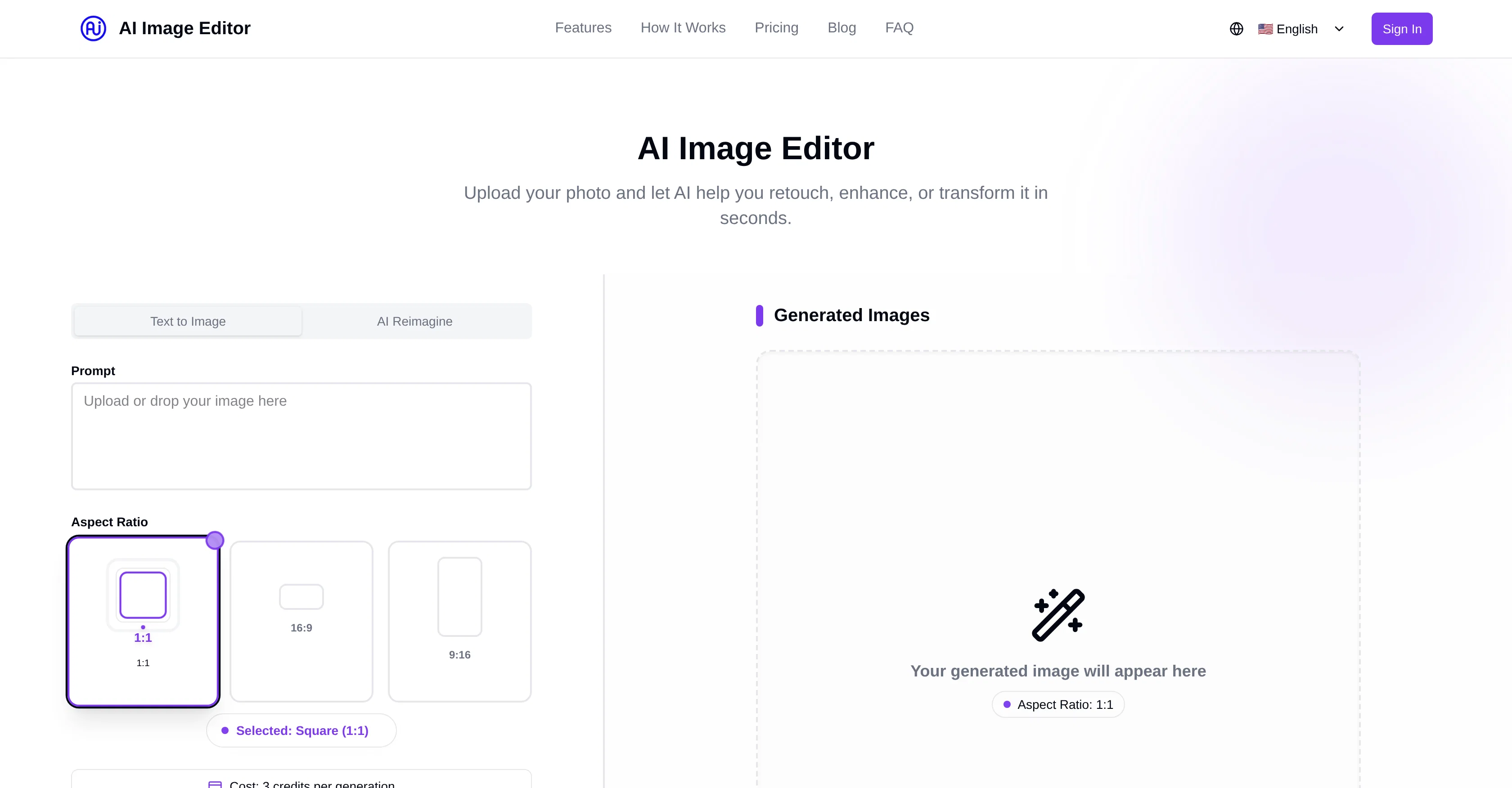
AI Image Editor is an online tool that uses advanced AI technology to edit, enhance, and transform digital images. This AI-powered platform allows users to upload images and apply various editing functions in seconds.
From retouching the image, adjusting lighting, and fixing imperfections to removing backgrounds and applying creative filters, the AI Image Editor offers a range of editing possibilities.
It utilizes smart algorithms to deliver professional-quality results without requiring a high level of editing skills from the user. The tool also includes the function of upscaling the image resolution without the loss of quality.
A wide range of pricing plans is available that cater to different user needs and budgets, with basic functionalities accessible for free. The user-friendly design of this image editor coupled with advanced technology aims to make professional photo editing accessible to everyone.
Access & connections
Where you can use AI Image Editor.info, and what it plugs into.
Platforms
Integrations
Capabilities
What this tool accepts, produces, and is strongest at.
Input
- Image
Output
- Image
Supported features
- Image Edit
- Image Generation
- Styling
- Background Removal
Pros & cons
Pros
- Automatic background remover
- Photo retouching capabilities
- Creative filter collection
- Image upscaling option
- Fast and easy editing
- User-friendly design
- Affordable pricing plans
- High-quality exports
Show 19 more
- Supports professional editing
- Smart algorithm application
- Aspect Ratio selection
- Online tool
- Free functionalities
- Adjusts lighting and imperfections
- No loss in resolution
- Multiple tools in one
- High-quality background removal
- Full set of filters
- Batch editing ability
- Advanced retouching tools
- 4K export support
- Drag-and-drop functionality
- Image download feature
- Unlimited access in Premium
- Accommodates different user budgets
- No complex tools needed
- Suits individuals, businesses, creators
Cons
- Limited free edits
- Paid plans needed for high-quality exports
- Advanced retouching tools only in premium
- No 4K export in basic and pro
- Limited filters in free plan
- No batch editing in free
- Only basic background removal in free
- Image enhancement tools not specified
Show 1 more
- Not specified file formats supported
Compare alternatives
Similar tools in the catalog — with a clear reason to open each one.

Viyou AI Image Generator ✓
FreemiumTransform text and images into stunning videos and visuals.
Free + from $39.99/yr
Full comparison
Img2Img AI ✓
FreemiumTransform any image with AI in seconds.
Why look Typically cheaper
Full comparison

Photoeditor ✓
PaidEnhanced image editing with object and text removal.
Why look Typically cheaper
Full comparison
Cleanup pictures ✓
FreemiumRemove unwanted elements from photos instantly.
Why look Typically cheaper
Full comparisonReleases 1
FAQ 12
What is AI Image Editor?
How does the automatic background remover work in AI Image Editor?
What photo retouching capabilities does AI Image Editor offer?
Can AI Image Editor adjust photo lighting?
What creative filters are available in AI Image Editor?
How does image upscaling work in AI Image Editor?
Can AI Image Editor fix photo imperfections?
What are the pricing plans for AI Image Editor?
Who can use AI Image Editor?
How can I create professional visuals using AI Image Editor?
Can AI Image Editor be used for Color Grading?
What are the advanced retouching tools in AI Image Editor?
Related tools
Recommended
EditAI - AI Photo Editor ✓
Free TrialTransform photos with next-gen AI editing tools.

Image Editor Online ✓
FreeTransform images with AI prompts instantly online.

AI Image to Image.io ✓
FreemiumTransform images with simple text commands.

Nano Banana ✓
FreemiumAI-powered image editing, faster than ever with Nano Banana.

EzEditor AI Magic Editor ✓
Free TrialEdit photos instantly with text prompts.

Kontentino ✓
FreeTurn ChatGPT conversations into visual social media calendars.