EditAI - AI Photo Editor ✓
Transform photos with next-gen AI editing tools.
Trial; then from $10/mo
Verdict
A quick read before you dig into the full page.
- Best if
- Transform photos with next-gen AI editing tools
- Skip if
- Limited artistic filters
- Pick this when
- Smart Background Removal
Considering Viyou AI Image Generator instead? Compare side by side
Overview
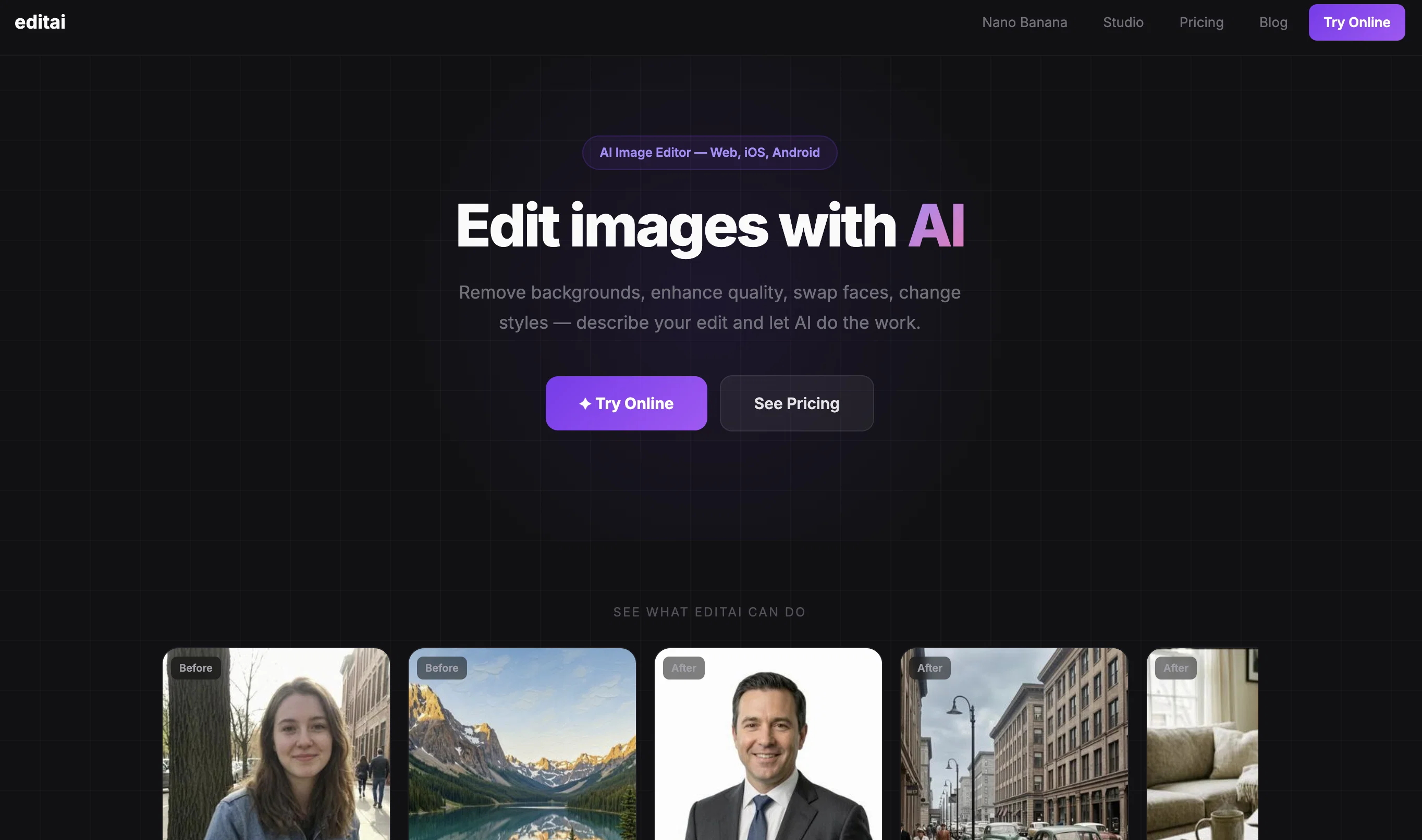
EditAI is an AI photo editor available on mobile, web, and desktop platforms including iPhone, iPad, and Android. This AI-powered tool offers a suite of advanced editing features.
Key functions include instant background removal with high accuracy, thus making it an effective tool for product photos, portraits, and social media content.
The tool provides 4K upscaling which is useful for enhancing photo quality for professional and high-quality content creation needs. Moreover, users can transform their photos with viral anime filters and create Chibi style art or Studio Ghibli aesthetics for appealing social media avatars and creative content.
There is also an object removal feature, enabling users to eliminate unwanted objects, people or texts from photos. Alongside, it provides professional portrait retouching empowered by AI, which includes enhancement of facial features, skin smoothing for creating flawless headshots.
In addition, the editor includes a collection of over 500 trending filters, such as watercolor, vintage, clay, and pixel art, to match popular styles in 2025.
Apart from these, the tool offers features for converting photos to anime-style artwork, transforming pictures into cute Chibi characters with oversized heads & anime eyes, and adding vintage grain or light leaks to create trending Lo-Fi aesthetic photos.
Best for
Short scenarios where EditAI - AI Photo Editor tends to shine.
-
Transform photos with next-gen AI editing tools.
Example outputs 1
Sample generations and before/after results for EditAI - AI Photo Editor.
Access & connections
Where you can use EditAI - AI Photo Editor.
Capabilities
What this tool accepts, produces, and is strongest at.
Input
- Image
- Text
Output
- Image
Supported features
- Image Edit
- Image Generation
- Realism
- Styling
- Mobile Companion
- Background Removal
Pros & cons
Pros
- Smart Background Removal
- Anime filters
- Object removal tool
- Portrait enhancement
- Photo filters
- Transforms to anime-style
- Transforms to chibi characters
- Accessible on mobile, web, desktop
Show 27 more
- High accuracy background removal
- 4K photo enhancement
- Chibi art & Studio Ghibli aesthetics
- Object removal from photos
- Skin smoothing & facial feature enhancement
- Over 500 trending filters
- Vintage grain & light leaks
- Lo-fi aesthetic transformation
- Optimized for product photography
- Enhanced for social media content
- Supports high-quality content creation
- Available on iOS and Android
- Single-click background removal
- Accurate object removal
- 1-Click Batch Processing
- Anime and Chibi transformation filters
- Professional Portrait Retouching
- App Store and Google Play availability
- Applicable for social media avatars
- Print-ready 4K photo improvement
- Medical grade portrait enhancement
- Watermark Removal feature
- Vast filter collection for 2025 trends
- Transforms photos into Studio Ghibli style
- Adapts to viral content creation trends
- Supports social-ready photo filters
- Transforms photos to cute Chibi characters
Cons
- No batch processing
- Limited to selected filters
- No manual editing
- No image archival
- Not open-source
- No plugin support
- Limited to 4K upscaling
- No RAW Support
Show 2 more
- Limited artistic filters
- No HDR editing
Compare alternatives
Similar tools in the catalog — with a clear reason to open each one.

Viyou AI Image Generator ✓
FreemiumTransform text and images into stunning videos and visuals.
Free + from $39.99/yr
Full comparison
Img2Img AI ✓
FreemiumTransform any image with AI in seconds.
Why look Typically cheaper
Full comparison
Photoeditor ✓
PaidEnhanced image editing with object and text removal.
from $9.99/mo
Full comparison
Cleanup pictures ✓
FreemiumRemove unwanted elements from photos instantly.
Why look Typically cheaper
Full comparisonPeople also view
Tools that often show up alongside EditAI - AI Photo Editor in collections and comparisons.
Viyou AI Image Generator ✓
FreemiumTransform text and images into stunning videos and visuals.
Photoeditor ✓
PaidEnhanced image editing with object and text removal.
Img2Img AI ✓
FreemiumTransform any image with AI in seconds.

Creen AI ✓
Paid40+ AI models for video, image and art. Free, no sign-up.
Cleanup pictures ✓
FreemiumRemove unwanted elements from photos instantly.

MF0.ai ✓
PaidEvery top AI in one chat. Real memory. No subscription.

LineArt ✓
Free TrialTurn one photo into a whole coloring book.

Kyukoma ✓
Free TrialTurn your stories into manga pages with AI.
Releases 1
FAQ 12
What is Editee?
How does Editee's Smart Background Removal feature work?
What is the quality of images after 4K upscaling with Editee?
Which types of filters are included in Editee's collection?
How does the AI Portrait Enhancement feature in Editee enhance facial features?
Can Editee remove unwanted objects from my photos?
Are there any filter trends Editee offers that are popular in 2025?
Can I transform my photos into anime-style artwork with Editee?
What platforms is Editee accessible on?
Can Editee make my photos appear as chibi characters?
How does Editee incorporate Studio Ghibli anime art style into the photos?
What is the quality of a photo retouched using Editee?
Related tools
Recommended

AI Image Editor.info ✓
Free TrialUpload photos and let AI transform them instantly.

Image Editor Online ✓
FreeTransform images with AI prompts instantly online.

ChatGPT ✓
FreemiumAsk anything, create anything, and move from idea to action.

Automateed ✓
Free TrialCreate eBooks effortlessly with Automateed, the AI-powered writing tool.

Suno ✓
FreemiumMake music at the speed of your ideas.

Notis ✓
Free TrialThe first WhatsApp assistant that runs on your ChatGPT and Claude subscriptions