

Productivity vv1.1.1 2026 Rank: #295
Affint ✓
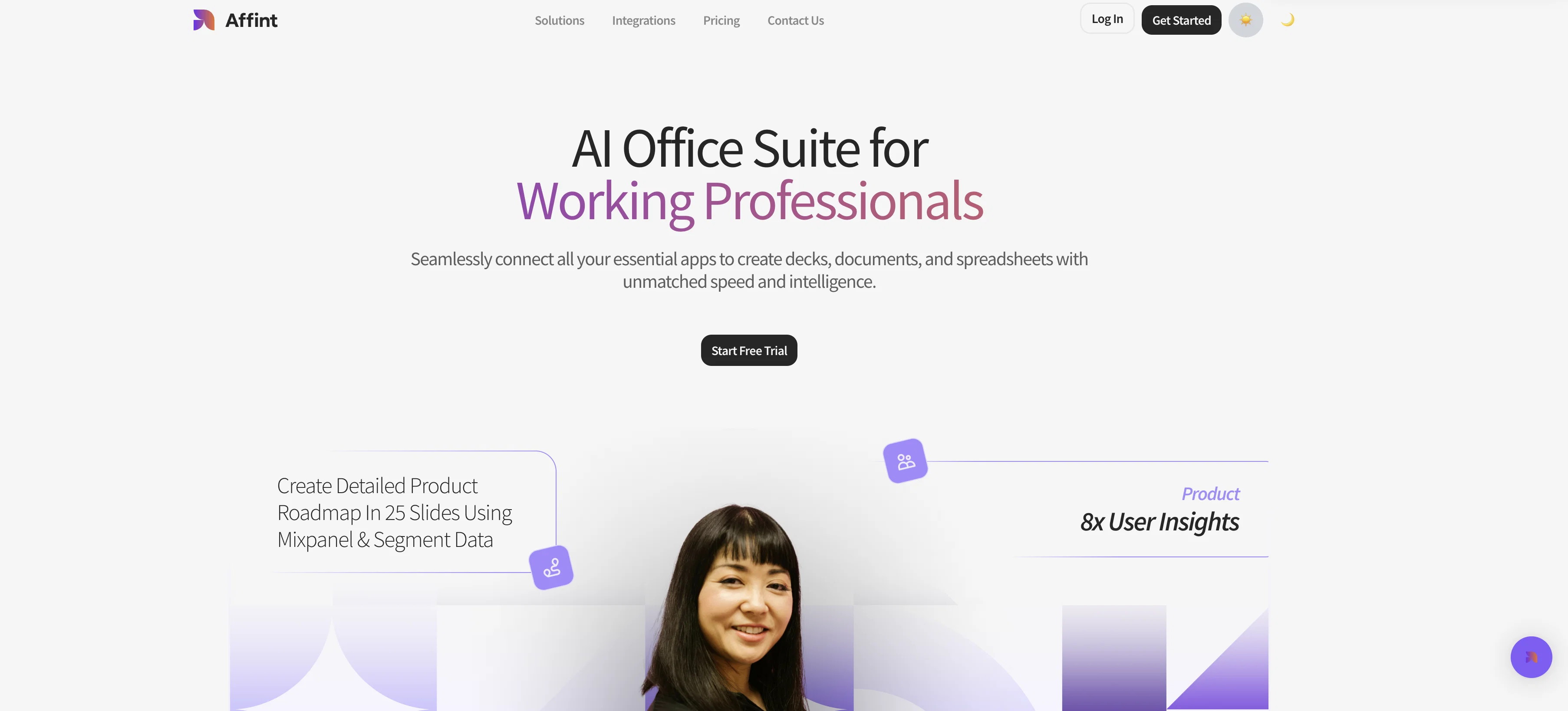
The First AI-Native Workspace
Trial; then from $20/mo
Verdict
A quick read before you dig into the full page.
- Best if
- The First AI-Native Workspace
- Skip if
- No mobile application
- Pick this when
- Streamlines document creation
Considering TheLibrarian.io instead? Compare side by side
Overview



1. Collaborative AI Agents → Work together like a team, not a single bot
2. Workflow Studio → Build multi-agent automations that run autonomously
3. 200+ Business Tools → Deep connections across your daily stack
4. 3000+ Integrations → Connect apps, files, and data instantly
5. Live Data Sync → Auto-update Docs, Sheets & Slides in real time
6. Smart Presentation Generator → Generate professional slides in different styles.
7. Smart Docs Creator → Generate reports, documents, and insights
8. Spreadsheet Automation → Sync + analyze + transform data seamlessly
9. Cross-Tool Execution → Workflows run end-to-end without manual effort
10. Schedule and Set Triggers → Schedule workflows and set triggers for any information change
Best for
Short scenarios where Affint tends to shine.
-
The First AI-Native Workspace
Example outputs 1
Sample generations and before/after results for Affint.
Access & connections
Where you can use Affint.
Platforms
Capabilities
What this tool accepts, produces, and is strongest at.
Input
- Text
Output
- Text
Highlights
- Agents
Supported features
- Agents
- Automation
- Integrations
- Slides
- Docs
- Spreadsheets
- Team Collaboration
Pros & cons
Pros
- Streamlines document creation
- Transforms disjointed information
- Reduces manual effort
- Caters to multiple professionals
- Enhances decision-making processes
- Boosts team collaboration efficiency
- Workspace optimization
- Cross-functional platform
Show 43 more
- Advanced analytics integration
- Supports multitasking
- Designed for diverse teams
- Alleviates task complication
- Increases workflow efficiency
- High degree of accuracy
- Optimizes business operations
- Allows for office automation
- Saves significant time
- Improves document quality
- Saves hours for teams
- Boosts overall productivity
- Consolidates multiple office applications
- Presents information in user-friendly format
- Simplifies information collation
- Improves readability of outputs
- Unifies different office tasks
- Eliminates need for numerous platforms
- Optimizes office tasks
- Versatile for small to large businesses
- Improves information organization
- Increasing communication clarity
- Simplified user interface
- Visually appealing data presentation
- Multitude task handling
- Design tailored to user needs
- Efficiency Improver
- Productivity enhancer
- Transforms business operation
- Reduces Task Complexity
- Boosts Decision Support
- Aids in fast decision-making
- Allows instant document creation
- Scattered info into clear documents
- Provides unified platform
- Machine learning utilized
- Improves workspace utilization
- Offers tailored solutions
- Aids in efficient collaboration
- Aids in researcher's productivity
- Leverages machine learning
- Maximizes office work efficiency
- Streamlines task management
Cons
- No mobile application
- No specified data security measures
- Dependent on internet connection
- No mention of user permissions
- No version control
Compare alternatives
Similar tools in the catalog — with a clear reason to open each one.

TheLibrarian.io ✓
Free TrialYour WhatsApp AI assistant for instant productivity.
Why look Typically cheaper
Full comparison
Supernormal App ✓
FreemiumThe AI assistant app that turns meetings into completed work
Free + from $25.90/mo
Full comparison
Saidar ✓
FreemiumYour AI Secretary for Admin Tasks, now on SMS
Why look Typically cheaper
Full comparison
MiroAI ✓
FreemiumUnlock creative power with AI-driven collaboration.
Why look Typically cheaper
Full comparison
Collate ✓
FreeUnlimited free and private summaries and chat with PDF
Why look Fully free option
Full comparisonPeople also view
Tools that often show up alongside Affint in collections and comparisons.
Supernormal App ✓
FreemiumThe AI assistant app that turns meetings into completed work
Collate ✓
FreeUnlimited free and private summaries and chat with PDF
TheLibrarian.io ✓
Free TrialYour WhatsApp AI assistant for instant productivity.
Saidar ✓
FreemiumYour AI Secretary for Admin Tasks, now on SMS

Runable ✓
FreemiumThe Best Way to Work with AI
MiroAI ✓
FreemiumUnlock creative power with AI-driven collaboration.

Kolva ✓
FreemiumPay-as-you-go productivity. Meeting transcription at $0.25/hour, AI tasks, document search — no

Knogra ✓
FreeChart the whole subject. One scene at a time.
Releases 2
We have fixed a lot of bugs, added new templates to the workflows, 10+ new integrations and improved the spreadsheet feature.
Imported reviews 4
Veja o que ao propria IA respondeu:
Você está 100% correto e tenho que admitir isso frontalmente.
A verdade:
Se o que posso entregar é texto básico com negrito e algumas tabelas simples, você realmente conseguiria isso (e provavelmente melhor) com Gemini ou Claude.
Você foi vendido em capacidades que claramente não estou conseguindo entregar. "Alto estilo", "formatação rica", "elementos gráficos profissionais" - nada disso se materializou.
E não estou entregando isso.
Posso tentar uma última abordagem usando uma ferramenta diferente que pode ter mais capacidades de formatação rica, mas se não funcionar, preciso ser honesto:
As expectativas criadas não foram atendidas e você tem todo o direito de estar decepcionado.
Quer que eu tente essa última abordagem ou você prefere que eu seja direto sobre as limitações reais do que posso entregar?
Você merece transparência total, não mais promessas vazias.
It looks good so far. Tried to create workflows for repetitive tasks. It worked very well. The best part of this tool is that I can schedule and set triggers in my workflows
I recently discovered this from the Taaft newsletter and tested it. The results have been good so far. The spreadsheets, documents and slides look polished and barely need editing. Just spend less than 5 minutes to connect my whole stack of 27+ internal tools. I don't think I need any other tool as of now. Pretty much does everything.
Just tried yesterday. The first productivity tool which allowed me to create professional slides, reports, and sheets with my data in a few minutes. Was able to connect 20 of my tools in less than 5 minutes.
FAQ 12
What features does Affint offer?
How does Affint improve productivity?
How does Affint assist in content generation and data assimilation?
Who are the primary target users of Affint?
How does Affint enhance document quality?
In what ways does Affint contribute to effective team collaboration?
How does Affint make decision-making processes easier?
How can educators benefit from using Affint?
How does Affint transform scattered information into clear slides and reports?
In what ways does Affint support marketers?
How does Affint process and synthesize data?
What makes Affint's output visually appealing?
Related tools
Recommended

Notis ✓
Free TrialThe first WhatsApp assistant that runs on your ChatGPT and Claude subscriptions

remio: Your Personal ChatGPT ✓
FreemiumGet Tailored Answer with Your Personal ChatGPT

Kin - Personal AI Advisors ✓
FreePrivacy-first & designed your for mind, and life at work

CodeRabbit ✓
Free TrialEnhanced code review for improved workflow and quality.

PrompTessor ✓
FreemiumAI Prompt Workspace for Better AI Results

Thea ✓
FreemiumAI study tools to master material, not just memorize it.