
AI Video
Veo vs Runway vs Kling: AI Video Generators Compared
Compare Veo 3.1, Runway Gen-4.5, and Kling VIDEO 3.0 by workflow, control, and cost per usable clip—with official sources and five video guides.

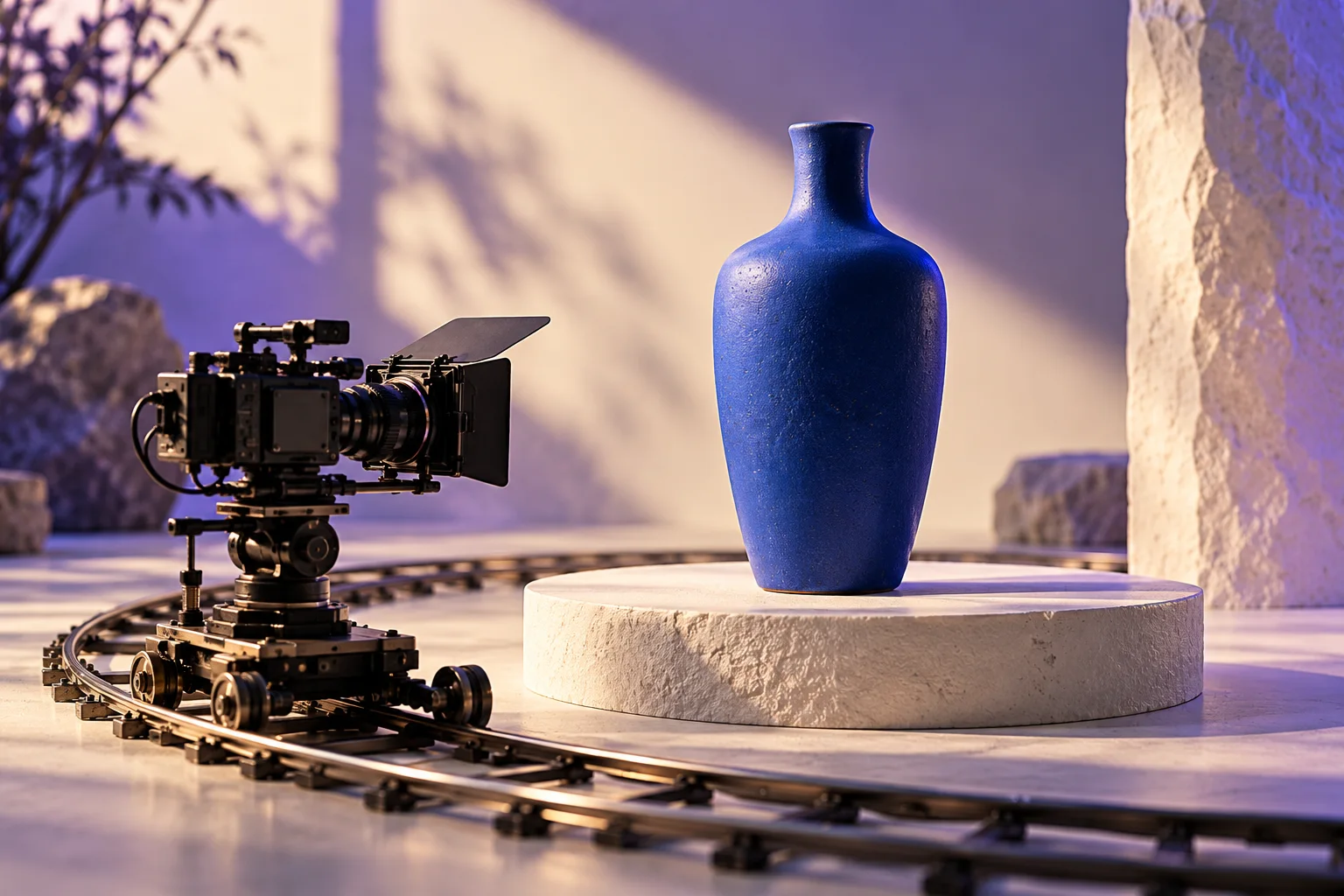
Original AI-generated editorial illustration.
Quick answer: shortlist Veo when synchronized sound and a Google-based workflow matter, Runway when you want to direct individual shots and work inside a broader creative toolset, and Kling when multi-shot planning and recurring subjects are central to the brief. Treat these as starting points for your own test, not a universal quality ranking.
Research checked: 30 October 2026. This is a documentation-based comparison, not a paid-plan benchmark. Feature statements link to primary sources; the selection framework and examples are our editorial recommendations. The original illustrations are AI-generated concepts, not outputs from the three video models.
Why this comparison matters now
AI video is moving from isolated clips toward repeatable production workflows. A useful signal is Runway's October 2026 release activity: its changelog lists Runway Ads on October 27 and project credit caps on October 9. Those releases put campaign iteration and budget management alongside image and video creation. They do not prove which generator produces the best shot. Source: Runway product updates.
For a small team, that shift changes the buying question. Instead of asking which demo looks most cinematic, ask which setup can deliver your approved scene, in your format, with an acceptable number of retries. A tool that wins one dramatic landscape prompt may still be a poor fit for a product close-up with exact packaging.
This guide compares Google Veo 3.1, Runway Gen-4.5, and Kling VIDEO 3.0 because their public documentation gives us a concrete basis for comparison. It does not assume that every experimental release, reseller, or account tier exposes the same features.
Veo vs Runway vs Kling at a glance
| Decision | Veo 3.1 / Google Flow | Runway Gen-4.5 | Kling VIDEO 3.0 |
|---|---|---|---|
| A useful starting use case | Short scenes where generated audio matters | Directing a single shot within a creative workflow | Planning multiple shots with recurring subjects |
| Documented input options | Text, frames, and reference features; model-dependent | Text-to-video and image-to-video | Text, images, start/end frames, and element references |
| Important control distinction | Flow features differ across Lite, Fast, and Quality | Image-to-video prompts can concentrate on motion | Multi-Shot and Custom Multi-Shot modes |
| Duration to verify | Flow documents 4, 6, or 8 seconds for several modes | 2–10 seconds in the Gen-4.5 help page | Flexible 3–15 seconds in the VIDEO 3.0 guide |
| Main buying trap | Assuming the API and every Flow model behave alike | Confusing the platform's audio tools with a model's output | Assuming a promoted capability is available in every mode |
Feature references: Google Flow's model matrix, Runway's Gen-4.5 specifications, and Kling's VIDEO 3.0 guide. The use-case row is an editorial shortlist, not a measured leaderboard.
When to shortlist Veo
Start with Veo if the sound of the scene is part of the concept from the outset: an object landing on a counter, a short spoken line, or environmental ambience that needs to match the image. Google's developer documentation describes Veo 3.1 video generation with native audio. Source: Veo in the Gemini API.
Make the access route part of your evaluation. Veo is the model family; Flow is a creative application. A capability documented for an API endpoint should not automatically be treated as a button in your Flow account. Check the active model before spending credits, especially when a tutorial uses a different mode from yours.
Our suggested trial: create one quiet product shot and one scene with a single sound event. Judge the visual clip with the audio muted first, then listen without watching. If each part works independently, check whether the timing actually matches. This makes it easier to distinguish a beautiful image from a useful audiovisual result.
For context, see the directory profiles for Veo and Google Flow.
When to shortlist Runway
Start with Runway if you prefer to build a sequence one controlled shot at a time. Its Gen-4.5 documentation lists both text and image inputs, while its prompting guide explains how an input image establishes the visual scene and a text prompt directs movement. Sources: Gen-4.5 specifications and Runway image-to-video prompting.
Our suggested trial: use one clean reference image, then request a locked camera, a slow push-in, and a gentle sideways move as separate generations. Keep the subject action unchanged. You will learn more about controllability from three closely related attempts than from three unrelated spectacular prompts.
Do not treat the presence of audio tools elsewhere in an application as proof that a particular video model produces the audio you need. Plan the finishing stage explicitly: edit selection, narration, music, captions, and export. Browse the Runway directory profile for the product entry.
When to shortlist Kling
Start with Kling if your brief depends on planned shot changes or a recognizable subject appearing through a short sequence. The VIDEO 3.0 guide documents native audio, element consistency controls, and multi-shot options. Its feature list is a useful starting point for a trial, not a guarantee that a particular character or product will remain perfect. Source: Kling VIDEO 3.0 model guide.
Our suggested trial: write a three-shot miniature story with one subject and a simple setting. Inspect whether the same object, clothing, or face survives each transition. Then repeat the brief as separate shots. Compare the time required to fix one weak section in each approach before deciding which workflow you prefer.
For a product ad, continuity means more than a similar color. Check the silhouette, closure, proportions, reflections, and any identifying detail. A compelling transition is not useful if it transforms what you are selling. Explore the Kling directory profile.
Compare cost per usable clip, not credit balances
A credit in one service is not equivalent to a credit in another. The more useful planning figure is total generation spend divided by accepted clips. Keep editing time separate so you can see whether savings in generation simply move the work into post-production.
The example below is hypothetical. These are not quoted vendor prices or measured success rates.
| Trial | Cost per attempt | Attempts | Clips accepted | Spend per accepted clip |
|---|---|---|---|---|
| Workflow A | $0.60 | 10 | 2 | $3.00 |
| Workflow B | $1.20 | 10 | 6 | $2.00 |
| Workflow C | $0.90 | 10 | 3 | $3.00 |
Workflow B costs more per attempt but less per accepted result in this example. That does not make it universally cheaper; it shows why an inexpensive generation can be an expensive production choice. Record your own results for the types of shots you actually need.
Before subscribing, check the provider's current purchase screen for the selected model, duration, resolution, audio setting, and billing period. Also check what happens when included usage is exhausted. Avoid choosing an annual commitment solely because an introductory monthly equivalent looks low.

A fair comparison you can run on your own brief
Define acceptance before you generate. For a bottle advertisement, an accepted clip might require an unchanged bottle shape, a readable silhouette throughout, no abrupt scene switch, and a stable final frame for the edit. This prevents you from moving the goalposts when one result looks especially impressive.
- Use the same brief. Start with one product shot, one environment shot, and one simple subject action.
- Match controllable settings. Use comparable aspect ratios and duration where supported. Record any unavoidable differences.
- Keep the source image fixed. Changing both the input and the model makes the comparison harder to interpret.
- Set a retry ceiling. For example, allow up to four attempts per shot before revising the brief.
- Log failures as well as successes. Record identity drift, camera errors, audio problems, and the usable duration.
- Review blind when possible. Hide the tool name while a colleague judges the resulting clips.
This is a practical purchasing exercise, not a scientific benchmark. A small test cannot establish an industry-wide winner, but it can reveal which workflow deserves more of your own production budget.
| What to judge | Question to answer | Evidence to keep |
|---|---|---|
| Subject fidelity | Is the intended object or person recognizable throughout? | Beginning, middle, and end frames |
| Motion control | Does movement follow the brief? | Prompt plus complete clip |
| Editability | Can the useful section fit the planned sequence? | Selected in/out points |
| Audio | Is sound usable and synchronized where requested? | Separate listening notes |
| Efficiency | How much work did an accepted shot require? | Attempts, spend, and editing time |
Five videos to understand the tools
These videos provide demonstrations and workflow context. Vendor showcases are promotional examples, not representative success-rate evidence. Older interfaces and prices may differ from today's product. Each video has a direct YouTube link if embedded playback is unavailable.
Veo 3.1: the official creative overview
Google DeepMind's overview is useful for understanding the intended creative direction. Use it to collect questions for your own trial rather than assuming every showcased scene is easy to reproduce.
Veo's reference and consistency update
This official update is context for the role of references in a workflow. Consult the current Flow feature matrix before assuming the same controls are available in every mode.
Runway Gen-4.5 image-to-video introduction
Runway's launch video provides a concise visual introduction to its image-to-video offering. It is a showcase, not a comparison test against Veo or Kling.
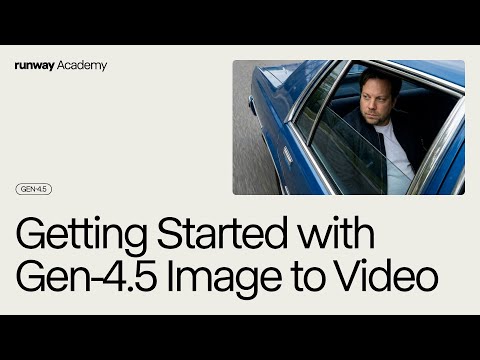
Runway Academy's starting workflow
Use the official Academy walkthrough to orient yourself before a controlled trial with your own image. Interface details can evolve, so pair it with the written documentation.
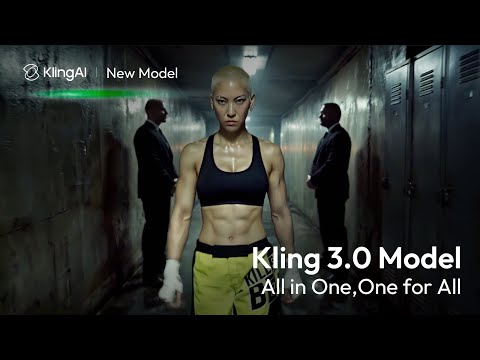
Kling's official VIDEO 3.0 introduction
This is Kling's own introduction to the release. Pay attention to which capabilities you want to verify yourself, especially continuity through a shot change.
Frequently asked questions
Which AI video generator is best overall?
There is no defensible universal winner in this guide. We have not run a controlled paid-plan benchmark. Pick the tool that meets your specific shot requirements with the least total work, then expand your test to more difficult scenes.
Is Google Flow the same thing as Veo?
No. Flow is the creative application and Veo is a video model family available through Google products. Choose the model and feature combination you actually intend to use; the product name alone does not describe every available control.
Should I start with text-to-video or image-to-video?
Use text-to-video for early visual exploration. Prefer image-to-video when composition and subject appearance are already approved. A reference can anchor the starting point, but it does not remove the need to inspect later frames.
Which tool is cheapest?
The answer depends on the model, settings, purchase route, and how many attempts your brief needs. Compare current checkout information and your own cost per accepted clip. Do not compare raw credit numbers across providers.
Does a higher output resolution mean better video?
Not necessarily. A higher-resolution export can still contain an incorrect object, unstable motion, or an unusable cut. Separate native generation settings from later enhancement, then judge the final file at its intended viewing size.
Can one generator make the entire finished advertisement?
Some products bundle more of the workflow, but you still need to approve the story, verify product accuracy, check sound, and review the final edit. Begin with a small deliverable before trusting a longer automated sequence.
Are the illustrations on this page comparison results?
No. They are original AI-generated editorial artwork used to explain selection, camera control, and budgeting. The embedded videos belong to their credited creators. Neither substitutes for a reproducible test of the tools.
Your next step
Choose one specific scene and test it before buying a larger commitment. If you already have a reference image, follow our image-to-video workflow for product demos and short-form content. It includes a shot plan, reusable motion prompts, and a review checklist.
You can also browse AI tools in the directory or read how our directory data works. Product details change; the linked official documentation should be checked again before a purchase or production decision.