
Videos vv2.0 2026 Rank: #678
Google Flow ✓
Your AI creative studio by Google.
from $19.99/mo
Verdict
A quick read before you dig into the full page.
- Best if
- Your AI creative studio by Google
- Skip if
- May have steep learning curve
- Pick this when
- Transforms creative ideas
Considering freebeat AI instead? Compare side by side
Overview
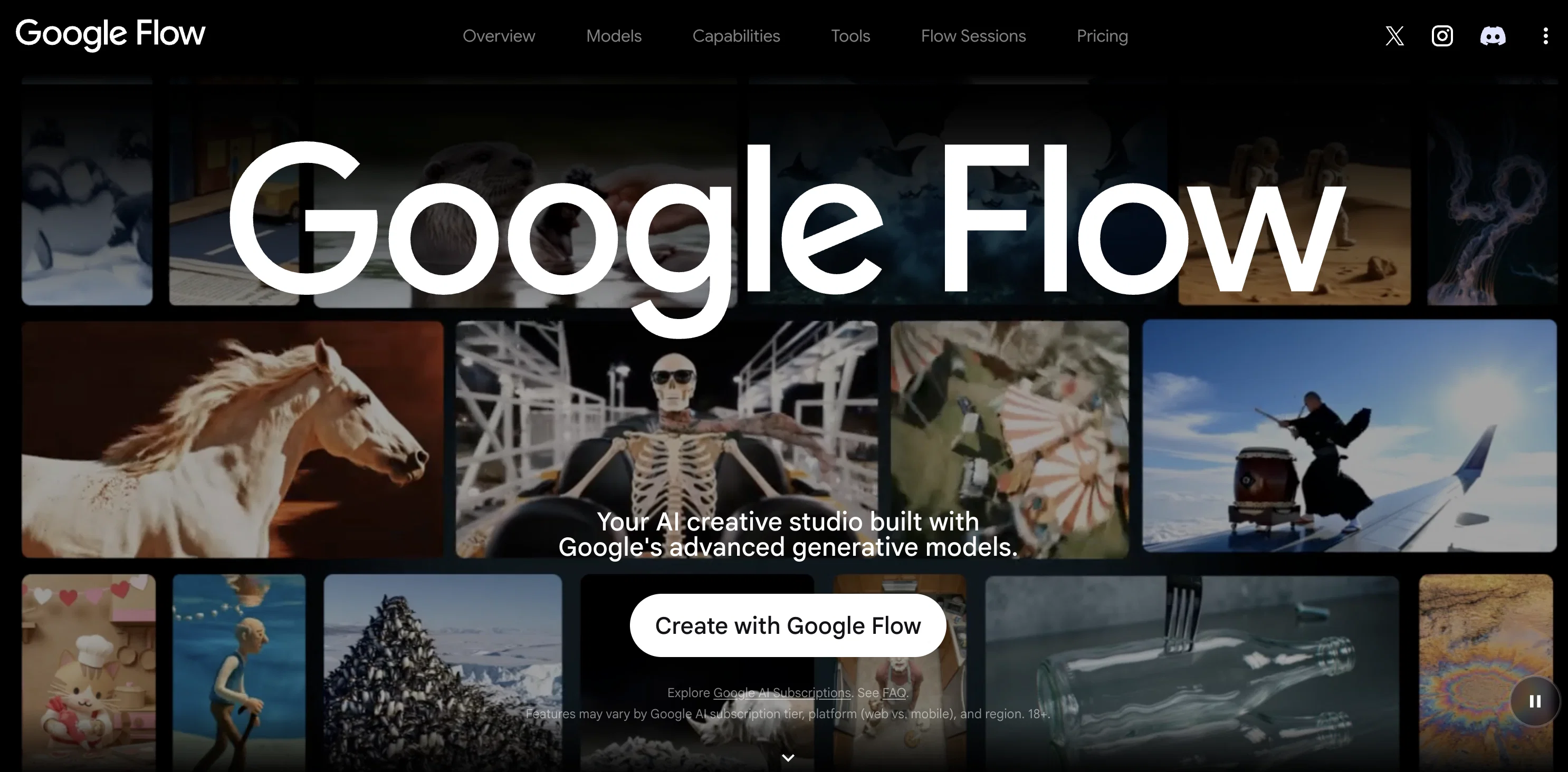
Google Flow is an AI creative studio that harnesses the capability of Google's advanced generative models. The tool is designed to transform creative ideas into a tangible reality, with a focus on cinematic video creation, image editing, and the development of personalized tools.
A notable feature of Google Flow is its array of models, including Gemini Omni, Nano Banana, and Veo 3.1. Gemini Omni facilitates the creation and editing of videos from any input, offering advancements in world understanding, multimodality, and conversational editing.
Nano Banana champions image generation by offering precise editing control, excelling in aspects such as subject consistency, text rendering, and enhanced reasoning.
To amplify creativity, Veo 3.1 delivers expanded creative controls, native audio, and quality videos. Central to the functionality of Google Flow is an AI 'agent' that serves as an intelligent, creative partner to facilitate project planning and execution, aiding users in their creative work.
Moreover, Google Flow provides a platform for the creation of custom tools using natural language, extending its versatility to cater to specific creative workflows.
The refined capability to perform complex, iterative edits, tweak individual assets with professional controls, and scale changes across the entire project aligns with the concept of fostering creativity 'without bounds.'
Best for
Short scenarios where Google Flow tends to shine.
-
Your AI creative studio by Google.
Example outputs 1
Sample generations and before/after results for Google Flow.
Access & connections
Where you can use Google Flow.
Platforms
Capabilities
What this tool accepts, produces, and is strongest at.
Supported features
- Video Generation
- Sound Creation
Pros & cons
Pros
- Transforms creative ideas
- Cinematic video creation
- Image editing capabilities
- Supports development of personalized tools
- Offers Gemini Omni, Nano Banana, and Veo 3.1 models
- Gemini Omni supports video creation and editing from any input
- Nano Banana's precise image editing control
- Veo 3.1's expanded creative controls
Show 38 more
- Native audio capabilities
- Array of quality video output
- Aids users in project planning and execution
- Facilitates creation of custom tools with natural language
- Perform complex, iterative edits
- Provides professional controls for individual assets
- Scales changes across entire project
- World understanding features in Omni model
- Multimodality capabilities of Omni model
- Omnis conversational editing
- Subject consistency in Nano Banana
- Text rendering using Nano Banana
- Enhanced reasoning features of Nano Banana
- Physics and realism capabilities of Veo 3.1
- Veo 3.1's prompt adherence
- Use natural language for complex edits
- Tweak individual assets using professional controls
- Scale changes across entire project
- Build custom creative tools using natural language
- Layer-based image editor tool provided
- Storyboard visualization tool provided
- Ability to create video resizer tool
- Option to design video effects tool
- Add animated text to videos
- Application of customizable visual filters
- 360-degree environment capture tool
- Ability to create image grids
- Option to develop characters and their backstory
- Direct collaboration with Google in Flow Sessions
- Select group of creatives for project
- Extract individual images from image grids
- Create high-fidelity images and videos
- Blend text, image, and video inputs
- Easily plan and iterate on ideas
- Create without bounds
- Refine with confidence
- Studio for video, images, and custom tools
- Developed by Google
Cons
- May require high computing power
- Advanced features could be overwhelming
- Limited to Google's generative models
- Lack of offline functionality
- May have steep learning curve
- Unclear pricing details
- Visibility of agent's decision-making unmentioned
- Missing collaboration features
Show 2 more
- Platform compatibility limitations
- Region-based feature variation
Compare alternatives
Similar tools in the catalog — with a clear reason to open each one.

freebeat AI ✓
FreemiumTurn Music & Ideas into Viral Videos In One Click
Why look Freemium alternative
Full comparison
MagicLight ✓
FreemiumTransform text into captivating videos instantly.
Why look Freemium alternative
Full comparison
HeyGen ✓
FreemiumCreate AI spokesperson videos from text
Why look Freemium alternative
Full comparison
Seedance ✓
FreemiumMulti-shot video generation from text and image.
Why look Stronger for image work
Full comparisonPeople also view
Tools that often show up alongside Google Flow in collections and comparisons.
Seedance ✓
FreemiumMulti-shot video generation from text and image.
MagicLight ✓
FreemiumTransform text into captivating videos instantly.

Kaiber Superstudio ✓
Free TrialAI Video Generation
HeyGen ✓
FreemiumCreate AI spokesperson videos from text
freebeat AI ✓
FreemiumTurn Music & Ideas into Viral Videos In One Click

D-ID ✓
FreemiumCreate AI-generated videos with ease

ResearchMonkey AI | YouTube Summarizer ✓
Free TrialSave Hours of Research in Seconds with 40+ AI Tools

OutlierKit ✓
PaidEnter one channel, see the entire niche.
Releases 2
✨ Updated interface for seamless workflows
🖼️ Easier way to create with images and videos, together
🗣 Seamless prompting and editing with natural language
Imported reviews 1
it's not free
FAQ 12
What is Google Flow?
How does Google Flow use Google's advanced generative models?
What is the purpose of the AI 'agent' in Google Flow?
Can I create custom tools with Google Flow?
Do I need any programming skills to use Google Flow?
What is Gemini Omni and how does it facilitate video creation in Google Flow?
What does Nano Banana contribute to Google Flow?
How does Veo 3.1 amplify creativity in Google Flow?
Can Google Flow assist in project planning and execution?
Can I perform complex edits with Google Flow?
Can individual assets be tweaked in Google Flow?
How does Google Flow foster creativity 'without bounds'?
Related tools
Recommended

Magicroll ✓
FreemiumAutomate Video Editing with AI-Powered B-Roll, Captions, and Templates

Veo ✓
PaidGenerate high-quality, cinematic videos with AI.

Eggnog ✓
UnknownCreate AI videos with consistent characters.

Dream Machine AI ✓
PaidTransform text and images into high-quality videos instantly with Dream Machine AI.

Faraway ✓
FreemiumBuild movies with AI.

VenturusAI ✓
FreemiumBusiness idea analysis and reporting.