

Email writing vv2.0
WriteMail.ai ✓
WriteMail.ai: Generate Perfect Emails in Seconds with AI Email Writer
Free + from $11.95/mo
Verdict
A quick read before you dig into the full page.
- Best if
- You are business professionals and need: Writing cold emails
- Skip if
- Limited emoji input
- Pick this when
- Increases email productivity
Considering Ellie - Your AI Email Assistant instead? Compare side by side
Overview

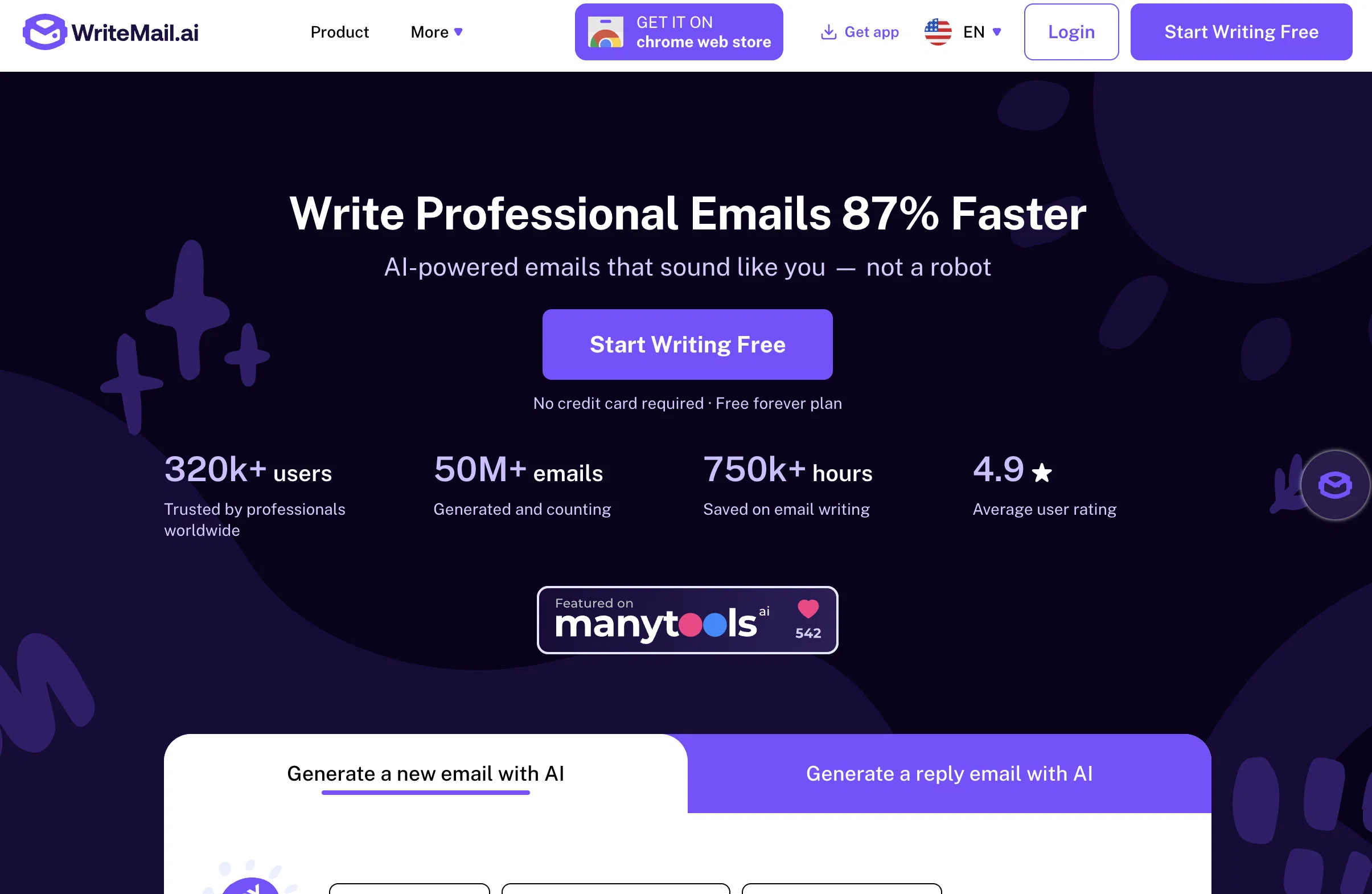
Tired of spending hours crafting the perfect email? Say hello to WriteMail.ai, the cutting-edge AI email assistant that's transforming the way we communicate.
WriteMail.ai harnesses the power of advanced artificial intelligence to help you generate professional, engaging, and effective emails in seconds. Whether you're a busy professional, a student, or anyone who wants to communicate more efficiently, WriteMail.ai is your secret weapon for email success.
Key Features:
• Lightning-fast email generation using state-of-the-art AI technology
• Smart suggestions for tone, style, and content to match your unique voice
• Multilingual support for global communication
• Time-saving email history and reuse functionality
• Seamless integration with popular email platforms (coming soon)
With WriteMail.ai, you'll:
• Save hours each week on email writing
• Increase your response rates with perfectly crafted messages
• Eliminate writer's block and communication anxiety
• Enhance your professional image with polished, error-free emails
Our AI doesn't just write emails; it writes emails that get results. Trained on millions of successful email interactions and continuously improving, WriteMail.ai ensures your messages are clear, compelling, and tailored to your recipients.
From cold outreach to team updates, client communications to personal messages, WriteMail.ai adapts to your needs. Our flexible pricing plans, including a free tier, make professional-grade email writing accessible to everyone.
Join over 320,000 satisfied users who are already experiencing the future of email communication. Don't just write emails – write better emails, faster and smarter with WriteMail.ai.
Try WriteMail.ai today and revolutionize your email game!
Best for
Short scenarios where WriteMail.ai tends to shine.
-
Writing cold emails
Best for Business professionals
-
Following up on proposals
Best for Sales teams
-
Sending thank you emails
Best for Marketing teams
-
Writing marketing emails
Best for Customer support teams
-
Responding to customer support inquiries
Best for Freelancers
-
Writing personal emails
Best for Anyone who writes emails frequently
Example outputs 1
Sample generations and before/after results for WriteMail.ai.
Access & connections
Where you can use WriteMail.ai, and what it plugs into.
Platforms
Pros & cons
Pros
- Increases email productivity
- Personalization options
- Stores user preferences locally
- Privacy conscious
- Polite, relevant, professional emails
- Keeps emails succinct
- Language adaptation for recipients
- URL shortening feature
Show 42 more
- Font and size selection
- Professional email signature
- Advice for difficult conversations
- Workplace emoji guide
- Tone guidance
- Browser extension for Gmail, Outlook, Hotmail
- Personalize email writing style
- Threshold control for emoji use
- Define email purpose
- Advises against informal sarcasm
- Advises being cautious with confidential topics
- Limits usage of exclamation points
- Advocates against excessive emoji use
- Prefer hyperlinks over long URLs
- Advises standard font and clear formatting
- Consistence in email signature, greeting and tone
- Advocates timely email responses
- Advises specificity while describing tasks
- Advocates checking recipient's name
- BCC usage guidelines
- Advocates prompt responses
- Defines appropriate greetings
- Controls 'Reply All' usage
- Guidance for forwarding emails
- Advises starting with most important point
- Advises on tone
- Advises on handling difficult conversations live
- Advises on putting positive news upfront
- Provides ideal email length
- Suggests short emails for higher response rates
- Drives message clarification using emojis
- Defines tone and voice
- Advocates keeping it concise
- Emphasizes the use of recipient's name
- Advises on frequency of email sending
- Storytelling to boost open rate
- Ideal email sending time
- Use of visuals to grab attention
- Professional email address guidance
- Conversation tone for engagement
- Avoids big words and jargon
- Grammar and spelling analysis
Cons
- Stores options in cookie
- No database storage
- Lacks offline capabilities
- Limited personalization / customization
- Font and size selection minimal
- Limited emoji input
- No explicit multi-language support
- Confusing user interface
Show 2 more
- Contextual email tips lacking
- No API for integration
Compare alternatives
Similar tools in the catalog — with a clear reason to open each one.

Ellie - Your AI Email Assistant ✓
FreemiumEllie, your AI for crafting personalized email replies.
Free + from $19/mo
Full comparison
Jetwriter AI ✓
FreemiumWrite better and faster on any site with your personal AI.
Free + from $12/mo
Full comparison
AImReply ✓
FreemiumImproved email productivity, streamlined communication.
Why look Typically cheaper
Full comparison
InboxPro ✓
FreemiumStreamline client acquisition with AI-powered email tools.
Why look Typically cheaper
Full comparison

People also view
Tools that often show up alongside WriteMail.ai in collections and comparisons.
Ellie - Your AI Email Assistant ✓
FreemiumEllie, your AI for crafting personalized email replies.

Verify by TaiLR Made AI ✓
Free TrialDon't loose a great hire to a better liar!

StatPecker ✓
FreemiumSmart insights for business, stunning visuals for creators.

ShortlistIQ ✓
FreemiumElevate your recruitment with AI.

Scottie — Read Less, Know More ✓
Free TrialRead the news 30x faster

remio: Your Personal ChatGPT ✓
FreemiumGet Tailored Answer with Your Personal ChatGPT

Recruitment AI ✓
UnknownAI-driven online assessments for smarter recruiting.

Receiptor ✓
PaidExtract receipts and invoices from emails automatically
Releases 2
WriteMail.ai - Version 2.0 Changelog
We're happy to announce the release of WriteMail.ai 2.0! This major update brings significant improvements and new features to revolutionize your email writing experience.
Biggest Change
Dramatically Improved Email Writing Capability
- Constant improvements to our AI model
- Fine-tuned with our extensive email database to ensure emails are written on point
- Enhanced algorithms to increase the likelihood of receiving replies to your emails
New Features
- app.writemail.ai Platform
- Email History: Save and access your previously generated emails
- Email Reuse: Easily repurpose and adapt past emails for new situations
- Smart Mail Assistant
- Real-time AI-powered suggestions to improve your emails
- Contextual recommendations for clarity, tone, and structure
- Customization Options
- Personalize tone, style, and length of your emails
- New options to match your unique voice and communication preferences
- Multilingual Support
- Write emails in multiple languages with AI assistance
- Automatic language detection for seamless multilingual communication
- One-Click Email Send
- Instantly send AI-generated emails through your default email client
- Streamlined workflow from composition to sending
- New Pricing Structure
- Introduced paid plans for everyday users to access premium features
- Maintained a free version to ensure accessibility for all users
Improvements
- Enhanced AI Model
- Improved email generation quality and relevance
- Faster processing times for quicker email creation
- User Interface Overhaul
- More intuitive and user-friendly design
- Easier navigation and access to features
- Expanded Use Cases
- New templates for various email types (business, personal, marketing, etc.)
- Improved adaptability for different email contexts
Coming Soon
- Gmail Integration (Beta)
- Seamlessly use WriteMail.ai within your Gmail account
- Currently in closed beta, full release coming soon
Performance
- Optimization for faster email generation
- Improved server response times for a smoother user experience
Bug Fixes
- Various minor bug fixes and stability improvements
- Enhanced error handling and user feedback
Thank you for using WriteMail.ai! We're committed to continually improving your email writing experience. For any questions or feedback, please contact our support team.
Imported reviews 12
Very helpful tool - I like that there are a number of free emails available each day. Also the style, tone, and language options are incredible.
very helpful tool! user-friendly and accurate, makes my work easier and faster. highly recommended :)
This tool helped me write my emails faster. What I I love about it is that it lets me customize my prefered tone for my emails to sound just like me. Amazing tool!
Easy to use and really help a lot when you have no idea what to write in your email. It has a lot of features too!
It's is a game-changer! It makes email writing effortless and quick, with smart suggestions that save me tons of time. Perfect for busy professionals! Highly recommend.
Writemail.ai enhances efficiency in drafting and replying emails,its great with lots of options,simple to use and does the job nicely.
I highly recommend this website, I just love how it understands simple commands and delivers the results in a matter of seconds. The personalization option was the cherry on top, I can choose different tones and also the length I need.
Looking forward to the Gmail integration.
Keep up the good work!
Writemail.ai has seriously made my life easier! It saves me so much time by helping me draft emails and generate replies to them quickly. I love the tone adjustment and emoji features too!
Amazing tool for drafting and replying to emails, saves me so much time, very accurate emails and is super convenient as well.
In today's fast-paced digital world, creating effective emails is critical to effective communication. The website is very simple and easy to use, keep up the good work.
I have been utilizing this service for 1 month and am truly pleased to have discovered it. super cool one !!
I've been using it for about a couple of months, really glad I found this service
FAQ 12
What is WriteMail.ai?
What are the features of WriteMail.ai?
Does WriteMail.ai provide personalization options?
Can WriteMail.ai help in increasing productivity?
How does WriteMail.ai ensure my privacy?
How does WriteMail.ai handle sensitive conversations?
Can WriteMail.ai write emails in different languages?
What types of email signatures does WriteMail.ai provide?
What type of email tones does WriteMail.ai support?
How does WriteMail.ai handle the use of emojis in emails?
How does WriteMail.ai shorten URLs?
Is WriteMail.ai a free tool?
Related tools
Recommended

PrometAI ✓
FreemiumTurn ideas into viable reality with AI business plan generator.

VenturusAI ✓
FreemiumBusiness idea analysis and reporting.

Hyperis ✓
FreemiumOrganized task prioritization.

RightBlogger ✓
FreemiumAutomate blogging, SEO, and publishing in one simple platform

MagicSlides.app AI PPT Maker ✓
FreemiumCreate Stunning PPTs in Seconds with the AI PPT Maker

Scisummary ✓
Free TrialCutting-edge scientific articles summarization.
