

Jetwriter AI ✓
Write better and faster on any site with your personal AI.
Free + from $12/mo
Verdict
A quick read before you dig into the full page.
- Best if
- Write better and faster on any site with your personal AI
- Skip if
- Limited free plan
- Pick this when
- Free Chrome extension
Considering Ellie - Your AI Email Assistant instead? Compare side by side
Overview

Key Features:
- Context-Aware Replies: Seamlessly generate personalized emails and messages in your own voice within Gmail, LinkedIn, Outlook, Zendesk, and more.
- Chat with Any Page: Instantly summarize articles, find key information, proofread your work, or get simple explanations for complex topics without leaving the page.
- Transform Any Text: Highlight any text to instantly correct grammar, improve clarity, change the tone, rephrase, or translate into any language. Create your own custom actions for one-click transformations.
- Truly Personalized: Teach the AI about you and your role to receive truly unique and helpful responses. Customize writing styles, response length, and save your favorite prompts for quick access.
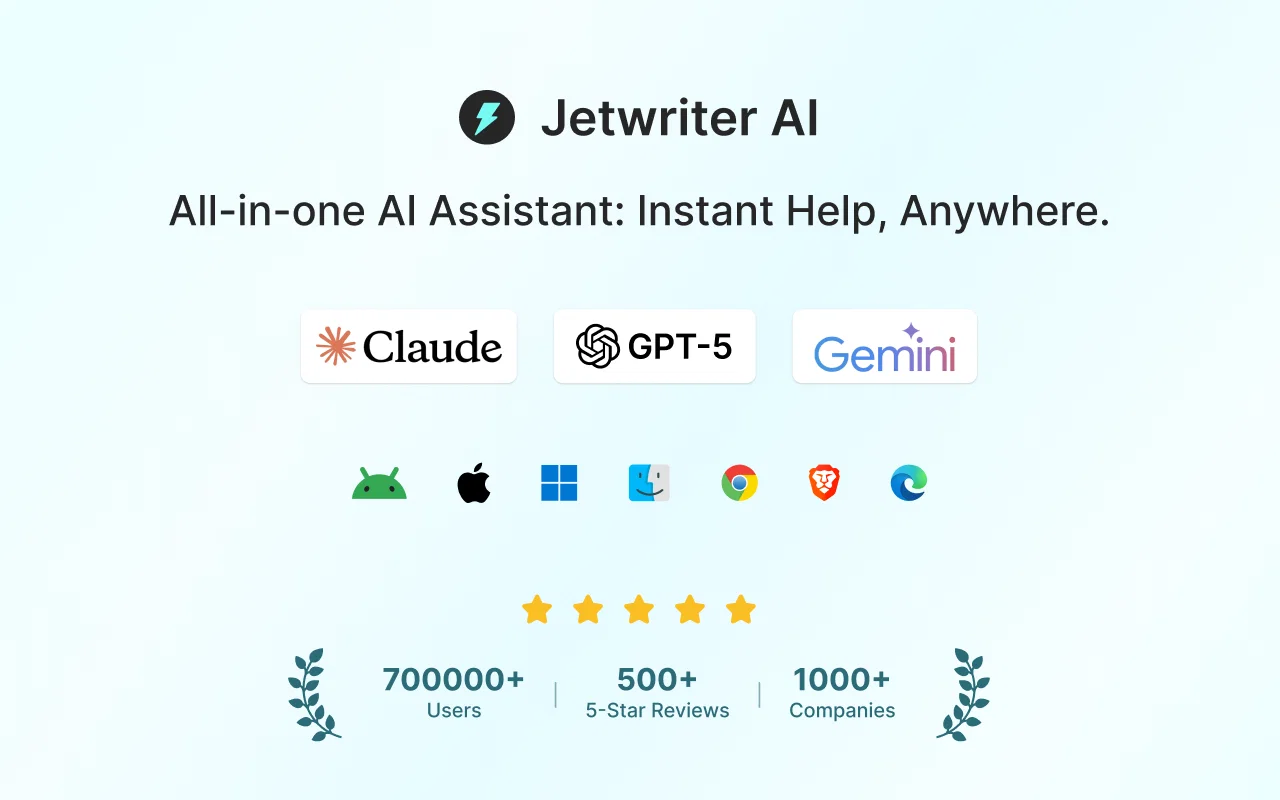
- Powered by World-Class AI: Get the highest quality results with access to the world's most advanced AI models, including GPT-5 Thinking, Claude Sonnet 4, and Gemini 2.5 Pro.
- Minimal & Non-Intrusive Design: Jetwriter opens as a clean, resizable modal that doesn't disrupt your workflow. It's lightweight, blazingly fast, and won't slow down your browser.
- Multi-Platform Access: Use your account seamlessly across the Chrome extension, our web app, and our mobile apps for a consistent experience everywhere.
- BYOK: Bring your own key.
Jetwriter offers a free plan to get you started, with premium plans for unlimited use starting at just $9/month. Experience a smarter, faster, and more personalized way to write online.
- Personalized Ai That Learns Your Voice And Role
- Context-aware Replies For Emails And Messages (gmail, Linkedin, Etc.)
- Chat With Any Webpage To Summarize, Find Info, Or Explain Complex Terms
- Select Any Text To Instantly Improve, Rephrase, Or Translate
- Multi-platform Support (browser Extension, Web, And Mobile Apps)
- Voice-to-prompt Input In Any Language
- Private And Secure: Your Data Is Never Used For Training
- Non-intrusive, Resizable, And Draggable Interface
Best for
Short scenarios where Jetwriter AI tends to shine.
-
Write better and faster on any site with your personal AI.
Example outputs 1
Sample generations and before/after results for Jetwriter AI.
Access & connections
Where you can use Jetwriter AI, and what it plugs into.
Platforms
Capabilities
What this tool accepts, produces, and is strongest at.
Input
- Text
- Audio
Output
- Text
Pros & cons
Pros
- Free Chrome extension
- Generates entire emails
- Enhanced Gmail support
- Privacy friendly
- No ads, cookies, trackers
- Chromium-based browser compatibility
- Supports all languages
- Ease of use with extension
Show 18 more
- Keyboard shortcut setup
- Troubleshooting support
- Integration with Gmail
- Generates personalized replies
- 60,000+ satisfied users
- Outperforms competitors in quality
- Supports all websites
- 100% free
- Gmail reply generation
- Quick installation
- Respects user privacy
- Tightly integrated with Gmail
- Works on Brave browser
- Useful for email writing
- Productivity booster
- Boosts response quality
- Editable prompt content
- Flexible language input
Cons
- Only for Chromium-based browsers
- Requires extension installation
- Might involve language fingerprinting
- Reply generation needs user prompts
- Limited free plan
Compare alternatives
Similar tools in the catalog — with a clear reason to open each one.

Ellie - Your AI Email Assistant ✓
FreemiumEllie, your AI for crafting personalized email replies.
Why look Higher community rating
Full comparison
AImReply ✓
FreemiumImproved email productivity, streamlined communication.
Why look Typically cheaper
Full comparison
WriteMail.ai ✓
FreemiumWriteMail.ai: Generate Perfect Emails in Seconds with AI Email Writer
Why look Higher community rating
Full comparison
InboxPro ✓
FreemiumStreamline client acquisition with AI-powered email tools.
Why look Typically cheaper
Full comparisonPeople also view
Tools that often show up alongside Jetwriter AI in collections and comparisons.
Ellie - Your AI Email Assistant ✓
FreemiumEllie, your AI for crafting personalized email replies.
WriteMail.ai ✓
FreemiumWriteMail.ai: Generate Perfect Emails in Seconds with AI Email Writer

Superflows ✓
FreemiumLaunch your product's AI assistant without an AI team

Politepost ✓
FreeRewrite emails professionally with AI
InboxPro ✓
FreemiumStreamline client acquisition with AI-powered email tools.
AImReply ✓
FreemiumImproved email productivity, streamlined communication.

Second Glance ✓
FreemiumReview emails before sending to avoid workplace misinterpretation.

RewriteBar ✓
Free TrialRewrite. Refine. Accelerate. — AI productivity for every macOS app. 🚀
Releases 1
FAQ 12
What is ChatGPT Writer?
How does ChatGPT Writer work?
Is ChatGPT Writer a free tool?
Does ChatGPT Writer work with all Chromium-based browsers?
How to install ChatGPT Writer?
What do I need to do to generate a response with ChatGPT Writer?
Is there a keyboard shortcut for ChatGPT Writer?
How can I use ChatGPT Writer with Gmail?
What is the process to generate a personalized email reply using ChatGPT Writer?
Does ChatGPT Writer support all languages?
Does ChatGPT Writer track my browsing activity?
Where can I download the ChatGPT Writer extension?
Related tools
Recommended

VenturusAI ✓
FreemiumBusiness idea analysis and reporting.

MagicSlides.app AI PPT Maker ✓
FreemiumCreate Stunning PPTs in Seconds with the AI PPT Maker

GPTExcel ✓
FreemiumGenerate spreadsheet formulas with AI

Stockimg AI ✓
PaidGenerated images and text for design ease.

TutorAI ✓
FreemiumInstant knowledge on any topic

Scisummary ✓
Free TrialCutting-edge scientific articles summarization.