

Politepost ✓
Rewrite emails professionally with AI
Verdict
A quick read before you dig into the full page.
- Best if
- You are office workers and need: Transforming rough, informal emails into professional communications
- Skip if
- Limited to email refinement
- Pick this when
- Works with multiple email platforms
Considering Ellie - Your AI Email Assistant instead? Compare side by side
Overview
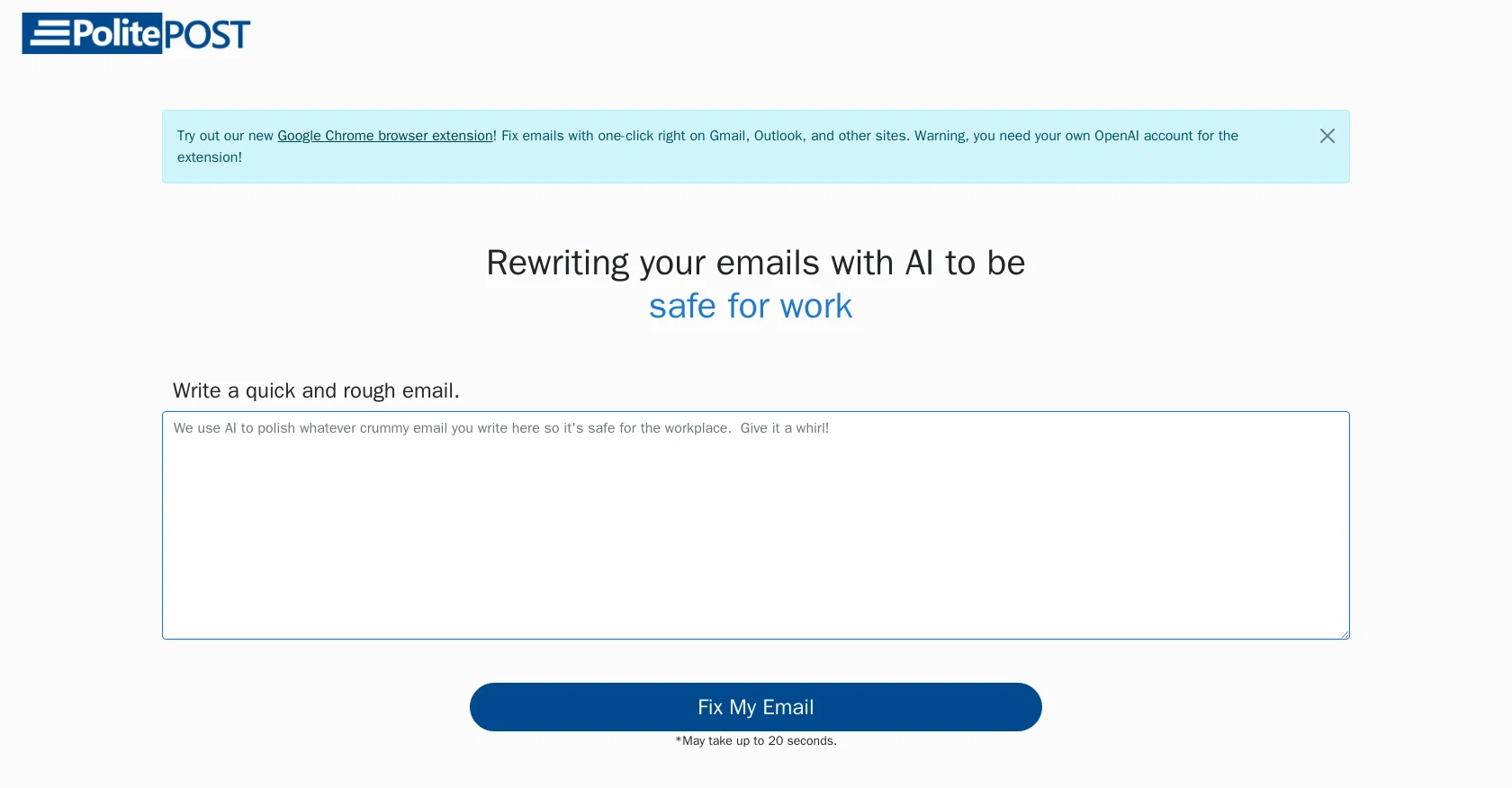
PolitePost.net is a powerful AI tool that can help you write professional, workplace appropriate emails in seconds. It works by taking a draft of your email written in any language or style and using AI to clean and refine the text, removing any slang or expletives.
PolitePost.net is available as a Google Chrome browser extension and can be used with Gmail, Outlook, and other sites. To use the tool, simply write a quick draft of the email and click the ‘Fix my Email’ button.
The AI then takes the email and sends it to OpenAI who process it and provide a cleaned version of the email to be sent. The AI-powered tool is economical, costing only ~$0.002 per email.
The fees are used to keep the site running.
Best for
Short scenarios where Politepost tends to shine.
-
Transforming rough, informal emails into professional communications
Best for Office workers
Example outputs 1
Sample generations and before/after results for Politepost.
Access & connections
Where you can use Politepost, and what it plugs into.
Platforms
Capabilities
What this tool accepts, produces, and is strongest at.
Input
- Text
Output
- Text
Pros & cons
Pros
- Works with multiple email platforms
- Quick email refining process
- Economical per email cost
- Available as a Chrome extension
- Removing inappropriate content
- Simple 'Fix my Email' functionality
- Cleans up slang
- Adjusts content to professional style
Show 7 more
- Useful in multiple languages
- On-site email refining
- Functional on various sites
- Easy to use interface
- Rapid processing speed
- Supports site through fees
- Free trials available
Cons
- Only works with specific browsers
- Processing can take 20 seconds
- Reliance on third-party service
- Limited to email refinement
- No mobile app available
- No offline functionality
- No API available
- No bulk processing option
Compare alternatives
Similar tools in the catalog.

Ellie - Your AI Email Assistant ✓
FreemiumEllie, your AI for crafting personalized email replies.
Free + from $19/mo
Full comparison
Jetwriter AI ✓
FreemiumWrite better and faster on any site with your personal AI.
Free + from $12/mo
Full comparison
AImReply ✓
FreemiumImproved email productivity, streamlined communication.
Free + from $4.17/mo
Full comparison
WriteMail.ai ✓
FreemiumWriteMail.ai: Generate Perfect Emails in Seconds with AI Email Writer
Free + from $11.95/mo
Full comparisonPeople also view
Tools that often show up alongside Politepost in collections and comparisons.
Ellie - Your AI Email Assistant ✓
FreemiumEllie, your AI for crafting personalized email replies.
WriteMail.ai ✓
FreemiumWriteMail.ai: Generate Perfect Emails in Seconds with AI Email Writer

Superflows ✓
FreemiumLaunch your product's AI assistant without an AI team
Jetwriter AI ✓
FreemiumWrite better and faster on any site with your personal AI.

InboxPro ✓
FreemiumStreamline client acquisition with AI-powered email tools.
AImReply ✓
FreemiumImproved email productivity, streamlined communication.

Second Glance ✓
FreemiumReview emails before sending to avoid workplace misinterpretation.

RewriteBar ✓
Free TrialRewrite. Refine. Accelerate. — AI productivity for every macOS app. 🚀
Releases 1
FAQ 12
What is PolitePost.net?
How does PolitePost.net work?
Can PolitePost.net edit emails in different languages?
Is PolitePost.net available as a browser extension?
Does PolitePost.net work with Gmail and Outlook?
How do I use PolitePost.net to clean my emails?
Does PolitePost.net remove expletives and slang from emails?
How much does it cost to use PolitePost.net?
Where do the fees for PolitePost.net go?
Is PolitePost.net associated with OpenAI?
Do I need my own OpenAI account to use the PolitePost.net extension?
How long does it take for PolitePost.net to fix an email?
Related tools
Recommended

VenturusAI ✓
FreemiumBusiness idea analysis and reporting.

TutorAI ✓
FreemiumInstant knowledge on any topic

Scisummary ✓
Free TrialCutting-edge scientific articles summarization.

LearningStudioAI ✓
Free TrialAI-powered authoring tool for effortless online course creation.

Scholarcy ✓
FreemiumConvert long articles into summary flashcards.

AI Course Creator ✓
FreemiumAI-powered course creation in minutes.