
Short videos 2026 Rank: #449
ViralReels ✓
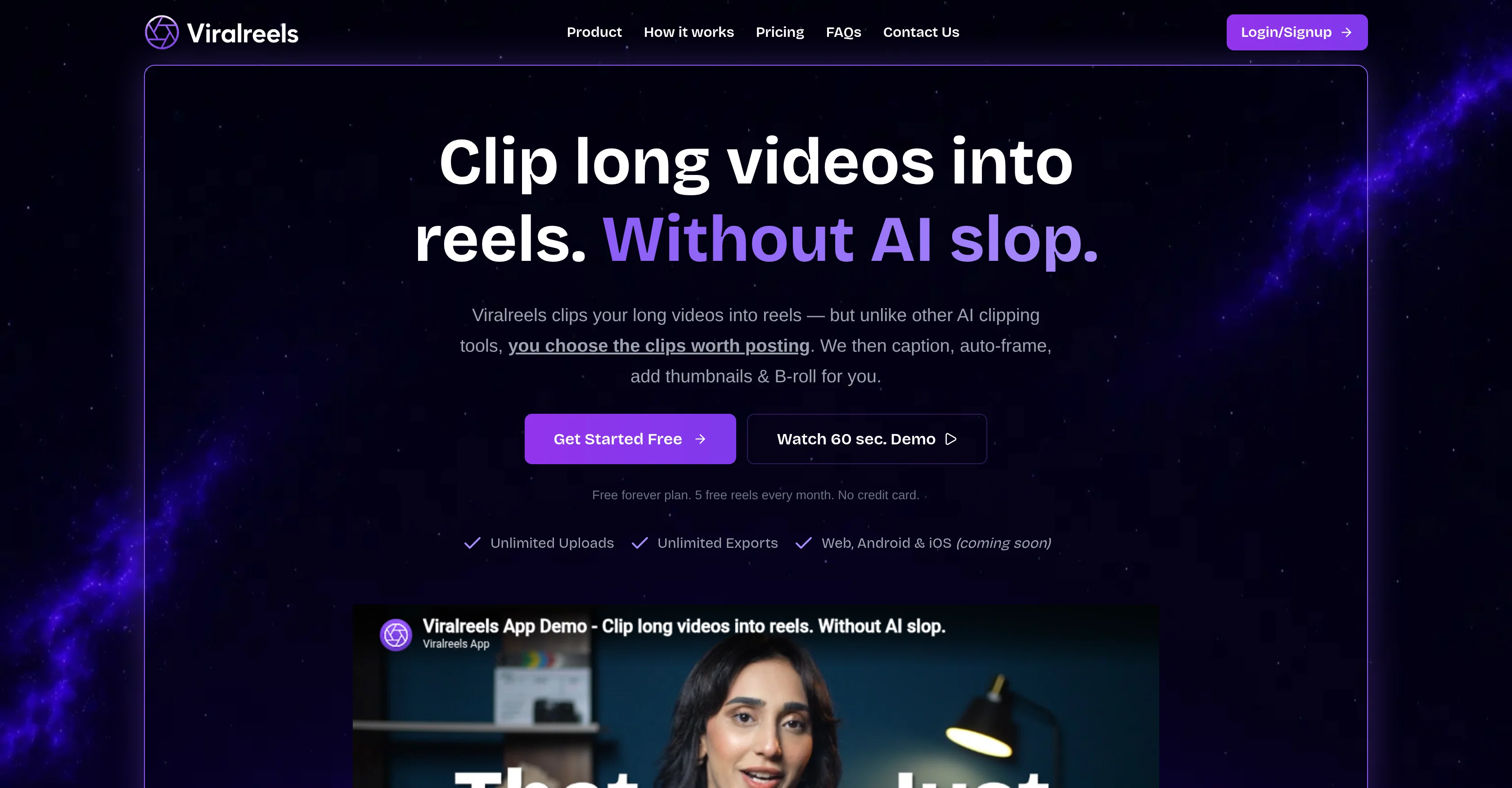
Clip long videos into reels without AI slop.
Verdict
A quick read before you dig into the full page.
- Best if
- Clip long videos into reels without AI slop
- Skip if
- Limited multilingual caption styles
- Pick this when
- Unlimited Uploads
Considering Bytecap instead? Compare side by side
Overview

Viralreels is an AI tool that assists users in transforming their long videos into reels. A unique feature of this tool is that unlike other AI clipping tools that autonomously choose the clips to post, Viralreels allows the users to handpick the sections they deem fit for posting.
Once the desired portions are selected, the tool further assists by providing functionalities like captioning, auto-framing, and adding of thumbnails and B-roll.
Additional features include multi-segment reel creation and unlimited uploads and exports, contributing to a versatile user experience. Framing adaptations that fit every shot can be selected manually or by using the Viralreels auto-frame feature that adjusts the reel as the shot changes.
The tool also supports captioning in over 55 languages, including 12+ Indian languages and offers extensive styles for customization. To aid in the creation of engaging reels, users have the choice to select from seven types of B-rolls and an array of thumbnail templates, all aligning with the brand's aesthetics.
Future updates include the release of a mobile application allowing users to create and edit reels on the move.
- Video Clipping
- Human Judgement, No Ai Guessing
- Supports 55+ Languages
- Ai Captions
- Caption Styles
- Thumbnails
- Auto-framing
- Ai B-rolls (7 Types)
- Unlimited Uploads
- Unlimited Exports
- Free Forever Plan
- Live Chat & Email Support
Best for
Short scenarios where ViralReels tends to shine.
-
Clip long videos into reels without AI slop.
Example outputs 1
Sample generations and before/after results for ViralReels.
Access & connections
Where you can use ViralReels.
Platforms
Capabilities
What this tool accepts, produces, and is strongest at.
Input
- Video
Output
- Video
Highlights
- Use code TAAFT
- 50% OFF
Supported features
- Video Edit
- Transcription
- Social Media
- Styling
- Clipping
Pros & cons
Pros
- Unlimited Uploads
- Unlimited Exports
- Web, Android & iOS compatibility
- Various captioning styles
- Different thumbnail templates
- Variety of B-roll materials
- Selectable framing adaptation
- User-driven clip selection
Show 40 more
- Supports 12+ Indian languages
- Multi-segment Reel creation
- Brand alignment features
- Auto-frame feature
- Promise of codebase release
- User controlled
- Future Mobile app
- 55+ language support for captioning
- Seven types of B-rolls
- Reels creation capability
- Free version available
- Video editing features
- Versatile user experience
- Reels adjustable from anywhere
- Long videos to reels transformation
- Punchline capturing
- Moment capturing
- Emotion capturing
- Continued usage promise if shutdown
- Transliteration support for Indian languages
- Free for Indian content creators
- Designed for human judgment
- Re-purposing tool
- Thumbnail generation feature
- Brand aesthetics alignment
- Reels editing on mobile
- Customizable captioning styles
- Array of thumbnail template choice
- Adjustable framing for shot fitting
- B-roll selection facility
- Free five reels every month
- No credit card required for free plan
- Supports multiple uploads and exports
- Thumbnail templates for brand matching
- Supports adding unlimited B-roll
- Supports reel export and re-export
- Protects workflow from unexpected disappearance
- User control over clip selection
- Optimized for emotional impact
- Useful for working across devices
Cons
- iOS app not available yet
- Relies on user clip selection
- Limited B-roll types
- Auto-framing not always accurate
- Limited thumbnail template choices
- Brand alignment not specified
- No autonomous clipping feature
- Free plan includes ads
Show 2 more
- Future mobile app uncertainties
- Limited multilingual caption styles
Compare alternatives
Similar tools in the catalog.
People also view
Tools that often show up alongside ViralReels in collections and comparisons.

Shortmake ✓
PaidFast viral video generation and editing.

Postless ✓
PaidAI-generated UGC videos on autopilot for viral marketing.

Opus Clip ✓
FreemiumAI-powered livestream studio for explosive growth

HiClip AI ✓
Free TrialDrop 1 Video, Get 10 Hooked Clips.

Bytecap ✓
FreemiumEdit and publish clips 10x faster with AI

AI Video Cut ✓
Free TrialTransform long videos into viral shorts with AI.

HayNo AI Music Video Generator ✓
Free TrialUpload a song, describe the vibe, get a music video.

Froging AI ✓
FreemiumCreate images and videos with leading AI models in one workspace.
Releases 1
Imported reviews 2
The accuracy of the clips/timestamps (+captions) is honestly one of the best I've seen after testing several AI tools (including some popular premium ones). Glad I stumbled upon ViralReels!
Been using ViralReels.co for a few days and it honestly saves me a ton of time editing shorts. The animated captions look really good, and I can turn one video into multiple Reels and Shorts in minutes.
FAQ 12
What is Viralreels?
How does Viralreels work?
Do I need to pay to use Viralreels?
What makes Viralreels different from other video clipping tools?
How does Viralreels help with captioning of videos?
Can I select the sections of the video that I want to include in the reel?
Are there any limitations to the number of videos I can upload on Viralreels?
What kinds of post-production processes does Viralreels manage?
Can I customise the reels based on my preferences?
What features does Viralreels provide for thumbnail selection?
How does Viralreels use AI for framing videos?
What is B-roll in Viralreels and how can I use it?
Related tools
Recommended

Notis ✓
Free TrialThe first WhatsApp assistant that runs on your ChatGPT and Claude subscriptions

Whacka ✓
Free TrialTurn ideas into real apps from your phone.

SureThing.io - "OpenClaw" for Beginners ✓
FreemiumFirst General AI Agency. Designed for long-horizon tasks.

AdsCreator.com ✓
Free TrialTurn any website into scroll-stopping ads.

Jason AI ✓
PaidAI-powered assistant for B2B sales outreach

DeepSeek ✓
FreeUnravel the mystery of AGI with curiosity