

Videos 2026 Rank: #462
VibeVideo ✓
All-in-one AI platform for video, image, motion & cinematic creation.
Verdict
A quick read before you dig into the full page.
- Best if
- All-in-one AI platform for video, image, motion & cinematic creation
- Skip if
- Limited customization options
- Pick this when
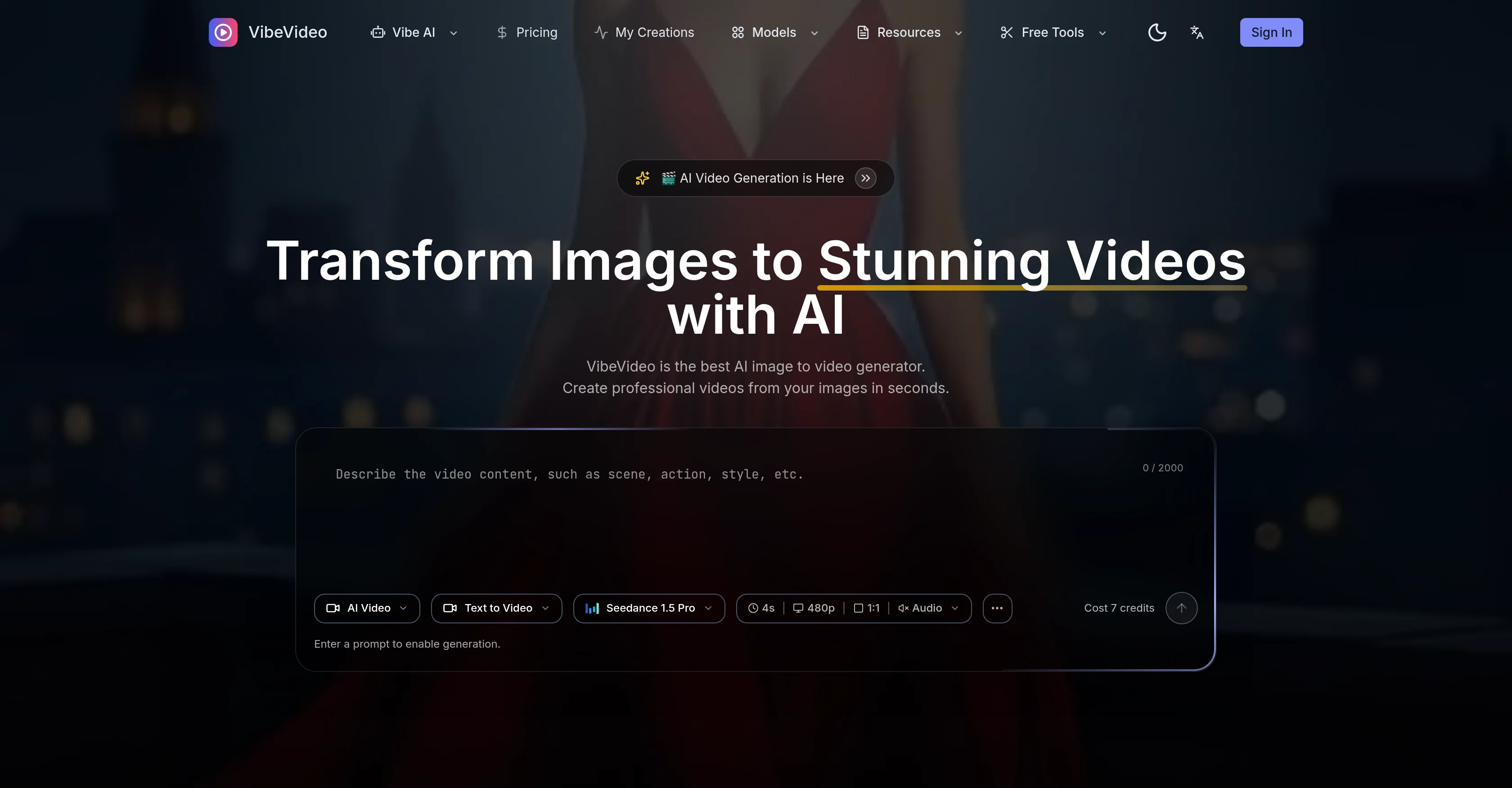
- Transforms static images to videos
Considering freebeat AI instead? Compare side by side
Overview
Vibe Motion — Character motion transfer powered by AI. Upload a photo, pick from 100+ motion templates (dances, gestures, martial arts), and watch your character come to life with frame-accurate pose matching.
Vibe Movie — A cinematic AI filmmaking workflow with camera type presets, focal length control, color tone profiles, pan/tilt/zoom motion presets, and start/end frame guidance for full directorial control over every shot.
Vibe Image — AI image generation supporting text-to-image and image-to-image workflows with aspect ratio, quality, and style controls.
The platform integrates 20+ state-of-the-art AI models (Kling, Wan, Seedance, HunyuanVideo, and more), letting users pick the best model for each style and budget. Additional tools include AI Music Generator for prompt-based soundtrack creation and one-click Background Removal.
VibeVideo is built for content creators, marketers, animators, and businesses who need fast, high-quality AI media output. Flexible pay-as-you-go credit pricing with free starter credits makes it accessible at any scale.
- Vibe Motion
- Vibe Movie
- Vibe Image
- Vibe Music(comming Soon)
Access & connections
Where you can use VibeVideo, and what it plugs into.
Platforms
Integrations
Capabilities
What this tool accepts, produces, and is strongest at.
Input
- API
- Image
- Text
- Video
Output
- Video
- Image
Highlights
- SOTA
- API
- Use code TAAFT
- 20% OFF
Supported features
- API
Models
Text
Image
Audio
Video
Pros & cons
Pros
- Transforms static images to videos
- Text to Video feature
- Customizable video style and quality
- Fast video generation
- Produces high-quality videos
- Suitable for various user profiles
- Useful for social media and marketing
- Flexible pay-as-you-go pricing
Show 12 more
- Credit system for payment
- Supports creative projects
- Automated Video Editing
- Natural motion and cinematic effects
- Image to Video conversion
- Supports content customization
- Professional Quality Videos
- User-friendly Interface
- Supports JPG, PNG, WebP formats
- Describe vision in text
- Fast video download & share
- Produces HD videos
Cons
- No offline usage
- Limited input formats
- Credit system pricing
- Lacks API for developers
- Limited customization options
- No multi-language support
- No native mobile app
- No collaborative features
Compare alternatives
Similar tools in the catalog — with a clear reason to open each one.

freebeat AI ✓
FreemiumTurn Music & Ideas into Viral Videos In One Click
Why look Typically cheaper
Full comparison
MagicLight ✓
FreemiumTransform text into captivating videos instantly.
Why look Typically cheaper
Full comparison



Seedance ✓
FreemiumMulti-shot video generation from text and image.
Why look Stronger for image work
Full comparisonReleases 1
FAQ 12
What is VibeVideo?
How does VibeVideo work?
Can I use VibeVideo for marketing purposes?
How quickly can VibeVideo generate a video?
Can VibeVideo transform text to video?
What types of AI models does VibeVideo offer?
What is the quality of the videos generated by VibeVideo?
Can I customize the style of the video in VibeVideo?
Can videos created by VibeVideo be used on social media?
How does the pay-as-you-go pricing model work in VibeVideo?
Can I select a specific AI model when generating a video with VibeVideo?
Is it possible to convert static images into videos using VibeVideo?
Related tools
Recommended

Veo ✓
PaidGenerate high-quality, cinematic videos with AI.

Midjourney ✓
PaidExpand human imagination through AI-powered visuals.

Suno ✓
FreemiumMake music at the speed of your ideas.

Notis ✓
Free TrialThe first WhatsApp assistant that runs on your ChatGPT and Claude subscriptions

remio: Your Personal ChatGPT ✓
FreemiumGet Tailored Answer with Your Personal ChatGPT

Cursor ✓
FreemiumAI-powered IDE for faster coding