

Veggie AI ✓
Generate controllable videos using AI
from $9.99
Verdict
A quick read before you dig into the full page.
- Best if
- You are individuals and need: Creating marketing materials and advertisements
- Skip if
- Limited video editing features
- Pick this when
- Different creation modes
Considering Anijam instead? Compare side by side
Overview
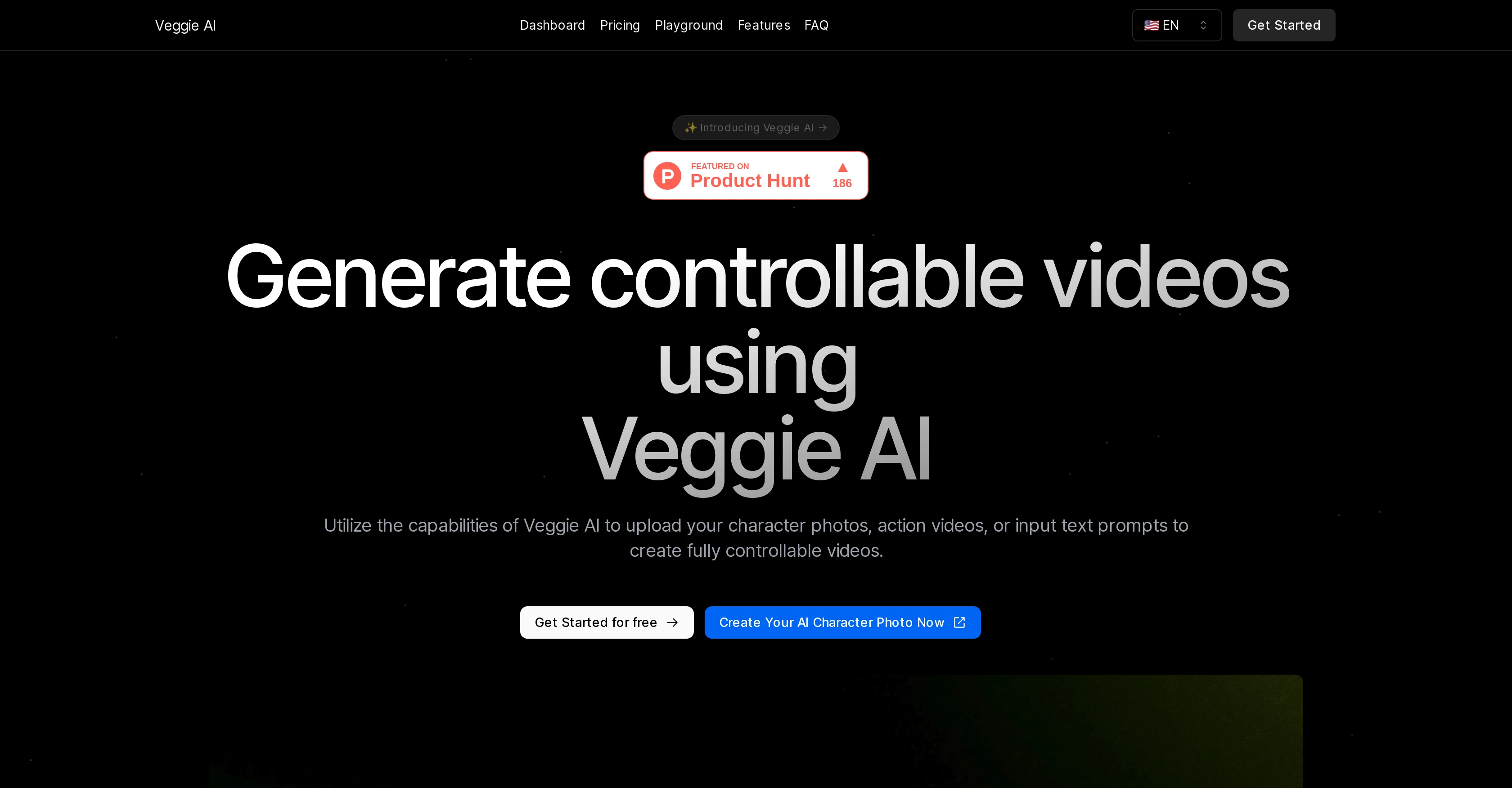
Veggie AI is an online tool that uses AI technology to generate controllable videos. It provides a simple, flexible, and user-friendly interface so anyone can create controllable videos without needing prior AI knowledge.
Users can easily upload character photos, action videos or input text prompts to generate either character photos or action videos. Veggie AI features four unique modes that offer diverse creation methods.
The Mix Mode and Animate Mode enable users to upload a character image and either a video or text motion prompt to generate a video. The Ideate Mode allows users to create a video based on the descriptions provided in the text character and motion prompts.
The Stylize Mode provides an option to upload a character photo and input text image and motion prompts to create a video where the character is a mixture of the photo and the image prompt, performing actions rendered from the motion prompt.The platform also supports common image formats such as JPEG and PNG, as well as standard video formats like MP4, and prioritises clear and good quality materials for the best results.
While its primary use is for single video generation, users with batch processing needs can reach out to Veggie AIs customer support for specific solutions.
Best for
Short scenarios where Veggie AI tends to shine.
-
Creating marketing materials and advertisements
Best for Individuals
-
Generating content for social media
Best for Small projects
-
Producing dynamic videos for personal projects
Best for Professionals
Example outputs 1
Sample generations and before/after results for Veggie AI.
Access & connections
Where you can use Veggie AI.
Platforms
Capabilities
What this tool accepts, produces, and is strongest at.
Input
- Image
- Text
- Video
Output
- Video
Pros & cons
Pros
- Different creation modes
- Batch processing support
- Good video quality
- Handles text prompts
- Handles video inputs
- Handles image inputs
- Supports JPEG and PNG
- Supports MP4 videos
Show 8 more
- User-friendly interface
- Commercial use allowed
- Variable pricing options
- Fast generation time
- Customizable video style
- Can edit videos afterwards
- Customer assistance available
- Internet-connected device compatibility
Cons
- Limited batch processing
- No free trial
- Only supports common formats
- Requires clear, high-quality materials
- No refunds offered
- Limited video editing features
- No integrated API
Compare alternatives
Similar tools in the catalog — with a clear reason to open each one.
Ebsynth
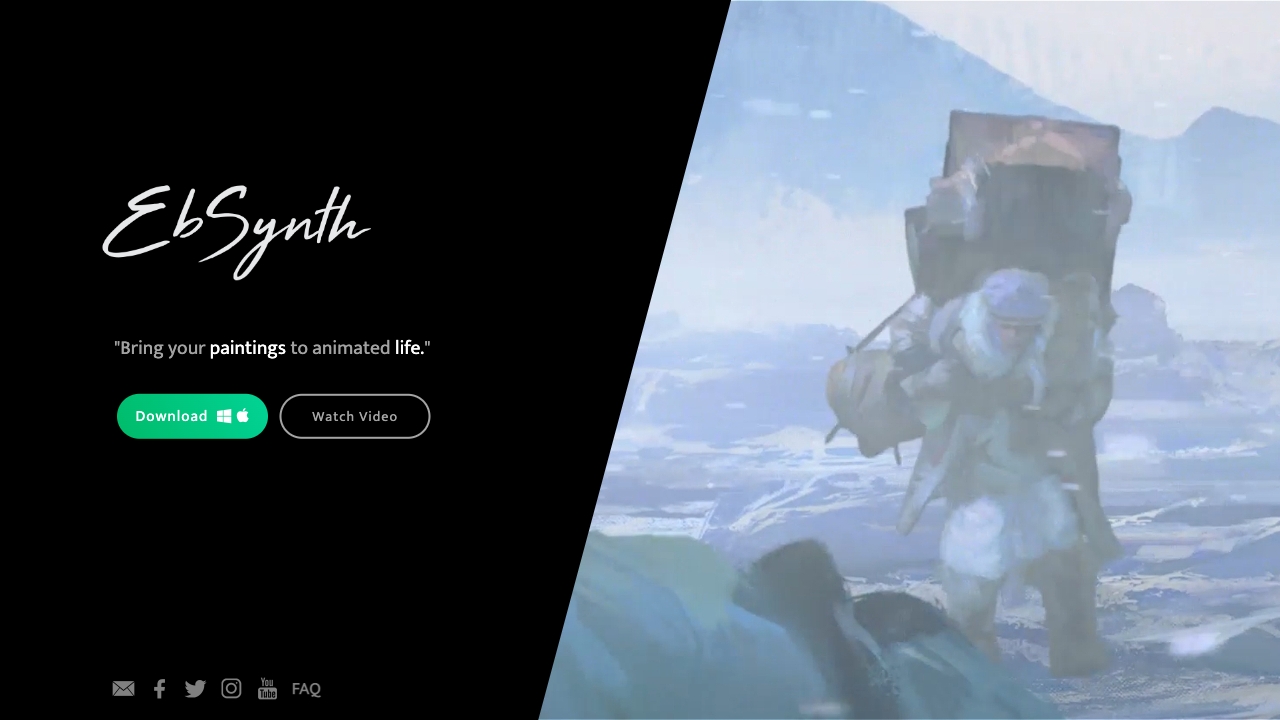
UnknownEbSynth animates footage using styled keyframes, ideal for hand-drawn animations.
No pricing
Full comparison
DreamFace ✓
FreemiumAnimate photos with AI face editing magic.
Why look Freemium alternative
Full comparison
Animagic ✓
FreemiumTurn drawings into animations in seconds.
Why look Freemium alternative
Full comparisonPeople also view
Tools that often show up alongside Veggie AI in collections and comparisons.
Ebsynth
UnknownEbSynth animates footage using styled keyframes, ideal for hand-drawn animations.
DreamFace ✓
FreemiumAnimate photos with AI face editing magic.

MyHeritage Deep Nostalgia ✓
UnknownAnimate faces in old family photos.

Animatable ✓
PaidCreate animated characters and environments in minutes
Animagic ✓
FreemiumTurn drawings into animations in seconds.

Anijam ✓
Free TrialAI handles your entire animation pipeline.

Vibe Motion ✓
Free TrialAI motion graphics generator - VibeMotionAI

Spatius ✓
FreemiumReal-time AI avatars at a fraction of the cost.
Releases 1
Imported reviews 1
There is no free trial... Unable to understand, if the tool is worthy enough
FAQ 12
What is Veggie AI?
How does Veggie AI generate controllable videos?
What kind of files can I upload to Veggie AI?
What are the four unique modes in Veggie AI?
How does the Mix mode work in Veggie AI?
What happens in the Animate mode of Veggie AI?
Can you explain the Ideate mode in Veggie AI?
What is the Stylize mode in Veggie AI?
How does Veggie AI handle batch processing needs?
What formats does Veggie AI support for input materials?
How can I use Veggie AI if I have no AI knowledge?
Do I need to pay to use Veggie AI?
Related tools
Recommended

Dream Machine AI ✓
PaidTransform text and images into high-quality videos instantly with Dream Machine AI.

CreateAiCourse ✓
PaidSimplify course creation with the best AI Course Creator.

Mindsmith ✓
FreemiumPlatform for building and sharing eLearning content

Automateed ✓
Free TrialCreate eBooks effortlessly with Automateed, the AI-powered writing tool.

Transcript LOL ✓
FreemiumUnlimited transcripts, summaries, 99.8% accuracy, speaker recognition, superfast

TurboScribe ✓
Freemium🎯 3 free transcripts every day. 🔥 Unlimited transcription starting at $10/mo.