

Video Studio AI ✓
Generate AI videos from text or images instantly
Free + from $7.9/mo
Verdict
A quick read before you dig into the full page.
- Best if
- You are beginners and need: Creating promotional videos
- Skip if
- Limited video styles
- Pick this when
- Generates videos from text
Considering freebeat AI instead? Compare side by side
Overview
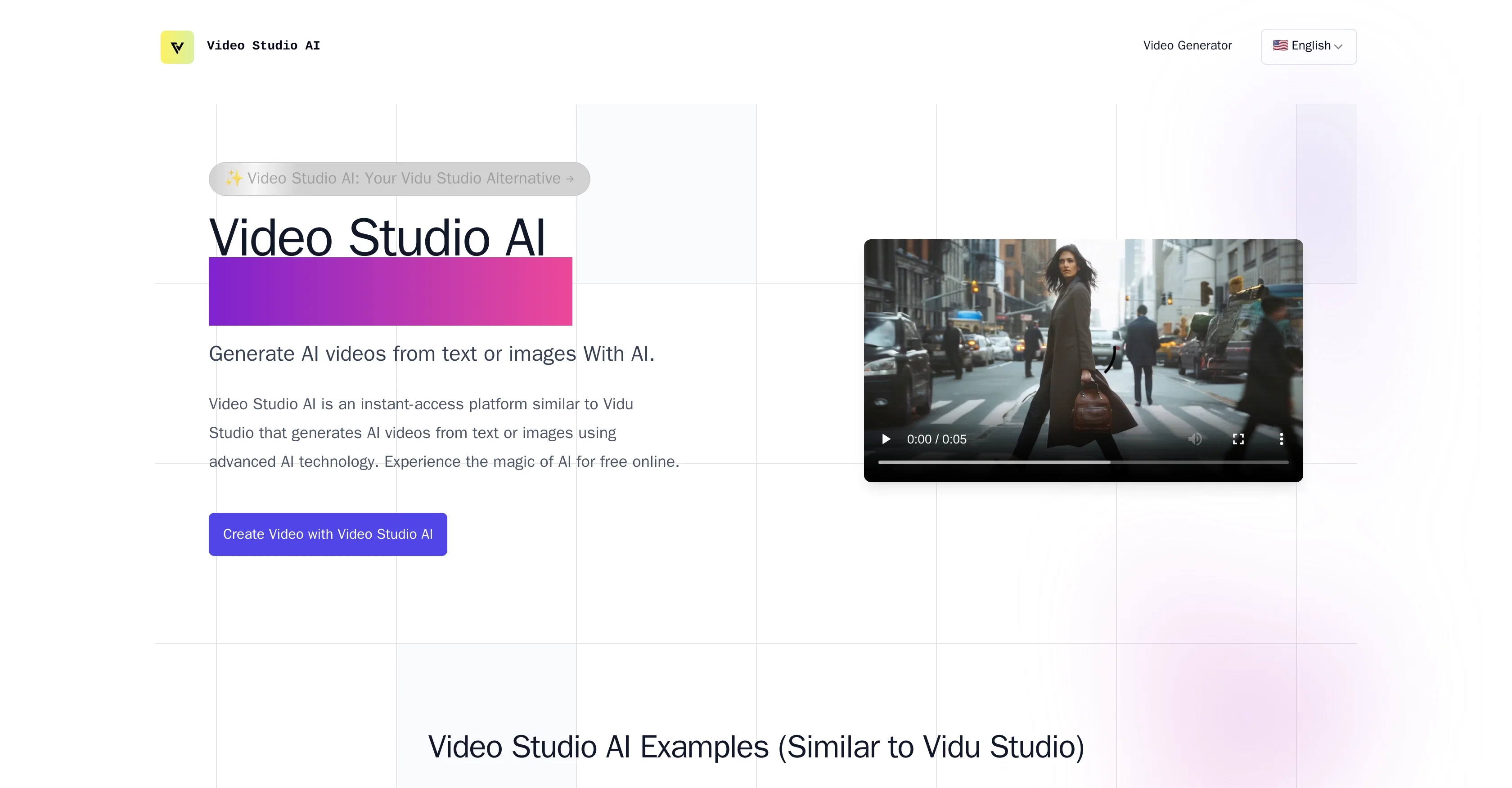
Video Studio AI is an AI-powered platform for generating videos from text or images instantly. Similar in functionality to Vidu Studio, Video Studio AI leverages advanced machine learning algorithms to create lifelike visuals.
The tool specializes in animating static images, translating cherished memories into motion using realistic movements and facial expressions. Users can initiate the video generation process by uploading a photo or inputting a text prompt, showcasing the platform's versatile usage.
The animation process delivers high-quality videos swiftly, competing well with other leading platforms in terms of speed and quality. Video Studio AI is designed to be user-friendly, with a simple process of just visiting the website, creating an account, and uploading images.
The subsequent animations maintain the original look and feel of the input whilst adding an authentic and engaging life-like motion. Variable realistic animations, like facial expressions and head movements, can be generated.
The tool is being constantly improved and actual limitations include occasional artifacts in animations and challenges in animating group photos. Despite these, Video Studio AI remains a formidable competitor in the field of AI-powered video generation.
Best for
Short scenarios where Video Studio AI tends to shine.
-
Creating promotional videos
Best for Beginners
-
Generating social media content
Best for Experienced video editors
-
Producing corporate presentations
Best for Marketing professionals
Example outputs 1
Sample generations and before/after results for Video Studio AI.
Access & connections
Where you can use Video Studio AI.
Platforms
Capabilities
What this tool accepts, produces, and is strongest at.
Input
- Image
- Text
Output
- Video
Pros & cons
Pros
- Generates videos from text
- Generates videos from images
- Animates static images
- Realistic movements
- Realistic facial expressions
- Swift high-quality video delivery
- User-friendly interface
- Maintains original image look
Show 17 more
- Continual improvement
- Variable animation generation
- Instant video generation
- Web-based platform
- Competitive speed and quality
- Simple account creation
- Generates head movement
- Constant platform improvement
- Lightning-fast animation
- Realistic motion animation
- High character integrity
- Smooth natural animations
- Rapid video generation
- Competitive pricing
- Wide range of animations
- Movements are smooth and natural
- Preserves original photo look
Cons
- Occasional artifacts in animations
- Challenges with group photos
- No API mentioned
- Limited video styles
- No offline version
- Lacks collaborative features
- Reliant on manual inputs
- No mention of camera compatibility
Show 2 more
- No customizable animation parameters
- No dedicated mobile app
Compare alternatives
Similar tools in the catalog — with a clear reason to open each one.

freebeat AI ✓
FreemiumTurn Music & Ideas into Viral Videos In One Click
Why look Typically cheaper
Full comparison
MagicLight ✓
FreemiumTransform text into captivating videos instantly.
Free + from $8.4/mo
Full comparison
Seedance ✓
FreemiumMulti-shot video generation from text and image.
Why look Stronger for image work
Full comparisonPeople also view
Tools that often show up alongside Video Studio AI in collections and comparisons.
Seedance ✓
FreemiumMulti-shot video generation from text and image.
MagicLight ✓
FreemiumTransform text into captivating videos instantly.

Kaiber Superstudio ✓
Free TrialAI Video Generation

HeyGen ✓
FreemiumCreate AI spokesperson videos from text
freebeat AI ✓
FreemiumTurn Music & Ideas into Viral Videos In One Click

D-ID ✓
FreemiumCreate AI-generated videos with ease

ResearchMonkey AI | YouTube Summarizer ✓
Free TrialSave Hours of Research in Seconds with 40+ AI Tools

OutlierKit ✓
PaidEnter one channel, see the entire niche.
Releases 1
Imported reviews 12
Works great! Animated 5 seconds of an old picture of my dog.
Does not work - Generate Video Error, Please try [Prompt Generator]
Does not offer the initial free credit for new users to try the service.
not that good it cant generate your prompt it can only generate custom prompt as saved by itself
really amazing work!
It's mind-blowing! I just asked for the two people in the picture to hug, and I can't believe it actually worked. How on earth did they pull that off?
doesnt work.
Hi Kato, I love you
We make people hug
You are stuck on waiting even though it estimates only 3 minutes. Fix please
Make these two photos into a kiss video
Video Studio AI is really an amazing AI Video Generator
FAQ 12
What is Video Studio AI?
How does Video Studio AI generate videos from text and images?
What kind of animations can Video Studio AI make?
How does Video Studio AI compare to Vidu Studio?
How user-friendly is Video Studio AI?
What is the quality of the videos produced by Video Studio AI?
How fast does Video Studio AI generate videos?
What kind of machine learning algorithms does Video Studio AI use?
Are there any limitations in Video Studio AI?
How can I start creating videos with Video Studio AI?
Does Video Studio AI allow me to animate group photos?
Can I generate a video using a text prompt in Video Studio AI?
Related tools
Recommended

Similarvideo ✓
Free TrialCreate marketing videos 10x faster with AI.

BypassGPT.co ✓
PaidHumanize AI text to bypass detection tools.

AI Video Cut ✓
Free TrialTransform long videos into viral shorts with AI.

AI Ease: AI Headshot Generator ✓
FreemiumCreate professional AI headshots instantly for free

Automateed ✓
Free TrialCreate eBooks effortlessly with Automateed, the AI-powered writing tool.

CreateAiCourse ✓
PaidSimplify course creation with the best AI Course Creator.