

Motion ✓
AI-powered productivity boost for busy people and teams.
Trial; then from $19/mo
Verdict
A quick read before you dig into the full page.
- Best if
- AI-powered productivity boost for busy people and teams
- Skip if
- Limited integration options
- Pick this when
- 30.3 days saved per year
Considering Day Flow instead? Compare side by side
Overview
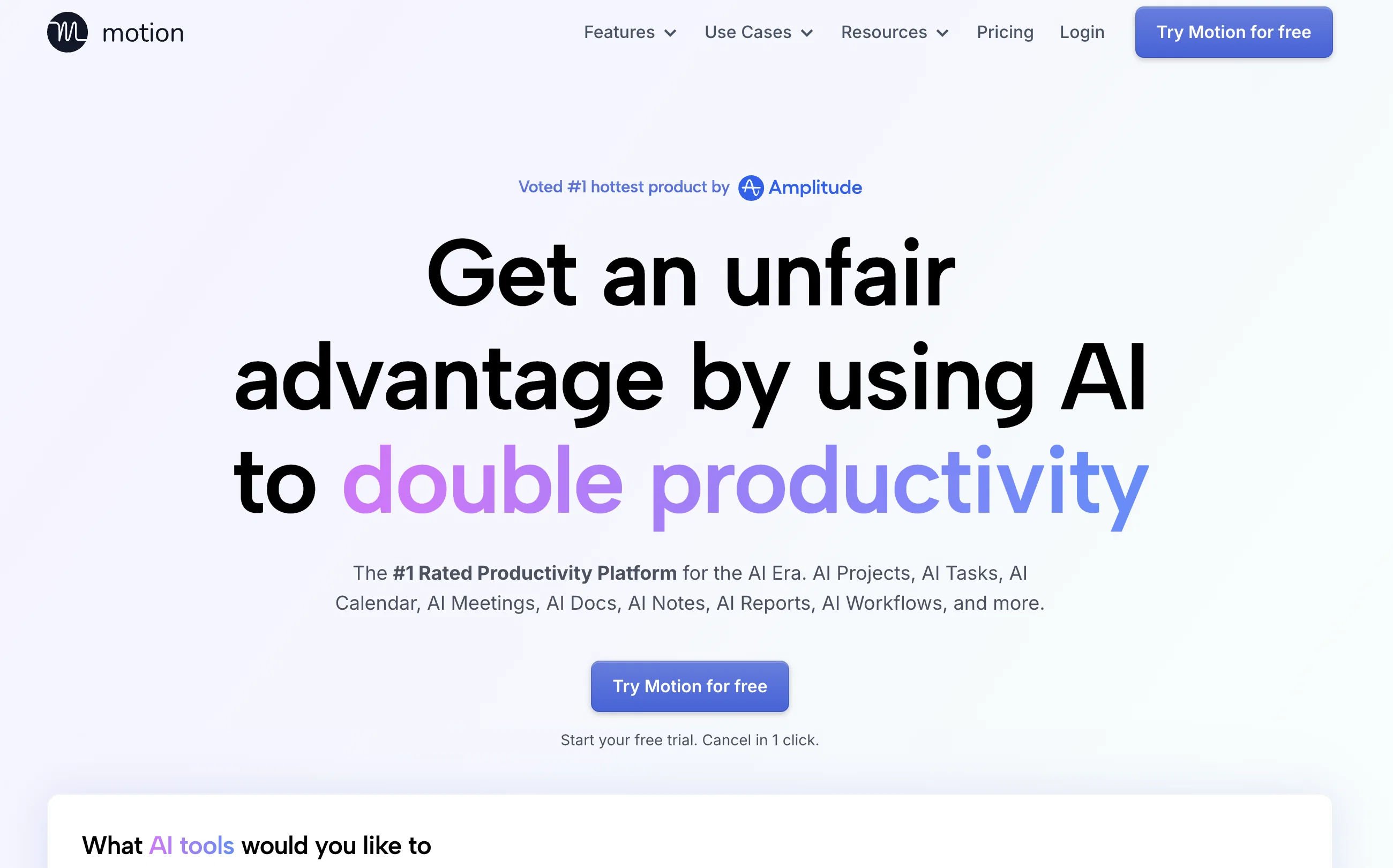
Motion Calendar is an Artificial Intelligence (AI) based tool used in planning work schedules, managing calendars, tasks, meetings and project management.
The tool provides an automatic schedule based on the user's tasks and priorities, by taking into account all projects and tasks and displaying them in a prioritized time-block manner.
The tool dynamically optimizes schedules dozens of times in a day to keep plans up-to-date. The tool is especially useful for enhancing productivity as it assists busy individuals and work teams.
The proprietary algorithm of the tool called 'The Happiness Algorithm' aims to maximize user happiness and satisfaction while increasing productivity.
It automatically integrates work and personal calendars into a master calendar. The tool helps users to manage tasks by computing across all projects and tasks, their deadlines, priorities, dependencies, etc.
The tool also has workload reporting that advises users if they are taking too much work or setting impossible deadlines. In terms of meetings, Motion creates meeting booking pages, shows availability, and schedules meetings at ideal times.
Motion provides services for various businesses such as IT Service providers, Marketing agencies, Design agencies, Law Firms, Consulting Businesses, Startups, Product Teams, Marketing Teams, Sales Teams, Executive Teams, and others in a wide array of sectors.
Best for
Short scenarios where Motion tends to shine.
-
AI-powered productivity boost for busy people and teams.
Example outputs 1
Sample generations and before/after results for Motion.
Access & connections
Where you can use Motion.
Platforms
Capabilities
What this tool accepts, produces, and is strongest at.
Input
- API
- Tabular
- Text
Output
- API
- Text
Pros & cons
Pros
- 30.3 days saved per year
- Calendar, project and task management
- Custom user needs adaptation
- Serves diverse business types
- 20,000+ professional user base
- Intelligent calendar view
- Automatic task prioritization
- Reschedules unfinished work
Show 42 more
- Alerts for deadlines
- Progress tracking
- Notes, attachments, and comments
- Custom meeting templates
- Shared availability for booking
- Back to back meeting scheduling
- 7-day free trial
- One-click cancellation
- Priority based task display
- Schedule optimization multiple times a day
- Dedicated algorithm called 'Happiness Algorithm'
- Work and personal calendar integration
- Computes deadlines, priorities, dependencies
- Workload reporting to manage work volume
- Automated meeting booking
- Variety of business use cases
- Calendar Syncing
- Task Scheduling
- Prioritizing tasks
- Helps manage executive dysfunction
- Automated rescheduling of tasks
- Recommended by top-performing professionals
- Reduces manual planning
- Reduces coordination effort
- Boosts team collaboration and visibility
- Dynamically adapts to changing conditions
- Real-time visibility of team schedules
- Helps set realistic deadlines
- Integrates favorite tools
- Connects with calendars
- One-stop productivity solution
- Automatic details for tasks
- Designed for diverse roles and teams
- Combined master calendar
- Customizable for diverse needs
- Proactive deadline tracking
- Automated meeting scheduling
- Task completion tracker
- Real-time workload reporting
- Compatible with top calendars
- Automatic plan optimization
- Customizable work plans
Cons
- Limited integration options
- No offline mode
- No multi-language support
- No iOS or Android app
- No collaboration tools
- No customer support chat
- No version history feature
- No task dependency feature
Show 2 more
- No chat within tasks
- Only calendar-focused
Compare alternatives
Similar tools in the catalog — with a clear reason to open each one.

Day Flow ✓
FreemiumImagine a day that flows smoothly with AI managing your tasks.
Why look Typically cheaper
Full comparison
JustVibe ✓
FreeThe search engine for doing, with instant apps built for you
Why look Fully free option
Full comparison
Ping: AI-Powered To Do List ✓
FreemiumAI-powered task list: Dictate tasks, integrate with Gmail, Slack, ChatGPT & Calendar.
Why look Typically cheaper
Full comparison
AlpacaBag ✓
FreemiumAI creates personalized travel plans for your perfect trip.
Why look Typically cheaper
Full comparison
TellDone ✓
FreemiumTurn your voice into tasks, calendar events, and notes.
Why look Typically cheaper
Full comparison
10x ✓
FreePrivate focus coaching that reveals your deep work patterns.
Why look Fully free option
Full comparisonPeople also view
Tools that often show up alongside Motion in collections and comparisons.

ReclaimAI ✓
FreemiumSmart scheduling app that creates 40% more time for teams.

Notion AI ✓
FreemiumYour all-in-one workspace for notes, docs, and tasks.

Zapier ✓
FreemiumAutomate your work with ChatGPT and 6,000+ apps.

Jasper.ai ✓
Free TrialAI copilot for enterprise marketing teams

ClickUp | Brain ✓
FreemiumThe All-in-One AI Workspace That Works With Your Work

Hyperis ✓
FreemiumOrganized task prioritization.

Writesonic ✓
FreemiumCraft accurate content, optimize SEO, build AI chatbots

Voicenotes ✓
FreemiumA place to dump your thoughts.
Releases 1
In the news
Launch coverage and community mentions for Motion.
Imported reviews 1
Good idea, but full of bug.
It removed my lunch to put a working task, the report bug form doesn't let you write anything.
I'm out
FAQ 12
What is Motion Calendar?
What are the main features of Motion Calendar?
How does Motion Calendar automate planning and scheduling?
Can Motion be customized based on user's needs?
What are the different sectors and businesses that Motion caters to?
Who can benefit from using Motion Calendar?
What functionalities does the intelligent calendar view of Motion provide?
What are the characteristics of the proprietary 'Happiness Algorithm' of Motion?
How does Motion ensure task prioritization?
How does Motion Calendar handle rescheduling of tasks?
What kind of work and personal calendar integrations does Motion offer?
How does Motion use AI for project management?
Related tools
Recommended
Hyperis ✓
FreemiumOrganized task prioritization.

timeMaster ✓
FreemiumSupercharge your focus and productivity with AI-powered time tracking.

LearningStudioAI ✓
Free TrialAI-powered authoring tool for effortless online course creation.

Hints ✓
Free TrialEfficient and automated business task assistant.

Runday ✓
PaidRunday - Advanced AI for Coordinating Calendars

Decisionmentor ✓
FreemiumAI-powered compass for better decision making.