

Ping: AI-Powered To Do List ✓
AI-powered task list: Dictate tasks, integrate with Gmail, Slack, ChatGPT & Calendar.
Free + from $3.66/mo
Verdict
A quick read before you dig into the full page.
- Best if
- AI-powered task list: Dictate tasks, integrate with Gmail, Slack, ChatGPT & Calendar
- Skip if
- Limited control over calendar synchronization
- Pick this when
- Task dictation feature
Considering Bracket instead? Compare side by side
Overview



Key features for you:
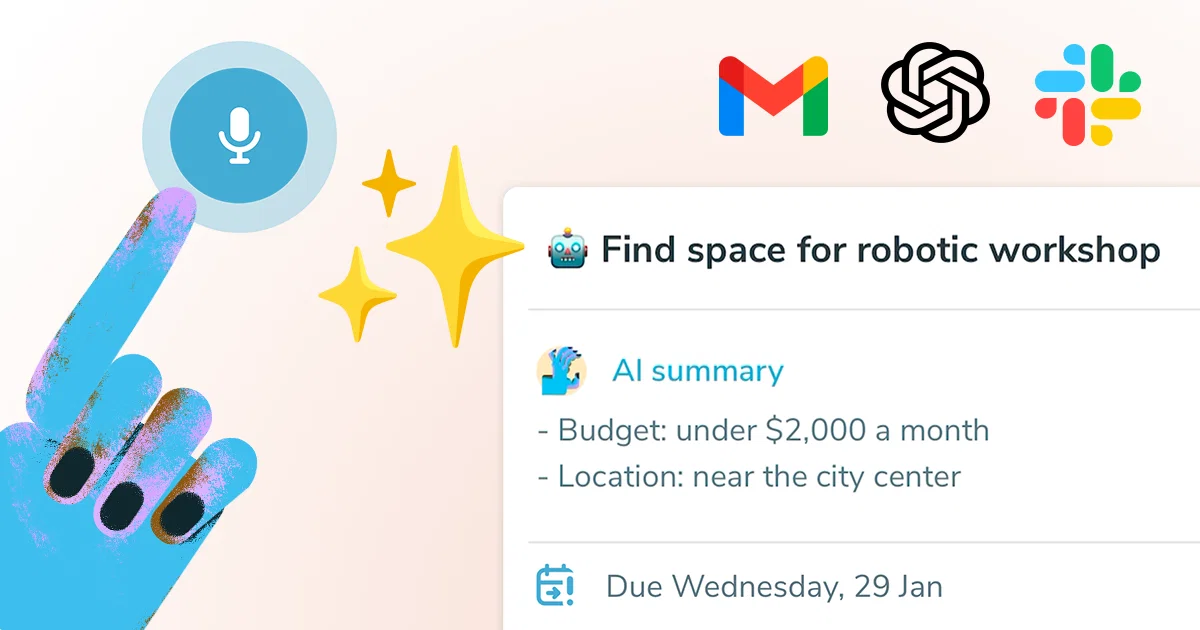
- AI-Powered Task Dictation: Automatically summarizes tasks and recognizes deadlines as you speak.
- Email-to-Task Conversion: Turn emails into actionable tasks with the help of AI.
- Calendar Sync: Keep your tasks aligned with your schedule.
- Task Planning Tools: Organize and prioritize like a pro.
- ChatGPT Integration: Note & manage your tasks using OpenAI ChatGPT app
- AI Task Assistant: Get real-time help to accomplish your tasks faster.
Team Collaboration:
- Kanban Boards: Visualize and manage your workflow.
- Task Status Tracking: Get notified if a task is stuck or ready for the next step. It's a simple, built-in flow.
- Project Management: Set up dependencies and manage tasks within projects.
- Slack Integration: Easily turn messages into tasks.
- Task Dictation
- Gmail Integration
- Ai Task Assistant
- Chatgpt Integration
- Slack Integration
- Calendar Synchronization
Best for
Short scenarios where Ping: AI-Powered To Do List tends to shine.
-
AI-powered task list: Dictate tasks, integrate with Gmail, Slack, ChatGPT & Calendar.
Example outputs 1
Sample generations and before/after results for Ping: AI-Powered To Do List.
Access & connections
Where you can use Ping: AI-Powered To Do List, and what it plugs into.
Platforms
Capabilities
What this tool accepts, produces, and is strongest at.
Input
- Image
- Text
- Audio
Output
- Tabular
- Text
Pros & cons
Pros
- Task dictation feature
- Automatic title and summary creation
- Seamless email to task transformation
- Advanced task detail detection
- Sync with user calendars
- Collaboration with no technical obstacles
- Weekly and monthly repeating tasks
- Daily planning feature
Show 19 more
- Kanban boards for task organization
- Color-coded tags for tasks
- High user satisfaction
- Drives increases in productivity
- Creates actionable tasks from emails
- Task detection and deadline tracking
- Good for team collaboration
- User-friendly design
- Simplifies task management
- Provides reminders
- Allows project management
- Dictionary support for task dictation
- Supported on multiple platforms
- Automatic task summaries
- Well-received by users
- Historically reliable
- Capable of handling complex tasks
- Chat feature for direct communication
- Supports voice commands
Cons
- Email integration limited to starring
- Lacks user-defined task organization
- No offline mode
- No multi-platform support mentioned
- Limited control over calendar synchronization
- Reliant on voice dictation
- No API for custom integrations
- Lack of customization options
Compare alternatives
Similar tools in the catalog — with a clear reason to open each one.

Bracket ✓
Free TrialManage tasks directly in Slack & email
Why look Better for writing
Full comparison

OneTask ✓
FreemiumAI to-do app that prioritizes tasks for creatives
Free + from $8/mo
Full comparison
Sidejot ✓
FreeAI-powered task planner for focused productivity.
Why look Fully free option
Full comparison
Claude Cowork ✓
PaidGive Claude access to your files for instant organization.
Why look Higher community rating
Full comparison
People also view
Tools that often show up alongside Ping: AI-Powered To Do List in collections and comparisons.
Sidejot ✓
FreeAI-powered task planner for focused productivity.

TheLibrarian.io ✓
Free TrialYour WhatsApp AI assistant for instant productivity.
OneTask ✓
FreemiumAI to-do app that prioritizes tasks for creatives
Bracket ✓
Free TrialManage tasks directly in Slack & email

Twilight ✓
UnknownAI anticipates your productivity needs.

Stacks ✓
PaidYour quiet corner of the internet, powered by AI.

Resyfy AI ✓
FreemiumYour AI Career Assistant

Laurel ✓
UnknownAI-timekeeping enabling lawyers, accountants, and consultants to focus on their work.
Releases 1
Imported reviews 2
It's easy enough to use, but I was expecting a few more advanced features. Right now it feels pretty basic the core functionality didn't really stand out compared to similar AI tools.
Easy to use and the AI does its work but it is not something extraordinary.
But the AI can do nothing more as it does right now
FAQ 12
How does Ping work?
What is the function of Ping's AI in tasks management?
Can I dictate tasks using Ping?
Does Ping automatically create task titles and summaries?
Can I create tasks from emails using Ping?
How does Ping detect task details?
Is it possible to synchronize my calendar with Ping?
Can I collaborate using Ping?
What are the additional features in Ping?
Can Ping generate reminders?
Does Ping provide color coding for tasks?
How does repeating tasks feature work in Ping?
Related tools
Recommended

Notis ✓
Free TrialThe first WhatsApp assistant that runs on your ChatGPT and Claude subscriptions

remio: Your Personal ChatGPT ✓
FreemiumGet Tailored Answer with Your Personal ChatGPT

Younet ✓
Free TrialAI Agent Orchestration and Automation. Build your agentic business.

Thea ✓
FreemiumAI study tools to master material, not just memorize it.
TheLibrarian.io ✓
Free TrialYour WhatsApp AI assistant for instant productivity.

Recall ✓
FreemiumSummarize Anything, Forget Nothing!