

Hints ✓
Efficient and automated business task assistant.
Trial; then from $10/mo
Verdict
A quick read before you dig into the full page.
- Best if
- Efficient and automated business task assistant
- Skip if
- Limited language support
- Pick this when
- Efficient task automation
Considering SureThing.io - "OpenClaw" for Beginners instead? Compare side by side
Overview
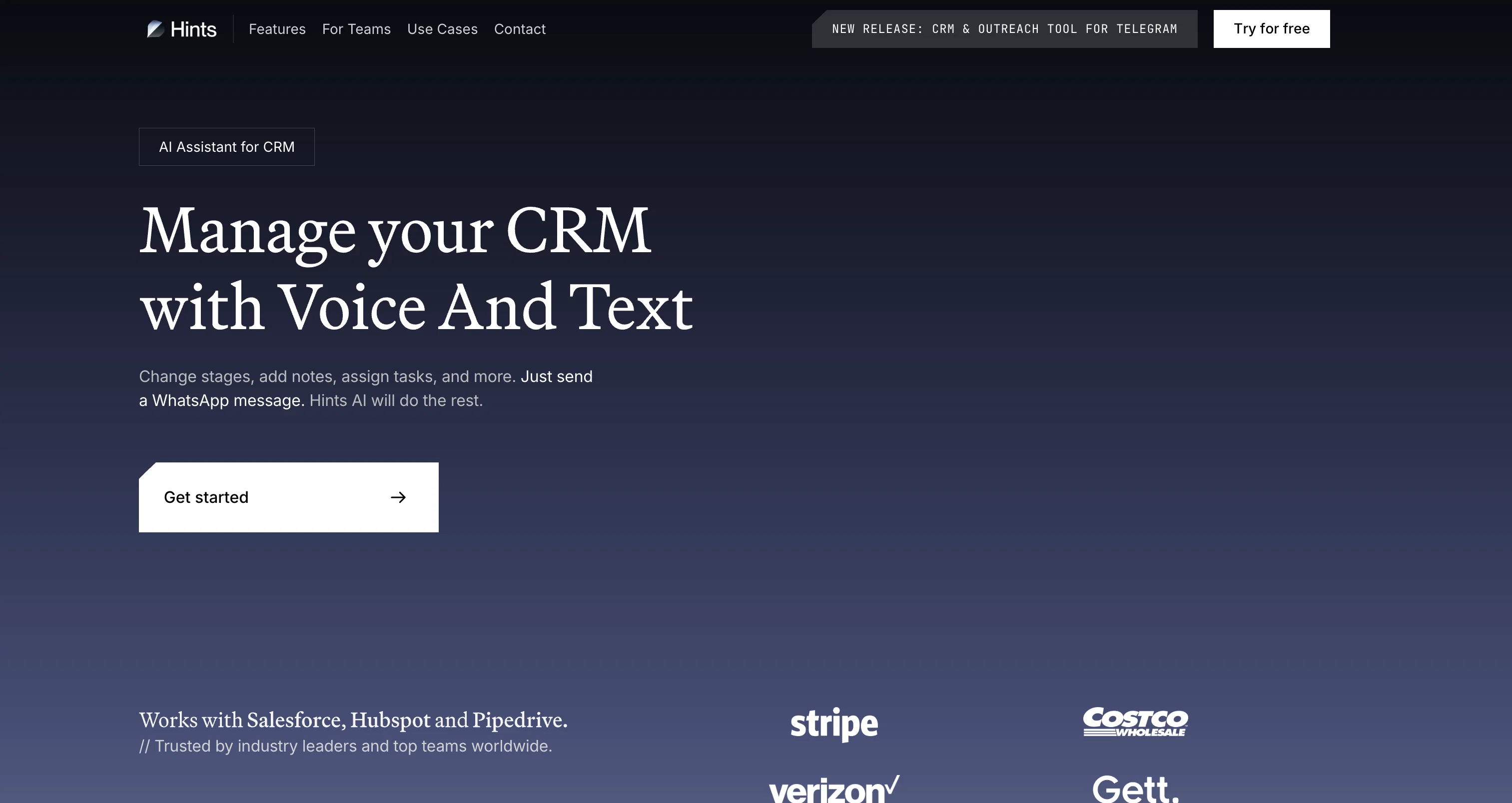
Hints AI Assistant is a powerful tool designed to help businesses save time and increase efficiency by automating mundane tasks. It works by allowing users to communicate with the Hintsbot like they would with a human colleague, enabling them to quickly add tasks, update statuses, and create tickets.
It seamlessly integrates with existing workflows, including CRM and Project Management Tools, and can be used to quickly capture data, add contacts, update company documents, and send meeting notes.
It's easy to get started, with a range of pricing plans and a community of users to provide support. Hints AI Assistant provides a simple and efficient way to help businesses stay organized and save time.
Best for
Short scenarios where Hints tends to shine.
-
Efficient and automated business task assistant.
Example outputs 1
Sample generations and before/after results for Hints.
Access & connections
Where you can use Hints.
Platforms
Capabilities
What this tool accepts, produces, and is strongest at.
Supported features
- Autocomplete
Pros & cons
Pros
- Efficient task automation
- Business oriented
- Mimics human interaction
- Adds tasks quickly
- Updates statuses easily
- Ticket creation support
- CRM integration
- Project Management Tools integration
Show 22 more
- Data capturing function
- Contact addition support
- Document update ability
- Meeting notes sending
- Ease of setup
- Diverse pricing plans
- User community support
- Promises daily time saving
- To-Do list updating
- Human-like chatbot communication
- Task adding functionality
- Company stage updating
- Quick data capture
- Ticket creation support
- Objective setting function
- Status update support
- Meeting note dispatching
- Daily note adding
- File appending support
- Contact adding functionality
- Document update ability
- Seamless workflow integration
Cons
- Doesn't specify security measures
- Integration compatibility not clear
- No offline functionality
- Unspecified update frequency
- Cannot customize Hintsbot responses
- No advanced communication skills
- Limited language support
- Requires constant internet connection
Show 2 more
- No dedicated support line
- Unspecified data backup system
Compare alternatives
Similar tools in the catalog — with a clear reason to open each one.

SureThing.io - "OpenClaw" for Beginners ✓
FreemiumFirst General AI Agency. Designed for long-horizon tasks.
Why look Offers a public API
Full comparison
Raccoon AI ✓
FreemiumThe AI Coworker for Apps, Research, Docs & Everything Else
Why look Offers a public API
Full comparison
Autopilots by Athena AI ✓
Free TrialAutonomous AI agents that execute tasks for you.
Why look Typically cheaper
Full comparisonPeople also view
Tools that often show up alongside Hints in collections and comparisons.

Tendem ✓
PaidAI + Human Agent to get tasks done
SureThing.io - "OpenClaw" for Beginners ✓
FreemiumFirst General AI Agency. Designed for long-horizon tasks.
Raccoon AI ✓
FreemiumThe AI Coworker for Apps, Research, Docs & Everything Else

Manus ✓
FreemiumTurn your thoughts into actions with AI
Autopilots by Athena AI ✓
Free TrialAutonomous AI agents that execute tasks for you.

Adapt ✓
PaidThe AI-native Way to Work | Company Brain | Universal AI agent

1-Click OpenClaw | Hostinger ✓
PaidYour 24/7 AI assistant with 1-click setup.

Filently ✓
Free TrialAI filing layer for your existing Google Drive
Releases 1
FAQ 12
What is Hints AI Assistant?
How does Hints AI Assistant automate tasks for businesses?
What kinds of tasks can the Hintsbot handle for my business?
Is it easy to communicate with the Hintsbot?
How does Hints AI Assistant integrate with my current workflows?
What other tools and systems can Hints AI Assistant work with?
Can Hints AI Assistant help me capture data quicker?
How can Hints AI Assistant help me update my company documents?
Is there a feature to send meeting notes using Hints AI Assistant?
How do I get started with Hints AI Assistant?
What are the pricing plans for Hints AI Assistant?
Can I get support from the community of Hints AI Assistant users?
Related tools
Recommended

LearningStudioAI ✓
Free TrialAI-powered authoring tool for effortless online course creation.

VenturusAI ✓
FreemiumBusiness idea analysis and reporting.

Hyperis ✓
FreemiumOrganized task prioritization.

GPTExcel ✓
FreemiumGenerate spreadsheet formulas with AI

Agentgpt ✓
FreemiumDeploy autonomous AI Agents effortlessly in your browser.

TutorAI ✓
FreemiumInstant knowledge on any topic