

ReclaimAI ✓
Smart scheduling app that creates 40% more time for teams.
Free + from $8/mo
Verdict
A quick read before you dig into the full page.
- Best if
- Smart scheduling app that creates 40% more time for teams
- Skip if
- Limited customizability of tasks
- Pick this when
- Optimized team scheduling
Considering Smart Calendars AI — Plan fast & easy instead? Compare side by side
Overview
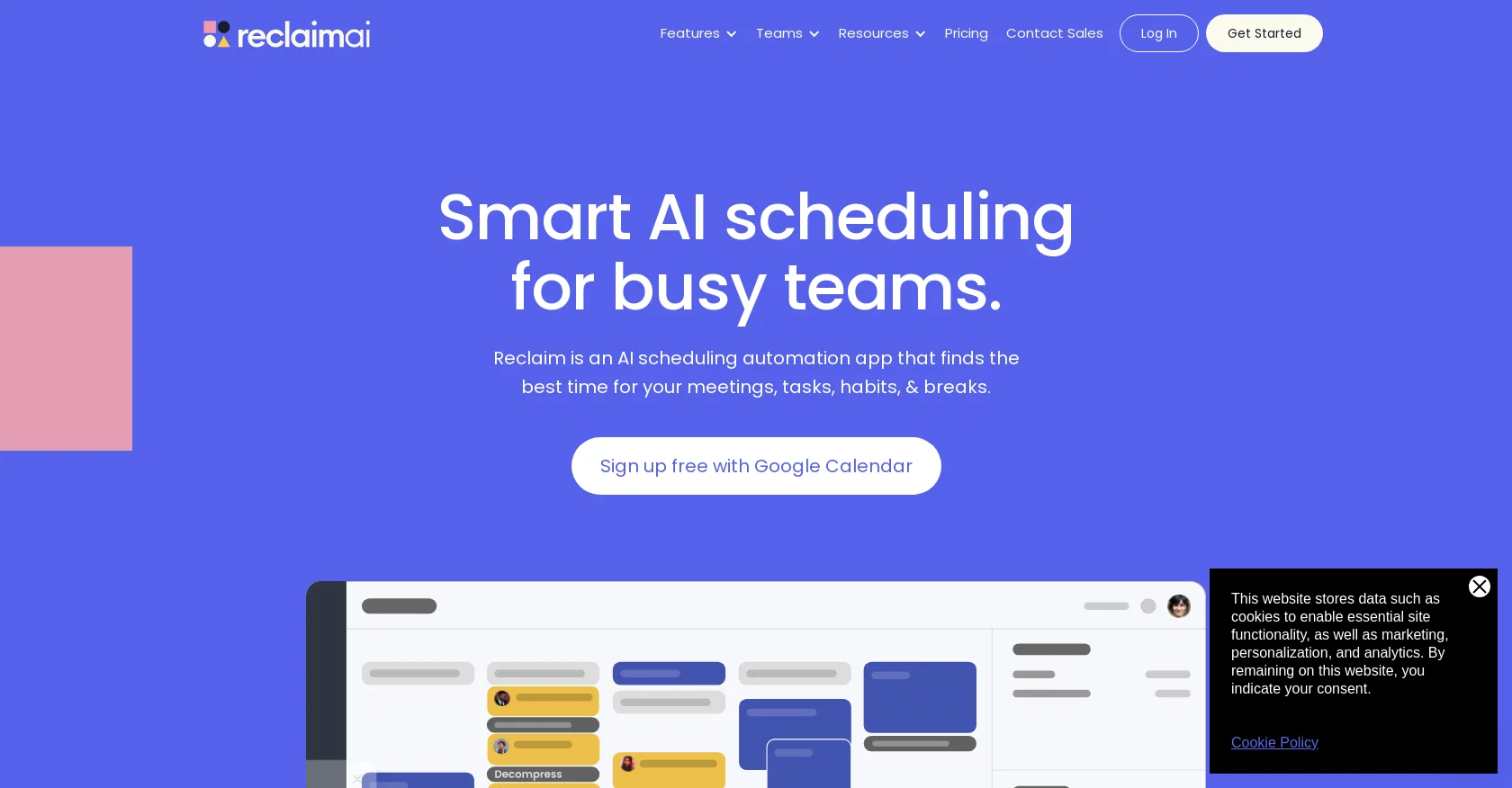
Reclaim AI is an AI-driven app designed to assist teams in smart scheduling. With its automation capabilities, Reclaim aims to create more time for teams by efficiently scheduling tasks, habits, meetings, and breaks.
The app integrates seamlessly with Google Calendar and is used and trusted by over 25,000 companies.Reclaim offers a range of features tailored to different teams' needs.
For product teams, it enables them to defend "No-Meeting Days" and focus time, integrate task lists with calendars, assign and prioritize work, and auto-schedule meetings with team members and users.
Sales teams can benefit from booking more meetings using high-priority Scheduling Links and auto-scheduling 1:1 meetings with key accounts. HR teams can prevent burnout, boost productivity with "No-Meeting Days," and automate breaks to prevent meeting fatigue.
Engineering teams can integrate project management apps, defend "No-Meeting Days" and focus time, protect calendars from being overrun by meetings, and track time across tasks and projects.
Marketing teams can defend time for recurring marketing activities, book meetings using smart Scheduling Links, auto-schedule tasks to calendars, analyze productivity stats, and auto-schedule regular 1:1 time with contractors.
Finance teams can auto-schedule 1:1 meetings with clients, book more meetings with high-priority Scheduling Links, balance meetings and heads-down work, defend time for recurring activities and habits, and keep schedules flexible for new appointments.Overall, Reclaim AI offers a comprehensive solution for teams to optimize their scheduling and maximize productivity while improving work-life balance.
Access & connections
Where you can use ReclaimAI, and what it plugs into.
Platforms
Integrations
Capabilities
What this tool accepts, produces, and is strongest at.
Input
- Tabular
Output
- Tabular
Pros & cons
Pros
- Optimized team scheduling
- Efficient task automation
- Prevents meeting fatigue
- Defends 'No-Meeting Days'
- Google Calendar integration
- Used by 25,000+ companies
- Offers team-specific features
- Task list and calendar integration
Show 39 more
- Auto-schedule meetings feature
- Auto-schedule tasks to calendar
- High-priority Scheduling Links
- Defend time for recurrent activities
- Schedule flexibility for new appointments
- Automatically find best time for meetings
- Integrates with project management apps
- Tracks time across tasks and projects
- Boost team productivity
- Improves work-life balance
- Automatically schedules tasks to coworkers
- Syncs with Slack status
- Creates 'No-Meeting Days'
- Automatically scheduled breaks
- Limits meeting hours
- Automatically synchronizes calendars
- Prevents calendar from being overrun
- Supports various work tools integration
- Auto-schedules 1:1 meetings
- Schedule based on priority
- Offers Smart 1:1 meetings
- Buffer Time for break after meetings
- Protects personal time
- Supports Google Calendar
- Automatically finds time for habits
- Automatically deletes blocks when feature is turned off
- Never alters or declines existing events
- Availability maximization
- Can delete account instantly from UI
- Automatically finds best time to work on tasks
- Integrates favorite work tools
- Create perfect plan for each day
- Automatically schedule breaks and travel around meetings
- Prevents overcrowded calendars
- Improves communication in team
- Allows setting of working hours
- Maximize calendar availability for meetings
- Analytics productivity metrics
- Best for busy schedule holders
Cons
- Only integrates with Google Calendar
- Lacks Outlook 365 support
- Limited app integrations
- Limited customizability of tasks
- No mention of multi-language support
- Lacks advanced analytics reports
- Cannot manually override scheduled tasks
- No desktop application available
Show 2 more
- No offline mode
- Over-reliance on automation
Compare alternatives
Similar tools in the catalog — with a clear reason to open each one.

Smart Calendars AI — Plan fast & easy ✓
FreemiumSchedule without effort: speak, snap, paste — plan and adapt as you
Why look Typically cheaper
Full comparison

Vimcal ✓
FreemiumThe world's fastest calendar for remote work
Why look Higher community rating
Full comparison

Toki AI ✓
FreemiumAI calendar assistant that manages your schedule.
Why look Typically cheaper
Full comparisonReleases 1
Imported reviews 1
i cant live without it, using it more then a year now. Love it!
FAQ 12
What is Reclaim AI?
How does Reclaim AI integrate with Google Calendar?
Which teams can use Reclaim AI?
How does Reclaim AI optimize team scheduling?
What are the benefits of Reclaim AI for product teams?
How can sales teams use Reclaim AI?
What features of Reclaim AI are beneficial for HR teams?
Can engineering teams use Reclaim AI? If yes, how?
How does Reclaim AI cater to marketing teams?
What benefits does Reclaim AI offer to finance teams?
Does Reclaim AI offer any features to prevent meeting fatigue?
How does Reclaim AI track time across tasks and projects?
Related tools
Recommended

Hyperis ✓
FreemiumOrganized task prioritization.

Motion ✓
Free TrialAI-powered productivity boost for busy people and teams.

GPTExcel ✓
FreemiumGenerate spreadsheet formulas with AI

Scisummary ✓
Free TrialCutting-edge scientific articles summarization.

Agentgpt ✓
FreemiumDeploy autonomous AI Agents effortlessly in your browser.

ChatGPT ✓
FreemiumAsk anything, create anything, and move from idea to action.