

Toki AI ✓
AI calendar assistant that manages your schedule.
Free + from $3.59/mo
Verdict
A quick read before you dig into the full page.
- Best if
- AI calendar assistant that manages your schedule
- Skip if
- Limited to certain messaging apps
- Pick this when
- Google Calendar Integration
Considering Smart Calendars AI — Plan fast & easy instead? Compare side by side
Overview
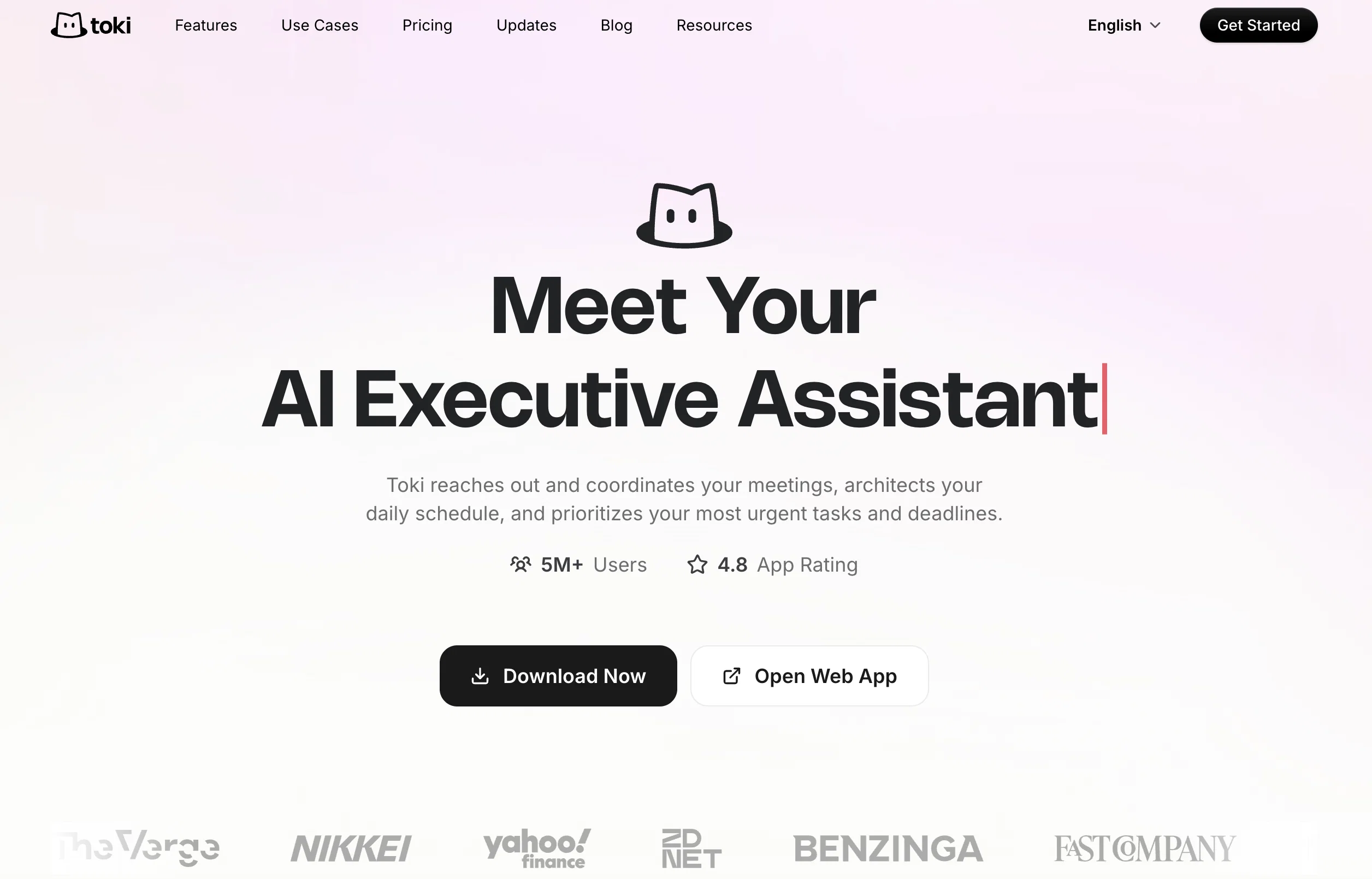
Toki AI is a powerful tool serving as an artificial intelligence (AI) calendar assistant. It can manage various aspects of your calendar, covering platforms like Google Calendar, Apple Calendar, and Outlook.
The AI tool operates through an application and can be integrated with major messaging apps such as WhatsApp. It aids in the seamless management of your time via text, voice, or even images that you may need to plan your day or tasks.Toki AI has been built to provide a centralized hub to enable the efficient synchronization and management of all your calendars in one single location.
The AI technology it leverages allows it to manage complex scheduling scenarios, including setting reminders, making calendar events, and managing follow-ups.One unique feature of Toki AI is that it can utilize images like screenshots or posters to aid in planning your day.
This makes it ideal for a wide range of users, from casual individuals to professionals with diverse and complex scheduling requirements.Additionally, Toki AI also provides call alert feature to ensure reminders and important events are not missed.
Particularly useful for managing sequences of appointments and meetings, the tool is designed to match your pace in real-time and keeping one updated about their schedule.
Access & connections
Where you can use Toki AI, and what it plugs into.
Platforms
Integrations
Capabilities
What this tool accepts, produces, and is strongest at.
Input
- Image
- Text
- Audio
Output
- Text
Pros & cons
Pros
- Google Calendar Integration
- Apple Calendar Integration
- Outlook Integration
- WhatsApp Integration
- Text, voice, image inputs
- Centralized calendar hub
- Complex scheduling management
- Image-based planning
Show 8 more
- Call alert features
- Real-time updates
- Task management
- Appointment scheduling
- Available on iOS
- Supported by major messaging apps
- Professional and personal use
- Cross-platform compatibility
Cons
- No offline availability
- Depends on third-party calendars
- No desktop application
- Images not always accurate
- Limited to certain messaging apps
- No multi-language support
- No stated data protection measures
- No API mentioned
Compare alternatives
Similar tools in the catalog — with a clear reason to open each one.
Smart Calendars AI — Plan fast & easy ✓
FreemiumSchedule without effort: speak, snap, paste — plan and adapt as you
Why look Higher community rating
Full comparison

Vimcal ✓
FreemiumThe world's fastest calendar for remote work
Why look Higher community rating
Full comparison

Releases 1
Imported reviews 1
do the job well
FAQ 12
What is the main purpose of Toki AI?
How does Toki AI integrate with Google Calendar, Apple Calendar, and Outlook?
Can I use Toki AI through messaging apps like WhatsApp?
Does Toki AI accept commands through text, voice, and images?
What is the unique feature of Toki AI that allows it to utilize images for planning?
How does Toki AI ensure reminders and important events are not missed?
What platforms can I use Toki AI on?
Can Toki AI manage complex scheduling scenarios and follow-ups?
Is Toki AI suitable for professional use with diverse scheduling requirements?
How does the call alert feature of Toki AI work?
How does Toki AI help in centralized management of calendars?
Can I use the AI technology of Toki AI to set reminders and make calendar events?
Related tools
Recommended

TheLibrarian.io ✓
Free TrialYour WhatsApp AI assistant for instant productivity.

Ideamap - Brainstorm and Mindmap AI ✓
FreemiumBoost your creativity with AI-powered brainstorming.

RewriteBar ✓
Free TrialRewrite. Refine. Accelerate. — AI productivity for every macOS app. 🚀

Unote: AI Voice Notes ✓
FreemiumTransform voice into organized thoughts with AI.

Day Flow ✓
FreemiumImagine a day that flows smoothly with AI managing your tasks.

Hyperis ✓
FreemiumOrganized task prioritization.