

Vimcal ✓
The world's fastest calendar for remote work
Free + from $12.50/mo
Verdict
A quick read before you dig into the full page.
- Best if
- The world's fastest calendar for remote work
- Skip if
- Limited company information
- Pick this when
- Streamlines cross-zone scheduling
Considering Smart Calendars AI — Plan fast & easy instead? Compare side by side
Overview
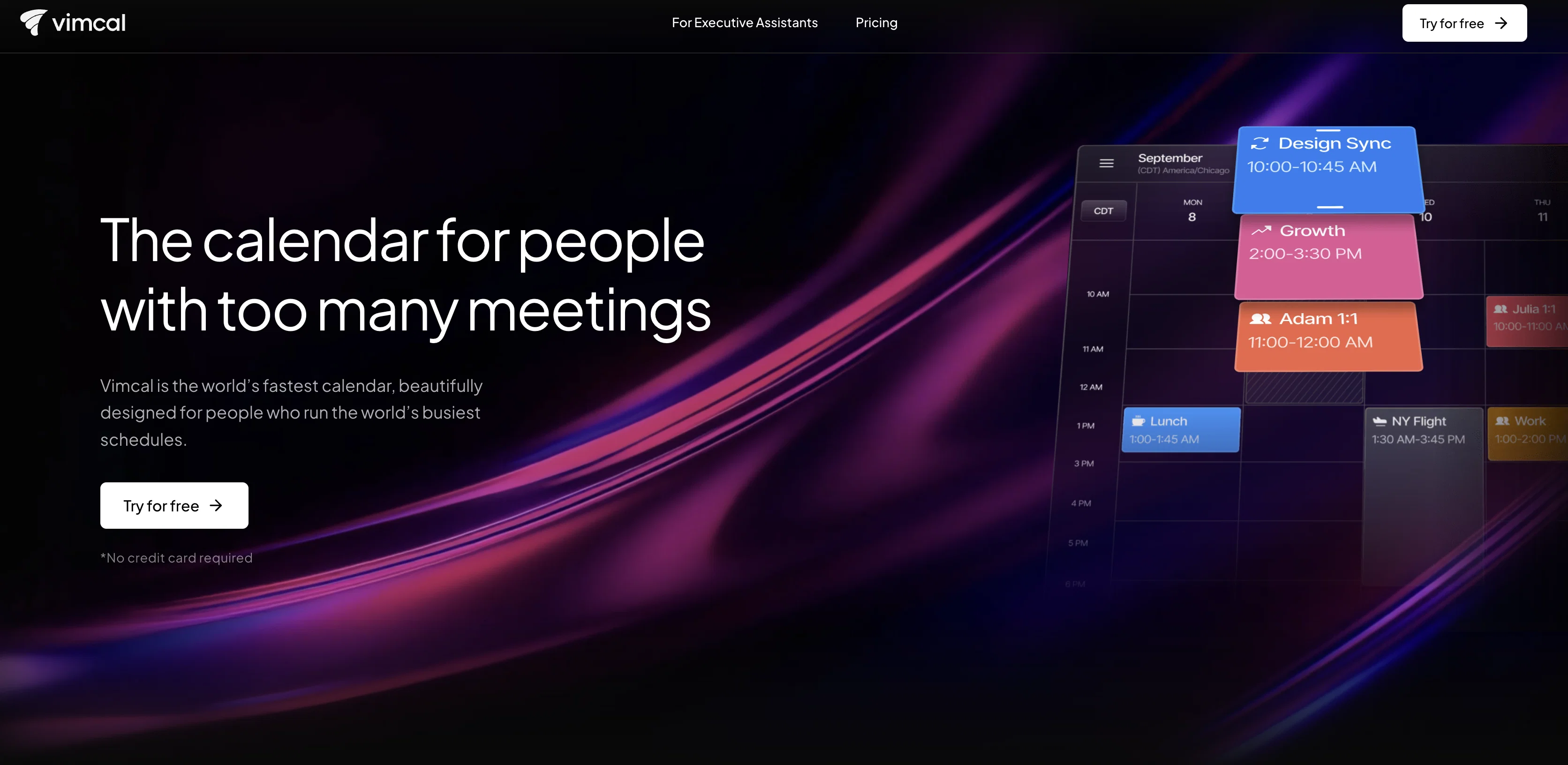
Vimcal is a calendar tool specifically designed for remote work. It allows users to easily schedule appointments and events across different time zones.
The tool offers various features such as booking links, keyboard shortcuts, color coding, and polls to enhance productivity. Vimcal is accessible on desktop, iOS, and as a Chrome Extension, compatible with Google or Outlook/Exchange accounts.
It promotes efficiency by providing lightning-fast operations through hotkeys and natural language commands. Additionally, Vimcal incorporates AI assistance to automate scheduling tasks, offering users predefined options that they can confirm with minimal effort.
This feature is claimed to save users three hours per week.The iOS version of Vimcal is described as a powerful mobile calendar designed specifically for work and school, emphasizing its suitability for on-the-go professionals.
It simplifies time zone management by allowing users to quickly find and select any time zone in the world by typing the corresponding city.Other notable features of Vimcal include social profiles and company dossiers for individuals users may encounter, a "Do Not Disturb" mode with customizable settings, and a unified view that integrates multiple personal and work accounts.
The tool is endorsed by notable personalities from Twitter, Roam Research, Reflect & Clearbit, and ATLAN, who praise its user-friendly interface and time-saving capabilities.
Vimcal positions itself as an executive assistant disguised as a calendar, offering users greater control over their time.
Best for
Short scenarios where Vimcal tends to shine.
-
The world's fastest calendar for remote work
Example outputs 1
Sample generations and before/after results for Vimcal.
Access & connections
Where you can use Vimcal, and what it plugs into.
Platforms
Integrations
Capabilities
What this tool accepts, produces, and is strongest at.
Input
- Tabular
Output
- Text
Pros & cons
Pros
- Streamlines cross-zone scheduling
- Booking links feature
- Keyboard shortcuts
- Color coding
- Efficient poll system
- Accessible on desktop
- Compatible with iOS
- Available as Chrome extension
Show 40 more
- Compatible with Google accounts
- Compatible with Outlook/Exchange accounts
- Lightning-fast operations
- Natural language commands
- Saves significant user time
- Mobile-focused design
- Easy time zone management
- Social profile integration
- Company dossier access
- Do Not Disturb mode
- Customizable settings
- Unified account view
- Endorsed by industry notables
- User-friendly interface
- Enhances user control
- Promotes efficiency
- Automated task options
- Multiple account integration
- No flipping tabs
- Optimized for remote work
- Designed for work and school
- Pull any time zone
- Profiles for meeting attendees
- Beautiful calendar backdrop
- Pomodoro timer feature
- Ambient sounds feature
- Trust by fast-growing companies
- Best mobile calendar
- Cover calendar feature
- Executives use and endorse it
- Streamlines availability sharing
- Integrated pomodoro timer
- Ambient sound integration
- No tedious slot typing
- Fast way to share availabilities
- Pull up time zone by city
- Endorsed by Twitter former CEO
- Unified calendar view
- Fast and easy scheduling
- Integrates work and personal accounts
Cons
- Limited platform availability
- No Android support
- Limited email compatibility
- No multi-language support
- No free version
- No offline capabilities
- No video conference integration
- Limited 'Do Not Disturb' customization
Show 2 more
- Limited user endorsements
- Limited company information
Compare alternatives
Similar tools in the catalog — with a clear reason to open each one.

Smart Calendars AI — Plan fast & easy ✓
FreemiumSchedule without effort: speak, snap, paste — plan and adapt as you
Why look Typically cheaper
Full comparison
Toki AI ✓
FreemiumAI calendar assistant that manages your schedule.
Why look Typically cheaper
Full comparison
ReclaimAI ✓
FreemiumSmart scheduling app that creates 40% more time for teams.
Why look Typically cheaper
Full comparisonPeople also view
Tools that often show up alongside Vimcal in collections and comparisons.
Toki AI ✓
FreemiumAI calendar assistant that manages your schedule.
Smart Calendars AI — Plan fast & easy ✓
FreemiumSchedule without effort: speak, snap, paste — plan and adapt as you

Runday ✓
PaidRunday - Advanced AI for Coordinating Calendars
ReclaimAI ✓
FreemiumSmart scheduling app that creates 40% more time for teams.

Cal.AI ✓
FreemiumAI-powered scheduling assistant

Soular Map ✓
FreemiumThe first somatic astrology app.

Rebuzz AI ✓
FreemiumPlan 30 Days of Content in Seconds with AI-Powered Precision.

Fhynix ✓
Free TrialAI assistant that plans your day and builds healthy habits.
Releases 1
FAQ 12
What is Vimcal?
What are key features of Vimcal?
Does Vimcal support multi-time zone scheduling?
Can I use Vimcal on my mobile?
Is Vimcal compatible with Google or Outlook/Exchange accounts?
Can I color code events in Vimcal?
Does Vimcal offer booking links feature?
How does Vimcal's AI scheduling assistant work?
How much time can I save using Vimcal?
Does Vimcal have a 'Do Not Disturb' mode?
Can Vimcal integrate multiple accounts?
Is Vimcal available as a Chrome Extension?
Related tools
Recommended

GPTExcel ✓
FreemiumGenerate spreadsheet formulas with AI

LearningStudioAI ✓
Free TrialAI-powered authoring tool for effortless online course creation.

VenturusAI ✓
FreemiumBusiness idea analysis and reporting.

Scisummary ✓
Free TrialCutting-edge scientific articles summarization.

Stratup.ai ✓
FreemiumInnovative idea generation for businesses.

PostPerfect ✓
FreemiumAutomated social media posts.