
TalkTastic ✓
Write with your voice in any macOS app.
Verdict
A quick read before you dig into the full page.
- Best if
- Write with your voice in any macOS app
- Skip if
- Limited integration flexibility
- Pick this when
- Developed for macOS applications
Considering Voicetype AI instead? Compare side by side
Overview
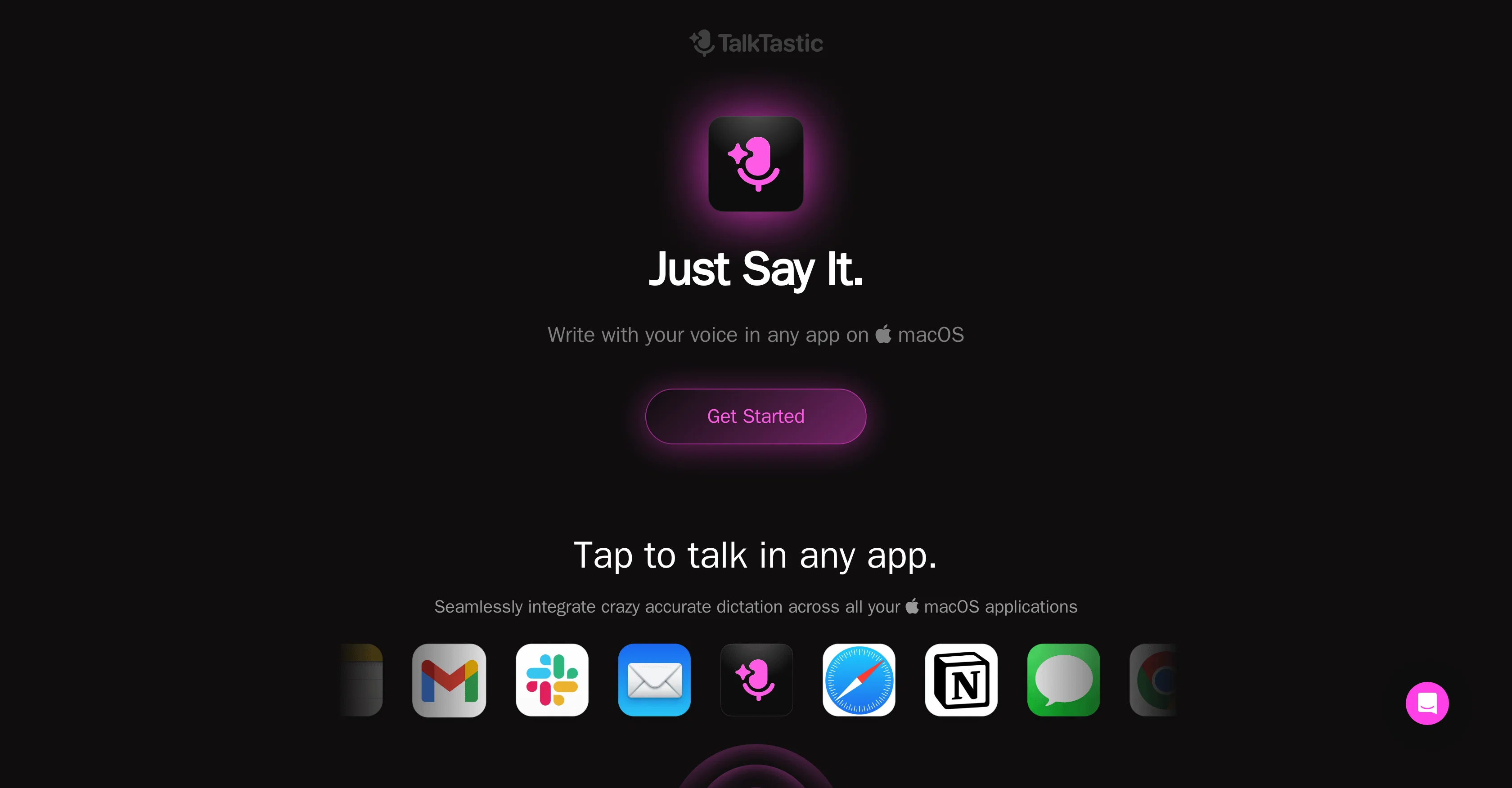
TalkTastic is a voice-to-text tool developed for macOS applications. This tool enables the user to convert spoken words into written text across any application in the macOS environment.
It is positioned as a faster and more accurate alternative to ChatGPT, Google, and OpenAI Whisper. The primary concept behind TalkTastic is to provide productivity gains by reducing the necessity of typing.
Users can simply start talking and the software will handle the transcription. This enables the generation of accurate text quickly, increasing efficiency particularly in tasks where large amounts of text are required.
However, please be aware that exact accuracy may vary and can potentially be affected by factors like diction and background noise. Ease of use and integration across diverse applications make it suitable for various tasks and different user requirements, including but not limited to drafting emails, creating documents or even coding.
This tool is especially resourceful for users who prefer speaking over typing or those who can articulate their thoughts more efficiently by speaking.
TalkTastic aims to promote more natural, faster, and efficient interaction with technology, thereby enhancing user experience across the macOS ecosystem.
Access & connections
Where you can use TalkTastic, and what it plugs into.
Platforms
Integrations
Capabilities
What this tool accepts, produces, and is strongest at.
Input
- Audio
Output
- Text
Supported features
- Transcription
Pros & cons
Pros
- Developed for macOS applications
- Converts speech to text
- Integrates across all macOS apps
- Faster and more accurate
- Reduces need for typing
- Handles all transcription
- Generates accurate text quickly
- Versatile for various tasks
Show 14 more
- Suitable for different users
- Efficient for drafting emails
- Useful for document creation
- Suitable for coding tasks
- Promotes natural interaction
- Enhances macOS user experience
- Faster than ChatGPT
- More accurate than Google
- Overcomes diction and noise
- Enhances work efficiency
- Supports heavy text tasks
- Promotes voice over typing
- Suitable for articulate speakers
- Made for macOS ecosystem
Cons
- MacOS only compatibility
- Accuracy may vary
- Sensitive to diction
- Noise-sensitive transcription
- Limited integration flexibility
- Not ideal for multitasking
- May struggle with accents
- Speed variation may occur
Compare alternatives
Similar tools in the catalog — with a clear reason to open each one.

Voicetype AI ✓
Free TrialWrite 9x Faster with AI Speech to Text on all Apps
Why look Better for writing
Full comparison
Transcript LOL ✓
FreemiumUnlimited transcripts, summaries, 99.8% accuracy, speaker recognition, superfast
Why look Offers a public API
Full comparison
TurboScribe ✓
Freemium🎯 3 free transcripts every day. 🔥 Unlimited transcription starting at $10/mo.
Free + from $10/mo
Full comparison
RambleFix ✓
Paid⚡ Write by thinking aloud - emails, notes, articles, in your style.
Why look Better for writing
Full comparison
Paraspeech ✓
Free TrialPrivate dictation, cloud optional
Why look More privacy-focused
Full comparisonReleases 1
FAQ 12
Is TalkTastic compatible with all macOS applications?
How does TalkTastic compare to alternatives like ChatGPT, Google, and OpenAI Whisper in speed and accuracy?
Is there a limit to the amount of text TalkTastic can transcribe?
Are there any external factors that may affect TalkTastic's transcription accuracy?
Can TalkTastic be used for coding?
What types of tasks is TalkTastic most suitable for?
Can TalkTastic be used by users who prefer speaking over typing?
How efficient is TalkTastic in comparison to traditional typing?
Is TalkTastic designed only for users who articulate their thoughts better by speaking?
Can TalkTastic integrate and work across different applications on macOS?
Is there any delay in transcription when using TalkTastic?
Can I use TalkTastic to draft emails?
Related tools
Recommended
Dictaphone ✓
UnknownTranscribe audio with AI in seconds.

OverallGPT ✓
Free TrialCompare AI models side-by-side for informed decisions.

Video Studio AI ✓
FreemiumGenerate AI videos from text or images instantly

SpeedNote AI ✓
FreemiumWrite clear notes. Fast.
Voxscribe: AI Note Taker ✓
FreemiumTransform Your Voice into Engaging Social Media Content

Transcript and Convert Video to Text ✓
FreemiumConvert audio and video to text with AI precision