

Tableau ✓
See and understand your data with powerful visualizations.
from $35/mo
Verdict
A quick read before you dig into the full page.
- Best if
- See and understand your data with powerful visualizations
- Skip if
- Learning curve for beginners
- Pick this when
- Connect to any database
Considering StatPecker instead? Compare side by side
Overview
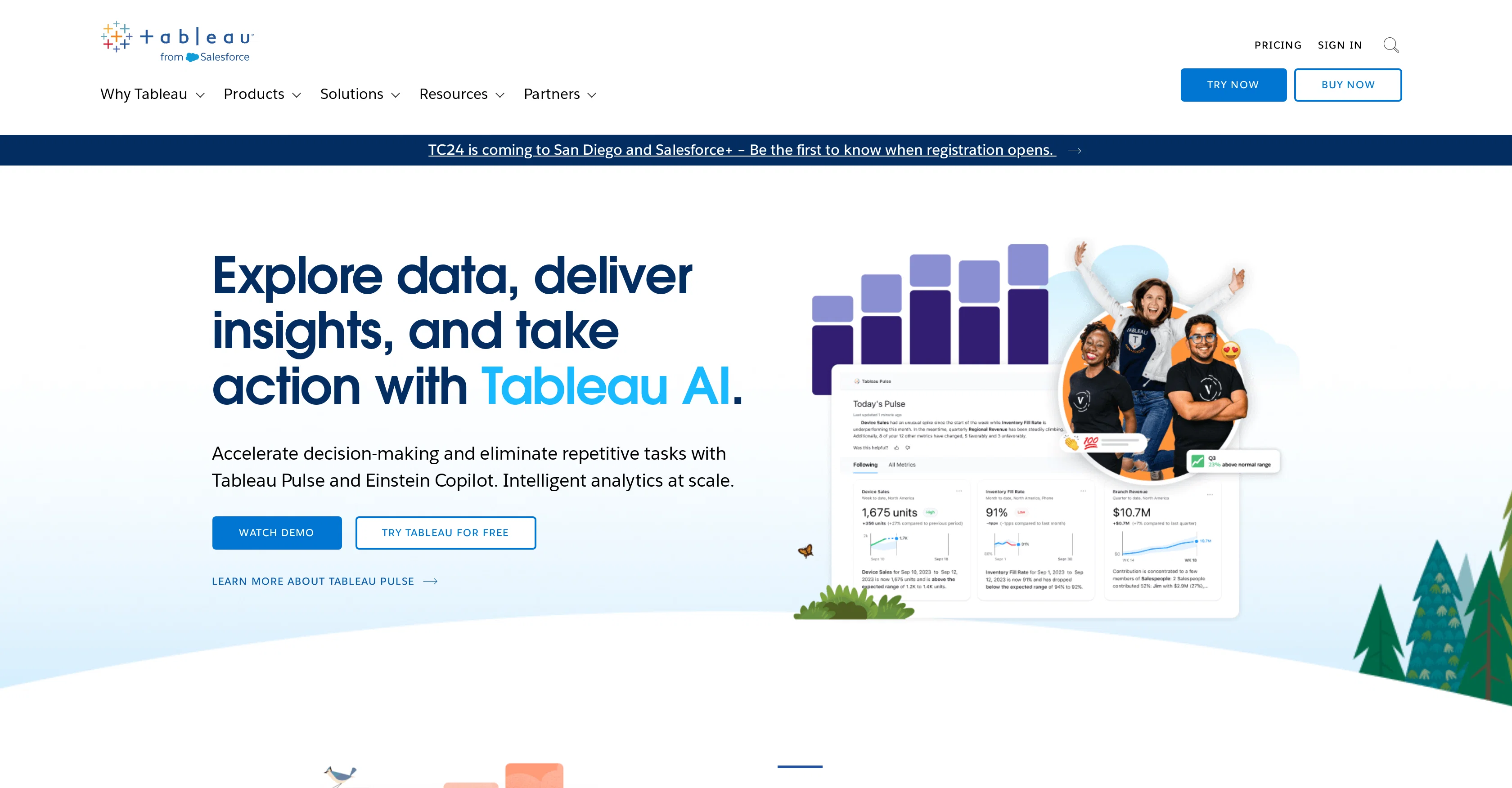
Tableau, a product from Salesforce, is a versatile business intelligence and analytics software designed to enable users to visualize, understand, and act on data.
It offers the ability to connect to almost any database, allowing users to create visualizations through an intuitive, drag-and-drop interface. As a comprehensive analytics platform, Tableau supports deployment on cloud, on-premises, or natively, satisfying a range of organizational deployment preferences.Tableau is also characterized by its strong community aspect, with over a million members worldwide.
This provides a platform for users to connect, learn, and be inspired by like-minded individuals. The software is trusted by organizations of various sizes and types to help them become more data-driven, demonstrating its wide applicability and value in diverse contexts.Further, Tableau incorporates advanced AI capabilities, accentuating intelligent analytics at scale.
It notably features Tableau Pulse and Einstein Copilot, designed to expedite decision-making processes and automate repetitive tasks.Lastly, the software embraces continuous development and innovation, as evidenced by the introduction of new features and the offer of various resources, such as training, support, and updated research materials.
This ensures that users are always at the forefront of data management and analytics trends, techniques, and best practices.
Access & connections
Where you can use Tableau, and what it plugs into.
Platforms
Integrations
Capabilities
What this tool accepts, produces, and is strongest at.
Input
- Tabular
Output
- Image
Supported features
- SQL
Pros & cons
Pros
- Connect to any database
- Intuitive drag-and-drop interface
- Supports cloud, on-premises, native deployment
- Strong community aspect
- Decision-making tools
- Task automation features
- Continuous development and innovation
- Comprehensive training resources
Show 25 more
- Wide applicability, various contexts
- Features Tableau Pulse and Einstein Copilot
- Community with over a million members
- Intelligent analytics at scale
- Business intelligence and Analytics Software
- Offers Database connectivity
- Promotes data-driven decision making
- Access to new features and resources
- Trusted by diverse organizations
- Focused on user understanding of data
- Enables data actionability
- Visual storytelling capabilities
- Embeddable analytics
- Supports CRM analytics
- Data management features
- Offers advanced management tools
- Easy sharing of visualizations
- Supports diverse deployment preferences
- Active customer success community
- Includes educational data literacy resources
- Partner integrations
- Offers Data Management
- Adaptable to industry-specific needs
- Free Training Resources
- Tools for creating a data culture
Cons
- License cost can be high
- Learning curve for beginners
- Limited customization options
- Complexity increases with data
- Can be slow with large datasets
- Limited data cleaning capabilities
- Limited integration capabilities
- Dependent on Salesforce ecosystem
Show 2 more
- Premium support costs additional
- Lacks real-time analytics capabilities
Compare alternatives
Similar tools in the catalog — with a clear reason to open each one.

StatPecker ✓
FreemiumSmart insights for business, stunning visuals for creators.
Why look Freemium alternative
Full comparison

VibeChart ✓
Free TrialTurn Data into Stunning Charts in Seconds
Why look Typically cheaper
Full comparison
ChartGPT ✓
FreeMake Better Decisions with Data-Driven Charts, Clear Explanations, and Insightful Analysis
Why look Fully free option
Full comparison

vizGPT ✓
Free TrialTurn complex data into clear insights with AI.
Why look Typically cheaper
Full comparisonReleases 1
FAQ 12
What is Tableau used for?
What are some of the key features of Tableau?
How does Tableau's drag-and-drop interface work?
Can Tableau connect to any database?
What are the deployment options for Tableau?
What is the significance of the community aspect in Tableau?
What AI capabilities does Tableau have?
What exactly are Tableau Pulse and Einstein Copilot?
How does Tableau keep up with continuous development and innovation?
What is meant by 'Tableau helps users become more data-driven'?
What kind of training and support does Tableau offer to its users?
How does Tableau assist in large scale analytics?
Related tools
Recommended

MagicSlides.app AI PPT Maker ✓
FreemiumCreate Stunning PPTs in Seconds with the AI PPT Maker

Hyperis ✓
FreemiumOrganized task prioritization.

DataSquirrel ✓
FreemiumData cleaning & visualization for insights gained.

SheetyAI ✓
FreeAI-powered spreadsheet formula generator

Transcript LOL ✓
FreemiumUnlimited transcripts, summaries, 99.8% accuracy, speaker recognition, superfast

Scispace ✓
FreemiumPlatform for exploring and publishing research papers.