

Spark Mail ✓
Take control of your inbox with smart email.
Free + from $6.26/mo
Verdict
A quick read before you dig into the full page.
- Best if
- Take control of your inbox with smart email
- Skip if
- Limited 'Send Later' customization
- Pick this when
- Cross-platform compatibility
Considering Ayari instead? Compare side by side
Overview
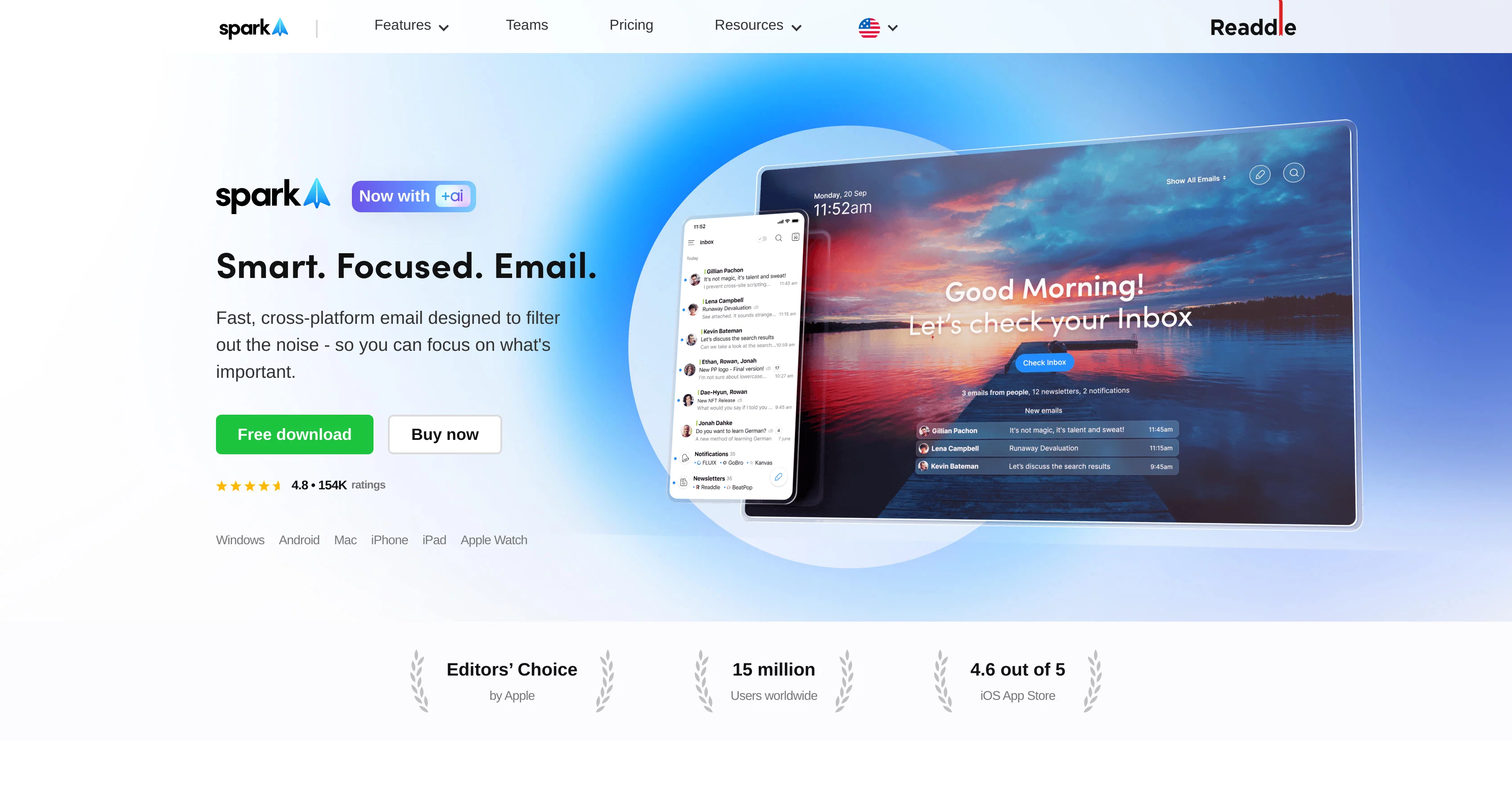
Spark Mail is an AI-powered, cross-platform email application aimed at boosting productivity by carefully filtering and streamlining your inbox. Its Smart Inbox feature is designed to instantly categorise incoming emails and highlight those which are important, effectively reducing unnecessary noise.
An additional feature, the Home Screen, provides a snapshot of your email activities to help manage priorities. To enhance custom integration, Spark offers various tools such as 'Priority' and 'Pin' functions to sort out important contacts and a 'Group by Sender' option for easy access to similar emails.
It delivers a 'Done Marker' and 'Set Aside' tool for better organisation, along with 'Send Later' and reminders to optimally manage your time. Spark also introduces an AI writing assistant, developed to help users craft perfect emails in a quick manner.
This application is therefore ideal for individuals who require efficient and effective email management. Apart from individual usage, Spark also offers features beneficial to teams.
It provides collaborative options allowing teams to compose, delegate and manage emails together, which can significantly streamline workflow. To ensure privacy and data protection, Spark's data storage and encryption are secured through Google Cloud Service.
Lastly, Spark also offers compatibility across various mail accounts including IMAP, iCloud, Exchange, Outlook, Yahoo, and Google, thereby significantly enhancing its utility by consolidating all emails in one place, obtainable through any device.
Access & connections
Where you can use Spark Mail, and what it plugs into.
Platforms
Capabilities
What this tool accepts, produces, and is strongest at.
Input
- Text
Output
- Text
Highlights
- MCP
Supported features
- Integrations
- MCP
Pros & cons
Pros
- Cross-platform compatibility
- Smart Inbox feature
- Email highlight system
- Home Screen snapshot
- Priority contact management
- Email Pin function
- Group by Sender option
- Done Marker tool
Show 41 more
- Set Aside tool
- Send Later function
- Built-in reminders
- Team collaboration features
- Privacy and data protection
- Google Cloud Service encryption
- IMAP compatibility
- iCloud compatibility
- Exchange compatibility
- Outlook compatibility
- Yahoo compatibility
- Google Mail compatibility
- Consolidates all emails
- Access from any device
- Gatekeeper feature
- Snooze Emails option
- Email Signatures
- Newsletters & Notifications management
- Inbox collaboration
- Private comments feature
- Team ownership delegation
- Progress tracking
- Deadline setting
- Secure data storage
- No data sharing
- Informationoverload management
- Auto-archive threads
- Unwanted senders block
- Smart Notifications
- Fast email crafting
- Insights from emails
- Workflow refinement
- Distraction-free focus
- Email bundling
- Priority emails system
- Email archiving
- NEW WAY OF WORKING
- Highlight important contacts
- Automated NEWSLETTER & NOTIFICATION
- SPARK PRODUCTIVITY AND FOCUS
- STAY FOCUSED AND DISTRACTION-FREE
Cons
- Lacks advanced search features
- No integrating apps option
- Lacks folders customization
- Absence of theme choices
- No support for POP3
- Limited 'Send Later' customization
- One type of notification sound
- Requires Google Cloud service
Compare alternatives
Similar tools in the catalog.




Releases 1
FAQ 12
What is Spark Mail?
How does Spark Mail's AI writing assistant work?
How do the 'Priority' and 'Pin' functions of Spark Mail work?
What is the 'Group by Sender' feature in Spark Mail?
What's the purpose of the 'Done Marker' and 'Set Aside' tools of Spark Mail?
What is the 'Smart Inbox' feature of Spark Mail?
Can Spark Mail manage multiple email accounts?
How does Spark Mail enhance productivity?
What features does Spark Mail offer for team collaboration?
Can Spark Mail schedule emails to send later?
Is Spark Mail compatible with IMAP, iCloud, Exchange, Outlook, Yahoo, and Google?
What measures does Spark Mail take to ensure data privacy and protection?
Related tools
Recommended

Kin - Personal AI Advisors ✓
FreePrivacy-first & designed your for mind, and life at work

Hyperis ✓
FreemiumOrganized task prioritization.

Mindsmith ✓
FreemiumPlatform for building and sharing eLearning content

Inbox Zero ✓
FreemiumReach inbox zero in minutes.

Flowpoint ✓
FreemiumWebsite Analytics Reports with AI Agents

Decisionmentor ✓
FreemiumAI-powered compass for better decision making.