

Email management 2026 Rank: #1894
Pullsy ✓
Your inbox, organized. Your replies drafted.
Trial; then from $15/mo
Verdict
A quick read before you dig into the full page.
- Best if
- Your inbox, organized. Your replies drafted
- Skip if
- Unspecified learning curve
- Pick this when
- Gmail and Outlook integration
Considering Ayari instead? Compare side by side
Overview
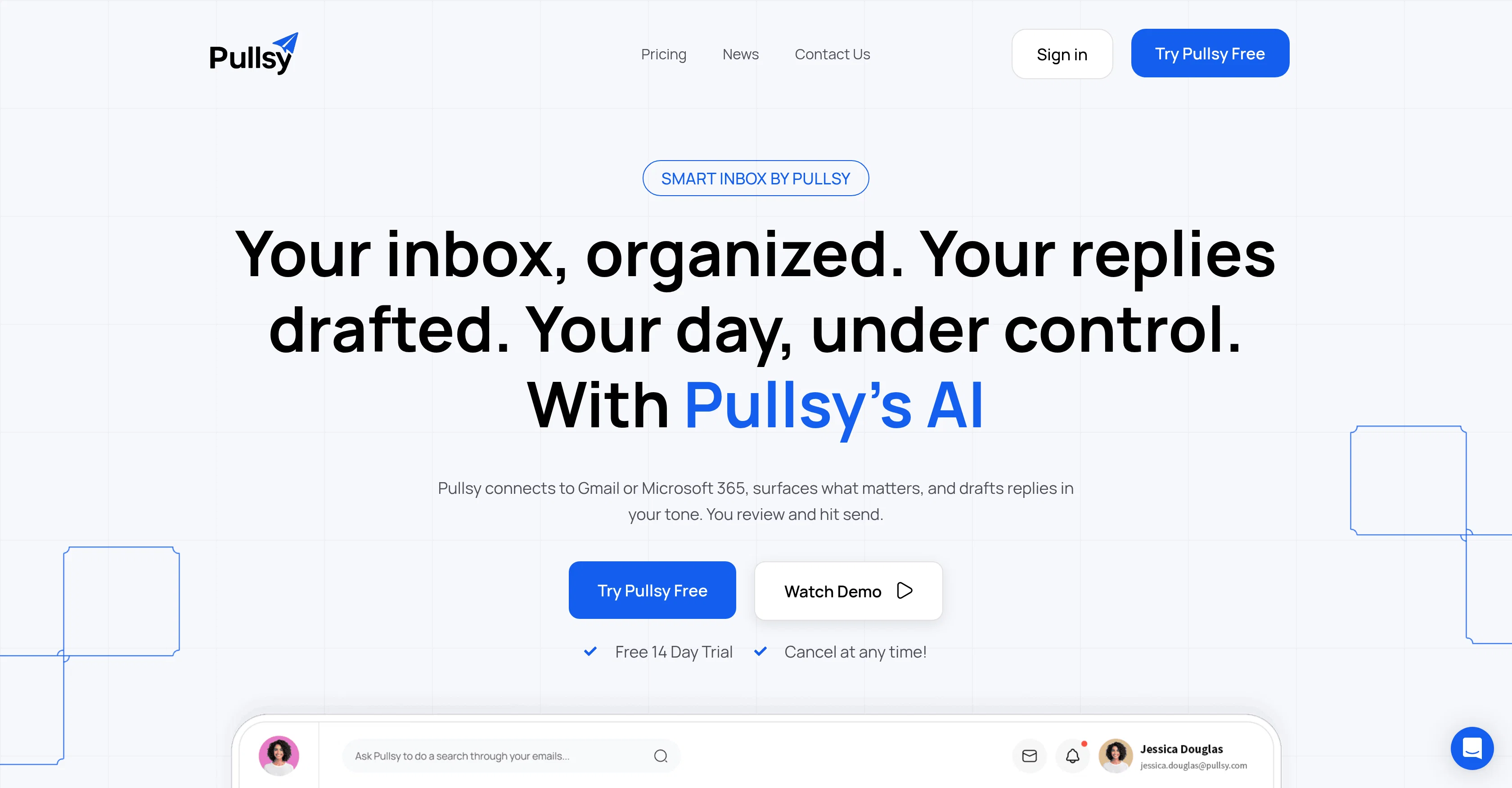
Pullsy is an AI-powered email assistant designed to improve email productivity by effectively labelling, sorting, and drafting emails on platforms like Gmail and Outlook.
With a focus on reducing time spent handling emails, Pullsy utilizes intelligent technology to streamline email management. It connects with email platforms such as Gmail or Microsoft 365, and surfaces relevant content, drafts responses in the user's tone of voice, and waits for user approval to send.The tool offers a Smart AI draft feature that creates context-aware responses, which users can send with just a click.
Pullsy facilitates adaptive learning by studying the user's email writing style, tone, choice of words, punctuations, and overall formality of emails to generate more personalized responses.One of the key features is its Inbox Organization capability, wherein the AI auto-sorts through the inbox and prioritizes the most important emails, thereby eliminating duress caused by cluttered mailboxes.
To further improve user productivity, Pullsy offers a smart dashboard that provides a quick, concise overview of all unread items.Pullsy also employs an intelligent searching and filtering system that helps users more easily find relevant emails.
It is capable of securing data as it adheres to Enterprise-Grade security standards, including GDPR compliance, and features End-to-End Encryption.
Best for
Short scenarios where Pullsy tends to shine.
-
Your inbox, organized. Your replies drafted.
Example outputs 1
Sample generations and before/after results for Pullsy.
Access & connections
Where you can use Pullsy, and what it plugs into.
Platforms
Capabilities
What this tool accepts, produces, and is strongest at.
Input
- Text
Output
- Text
Supported features
- Assistant
- Writing
- Integrations
- Memory
- Automation
- Outreach
Pros & cons
Pros
- Gmail and Outlook integration
- Adapts to user's tone
- Context-aware suggestions
- Adaptive writing style learning
- Identifies email action items
- Multiple tone options
- One-click sending
- Automatic inbox organization
Show 33 more
- Intelligent email searching
- Email filtering
- Enterprise-Grade Security
- GDPR compliance
- End-to-End Encryption
- Smart Dashboard
- Unread mail management
- Prioritizes important emails
- Surfaces relevant content
- User tone of voice analysis
- Free trial available
- Dashboard for quick overview
- Natural language questions feature
- Pulls relevant people
- Surfaces attachments instantly
- Finds action items
- Personalized summary feature
- Upcoming meetings tracking
- SOC Type II In Progress
- Google OAuth Verified
- CASA completed
- Categorizes and labels emails
- Productivity enhancement
- Data protection measures
- Clears inbox clutter
- Works with user's calendar
- Drafts context-aware responses
- Option to disconnect integrations
- Features tailored to national workflows
- User stays in control of messages
- Calendar events integration
- Reduces time handling emails
- Automatic reminder for meetings
Cons
- Limited to Gmail, Outlook
- No multi-language support
- Lacks mobile app
- Unspecified learning curve
- Can't connect to Slack
- No LinkedIn integration
- Limited tone options
- No sentiment analysis
Show 2 more
- No SOC Type 2
- No offline functionality
Compare alternatives
Similar tools in the catalog — with a clear reason to open each one.

Ayari ✓
Free TrialConversational AI for email and calendar management.
Free + from $12.99/mo
Full comparison
HeyHelp ✓
Free TrialAI Email Assistant in Gmail that saves you 1 hour each day.
Why look Typically cheaper
Full comparisonPeople also view
Tools that often show up alongside Pullsy in collections and comparisons.
HeyHelp ✓
Free TrialAI Email Assistant in Gmail that saves you 1 hour each day.

Eloquens AI ✓
Free TrialAI email assistant that never sleeps.

MailSweeper ✓
PaidReclaim your inbox with AI-powered email cleanup.

Fyxer.ai ✓
Free TrialSave 1 hour daily with an AI executive assistant.
Ayari ✓
Free TrialConversational AI for email and calendar management.

SuperIntern ✓
FreemiumYour always-on AI assistant that runs your admin so you can focus.

Remy - Newsletter summarizer ✓
FreemiumTurn newsletter chaos into one clear digest.

Quartz ✓
UnknownEmail that knows what deserves your attention.
Releases 1
FAQ 12
How does Pullsy integrate with Gmail and Microsoft 365?
Can Pullsy draft responses for all types of emails?
How does Pullsy's context-aware suggestions feature work?
How can I choose the tone of my responses on Pullsy?
How does Pullsy learn and adapt to my natural communication style?
How does Pullsy's one-click sending feature work?
Can Pullsy help me search and filter my emails?
What measures does Pullsy take for data protection?
Does Pullsy comply with GDPR?
Can Pullsy help with task management within emails?
How does Pullsy's inbox organization feature work?
Can Pullsy write responses in different tones?
Related tools
Recommended

The Drive AI ✓
FreemiumAI agents to organize files

D-ID ✓
FreemiumCreate AI-generated videos with ease

Thea ✓
FreemiumAI study tools to master material, not just memorize it.

Automateed ✓
Free TrialCreate eBooks effortlessly with Automateed, the AI-powered writing tool.

Recall ✓
FreemiumSummarize Anything, Forget Nothing!

Gamma ✓
FreemiumAI-powered content creation, minus the hassle.