

Rotor Videos ✓
Create music videos in minutes, no skills required.
from $9.99
Verdict
A quick read before you dig into the full page.
- Best if
- You are musicians and need: Creating music videos for YouTube
- Skip if
- Not suite for complex projects
- Pick this when
- Professional quality videos
Considering freebeat AI instead? Compare side by side
Overview
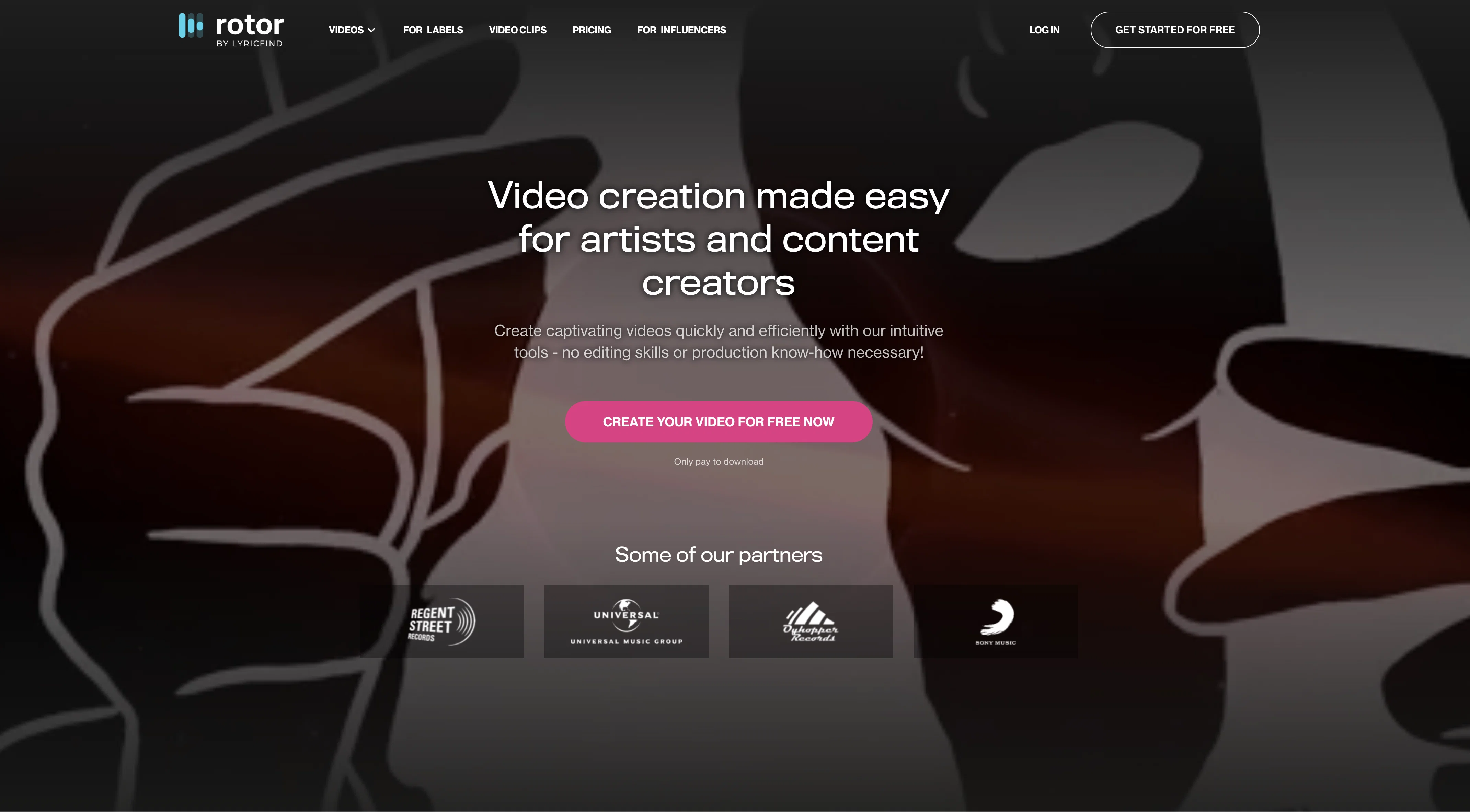
Rotor Videos is an AI-powered tool designed to help musicians create professional-quality music videos, Spotify Canvas Videos, artwork videos, lyric videos, music visualizer videos, and vertical/square videos for social media in minutes.
The tool provides a range of options to customize videos with different editing styles, filters, audio-reactive visual effects, and text, as well as a library of over 1 million high-quality stock video clips.Using Rotor Videos, users can create music videos, promo videos, and Spotify Canvas Videos without any video editing skills or production know-how.
The AI engine automatically generates a professional-quality video cut to the user’s music and the toolkit allows for easy trimming, adding text, and resizing for different social media platforms.
Prices for the videos range from $9 for a short video under 1 minute to 3 credits for a music video. Rotor also offers non-expiring credit bundles to save money.
The tool is also accessible to labels, offering monthly music, lyric, promo, and karaoke video creation as well as YouTube channel design and management.
Best for
Short scenarios where Rotor Videos tends to shine.
-
Creating music videos for YouTube
Best for Musicians
-
Making promo videos for new music releases
Best for Bands
-
Generating Spotify canvas videos to enhance tracks
Best for Singers
-
Producing lyric videos to promote music
Best for Songwriters
-
Creating album artwork videos for social media
Best for Music labels
-
Making video content for social media promotion
Best for Content creators
Example outputs 1
Sample generations and before/after results for Rotor Videos.
Access & connections
Where you can use Rotor Videos, and what it plugs into.
Platforms
Capabilities
What this tool accepts, produces, and is strongest at.
Input
- Image
- Audio
Output
- Video
Pros & cons
Pros
- Professional quality videos
- Customizable editing styles
- Audio-reactive visual effects
- Over 1m stock videos
- No video editing skills needed
- Tool for trimming
- Adding text capability
- Resizing for social media
Show 16 more
- Affordable prices
- Non-expiring credit bundles
- Monthly video creation for labels
- YouTube channel management
- Spotify Canvas Video creation
- Promo video creation
- Lyric video creation
- Music visualizer videos
- Artwork videos
- Automatic video generation
- Support for labels and independent artists
- Quick video creation
- Includes clipping library
- 150+ video edit styles
- Promotional messaging feature
- Suitable for multiple budgets
Cons
- Limited customization options
- Dependent on library content
- No multi-language support
- No collaboration tools
- Lacks advanced editing features
- Limited video formats
- Pay-per-video model
- No integration with music platforms
Show 2 more
- Not suite for complex projects
- Lacks 4K or HD support
Compare alternatives
Similar tools in the catalog — with a clear reason to open each one.

freebeat AI ✓
FreemiumTurn Music & Ideas into Viral Videos In One Click
Why look Freemium alternative
Full comparison
MagicLight ✓
FreemiumTransform text into captivating videos instantly.
Why look Freemium alternative
Full comparison
HeyGen ✓
FreemiumCreate AI spokesperson videos from text
Why look Freemium alternative
Full comparison
Seedance ✓
FreemiumMulti-shot video generation from text and image.
Why look Stronger for image work
Full comparisonPeople also view
Tools that often show up alongside Rotor Videos in collections and comparisons.
Seedance ✓
FreemiumMulti-shot video generation from text and image.
MagicLight ✓
FreemiumTransform text into captivating videos instantly.

Kaiber Superstudio ✓
Free TrialAI Video Generation
HeyGen ✓
FreemiumCreate AI spokesperson videos from text
freebeat AI ✓
FreemiumTurn Music & Ideas into Viral Videos In One Click

D-ID ✓
FreemiumCreate AI-generated videos with ease

ResearchMonkey AI | YouTube Summarizer ✓
Free TrialSave Hours of Research in Seconds with 40+ AI Tools

OutlierKit ✓
PaidEnter one channel, see the entire niche.
Releases 1
FAQ 12
What is Rotor Videos?
How does Rotor Videos work?
Who can use Rotor Videos?
What are the key features of Rotor Videos?
Can I customize videos on Rotor Videos?
Is it necessary to have video editing skills to use Rotor Videos?
Does Rotor Videos provide stock video clips?
What are the pricing options for Rotor Videos?
What are Rotor Videos' credit bundles?
How does Rotor Videos support music labels?
What types of videos can I create with Rotor Videos?
What is a Spotify Canvas Video?
Related tools
Recommended

WOXO ✓
FreemiumConvert text into stunning AI-generated videos.

neural frames ✓
FreemiumGenerated video creation from text.

VideoGen ✓
Free TrialCreate videos in seconds with one click.

AI Studios ✓
PaidCreate AI avatar videos from text in minutes

Move AI ✓
Free TrialCapture 3D animations easily with AI motion capture.
D-ID Creative Reality Studio ✓
UnknownCreate AI-powered videos from still images.