

VideoGen ✓
Create videos in seconds with one click.
Trial; then from $12/mo
Verdict
A quick read before you dig into the full page.
- Best if
- You are professionals and need: Creating TikTok videos
- Skip if
- Limited copyright free assets
- Pick this when
- Creates videos in seconds
Considering freebeat AI instead? Compare side by side
Overview
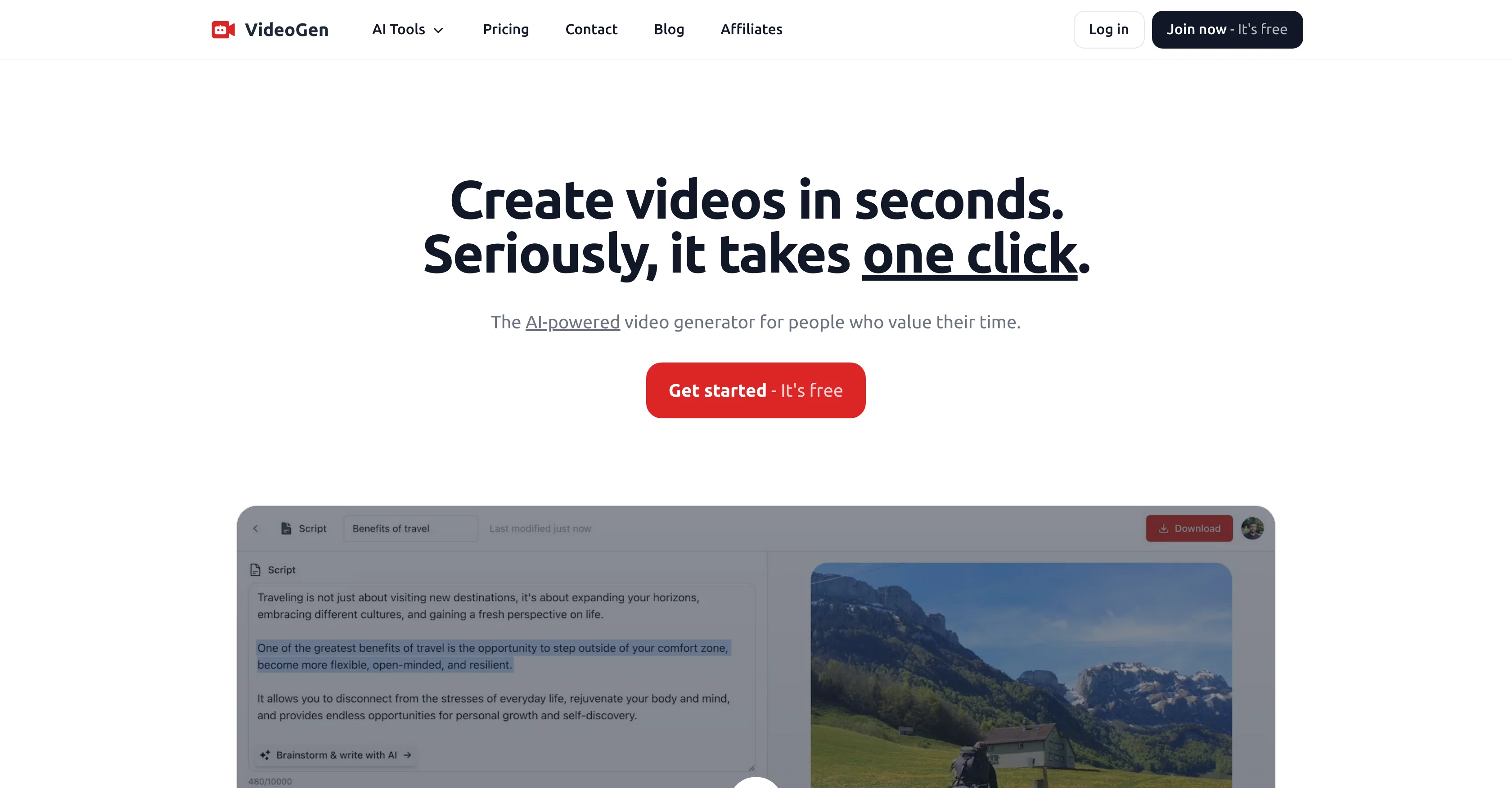
VideoGen is an AI-powered tool designed to simplify and expedite the process of video creation. With a focus on time-efficiency, VideoGen offers one-click video creation where users can create and edit videos instantly.
The tool is capable of assisting users in brainstorming, writing, narrating, finding stock footage, and editing, all in a streamlined manner. It also includes a diverse assortment of copyright-free assets for users to implement in their video projects.
One of VideoGens unique features is its advanced text-to-speech engine that enables the creation of video narrations with a wide array of unique voices across 40+ languages and accents.
This is complemented by an easy-to-use video editor optimized for rapid and effortless editing directly in the browser. Furthermore, VideoGen offers specific AI tools for different video types and platforms including TikTok Video Generator, Instagram Reels Generator, YouTube Shorts Generator among others.
It prioritizes ease of use, quality and efficiency, making it a trusted tool among professionals and businesses for their video creation needs.
Best for
Short scenarios where VideoGen tends to shine.
-
Creating TikTok videos
Best for Professionals
-
Generating Instagram Reels
Best for Creators
-
Producing Facebook Reels
Best for Marketers
-
Converting text to video
Best for Businesses
-
Transforming blogs to video
Best for Content creators
-
Turning websites into video content
Best for Bloggers
-
Creating videos from articles
Best for Digital marketers
-
Generating AI images
Best for Educators
Example outputs 1
Sample generations and before/after results for VideoGen.

Access & connections
Where you can use VideoGen, and what it plugs into.
Platforms
Integrations
Pros & cons
Pros
- Creates videos in seconds
- One click video creation
- Over 3M copyright-free assets
- Automated B-roll footage compilation
- Lifelike voice synthesis
- Advanced text-to-speech engine
- 150+ unique voices available
- Supports 40+ languages and accents
Show 18 more
- No manual editing or sourcing
- Time-efficient video creation
- Free signup option
- Wide user base, creators to businesses
- Assists in brainstorming and writing
- Narration tool
- Streamlined in-browser editing
- Strong focus on ease of use
- Quality output
- Efficient video production
- Safe for commercial use
- More time savings vs competitors
- Reduced hours in video editing
- Increased video engagement rate
- Video editor optimized for speed
- Multiple stock footage options
- Keyboard shortcuts for fast editing
- Browser-based video creation and editing
Cons
- Limited personal touch
- Dependent on internet connectivity
- Possible voice synthesis limitations
- Limited copyright free assets
- Account creation required
- Dependent on platform updates
- Not specialized for specific video types
- Potential privacy concerns
Show 1 more
- May lack advanced editing features
Compare alternatives
Similar tools in the catalog — with a clear reason to open each one.

freebeat AI ✓
FreemiumTurn Music & Ideas into Viral Videos In One Click
Why look Typically cheaper
Full comparison
MagicLight ✓
FreemiumTransform text into captivating videos instantly.
Why look Typically cheaper
Full comparison

Seedance ✓
FreemiumMulti-shot video generation from text and image.
Why look Stronger for image work
Full comparisonPeople also view
Tools that often show up alongside VideoGen in collections and comparisons.

Kaiber Superstudio ✓
Free TrialAI Video Generation

D-ID ✓
FreemiumCreate AI-generated videos with ease

Topaz Video AI ✓
PaidCinematic superpowers: Ultra smooth, sharp, and steady.

Shortmake ✓
PaidFast viral video generation and editing.

SellerPic ✓
FreemiumSupercharge photos with AI, boost sales in minutes.

Pressmaster ✓
FreemiumAI-powered PR: Plan, craft, and publish press releases in minutes.

Lumeo ✓
PaidCreate captivating LinkedIn posts in seconds

Gling - AI Video Editing Software for YouTube ✓
FreemiumAI-powered video editing for YouTube creators.
Releases 1
Imported reviews 2
I completely agree with the previous comment. I first purchased the $5 package and then upgraded to the Pro package, hoping to create videos longer than 3.5 minutes. However, I was disappointed to find out that I needed to purchase the $99 package to create longer videos. It was not clear that the 5000 characters of script only equated to 3.5 minutes of video. To make things worse, the company has a strict no-refund policy, which feels unfair. They seem more focused on taking your money than providing quality service. I would highly recommend avoiding this service at all costs.
Very bad. During the test period, it may seem that everything is fine, but when you subscribe, the service generates the same type of videos, changes in the music volume level - writing off internal points, as when generating videos. Any change is a write-off of points. After subscribing, it turned out that the maximum video length is 4 minutes, unfortunately, even if you choose this video length, this does not mean at all that it will be like that, all my videos were generated shorter (3.15 - 3.30). Also, when requesting a refund for my subscription, I was refused. But when subscribing, this information was not provided. I do not recommend this service
FAQ 12
What is VideoGen?
What are the main features of VideoGen?
How does VideoGen simplify the video creation process?
How does VideoGen's narration feature work?
What languages and accents does VideoGen support?
How is VideoGen different from traditional video editors?
How doesn't it take to create a video with VideoGen?
Can you use VideoGen for free?
Does VideoGen provide copyright-free assets for video creation?
How does VideoGen's AI-powered feature work?
What are the benefits of using VideoGen for marketers and educators?
What platforms does VideoGen support?
Related tools
Recommended

Eightify
UnknownAI-powered YouTube video summarizer extracting key ideas for quick content assessment.

Stratup.ai ✓
FreemiumInnovative idea generation for businesses.

Supercreator ✓
FreemiumCreate short videos 10x faster with AI

AI Studios ✓
PaidCreate AI avatar videos from text in minutes

LearningStudioAI ✓
Free TrialAI-powered authoring tool for effortless online course creation.

VenturusAI ✓
FreemiumBusiness idea analysis and reporting.