
AI Studios ✓
Create AI avatar videos from text in minutes
from $24/mo
Verdict
A quick read before you dig into the full page.
- Best if
- You are educators and need: Training & Education
- Skip if
- Limited multilingual support
- Pick this when
- Text-to-speech feature
Considering freebeat AI instead? Compare side by side
Overview
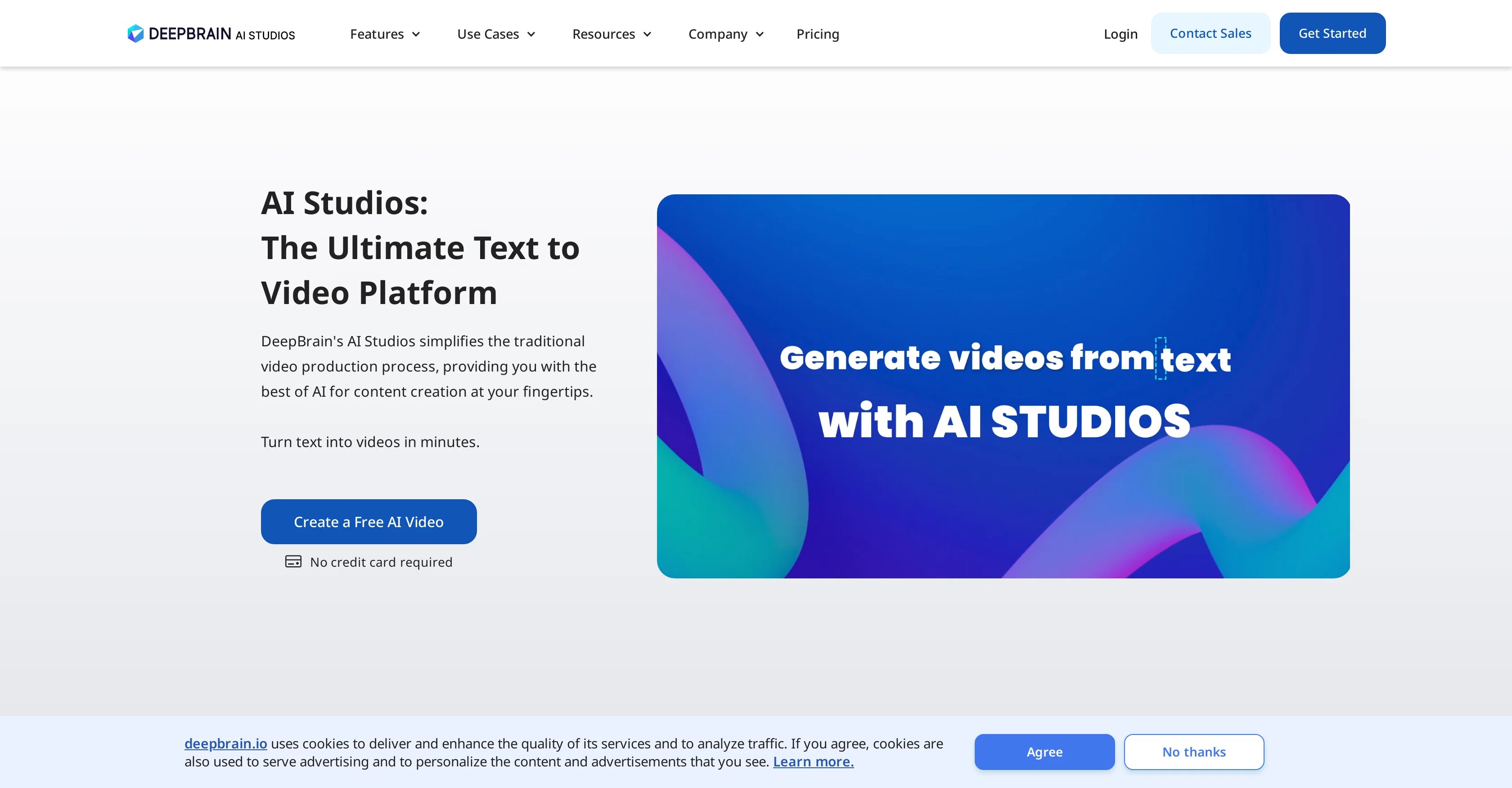
AI Avatar Video Generator at AI STUDIOS by DeepBrain is an artificial intelligence-driven platform that simplifies the traditional video production process for a variety of content creation needs.
The AI-based tool can transform text sources such as blogs, PDFs, PPTs, and URLs into videos in minutes. It offers different AI avatar options, providing an opportunity to choose from multiple realistic digital avatars or even create custom avatars.
The platform supports multiple languages, featuring over 80 text-to-speech (TTS) languages for creating natural-sounding voiceovers for videos. The collaborative environment provided by AI STUDIOS allows multiple users to engage together in producing videos.
It also offers video translation features, which can instantly translate video content into multiple languages. Other offered features include auto captions, topic to video, URL to video, and a screen recording tool.
The AI Avatar Video Generator also offers a wide array of video templates, catering to different needs from social media to business presentations, news broadcasts and more.
Best for
Short scenarios where AI Studios tends to shine.
-
Training & Education
Best for Educators
-
E-commerce
Best for Marketing professionals
-
News Media
Best for Social media managers
-
Brand Ambassador
Best for E-commerce businesses
-
Social Media
Best for News agencies
-
Customer Support
Best for Financial institutions
-
Sales Enablement
Best for Customer support teams
-
Academic Lectures
Best for Training departments
Example outputs 1
Sample generations and before/after results for AI Studios.
Access & connections
Where you can use AI Studios.
Platforms
Capabilities
What this tool accepts, produces, and is strongest at.
Input
- Text
Output
- Video
Highlights
- API
Supported features
- API
Pros & cons
Pros
- Text-to-speech feature
- One-click subtitles generation
- Variety of starter templates
- Can make various video types
- CES Innovation Awards winner
- Generate videos from text
- Video collaboration feature
- Automated video translation
Show 18 more
- Auto captions
- Topic to video
- URL to video
- Screen recording tool
- Transform text sources into videos
- 80+ text-to-speech languages
- Create custom avatars
- Collaborative environment
- Video translation features
- Instantly translates videos
- Wide array of video templates
- ChatGPT integration
- Reduce video production time
- Cost efficient
- Over 80 TTS languages
- 500+ video templates
- No credit card required for trial
- Versatile text-to-speech voices
Cons
- No offline availability
- Limited custom avatar options
- No video editing tools
- Requires constant internet connection
- No integration with other platforms
- Limited to video content
- No detailed analytics provided
- No open-source availability
Show 2 more
- Limited multilingual support
- No ability to export videos
Compare alternatives
Similar tools in the catalog — with a clear reason to open each one.

freebeat AI ✓
FreemiumTurn Music & Ideas into Viral Videos In One Click
Why look Freemium alternative
Full comparison
MagicLight ✓
FreemiumTransform text into captivating videos instantly.
Why look Freemium alternative
Full comparison
HeyGen ✓
FreemiumCreate AI spokesperson videos from text
Why look Freemium alternative
Full comparison
Seedance ✓
FreemiumMulti-shot video generation from text and image.
Why look Typically cheaper
Full comparisonPeople also view
Tools that often show up alongside AI Studios in collections and comparisons.
Seedance ✓
FreemiumMulti-shot video generation from text and image.
MagicLight ✓
FreemiumTransform text into captivating videos instantly.

Kaiber Superstudio ✓
Free TrialAI Video Generation
HeyGen ✓
FreemiumCreate AI spokesperson videos from text
freebeat AI ✓
FreemiumTurn Music & Ideas into Viral Videos In One Click

D-ID ✓
FreemiumCreate AI-generated videos with ease

ResearchMonkey AI | YouTube Summarizer ✓
Free TrialSave Hours of Research in Seconds with 40+ AI Tools

OutlierKit ✓
PaidEnter one channel, see the entire niche.
Releases 1
Imported reviews 2
Demo is very limited...too limited to actually get a good trial run of the service before actually subscribing. The AI voices are bad and misprounce contractions and lots of standard American English words. It had potential but it's not quite there yet
Way too expensive for anything but short form or casual use.
FAQ 12
What types of videos can I create with AI Studios?
How do I customize the AI avatar to fit my brand in AI Studios?
What is the 'one-click' subtitle generation feature in AI Studios?
What languages are supported by AI Studios
Does AI Studios have a free trial?
Who are the target users of AI Studios?
How do I convert a script to video in AI Studios?
Can I translate videos into different languages with AI Studios?
How does the text-to-speech feature work in AI Studios?
How do I use the screen recording tool in AI Studios?
What type of content can I transform into videos with AI Studios?
How realistic are the AI avatars in AI Studios?
Related tools
Recommended

LearningStudioAI ✓
Free TrialAI-powered authoring tool for effortless online course creation.

VenturusAI ✓
FreemiumBusiness idea analysis and reporting.

Supercreator ✓
FreemiumCreate short videos 10x faster with AI

Photo AI ✓
PaidCreate beautiful AI photos and videos of real people

MagicSlides.app AI PPT Maker ✓
FreemiumCreate Stunning PPTs in Seconds with the AI PPT Maker

Stockimg AI ✓
PaidGenerated images and text for design ease.