
Move AI ✓
Capture 3D animations easily with AI motion capture.
Trial; then from $15/mo
Verdict
A quick read before you dig into the full page.
- Best if
- You are animators and need: Efficient keyframe animation for 3D characters
- Skip if
- Data export format limited
- Pick this when
- High-fidelity motion capture
Considering freebeat AI instead? Compare side by side
Overview
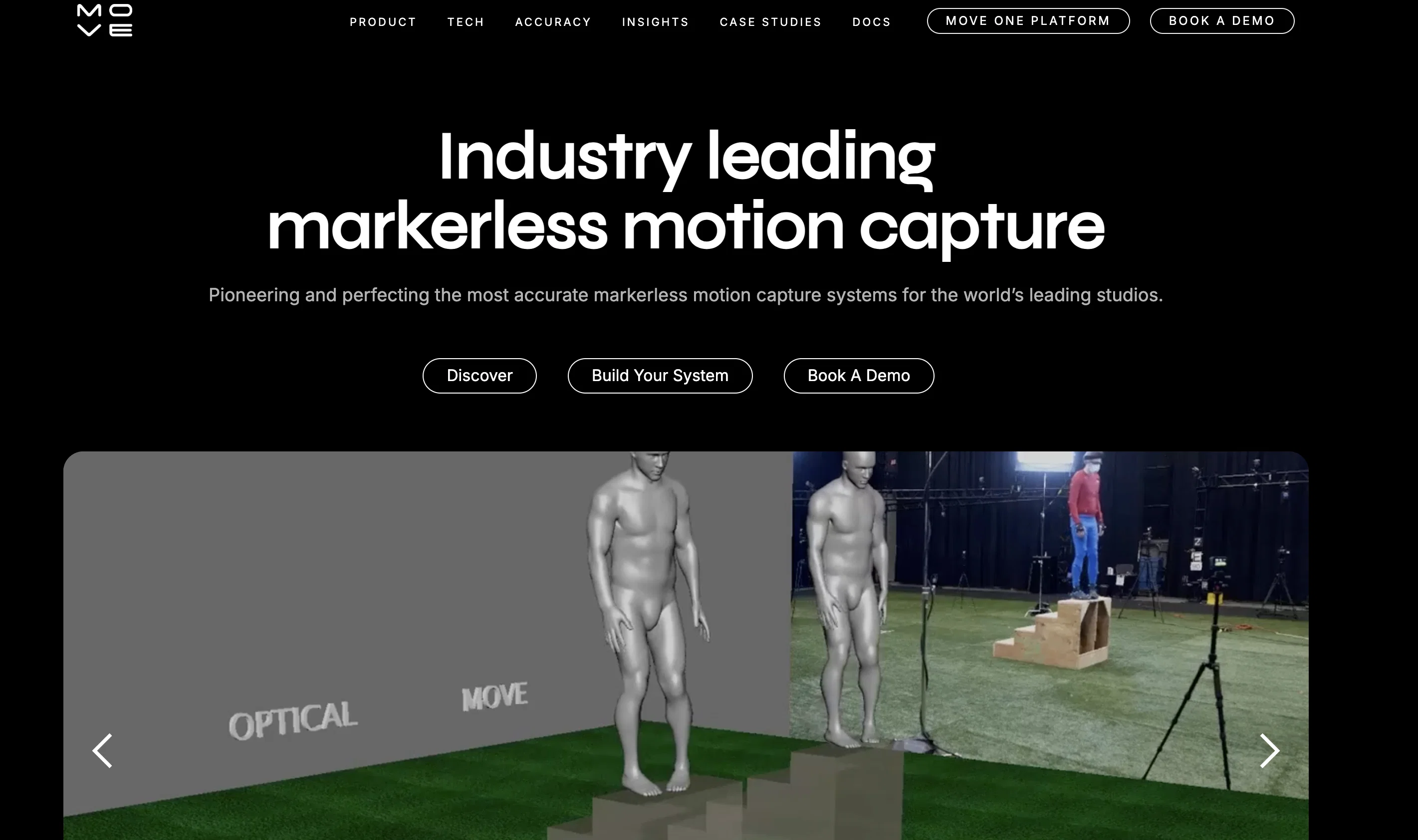
Move AI provides a user-friendly medium to capture and create 3D animations. Its proprietary technology uses several advanced fields, such as artificial intelligence, computer vision, biomechanics, and physics, to convert 2D videos into 3D motion data.
Aside from facilitating high-quality motion data capture, Move AI is also built on a markerless motion capture technique, eliminating the need for markers or suits.
It offers single and multi-camera options for motion capture, capable of using standard cameras and phones. The technology allows for the simultaneous capture of up to 8 individuals in any environment, and provides complete body motion capture, including hand and finger tracking.
Its high scalability makes it a suitable tool for both individual 3D animators and large production studios. The captured data can be easily exported to a user's preferred 3D software in FBX and USD formats.
With a feature that lets you capture in large volumes, its Move One product supports up to 5m x 5m spaces, while Move Multi-Cam can cover up to 20m x 20m volume spaces.
Best for
Short scenarios where Move AI tends to shine.
-
Efficient keyframe animation for 3D characters
Best for Animators
-
VFX asset animation for realistic visual effects
Best for Game developers
-
Crowd simulation for large-scale scenes
Best for VFX artists
-
Real-time previsualization for virtual production planning
Best for Robotics researchers
-
Ergonomic analysis for workplace health and safety
Best for Ergonomists
-
Robot imitation learning
Best for Filmmakers
Example outputs 1
Sample generations and before/after results for Move AI.
Access & connections
Where you can use Move AI, and what it plugs into.
Platforms
Integrations
Capabilities
What this tool accepts, produces, and is strongest at.
Input
- API
- Video
Output
- 3D
- API
Pros & cons
Pros
- High-fidelity motion capture
- Markerless motion data collection
- Single and multi-camera options
- Uses standard cameras, phones
- Capture up to 8 individuals
- Full body capture including fingers, hands
- Scalable for personal and studio use
- Export data in FBX, USD formats
Show 11 more
- Capture large volumes up to 20m x 20m
- Free beta version available
- User-friendly interface
- Backed by investors
- Data easily imported into 3D software
- Expedites digital content creation
- Frictionless interface between physical and digital
- No markers or suits required
- Enables limitless animation scale
- High-quality motion data
- Easy retargeting feature
Cons
- Accuracy depends on video quality
- Potentially limited hand tracking
- No mention of facial capture
- Limited to eight people
- Motion capture area restrictions
- Potential 2D to 3D errors
- Depends on standard cameras/phones
- Usage requires technical expertise
Show 2 more
- Data export format limited
- No live support options
Compare alternatives
Similar tools in the catalog — with a clear reason to open each one.

freebeat AI ✓
FreemiumTurn Music & Ideas into Viral Videos In One Click
Why look Typically cheaper
Full comparison
MagicLight ✓
FreemiumTransform text into captivating videos instantly.
Why look Typically cheaper
Full comparison
Seedance ✓
FreemiumMulti-shot video generation from text and image.
Why look Stronger for image work
Full comparisonPeople also view
Tools that often show up alongside Move AI in collections and comparisons.
Seedance ✓
FreemiumMulti-shot video generation from text and image.
MagicLight ✓
FreemiumTransform text into captivating videos instantly.

Kaiber Superstudio ✓
Free TrialAI Video Generation

HeyGen ✓
FreemiumCreate AI spokesperson videos from text
freebeat AI ✓
FreemiumTurn Music & Ideas into Viral Videos In One Click

D-ID ✓
FreemiumCreate AI-generated videos with ease

ResearchMonkey AI | YouTube Summarizer ✓
Free TrialSave Hours of Research in Seconds with 40+ AI Tools

OutlierKit ✓
PaidEnter one channel, see the entire niche.
Releases 1
FAQ 12
What is Move.ai?
What is the technology behind Move.ai?
How can I create 3D animations with Move.ai?
What is markerless motion capture in Move.ai?
Do I need any special equipment to use Move.AI?
Can I use Move.ai without a motion capture suit?
Can Move.ai capture hand and finger movements?
How many people can Move.ai capture at once?
What are the specific space dimensions that Move.ai can accommodate?
Will I be able to use my own standard cameras or phone to capture movements on Move.ai?
In what formats does Move.ai export the captured motion data?
Who are the typical users of Move.ai?
Related tools
Recommended

Supercreator ✓
FreemiumCreate short videos 10x faster with AI

D-ID Creative Reality Studio ✓
UnknownCreate AI-powered videos from still images.
Ebsynth
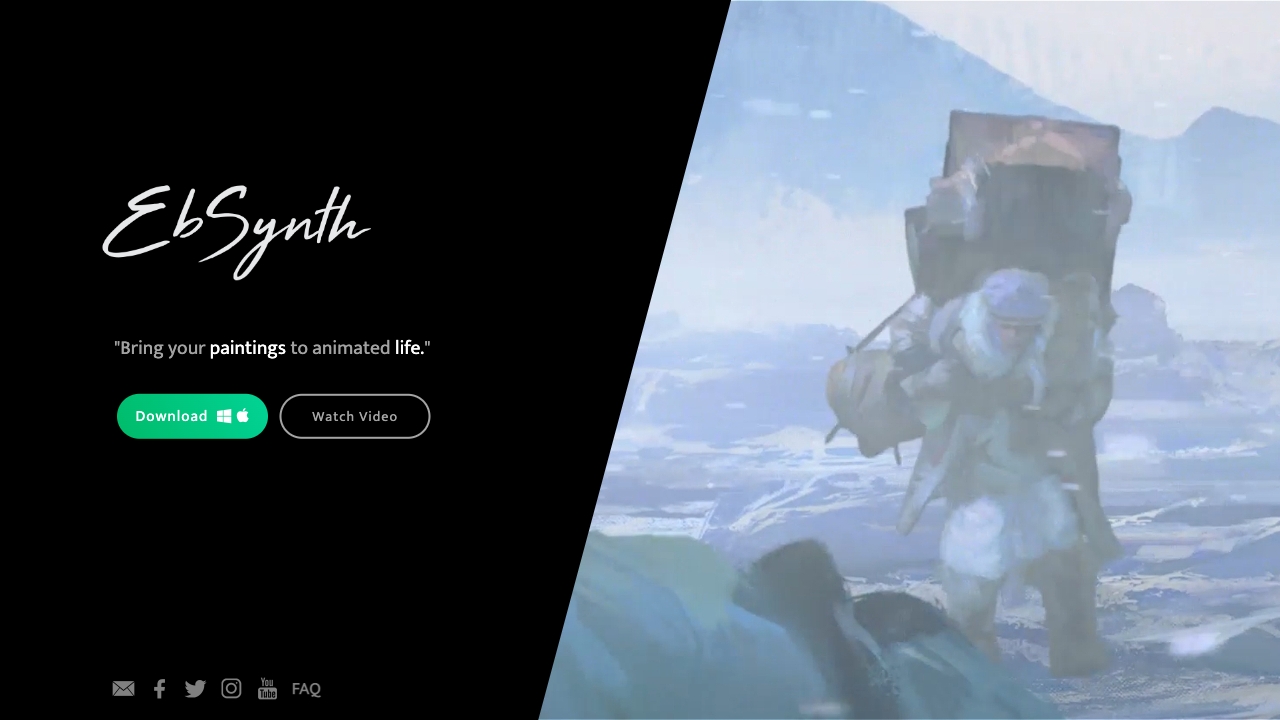
UnknownEbSynth animates footage using styled keyframes, ideal for hand-drawn animations.

Animatable ✓
PaidCreate animated characters and environments in minutes

Photo AI ✓
PaidCreate beautiful AI photos and videos of real people

Deepmotion ✓
Freemium3D animations