

React GPT Designer ✓
Design React components with AI assistance
Verdict
A quick read before you dig into the full page.
- Best if
- Design React components with AI assistance
- Skip if
- Potentially complex for beginners
- Pick this when
- Streamlined React component design
Considering Cursor instead? Compare side by side
Overview
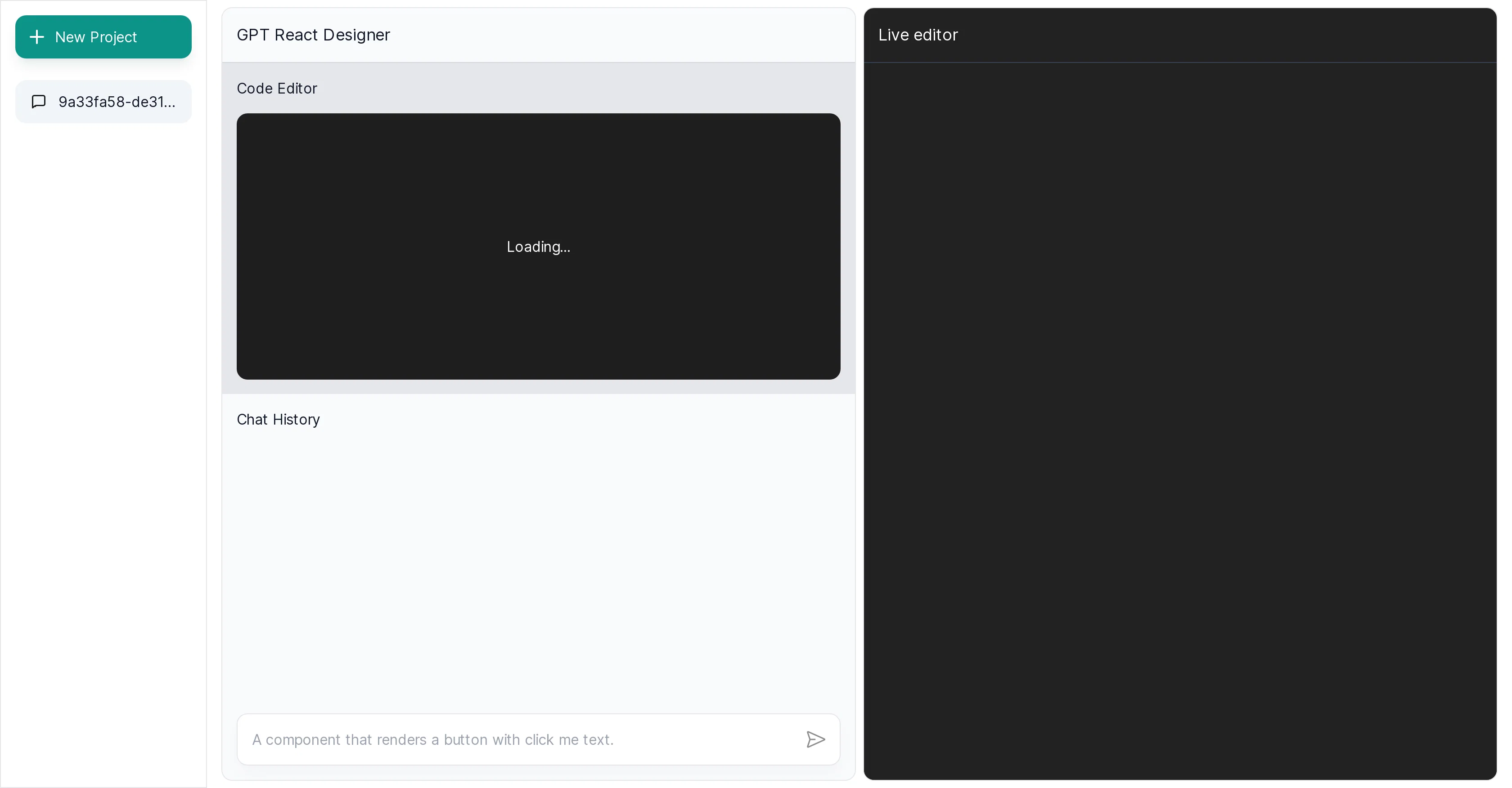
React GPT Designer is a distinct tool that facilitates the design of React components using OpenAI's Chat GPT. It merges the fields of AI and front-end web development to streamline, automate, and enhance the development process.
The key feature of this tool is its ability to employ OpenAI's GPT for crafting component structures and logic. It reduces the manual coding needs to a considerable extent by generating components through AI capabilities.
React GPT Designer is suitable for developers proficient in React, as it employs React code syntax while creating components. It might be particularly beneficial for large projects where numerous similar components are required, potentially expediting the overall design process.
Usability, however, isn't confined to large-scale projects - it extends to smaller ones as well, making it an adaptable tool irrespective of project size.
The integration with OpenAI's GPT also points towards capabilities that leverage the AI's conversational abilities. The exact added functionalities and capabilities around this integration are not explicitly described but this hints at a more interactive and potentially dynamic way of designing React components.
Importantly, developers should ensure they are up-to-date with any potential changes in the tool's functionality to maximize its utilization. In conclusion, React GPT Designer offers a new approach to designing React components, intelligently intertwining AI and front-end development to enhance productivity and feasibility.
Best for
Short scenarios where React GPT Designer tends to shine.
-
Design React components with AI assistance
Example outputs 1
Sample generations and before/after results for React GPT Designer.
Access & connections
Where you can use React GPT Designer.
Platforms
Capabilities
What this tool accepts, produces, and is strongest at.
Input
- Text
Output
- Code
Pros & cons
Pros
- Streamlined React component design
- Conversational interface
- Real-time design suggestions
- Eliminates manual coding
- Enables high-level design focus
- Generates relevant code snippets
- Reduces development time
- Aids in faster prototyping
Show 14 more
- Code visualization in real-time
- Iterative design process
- Simplifies development workflow
- Automates component crafting
- Adaptable to project size
- Interactive design process
- Revolutionizes React design approach
- Enhances productivity
- Utilizes React code syntax
- Suitable for varied developer proficiency
- Continuous functionality updates
- Effective for large projects
- Aids in feasible development
- Enhances design feasibility
Cons
- Doesn't support other programming languages
- Limited to React components
- Lacks explicit functionality description
- Requires proficiency in React
- Late updates on functionality changes
- Potentially complex for beginners
- No mention of version control
- Lack of offline functionality
Show 1 more
- No indication of error handling
Compare alternatives
Similar tools in the catalog — with a clear reason to open each one.


OnSpace.AI - No Code App Builder ✓
FreemiumBuild Apps with AI, No Code
Free + from $20/mo
Full comparison
Kilo Code ✓
Free TrialAI-powered coding assistant for VS Code
Why look Higher community rating
Full comparison
Github Copilot ✓
FreemiumAI-powered coding assistant for faster development
Free + from $10/mo
Full comparison
CodingFleet ✓
FreemiumAI wizard transforms instructions into code snippets.
Why look Higher community rating
Full comparison
People also view
Tools that often show up alongside React GPT Designer in collections and comparisons.

Jit Codes ✓
FreemiumTransform text into code with AI

Gitwit ✓
FreeCreate code from natural language prompts.

Zzzcode ✓
FreeAI-powered coding assistant for multiple languages.

Twinny ✓
FreeLocal AI code completion for VS Code.

Mind Map Wizard ✓
FreemiumGenerate mind maps with AI: free, no sign-up, no ads

Marvin ✓
FreeBuild AI-powered software with ease

CodePal ✓
FreemiumGenerate code from natural language

Codelab ✓
FreeCode smarter with AI-powered web development.
Releases 1
Imported reviews 4
its not working from few days
Worked really well for me to generate code for React.
This is awesome! 😄🎉
Brilliant tool
FAQ 12
What is React GPT Designer?
How does React GPT Designer use OpenAI's Chat GPT model?
What are some key features of React GPT Designer?
Can React GPT Designer generate code snippets?
How does React GPT Designer facilitate faster prototyping?
What is OpenAI's Run Code model and how does it integrate with React GPT Designer?
How can developers interact with React GPT Designer?
How does React GPT Designer simplify the development workflow?
How can React GPT Designer enhance collaboration between developers and AI-powered tools?
Is React GPT Designer suitable for large scale projects?
Can React GPT Designer be adaptable irrespective of project size?
How does Conversational AI integrate with React GPT Designer?
Related tools
Recommended

VenturusAI ✓
FreemiumBusiness idea analysis and reporting.
Jit Codes ✓
FreemiumTransform text into code with AI

Codeium ✓
FreemiumAI-powered code completion for 20+ languages

Stratup.ai ✓
FreemiumInnovative idea generation for businesses.
Gitwit ✓
FreeCreate code from natural language prompts.

Agentgpt ✓
FreemiumDeploy autonomous AI Agents effortlessly in your browser.