

CodePal ✓
Generate code from natural language
Free + from $20/mo
Verdict
A quick read before you dig into the full page.
- Best if
- You are students and need: Generate code in any language from plain words
- Skip if
- Limited to specific languages
- Pick this when
- Generates code from language
Considering Cursor instead? Compare side by side
Overview
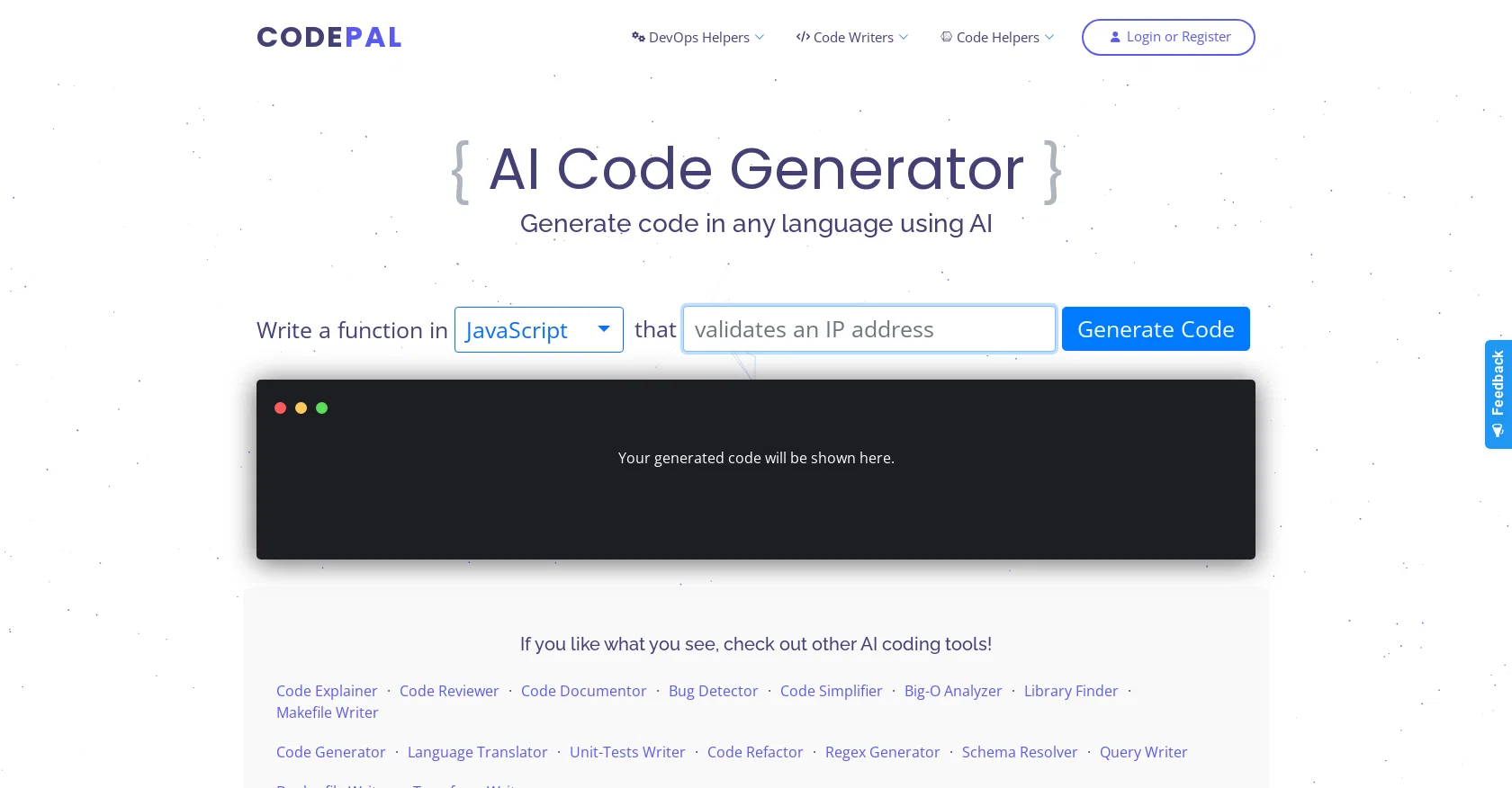
CodePal is an AI-based tool that helps simplify coding by generating code from natural language and providing helpful features such as a Code Explainer, Code Reviewer, Code Documentor, and Bug Detector.
The Code Generator tool can generate code in a wide range of languages, including JavaScript, Python, Java, Bash, C++, C#, C, PHP, Swift, Ruby, Go, Kotlin, R, Rust, Scala, Haskell, Lua, Erlang, and Julia.
The code is generated in the language of choice and can be viewed in the app or copied to the clipboard. CodePal also provides a Unit Test Writer to help write tests for code, as well as a Code Simplifier to make it easier to read and understand code.
Additionally, it offers a Language Translator which can translate code from one language to another. CodePal’s mission is to make coding easier, more fun, and more accessible to everyone.
Best for
Short scenarios where CodePal tends to shine.
-
Generate code in any language from plain words.
Best for Students
-
Find and fix bugs in existing code.
Best for Beginner programmers
-
Simplify complex code for better readability.
Best for Experienced developers
-
Write unit tests automatically.
Best for Software engineers
-
Translate code from one language to another.
Best for Web developers
Example outputs 1
Sample generations and before/after results for CodePal.
Access & connections
Where you can use CodePal, and what it plugs into.
Platforms
Integrations
Capabilities
What this tool accepts, produces, and is strongest at.
Input
- Text
Output
- Code
Supported features
- Code Review
- Code Assistant
- Autocomplete
Pros & cons
Pros
- Generates code from language
- Code Explainer feature
- Code Reviewer feature
- Bug Detector feature
- Wide language support
- Unit Test Writer
- Code Simplifier tool
- Language Translator tool
Show 4 more
- Code can be copied
- Generates code in-app
- Tool developed continuously
- Newsletter for updates
Cons
- Limited to specific languages
- No offline usage
- Cannot integrate with IDEs
- No version control integration
- Requires internet connection
- Lacks customizability
- No advanced error insights
- Not open-source
Show 2 more
- No mobile application
- Doesn't support batch processing
Compare alternatives
Similar tools in the catalog — with a clear reason to open each one.


OnSpace.AI - No Code App Builder ✓
FreemiumBuild Apps with AI, No Code
Free + from $20/mo
Full comparison
Kilo Code ✓
Free TrialAI-powered coding assistant for VS Code
Why look Typically cheaper
Full comparison
Github Copilot ✓
FreemiumAI-powered coding assistant for faster development
Why look Typically cheaper
Full comparison
CodingFleet ✓
FreemiumAI wizard transforms instructions into code snippets.
Why look Typically cheaper
Full comparison
People also view
Tools that often show up alongside CodePal in collections and comparisons.

Jit Codes ✓
FreemiumTransform text into code with AI

Zzzcode ✓
FreeAI-powered coding assistant for multiple languages.

Twinny ✓
FreeLocal AI code completion for VS Code.

React GPT Designer ✓
FreeDesign React components with AI assistance

Mind Map Wizard ✓
FreemiumGenerate mind maps with AI: free, no sign-up, no ads

Marvin ✓
FreeBuild AI-powered software with ease

Gitwit ✓
FreeCreate code from natural language prompts.

Codelab ✓
FreeCode smarter with AI-powered web development.
Releases 1
FAQ 12
What is CodePal?
What languages does CodePal support for code generation?
What does the Code Explainer feature of CodePal do?
Can CodePal help in code review?
What's CodePal's Code Documentor feature?
How does the Bug Detector feature of CodePal work?
How does CodePal handle code simplification?
Can CodePal write unit tests?
What is the Language Translator feature in CodePal?
Can CodePal generate code from natural language?
Can the generated code from CodePal be copied to the clipboard?
How user-friendly is CodePal for beginners?
Related tools
Recommended

Codeium ✓
FreemiumAI-powered code completion for 20+ languages
Jit Codes ✓
FreemiumTransform text into code with AI

Code Snippets AI ✓
FreemiumCode Snippets AI is a next-gen AI-powered desktop app!

VenturusAI ✓
FreemiumBusiness idea analysis and reporting.

TutorAI ✓
FreemiumInstant knowledge on any topic

Agentgpt ✓
FreemiumDeploy autonomous AI Agents effortlessly in your browser.