

Codeium ✓
AI-powered code completion for 20+ languages
Free + from $12/mo
Verdict
A quick read before you dig into the full page.
- Best if
- AI-powered code completion for 20+ languages
- Skip if
- Limited playground usage without extension
- Pick this when
- Supports 20+ languages
Considering Cursor instead? Compare side by side
Overview
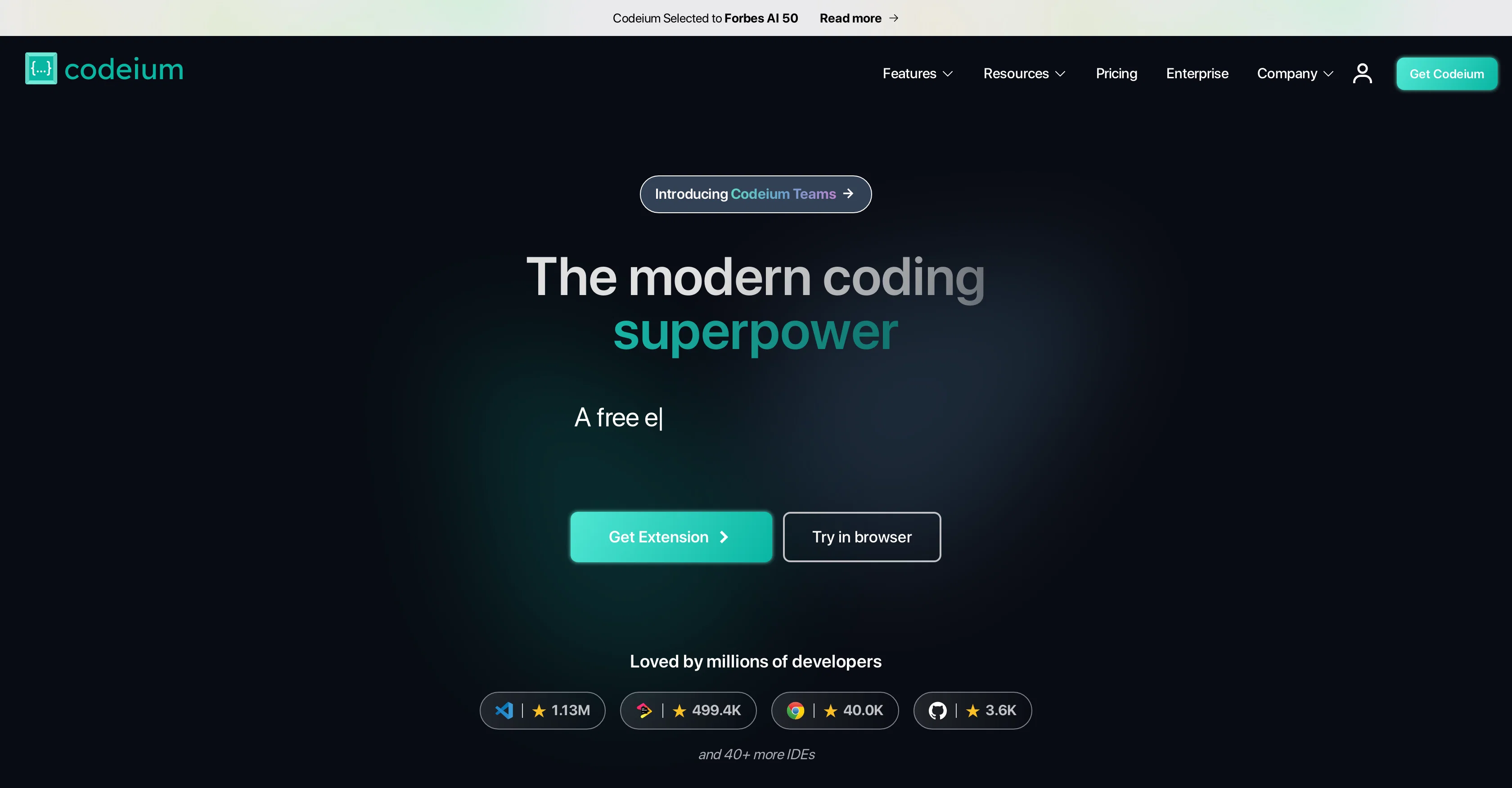
Codeium is an AI-based tool designed to aid coding procedures with effective features such as AI code completion, search and chat, targeting developers and coding professionals.
It supports an extensive variety of over 70 languages and is integrated to work with widely used IDEs, providing a seamless interface for users. The tool is potentially transformative for developers' experiences as it's built to accelerate coding processes and enhance productivity levels.
The generative code capabilities of Codeium can assist users in saving coding time, thus enabling quicker product shipments. Codeium is freely available and unlimited in its autocomplete feature, maintaining an inclusive and growing language support scope.
Furthermore, it features a specially trained in-house model and infrastructure which enables autocomplete and search functionalities, along with a chat feature for additional support.
Its offerings range from individual use to enterprise level, with a variety of features like rapid code autocomplete, in-editor AI chat assistant, unlimited usage, support via various platforms, advanced personalization on your code base and GPT-4 Support among others, depending on the chosen package.
It extends its code completion and search capabilities on various coding repositories.
Best for
Short scenarios where Codeium tends to shine.
-
AI-powered code completion for 20+ languages
Example outputs 1
Sample generations and before/after results for Codeium.

Access & connections
Where you can use Codeium.
Platforms
Capabilities
What this tool accepts, produces, and is strongest at.
Input
- Code
Output
- Code
Supported features
- Autocomplete
- IDE
Pros & cons
Pros
- Supports 20+ languages
- IDE integrations
- Handles unfamiliar codebases
- Reduces boilerplate coding
- Assists in API usage
- Generates unit tests
- Natural language to code
- Allows Python memoization
Show 11 more
- Generates CSS from comments
- Enables finding and using endpoints
- Supports OOP in Java
- Supports Data Science tasks
- Assists in building math libraries
- Eliminates need to search regex
- Used by top companies
- Free to use
- Has a browser extension
- No usage limits with extension
- Trusted at prestigious universities
Cons
- No offline version
- Limited IDE integration
- Lacks advanced customization options
- Potential inaccuracy in suggestions
- May not support niche languages
- No listed compatibility with older systems
- Dependent on good internet connection
- Missing version control integration
Show 2 more
- Limited playground usage without extension
- Lacks collaborative features
Compare alternatives
Similar tools in the catalog — with a clear reason to open each one.

OnSpace.AI - No Code App Builder ✓
FreemiumBuild Apps with AI, No Code
Free + from $20/mo
Full comparison
Kilo Code ✓
Free TrialAI-powered coding assistant for VS Code
Why look Higher community rating
Full comparison
Github Copilot ✓
FreemiumAI-powered coding assistant for faster development
Why look Typically cheaper
Full comparison
CodingFleet ✓
FreemiumAI wizard transforms instructions into code snippets.
Why look Typically cheaper
Full comparison
People also view
Tools that often show up alongside Codeium in collections and comparisons.

Cursor ✓
FreemiumAI-powered IDE for faster coding

Replit ✓
FreemiumAI redefines the software development lifecycle.

Udio ✓
FreemiumCreate and share music with the world.

Runway ✓
Free TrialAI-powered creative tools for content generation and editing

Midjourney ✓
PaidExpand human imagination through AI-powered visuals.

HeyGen ✓
FreemiumCreate AI spokesperson videos from text

Gamma ✓
FreemiumAI-powered content creation, minus the hassle.

ElevenLabs ✓
FreemiumCreate lifelike AI voices for compelling storytelling.
Releases 1
In the news
Launch coverage and community mentions for Codeium.
Imported reviews 5
This is awesome 😎 tool
It's really so useful!
Looks great yet the plugins dont work too well. for example in vscode you are prompted to add libraries and stuff which works.
buuuut if you are prompted the option to opt out of telemety all looks well but runs into errors later on.
their FAQ or homepage is not good at all so is the documentation.
after intall the plugin did not find python3 interpreter which is installed but their faq just has some weird windowsXP screenshot tutorial.
didnt get it to work. too many problems.
Very good and free
magnificent. perfect. no errors.
FAQ 12
What is Codeium?
What languages does Codeium support?
Can I use Codeium with my current IDE?
How does Codeium make coding faster?
What does Codeium mean by reducing boilerplate coding?
How can Codeium help me find and use APIs?
Can Codeium generate unit tests for my code?
How does the natural language processing in Codeium work?
What companies and universities use Codeium?
How can Codeium help when working with unfamiliar codebases?
Can Codeium generate random numbers in my code?
Does Codeium support Python for memoization?
Related tools
Recommended

Agentgpt ✓
FreemiumDeploy autonomous AI Agents effortlessly in your browser.

VenturusAI ✓
FreemiumBusiness idea analysis and reporting.

GPTExcel ✓
FreemiumGenerate spreadsheet formulas with AI

LearningStudioAI ✓
Free TrialAI-powered authoring tool for effortless online course creation.

TutorAI ✓
FreemiumInstant knowledge on any topic

Stunning ✓
PaidBuild AI-powered websites in seconds


