

Twinny ✓
Local AI code completion for VS Code.
Verdict
A quick read before you dig into the full page.
- Best if
- Local AI code completion for VS Code
- Skip if
- Limited tools compared to Copilot
- Pick this when
- Operates locally
Considering Cursor instead? Compare side by side
Overview
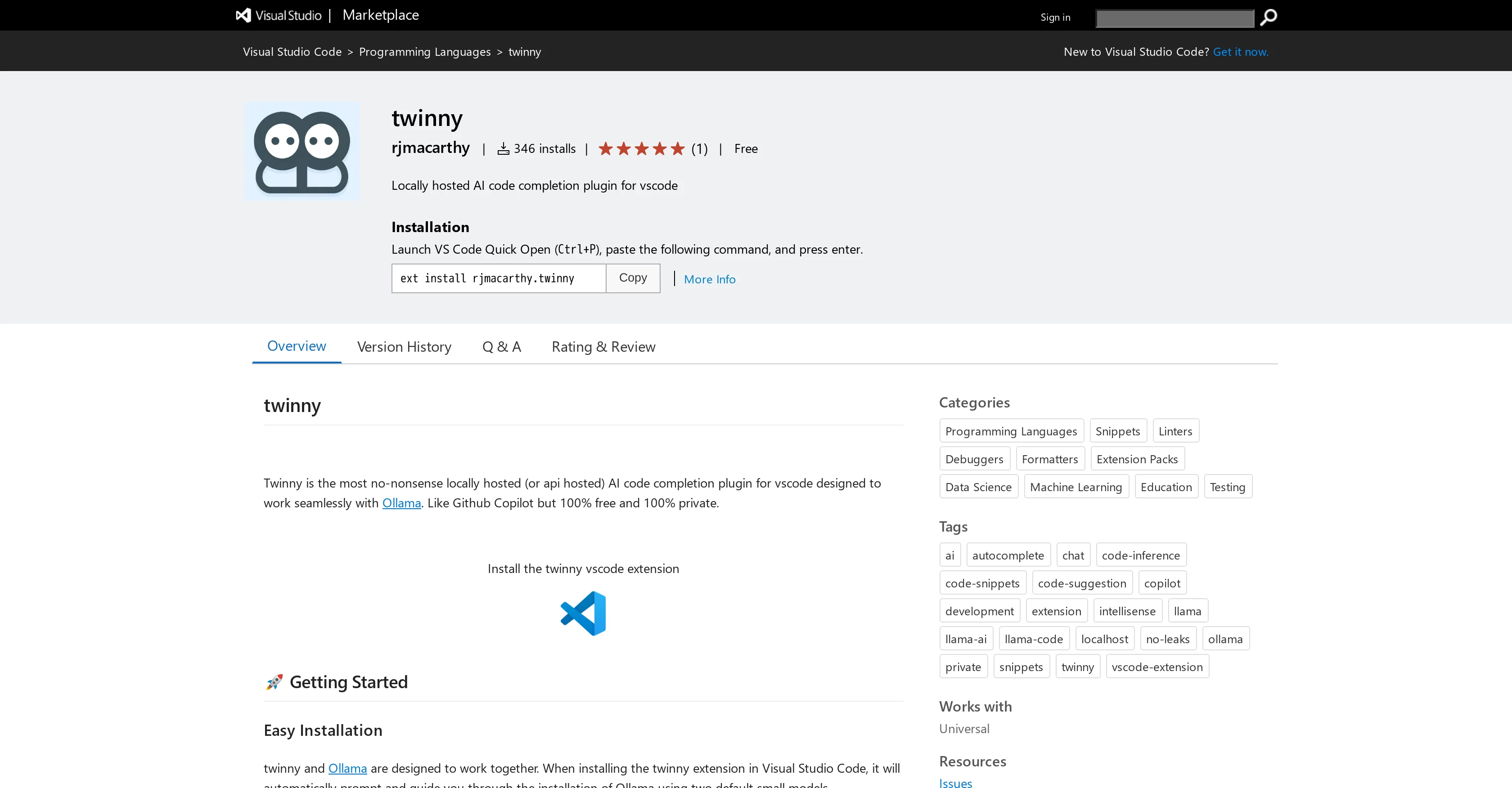
Twinny is an AI code completion extension for Visual Studio Code. It operates locally, ensuring your code remains private, and is designed to enhance code completion tasks with seamless integration with Ollama.
This straightforward plugin is comparable to Github Copilot, but the difference lies in its cost-effectiveness and privacy. It comes at no charge and ensures total user confidentiality.
Once twinny and Ollama are installed in Visual Studio Code, they work together to provide users with an interactive coding assistant that suggests code in real time.
Users will be able to tell the system is operational through an icon at the bottom of the editor, showing what models are running. Twinny supports multiple programming languages, offering features like configurable endpoint and port for Ollama API, auto code completion, chat feature like Copilot Chat, viewing differences for code completions, and accepting solutions directly to the editor.
Your chat history with twinny is preserved per conversation, allowing for easy reference. The extension is easy to install, ensures fast and accurate code completions, and is freely available.
Access & connections
Where you can use Twinny, and what it plugs into.
Platforms
Capabilities
What this tool accepts, produces, and is strongest at.
Input
- Code
Output
- Code
Supported features
- Autocomplete
Pros & cons
Pros
- Operates locally
- Enhances code completion
- Seamless integration with Ollama
- Cost effective
- Ensures user confidentiality
- Real-time code suggestions
- Supports multiple programming languages
- Configurable endpoint and port
Show 14 more
- Chat feature
- Visual comparison for code completions
- Accept solutions directly to editor
- Preserves chat history
- Easy installation
- Fast and accurate completions
- Open-source
- Auto code completion
- Copy generated code blocks
- Works with Ollama
- Shows operational models
- Interactive coding assistant
- Tells system’s operational status
- Freely available
Cons
- Requires Visual Studio Code
- Requires separate Ollama installation
- No standalone functionality
- Lacks extensive user reviews
- Limited tools compared to Copilot
- Usage requires constant Internet connection
- Dependent on Ollama API updates
- Frequent updates may disrupt workflow
Show 2 more
- No advanced setting or customization
- No support for all languages
Compare alternatives
Similar tools in the catalog — with a clear reason to open each one.


OnSpace.AI - No Code App Builder ✓
FreemiumBuild Apps with AI, No Code
Free + from $20/mo
Full comparison
Kilo Code ✓
Free TrialAI-powered coding assistant for VS Code
Why look Higher community rating
Full comparison
Github Copilot ✓
FreemiumAI-powered coding assistant for faster development
Free + from $10/mo
Full comparison
CodingFleet ✓
FreemiumAI wizard transforms instructions into code snippets.
Why look Higher community rating
Full comparison
Releases 1
FAQ 12
How does Twinny differ from Github Copilot?
Is Twinny free to use?
How does Twinny ensure user privacy?
Does Twinny support multiple programming languages?
What is the function of Ollama API with Twinny?
Does Twinny offer auto code completion?
Can you explain the chat feature in Twinny?
How do I know if Twinny is functional in my editor after installation?
Can I accept code solutions directly to the editor with Twinny?
How does code completion work in Twinny?
What is Ollama and how is it integrated with Twinny?
How can I install Twinny?
Related tools
Recommended

Jit Codes ✓
FreemiumTransform text into code with AI

AI Smart Coder ✓
FreeEnhance coding with AI-powered tests, reviews, docs, and fixes.

AIGPT ✓
FreeElderly and time-constrained shopping assistant

React GPT Designer ✓
FreeDesign React components with AI assistance

CodePal ✓
FreemiumGenerate code from natural language

AIT-CodeX ✓
FreeAccelerate your tech career with AI-guided talent matching.