

Codelab ✓
Code smarter with AI-powered web development.
Verdict
A quick read before you dig into the full page.
- Best if
- Code smarter with AI-powered web development
- Skip if
- Potentially complex UI
- Pick this when
- Multiple languages support
Considering Cursor instead? Compare side by side
Overview
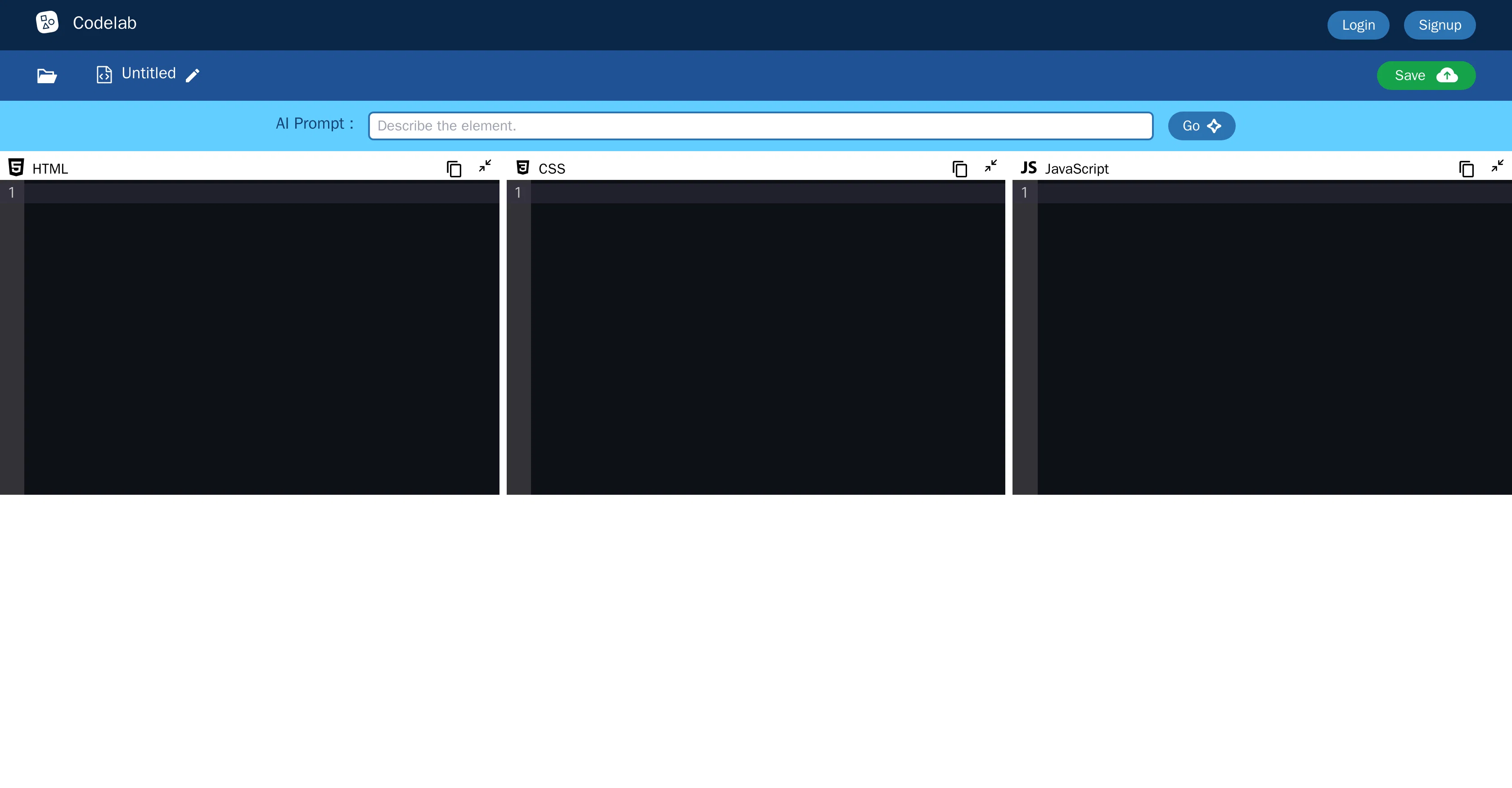
Codelab is a versatile tool for developers that accommodates coding in various languages such as HTML, CSS, JavaScript, and JSON. Devoid of any constraint on use-case, its multifunctional capacity makes it suitable for a plethora of web development projects, regardless of their complexity.
Codelab facilitates learning, experimenting, and deploying code in a user-friendly environment. Its framework eases the concept of iterative coding, aiding developers to steadily navigate, analyze and restructure their code.
Codelab also extends its functionalities to enable a seamless collaboration between team members. Apart from coding, it provides a platform to save and share your projects, thus enhancing usability and accessibility.
Additionally, Codelab boasts support features that guide developers through problems and potential road-blocks they may encounter during their coding journey.
Integral to Codelab's features is the AI Prompt, a tool designed to assist with generating code, thereby expediting the development process and reducing manual coding efforts.
However, the specific functionalities of AI Prompt in Codelab are not provided in the given context. In summary, Codelab exists to empower developers to write, test, debug and collaborate on their code conveniently and efficiently.
Access & connections
Where you can use Codelab.
Platforms
Pros & cons
Pros
- Multiple languages support
- Unconstrained use-case
- Versatile web development
- Coding learning facilitation
- User-friendly environment
- Iterative coding ease
- Code navigation aid
- Code restructuring
Show 11 more
- Seamless team collaboration
- Project save and share
- Enhanced usability and accessibility
- Developer support features
- Code generation assistance
- Efficiency in code creation
- Convenient code testing
- Efficient code debugging
- Code deployment ease
- Efficient project management
- Problem-solving guidance
Cons
- No API
- Limited language support
- Potentially complex UI
- Unspecific debugging tools
- Potential project saving limits
- Unspecified team collaboration interface
- No offline mode noted
- No version control mentioned
Show 1 more
- Access control not specified
Compare alternatives
Similar tools in the catalog — with a clear reason to open each one.


OnSpace.AI - No Code App Builder ✓
FreemiumBuild Apps with AI, No Code
Free + from $20/mo
Full comparison
Kilo Code ✓
Free TrialAI-powered coding assistant for VS Code
Why look Higher community rating
Full comparison
Github Copilot ✓
FreemiumAI-powered coding assistant for faster development
Free + from $10/mo
Full comparison
CodingFleet ✓
FreemiumAI wizard transforms instructions into code snippets.
Why look Higher community rating
Full comparison
Releases 1
FAQ 12
What is Codelab?
Which coding languages does Codelab support?
How versatile is Codelab as a tool for developers?
Can Codelab be used for all types of web development projects, regardless of complexity?
How does Codelab support the iterative coding process?
How can developers collaborate in Codelab?
What additional features does Codelab provide apart from coding?
Is it possible to save and share projects on Codelab? How?
What are the support features available in Codelab for developers?
What's the purpose of the AI Prompt feature in Codelab?
Can the AI Prompt in Codelab generate code?
How does Codelab facilitate learning and experimenting with code?
Related tools
Recommended

Marblism ✓
FreemiumAI Employees who Work for Your Business

Command-G ✓
FreeAI copilot for Xcode developers

AI Smart Coder ✓
FreeEnhance coding with AI-powered tests, reviews, docs, and fixes.

IllumiChat ✓
FreemiumFrom Ticket Backlog to Instant Answers Powered by AI

Jit Codes ✓
FreemiumTransform text into code with AI

Gitwit ✓
FreeCreate code from natural language prompts.