

Productivity vv6.1.2 2026 Rank: #387
Slashspace (Formerly RabbitHoles AI) ✓
Intelligence canvas for ambitious work
from $89
Verdict
A quick read before you dig into the full page.
- Best if
- Intelligence canvas for ambitious work
- Skip if
- Limited export options
- Pick this when
- Infinite Canvas
Considering TheLibrarian.io instead? Compare side by side
Overview


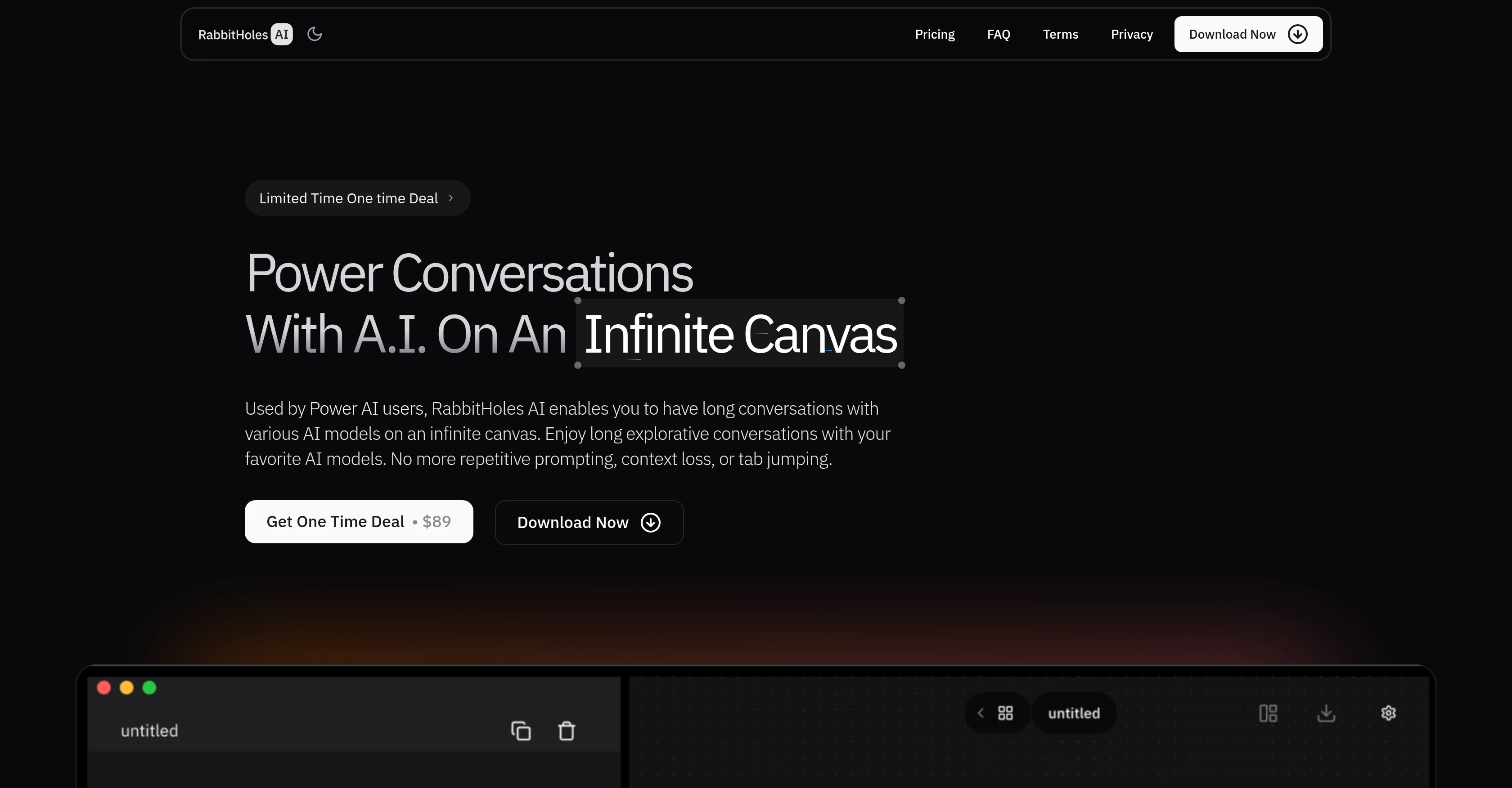
Users can interact with multiple AI models simultaneously, including OpenAI, Anthropic, Google, and locally hosted models via Ollama or custom providers. RabbitHoles AI also supports rich input types—allowing users to attach PDFs, websites, images, and more as sources to their conversations. All chats are stored locally on the user’s device and can be exported in JSON or markdown format.
With customizable model parameters like temperature and system prompt (when supported), RabbitHoles AI gives users full control over the experience. The app is available via a one-time purchase, with no ongoing subscription fees, and includes a license for two devices with free updates and support for a year.
- Bring Any Openai Compatible Model
- Add Files And Documents To The Canvas
Best for
Short scenarios where Slashspace (Formerly RabbitHoles AI) tends to shine.
-
Intelligence canvas for ambitious work
Example outputs 1
Sample generations and before/after results for Slashspace (Formerly RabbitHoles AI).
Access & connections
Where you can use Slashspace (Formerly RabbitHoles AI), and what it plugs into.
Platforms
Integrations
Capabilities
What this tool accepts, produces, and is strongest at.
Input
- Code
- Image
- Text
Output
- API
- Text
Highlights
- Local
- MCP
- API
- Agents
- Use code TAAFT
- 10% OFF
Supported features
- Runs Locally
- MCP
- API
- Agents
- Assistant
Pros & cons
Pros
- Infinite Canvas
- Node Based Chats
- Multiple Models
- Latest Models
- Advanced Settings
- Custom Providers
- Add Sources
- Saved Locally
Show 26 more
- Export Options
- Custom Prompts
- Temperature Control
- Top_p Control
- Branching Conversations
- Reusable Prompts
- Spatial Thinking
- Multi POV
- BYO API Keys
- One Time Purchase
- No Monthly Fees
- Free Updates
- Lifetime Support
- Local Storage
- JSON Export
- Markdown Export
- Customizable
- Flexible Modeling
- Ollama Support
- Google Support
- Anthropic Support
- Custom LLMs
- Device Reassignment
- Free Trial
- Refund Option
- Secure Payment
Cons
- Requires API keys
- No cloud syncing
- Limited export options
- No web version
- Closed source code
- No free trial
Compare alternatives
Similar tools in the catalog — with a clear reason to open each one.

TheLibrarian.io ✓
Free TrialYour WhatsApp AI assistant for instant productivity.
Why look Typically cheaper
Full comparison
Supernormal App ✓
FreemiumThe AI assistant app that turns meetings into completed work
Why look Freemium alternative
Full comparison
Saidar ✓
FreemiumYour AI Secretary for Admin Tasks, now on SMS
Why look Freemium alternative
Full comparison
MiroAI ✓
FreemiumUnlock creative power with AI-driven collaboration.
Why look Typically cheaper
Full comparison
Collate ✓
FreeUnlimited free and private summaries and chat with PDF
Why look Fully free option
Full comparison
People also view
Tools that often show up alongside Slashspace (Formerly RabbitHoles AI) in collections and comparisons.

Ormind ✓
FreemiumBuild and refine reports with AI until you fully stand behind them

DeepSeek ✓
FreeUnravel the mystery of AGI with curiosity

Smarter ChatGPT by Athena AI ✓
FreemiumAI assistant that gets your tasks done. Smarter than ChatGPT.
Supernormal App ✓
FreemiumThe AI assistant app that turns meetings into completed work

WritingMate ✓
FreemiumWriting and communication assistant.

VenturusAI ✓
FreemiumBusiness idea analysis and reporting.

Rabbithole
FreemiumA launchpad for your curiosity

IdeaPicker ✓
FreemiumIdeaPicker - Generate startup ideas with AI by scanning Reddit for pain
Releases 3
MCP Support (Beta)
You can now add MCP servers and use them with LLMs that support tool calling. Note: Straico doesn't support tool calling.
Fal AI Provider (Beta)
You can now add Fal AI Provider to generate images with Fal image models.
Retry Button Has Moved to Messages
Regenerate / retry button has been removed in favor of regenerate message button that'll be visible as an icon underneath any LLM response inside Chat nodes.
Updated Feedback and Bug Form
The feedback and bug form now automatically gets the license information and the main.log file. You can attach screenshots and screen recordings and just explain the bug or the feedback.
Version and Update UI
Previously updates happened in the background and didn't offer any view into the download process. You can now click on the version label in the app and it'll open a popup to let you download updates if available. This popup will also display the progress of the download.
Misc
- UI fixes
- Performance improvements
- Default Model settings have been moved to settings page. Set your default image, title, and chat models from settings > default models
- Fixed a bug where having custom providers still show "No AI running" popup in the canvas
- Reverted a change in auto save that was causing aggressive saves and making the app unresponsive in some cases
Image generation Nodes
Introduces Image generation nodes. You can now generate images with nodes. You can also connect other images to an image generation node to provide references to the image generation model. Supports Nano banana, Gpt Image 1, and Ideogram, etc
RAG (Retrieval Augmented Generation)
Introduced RAG mode which let’s you deal with large files, and cases when there’s a lot of nodes connected to a chat node reaching the context limits of the selected model
Search for Nodes on Canvas with AI + Keywords
As canvases got bigger with many nodes, it was difficult to find your place or look up a node. Search modal can now help you search for nodes using a local keyword search, or also using Intelligent AI search
Token summary
You can now view the token count estimation of each node, the tokens incoming into a given node as context, and also the token estimation that you’d send to the AI
Voice Input
Use voice transcription to talk to the Nodes, and get your prompts transcribed
Persona Prompts Library
Save and reuse persona prompts (system prompts or like custom GPT) and assign them to your chat nodes so that the models can follow the instructions of the prompt
Refactored Context Engine
A completely refactored context engine. This is a step forward in making the app ready for upcoming updates, like MCP clients and tool use.
Imported reviews 3
Perfect for going down research rabbit holes on rocket engines and telescope tech. The multi threaded conversations keep everything organized: one thread for propulsion, another for Webb discoveries. Learned more about closed-cycle engines in a week than months of random googling.
The Node system and the infinite canvas, combined with AIs like perplexity and claude is just making wonders. Faster learning, no need to click between tabs, and all the chats are in one place, making the progress 101% more efficient and more effective.
But bringing our API keys will require us to purchase that specific model right?
Does it make sense?
FAQ 12
What is Rabbitholes AI?
How does Rabbitholes AI work?
What are the different AI models I can use with Rabbitholes AI?
Can I control the system prompt and model settings in Rabbitholes AI?
Where are my conversations stored in Rabbitholes AI?
What are API keys, and why do I need to bring them myself?
How do I add sources to my canvas in Rabbitholes AI?
Can I export my chats from Rabbitholes AI?
What file formats can I export my chats as in Rabbitholes AI?
How do I switch between AI models in Rabbitholes AI?
Can I use multiple AI models at once in Rabbitholes AI?
How do I add custom providers to Rabbitholes AI?
Related tools
Recommended

ChatGPT ✓
FreemiumAsk anything, create anything, and move from idea to action.

remio: Your Personal ChatGPT ✓
FreemiumGet Tailored Answer with Your Personal ChatGPT

ChatPlayground AI ✓
PaidThe #1 Platform for Comparing AI Models
DeepSeek ✓
FreeUnravel the mystery of AGI with curiosity
Smarter ChatGPT by Athena AI ✓
FreemiumAI assistant that gets your tasks done. Smarter than ChatGPT.

CodeRabbit ✓
Free TrialEnhanced code review for improved workflow and quality.