

WritingMate ✓
Writing and communication assistant.
Free + from $9.99/mo
Verdict
A quick read before you dig into the full page.
- Best if
- You are writers and need: Drafting or replying to emails in Gmail
- Skip if
- Limited user interface customization
- Pick this when
- Chrome extension
Considering BrowseGPT instead? Compare side by side
Overview
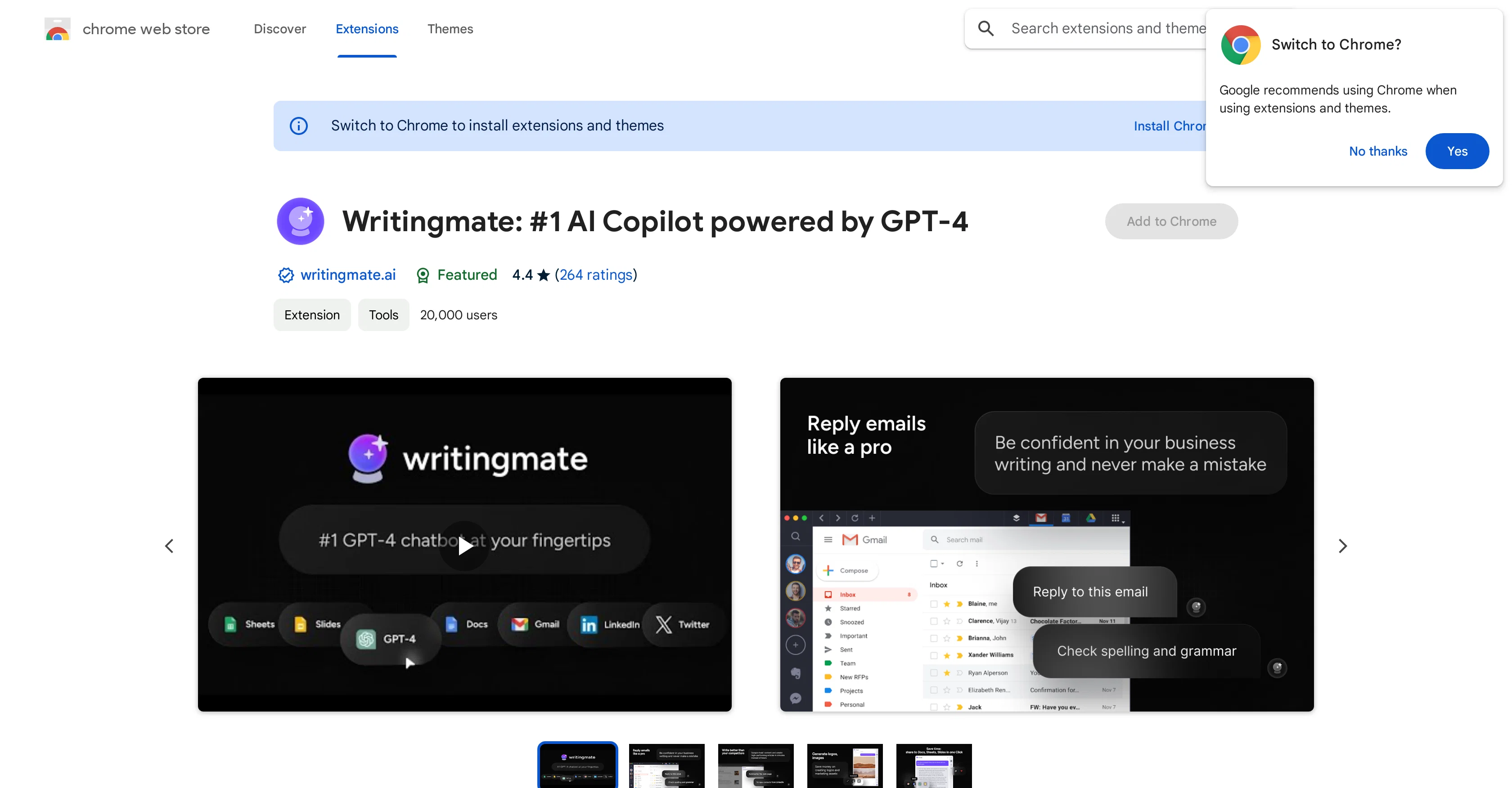
Writingmate is an AI-powered Chrome extension developed by Ava Labs. This tool leverages GPT-4 and ChatGPT technologies to assist with a variety of writing tasks.
Users can create emails, messages, blog posts, essays, marketing copy, and press releases at an accelerated rate. Apart from drafting, users can use Writingmate to check grammar, rewrite text, and even translate languages.
It aims to save users' time on writing-related tasks and improve productivity. Additionally, it interacts with various popular websites seamlessly. It is designed to be user-friendly, offering simple and intuitive interfaces, as well as shortcuts for easy access.
Beyond these capabilities, Writingmate also plays a crucial role in facilitating effective research by summarizing texts, brainstorming ideas, and responding to questions.
Users can tailor the AI suggestions to align with their writing style and preferences. The extension is privacy-focused, supports multiple languages, and is continually updated for optimization.
Writingmate aims to be a powerful tool for both personal and commercial use, offering a forever free version along with a premium variant for advanced features.
Best for
Short scenarios where WritingMate tends to shine.
-
Drafting or replying to emails in Gmail
Best for Writers
-
Generating blog posts or essays
Best for Marketers
-
Creating marketing copy in LinkedIn
Best for Students
-
Fixing grammar and rewriting text
Best for Professionals
-
Summarizing texts and brainstorming ideas
Best for Content creators
Example outputs 1
Sample generations and before/after results for WritingMate.
Access & connections
Where you can use WritingMate, and what it plugs into.
Platforms
Integrations
Capabilities
What this tool accepts, produces, and is strongest at.
Input
- Tabular
Output
- Text
Pros & cons
Pros
- Chrome extension
- One-click access
- Helps draft emails
- Generates blog content
- Creates marketing copy
- Grammar and translation fixes
- Summarizing and brainstorming capabilities
- Asks questions
Show 32 more
- Increases productivity
- Saves time
- Available for free
- Email contact support
- Efficient writing tool
- Assists with press releases
- Can handle work content
- Access from any tab
- Helps with messaging
- Developed by experienced professionals
- Alternative to Wordtune and Jasper.ai
- Simple installation
- Accessible globally
- Appealing UI design
- Integrated with GPT-3
- Streamlines communication tasks
- Facilitates better research
- User-friendly interface
- Quick content generation
- Saves at least 30mins daily
- 4,000+ users
- Responsive developer
- Invites user feedback
- Lightweight (1.2MiB)
- Regularly updated
- English language support
- US-based developer
- Keeps user data safe
- Privacy policy available
- Good user reviews
- Recommended Chrome practices followed
- Transparent data usage
Cons
- Only available on Chrome
- Limited to English language
- No offline functionality
- Limited user interface customization
- Doesn't reference current webpage context
- No data export functionality
- Requires personal identification for use
- User interface can be confusing
Show 2 more
- No indication of operating systems compatibility
- Relies on good internet connection
Compare alternatives
Similar tools in the catalog — with a clear reason to open each one.


AI Genius ✓
FreeYour 24/7 AI personal assistant for tasks and efficiency.
Why look Fully free option
Full comparison
Casper AI ✓
Free TrialSimplify your workflow with AI-powered summaries.
Why look Typically cheaper
Full comparisonPeople also view
Tools that often show up alongside WritingMate in collections and comparisons.

Ormind ✓
FreemiumBuild and refine reports with AI until you fully stand behind them

YakGPT ✓
FreeSimple, fast, local ChatGPT UI with voice support.

Slashspace (Formerly RabbitHoles AI) ✓
PaidIntelligence canvas for ambitious work

Monica ✓
Free TrialYour ChatGPT-powered AI assistant on all websites.

Microsoft Copilot ✓
UnknownYour AI companion to inform, entertain, and inspire.

GPT for work ✓
PaidHarness ChatGPT in Google Workspace and Excel

DeepSeek ✓
FreeUnravel the mystery of AGI with curiosity

ChatNode ✓
Free TrialAI Agents for customer service that feel human
Releases 1
Imported reviews 4
"Trump's Energy Policy Shift: Day 1 Executive Orders Explained"
very expensive
Amazing tool
Great tool that automates daily work tasks.
FAQ 12
What is WritingMate.ai?
What are the key features of the WritingMate.ai extension?
Is WritingMate.ai easy to use?
How does WritingMate.ai assist with drafting or replying to emails and messages?
How can WritingMate.ai help generate personal content?
What kind of work content can WritingMate.ai help to create?
Can WritingMate.ai help in my research tasks?
How can WritingMate.ai help save my time?
How do I access WritingMate.ai from any tab on Chrome?
Who created WritingMate.ai?
What makes WritingMate.ai a good alternative to Wordtune and Jasper.ai?
How can I contact the developers of WritingMate.ai?
[email protected]
for assistance or to provide feedback or feature requests.
Related tools
Recommended

IllumiChat ✓
FreemiumFrom Ticket Backlog to Instant Answers Powered by AI

Stunning ✓
PaidBuild AI-powered websites in seconds

Hyperis ✓
FreemiumOrganized task prioritization.

Mindsmith ✓
FreemiumPlatform for building and sharing eLearning content

Kin - Personal AI Advisors ✓
FreePrivacy-first & designed your for mind, and life at work

VenturusAI ✓
FreemiumBusiness idea analysis and reporting.