

Pitch ✓
Create sleek decks quickly for powerful results.
Free + from $21.49/mo
Verdict
A quick read before you dig into the full page.
- Best if
- You are sales teams and need: Creating sales decks to close deals
- Skip if
- Learning curve for new users
- Pick this when
- Streamlines presentation creation
Considering MagicSlides.app AI PPT Maker instead? Compare side by side
Overview
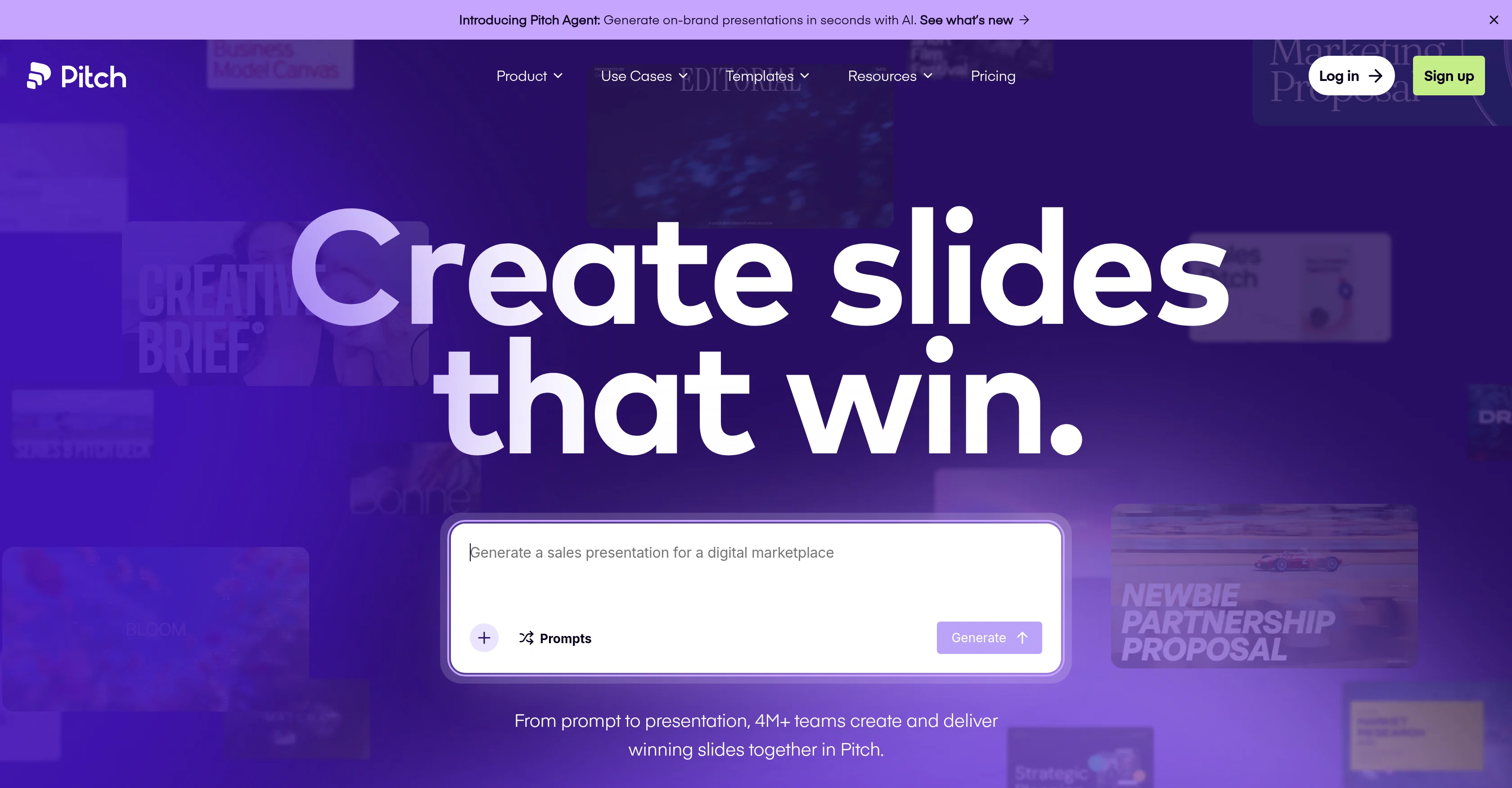
Pitch is an AI-enhanced presentation workspace designed for professionals to collaborate on, create, and deliver thematic slides while maintaining their brand uniformity.
The platform streamlines the entire presentation creation process from the first draft to the final delivery. It offers a powerful editor that enables users to design sleek slides augmented with high-resolution video; animations; and custom fonts, guaranteeing that their presentations always stand out.
An interesting feature of Pitch is the ability to import customer data for the creation of personalized decks in bulk and tracking visitor engagement to understand the best times for follow-up.One of the unique features of Pitch is its ability to maintain brand consistency even when teams are creating presentations at scale.
It achieves this through shared templates, a brand library, and AI that adapt to the user's workflow. As a cloud-based workspace, Pitch provides a centralized location for all team presentations, enhancing content organisation and management.Furthermore, its collaborative features, such as live co-editing, slide assignments and comments, streamline teamwork, thereby increasing the team's efficiency.
The platform also offers a unique capability to grab attention with interactive embeds and animations, and share presentations through live links and custom deal rooms, enabling a personalized experience for each client and adequate engagement tracking for follow-ups.
Best for
Short scenarios where Pitch tends to shine.
-
Creating sales decks to close deals
Best for Sales teams
-
Developing team meeting presentations
Best for Marketing teams
-
Designing board decks for executive updates
Best for Designers
-
Crafting marketing presentations
Best for Agencies
-
Building agency presentations
Best for Startups
-
Creating pitch decks for fundraising
Best for Businesses
Example outputs 1
Sample generations and before/after results for Pitch.
Access & connections
Where you can use Pitch.
Platforms
Capabilities
What this tool accepts, produces, and is strongest at.
Input
- Text
Output
- Text
Pros & cons
Pros
- Streamlines presentation creation
- Powerful editor
- Built-in AI assistant
- Visitor engagement analytics
- High-resolution video
- Animations
- Bulk presentations creation
- Custom fonts
Show 26 more
- Personalized decks creation
- Brand uniformity preservation
- Cloud-based workspace
- Content organization
- Team collaboration
- Live co-editing
- Interactive embeds
- Team efficiency improvement
- Brand consistency
- Shared templates
- Custom deal rooms
- Import existing PPTX
- 150+ templates
- Slide assignments
- Contextual comments
- High-res brand media
- Branded slides from import
- Custom sales rooms
- On-brand slides generation
- Message personalization
- Presentation workspace
- Convicing slide design
- Audience attention grabbers
- Visual and motion-driven
- Efficient client follow-up
- Template-based workflows
Cons
- No MCP (yet)
- Limited offline functionality
- Learning curve for new users
- No merge cells in tables
- PPTX imports don't reflect exactly
Compare alternatives
Similar tools in the catalog — with a clear reason to open each one.

MagicSlides.app AI PPT Maker ✓
FreemiumCreate Stunning PPTs in Seconds with the AI PPT Maker
Why look Typically cheaper
Full comparison
NextDocs.io ✓
FreemiumThe AI-native editor for docs, slides, and more
Why look Offers a public API
Full comparison
Gamma ✓
FreemiumAI-powered content creation, minus the hassle.
Why look Typically cheaper
Full comparison
AI Slide Generator ✓
Free TrialCreate stunning presentations from any text in seconds
Why look Typically cheaper
Full comparisonPeople also view
Tools that often show up alongside Pitch in collections and comparisons.

okkslides ✓
FreemiumTransform ideas into professional PowerPoint slides in minutes.
NextDocs.io ✓
FreemiumThe AI-native editor for docs, slides, and more
MagicSlides.app AI PPT Maker ✓
FreemiumCreate Stunning PPTs in Seconds with the AI PPT Maker
AI Slide Generator ✓
Free TrialCreate stunning presentations from any text in seconds

GenPPT ✓
PaidThe AI Presentation Tool for Deep, Research-Backed Slides
Gamma ✓
FreemiumAI-powered content creation, minus the hassle.

Skywork ✓
Free Trial10 tasks in 1 hour, not 10 hours

OpenDeck ✓
FreeSlide decks that speak for themselves.
Releases 1
In the news
Launch coverage and community mentions for Pitch.
FAQ 12
What is Pitch and how does it function?
What are the key features offered by Pitch?
How does Pitch utilize AI in its platform?
How does Pitch maintain brand uniformity at scale?
In what ways can Pitch streamline my team's presentation workflow?
How does Pitch help import customer data?
What makes Pitch's editor powerful?
Can Pitch track visitor engagement on my presentations and why is it useful?
How does Pitch facilitate collaboration within my team?
How does Pitch handle slide design?
Can Pitch handle high-resolution video and animation addition to my presentations?
What are 'interactive embeds' in Pitch?
Related tools
Recommended

Recall ✓
FreemiumSummarize Anything, Forget Nothing!

TurboScribe ✓
Freemium🎯 3 free transcripts every day. 🔥 Unlimited transcription starting at $10/mo.

Taplio ✓
FreemiumThe LinkedIn growth tool to turn content into pipeline

Marblism ✓
FreemiumAI Employees who Work for Your Business

Prezo ✓
UnknownBuild slide decks 10x faster

Beautiful.ai DesignerBot ✓
Free TrialCreate stunning presentations with AI-powered design