

PhotosStyle ✓
Transform your photos into amazing art styles.
Free + from $7.9/mo
Verdict
A quick read before you dig into the full page.
- Best if
- Transform your photos into amazing art styles
- Skip if
- Limited image format support
- Pick this when
- Secure data processing
Considering Photo AI instead? Compare side by side
Overview
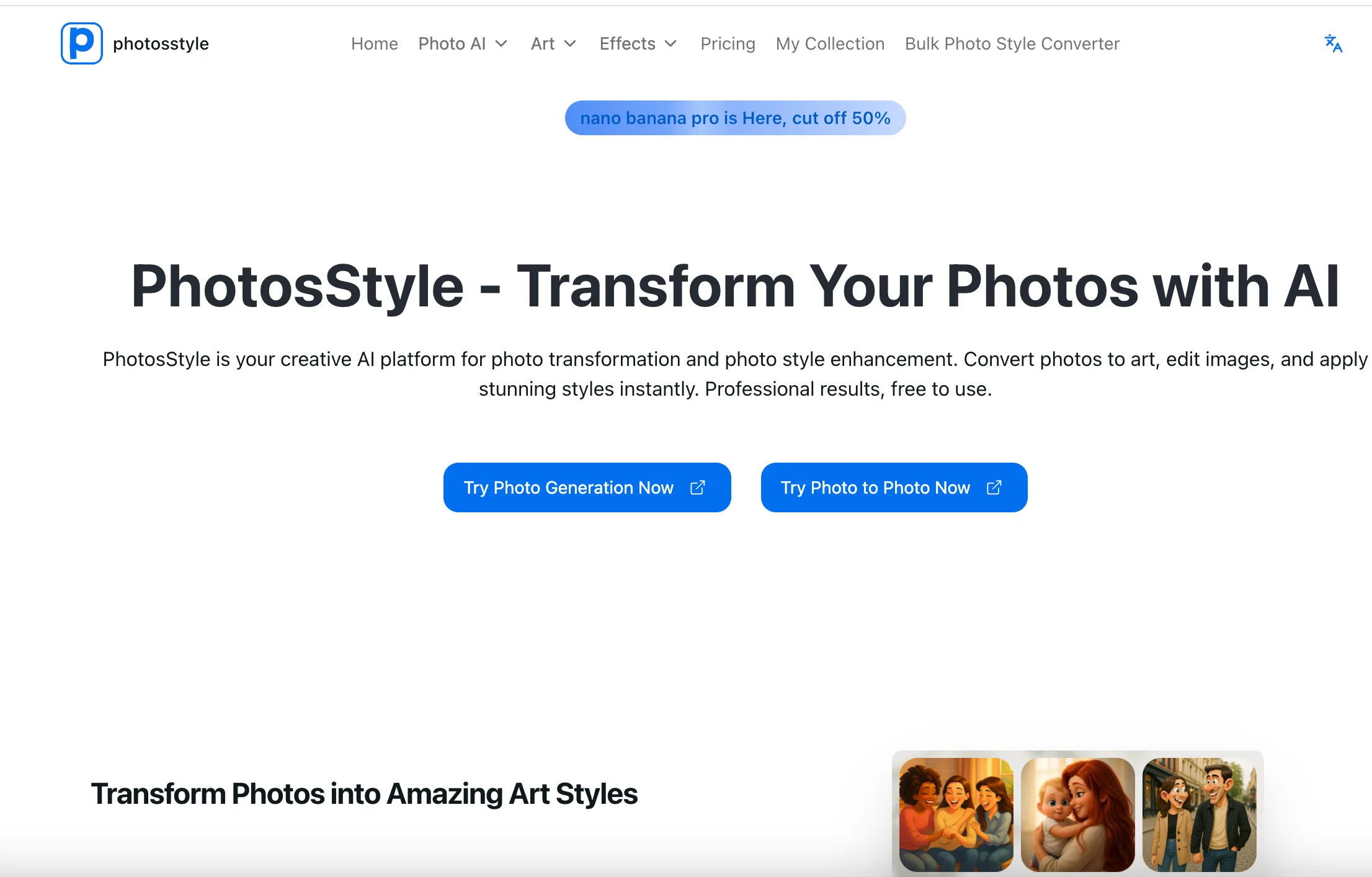
PhotosStyle is an AI platform dedicated to the transformation and style enhancement of photos. Appreciated for its ease of use, it allows users to convert images into a variety of different artistic styles such as sketch, line art, anime, cartoon, painting, and more.
It is integrated with models from OpenAI and Google, including GPT, DALL-E, and Gemini technologies, which afford it the ability to generate artistic transformations with remarkable detail and creativity.
Users can make use of its smart editor and effects to instantly remove and change backgrounds to various colors. This tool is characterized by its photo style conversion speed and quality, generating high-resolution outputs suitable for printing, sharing on social media, or professional usage.
PhotosStyle places a strong emphasis on privacy, with secure processing measures in place along with an automatic deletion policy.
- Ai Video Support (runway Ml, Luma Ai Dreammachine, More To Come Soon As Tech Matures)
Access & connections
Where you can use PhotosStyle, and what it plugs into.
Platforms
Integrations
Capabilities
What this tool accepts, produces, and is strongest at.
Input
- Image
- Text
Output
- Image
Highlights
- SOTA
- No Signup
Supported features
- Image Edit
- Image Generation
- No Signup
- Realism
- Styling
Pros & cons
Pros
- Free to use
- Secure data processing
- Automatic data deletion
- High-resolution output
- Delivers results quickly
- Variety of art styles
- Commercial use allowed
- Clear and easy interface
Show 17 more
- Smart editing features
- Removes backgrounds
- Changes photo colors
- Offers style conversion
- Supports social media use
- Good for professional use
- Transforms ordinary photos to extraordinary
- PNG and JPG download options
- Transformations complete in 15-30 seconds
- Great for personal use
- Generates professional results
- Maintains image clarity in transformations
- Encourages clear, well-lit photos
- Supports bulk photo style conversion
- 3000+ active users
- 100K+ images created
- 100+ Art Styles available
Cons
- No explicit offline functionality
- No app version available
- Limited image format support
- Expectations on photo quality
- No batch processing feature
- Lack of software integration
- Confines to specific models
- No clear error handling
Show 1 more
- No options for watermarking
Compare alternatives
Similar tools in the catalog — with a clear reason to open each one.


Stockimg AI ✓
PaidGenerated images and text for design ease.
Why look Stronger for image work
Full comparison


Releases 1
FAQ 12
What is PhotosStyle?
What are the features of PhotosStyle?
What AI models does PhotosStyle use for transformation?
How does the background removal and color changes feature work?
How quick is PhotosStyle in transforming photos?
What kind of images does PhotosStyle work best with?
What formats can transformed photos be downloaded in?
Can I use PhotosStyle for commercial purposes?
What is the privacy policy of PhotosStyle?
Do I need to pay to use PhotosStyle?
What kind of artistic styles can I create with PhotosStyle?
Does PhotosStyle support professional and high-resolution output?
Related tools
Recommended

Notis ✓
Free TrialThe first WhatsApp assistant that runs on your ChatGPT and Claude subscriptions

freebeat AI ✓
FreemiumTurn Music & Ideas into Viral Videos In One Click

Vertech Academy ✓
Free TrialPre-built AI study workflows that outperform raw ChatGPT prompts.

BeatViz AI Music Video Generator ✓
FreemiumTransform your music into stunning visual experiences with AI

Kin - Personal AI Advisors ✓
FreePrivacy-first & designed your for mind, and life at work

remio: Your Personal ChatGPT ✓
FreemiumGet Tailored Answer with Your Personal ChatGPT