

ON1 NoNoise AI ✓
Transform noisy photos into crystal-clear images with AI.
Trial; then from $76.34
Verdict
A quick read before you dig into the full page.
- Best if
- Transform noisy photos into crystal-clear images with AI
- Skip if
- Subscription may be costly
- Pick this when
- Effective for high ISO photography
Considering Viyou AI Image Generator instead? Compare side by side
Overview
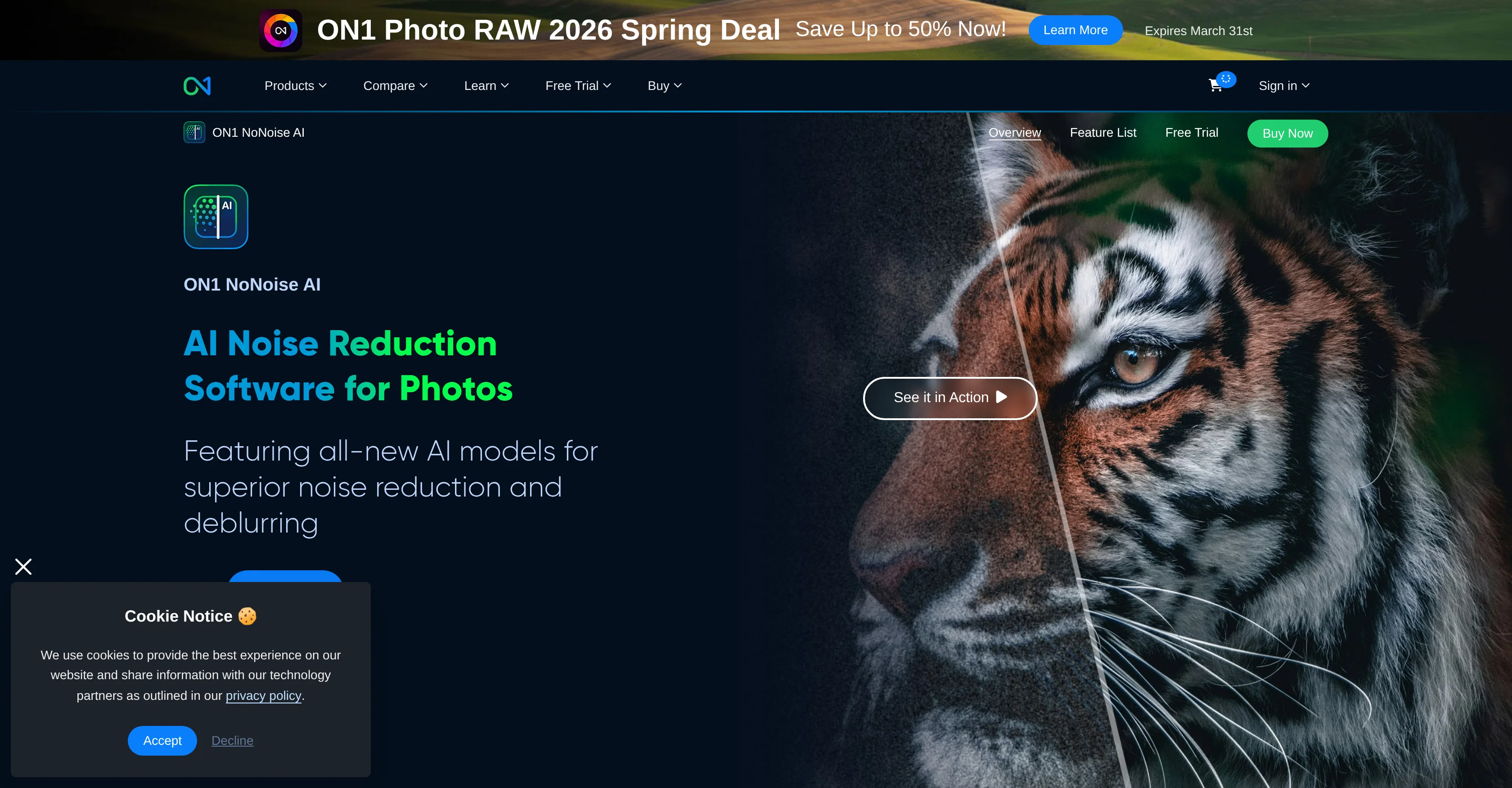
ON1 NoNoise AI is a specialized tool designed to improve the quality of photos by reducing noise and enhancing sharpness and details. Particularly effective for high ISO or low-light photography, ON1 NoNoise AI employs advanced artificial intelligence technology for removing various types of image noise without sacrificing the intricate details.
The software boasts a user-friendly interface and can be used as a standalone app, plugin for popular photo editing platforms like Photoshop and Lightroom, or integrated within ON1 Photo RAW.
It supports multiple widely used file formats and allows the export of high-quality DNG raw files, thus ensuring the preservation of full color and tonal range.
With added emphasis on user experience, its streamlined design and increased speed and performance cater to an efficient photo editing process. In addition to noise reduction, ON1 NoNoise AI offers features like AI deblurring models, and a comprehensive layers pane for enhanced setting adjustment per layer.
The software finds significant application in real estate photo editing and is seen as beneficial to photographers striving for professional-level results.
Access & connections
Where you can use ON1 NoNoise AI.
Platforms
Capabilities
What this tool accepts, produces, and is strongest at.
Input
- Image
Output
- Image
Pros & cons
Pros
- Effective for high ISO photography
- Effective for low-light photography
- Preserves intricate image details
- Standalone app functionality
- Plugin for photo editing platforms
- Integrated within ON1 Photo RAW
- Supports multiple file formats
- Can export DNG raw files
Show 18 more
- Preserves full color
- Preserves tonal range
- User-friendly interface
- Streamlined design
- Increased performance
- Comprehensive layers pane
- Individual layer setting adjustment
- Useful for real estate photo editing
- Delivers professional-level results
- Enhances sharpness
- Reduces image noise
- Ability to batch export
- Supports new camera models
- Updated modern interface
- Faster raw photo loading
- Enhanced settings for each layer
- Supports popular file formats
- Preserves color and tonal range
Cons
- Requires high computing power
- Specific file type support
- Only supports popular editors
- Paid upgrade for latest version
- No explicit mobile support
- Not ideal for beginners
- Reliance on internet connection
- Limited language support
Show 2 more
- Potential compatibility issues
- Subscription may be costly
Compare alternatives
Similar tools in the catalog — with a clear reason to open each one.

Viyou AI Image Generator ✓
FreemiumTransform text and images into stunning videos and visuals.
Why look Typically cheaper
Full comparison
Img2Img AI ✓
FreemiumTransform any image with AI in seconds.
Why look Typically cheaper
Full comparison
Creen AI ✓
Paid40+ AI models for video, image and art. Free, no sign-up.
Why look Typically cheaper
Full comparison
Photoeditor ✓
PaidEnhanced image editing with object and text removal.
Why look Typically cheaper
Full comparison
Cleanup pictures ✓
FreemiumRemove unwanted elements from photos instantly.
Why look Typically cheaper
Full comparisonReleases 1
FAQ 12
How does ON1 NoNoise AI enhance photo quality?
What makes ON1 NoNoise AI effective for high ISO or low-light photography?
How does ON1 NoNoise AI integrate with photo editing platforms like Photoshop and Lightroom?
Which file formats can ON1 NoNoise AI support?
How does ON1 NoNoise AI ensure preservation of color and tonal range?
What are the key features of ON1 NoNoise AI?
How does ON1 NoNoise AI deblur photos?
What is the purpose of the comprehensive layers pane in ON1 NoNoise AI?
How is ON1 NoNoise AI significantly used in real estate photo editing?
What type of image noise can ON1 NoNoise AI remove?
Can ON1 NoNoise AI be used as a standalone app?
How does this AI tool increase speed and performance in photo editing process?
Related tools
Recommended

DeepSeek ✓
FreeUnravel the mystery of AGI with curiosity

PixVerse ✓
FreemiumCreate breath-taking videos with AI

Whacka ✓
Free TrialTurn ideas into real apps from your phone.

Wan Video ✓
UnknownAI creative platform that lowers creative barriers.

ImgEditor AI ✓
Free TrialFree AI image editor for everyone.

Scenes AI ✓
FreemiumTurn any idea into professional video in minutes.