

Meetings 2026 Rank: #979
OLVA ✓
Bot-free Real-time AI meeting assistant
Verdict
A quick read before you dig into the full page.
- Best if
- Bot-free Real-time AI meeting assistant
- Skip if
- Requires device audio capture
- Pick this when
- Supports various platforms
Considering Hedy AI instead? Compare side by side
Overview




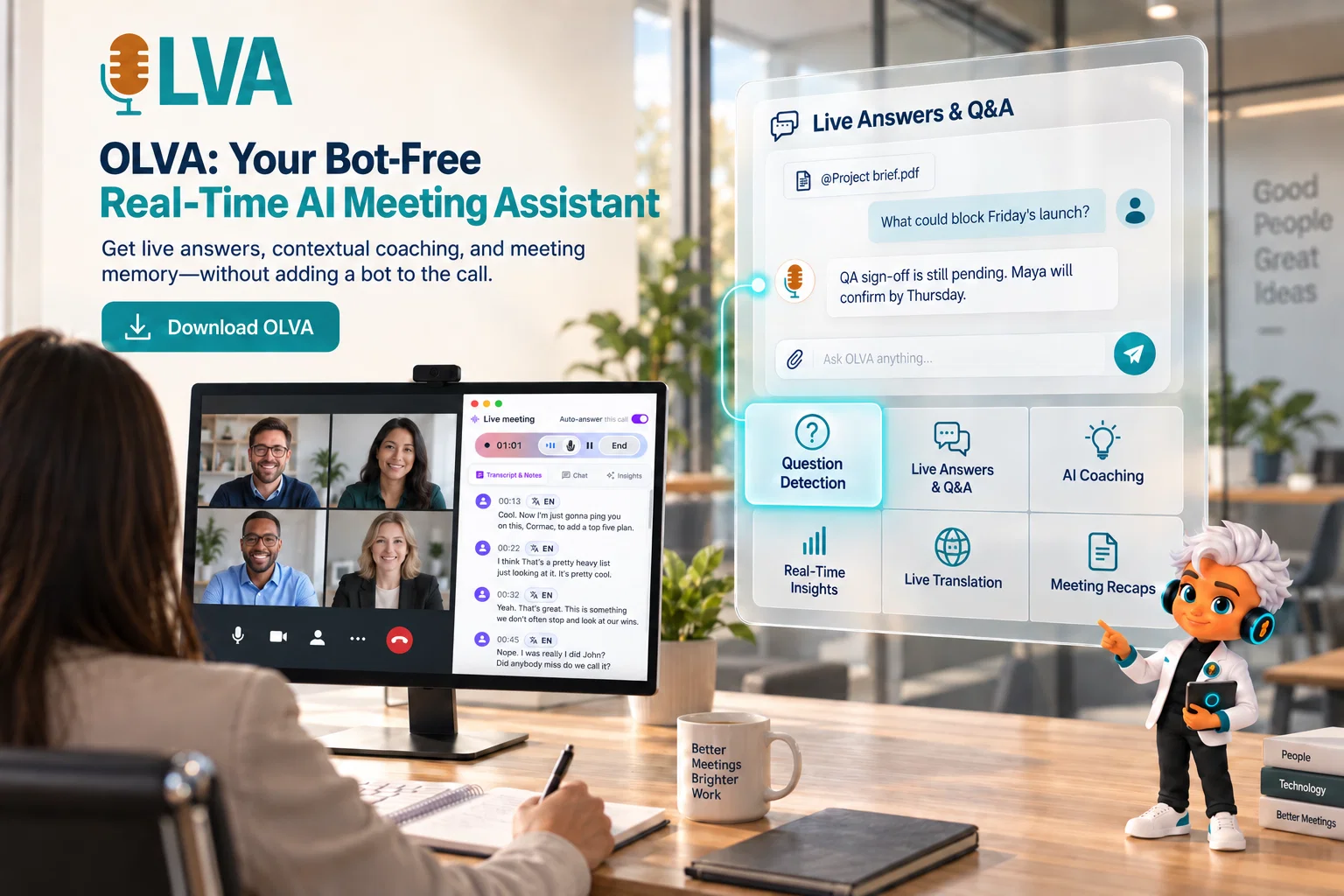
Unlike traditional AI note takers that mainly summarize meetings afterward, OLVA works while the conversation is happening. It can transcribe meetings live, detect questions automatically, generate context-aware answers, translate conversations in real time, surface useful insights, and provide AI coaching without adding a bot to the meeting.
Key features include:
- Live transcription
- Automatic question detection
- Instant context-aware answers
- Live Q&A
- AI coaching and real-time insights
- Live Translation across 87 languages and regional variants
- Fact checking and opportunity detection
- Document-aware answers using uploaded files
- Persistent memory across previous meetings
- Automatic summaries, decisions, and action items
- Chat with current and previous meetings
- Editable PowerPoint presentations generated from completed meetings
OLVA works alongside Zoom, Google Meet, Microsoft Teams, and other conversations without appearing as an additional participant. It is available on Windows, macOS, iOS, and Android, making it useful for both virtual and in-person meetings.
OLVA is designed for sales professionals, customer success teams, consultants, founders, managers, product and project teams, technical professionals, and multilingual users who want AI assistance while a conversation is still happening.
Best for: Real-time meeting assistance, bot-free AI meeting support, live meeting translation, meeting Q&A, AI coaching, meeting memory, and AI-generated presentations.
- Live Transcription
- Automatic Question Detection
- Instant Context-aware Answers
- Live Q&a
- Ai Coaching And Real-time Insights
- Live Translation Across 87 Languages And Regional Variants
- Fact Checking And Opportunity Detection
- Document-aware Answers Using Uploaded Files
- Persistent Memory Across Previous Meetings
- Automatic Summaries, Decisions, And Action Items
- Chat With Current And Previous Meetings
- Editable Powerpoint Presentations Generated From Completed Meetings
Access & connections
Where you can use OLVA, and what it plugs into.
Integrations
Capabilities
What this tool accepts, produces, and is strongest at.
Input
- Text
- Audio
Output
- Text
Highlights
- Use code TAAFT
- 20% OFF
Pros & cons
Pros
- Supports various platforms
- Bot-free operation
- Automated question detection
- Provides live answers
- Transcribes multilingual conversations
- Searchable meeting memory
- Mobile companion app
- Live transcription capability
Show 34 more
- Facilitates in-person conversations
- Document-aware feature
- Offers post-meeting summaries
- Decision memory feature
- 87 language options
- Live translation feature
- Turns meetings into PowerPoint presentations
- Privacy ensured
- Cross-platform compatibility
- Works with in-person discussions
- Recaps via mobile app
- Tracks recurring context
- Remembers previous decisions
- Real-time meeting intelligence
- Modifiable PowerPoint decks
- Preserves work continuity
- Curates action items
- Real-time transcription
- Live guidance and prompts
- Facilitates document-aware discussions
- Unique 'bot-free mode'
- Handles post-meeting tasks
- Accessible through mobile devices
- Live Q& A support
- Effective live insights
- Summarizes meetings post-event
- Persistently remembers previous meetings
- Auto Multilingual Mode
- Live Translation Capability
- Persistent Meeting Memory Feature
- PowerPoint Slide Decks Creation
- Structure conversations as PowerPoint
- 88 language and regional options
- Insights included in post-meeting summaries
Cons
- Requires device audio capture
- Dependent on stable internet connection
Compare alternatives
Similar tools in the catalog — with a clear reason to open each one.

Hedy AI ✓
FreemiumDominate every meeting with Hedy as your brilliant AI ally
Why look Offers a public API
Full comparison
Meet-Ting ✓
FreemiumAI assistant that books meetings over email.
Why look Offers a public API
Full comparison
Convo ✓
Free TrialAI meeting assistant with real-time help and automatic notes.
Why look Offers a public API
Full comparison
Vexa ✓
FreemiumReal-time AI assistant for flawless business meetings.
Free + from $20/mo
Full comparison

Releases 1
Imported reviews 2
I love OLVA for its three standout features: live translation, automatic question detection with real-time insights, and professional slide deck generation. Together, they make every meeting feel effortless.
As the founder of OLVA, I’m excited to share what we’ve built and why.
Most AI meeting tools focus on what happens after the meeting. We wanted OLVA to help while the conversation is still happening.
OLVA is a bot-free, real-time AI meeting assistant with live transcription, automatic question detection, contextual answers, Live Translation, AI coaching, real-time insights, persistent meeting memory, and editable PowerPoint generation from completed meetings.
We built it for people who spend a lot of time in meetings and want to stay focused on the conversation instead of constantly switching between notes, documents, and AI tools.
We’re still improving OLVA quickly, and feedback from real users is a big part of how we decide what to build next.
FAQ 12
What platforms are supported by OLVA?
Does OLVA join meetings as a bot?
How does OLVA respond to questions during a meeting?
Can OLVA transcribe multilingual conversations in real-time?
Does OLVA have a feature to refer back to key points discussed in meetings?
What is OLVA's AI coach feature and how does it work?
Is there a mobile companion app for OLVA?
What document-aware features does OLVA support?
What is OLVA's 'bot-free mode'?
How does OLVA use AI to enhance meeting efficiency?
How does OLVA curate post-meeting summaries and action items?
Does OLVA have the ability to remember decisions from previous meetings and how does it incorporate them into current meetings?
Related tools
Recommended

AI Image to Video ✓
Free TrialUpload an image and turn it into a video

Vocova ✓
Free TrialTranscribe audio, video, or links into text. 1,000+ platforms, 100+ languages.
WhatsTheCatch ✓
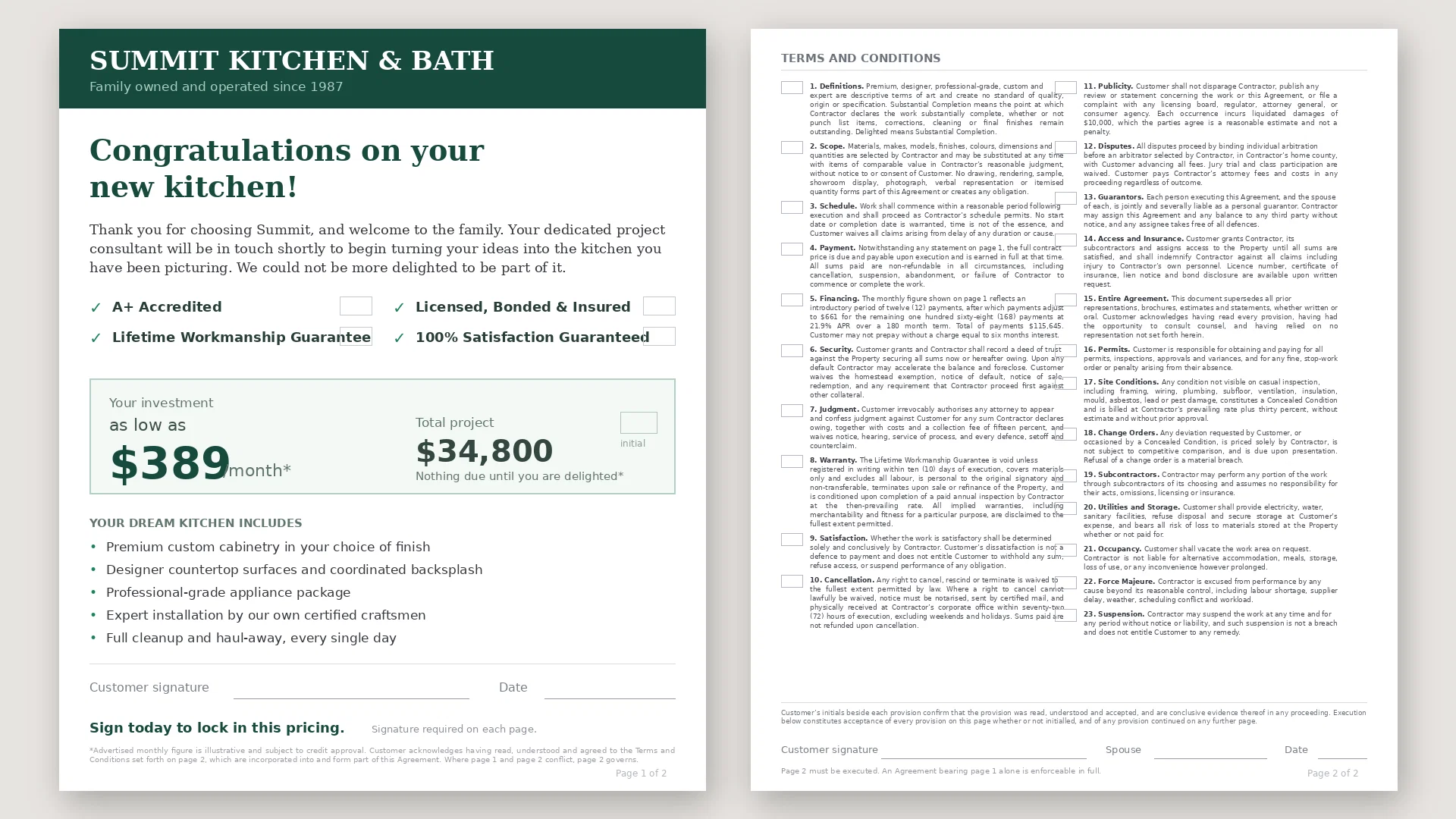
FreeAI that spots risks before you sign.

Motion Control AI ✓
Free TrialTransfer motion to any character instantly.

VideoInPrompt ✓
PaidExtract prompts. Generate AI images and videos.

Continua AI ✓
Free TrialDeep research on your own files, every page read, every claim cited.