

Noah ✓
Improved productivity via streamlined processes.
from $20
Verdict
A quick read before you dig into the full page.
- Best if
- You are personal injury attorneys and need: Generating demand letters for personal injury cases
- Skip if
- You need a free plan with no credit card
- Pick this when
- Paid · from $20
Considering DocGPT.io instead? Compare side by side
Overview
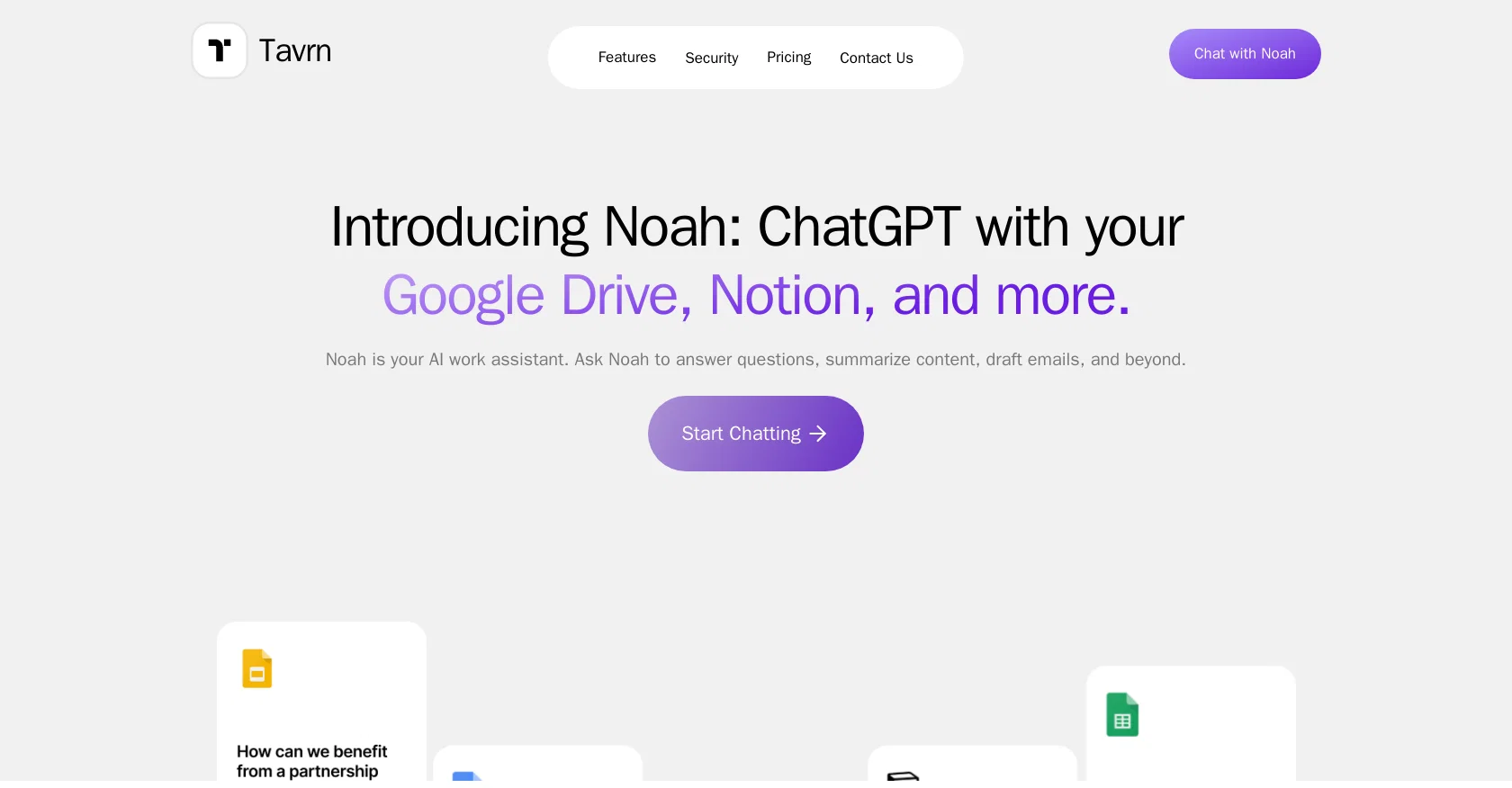
Noah is an AI work assistant designed to streamline work processes and enhance productivity. It can be integrated with popular tools such as Google Drive and Notion, allowing users to interact with their files and content more efficiently.
With Noah, users can ask questions, receive answers, summarize content, and even draft emails. A standout feature of Noah is its enterprise-ready security and compliance measures.
Tavrn, the company behind Noah, prioritizes data protection by implementing best industry practices. They use SOC 2 compliant data centers based in the US and ensure that all data is encrypted both at rest and in transit.
Notably, user data is not utilized to train AI models, preserving privacy and confidentiality. Noah offers a free trial with certain limitations, including a lifetime limit on messages and restrictions on the number of Google Drive files and Notion pages that can be accessed.
For users seeking fuller functionality, a subscription plan called Noah Plus is available for $20/month. This plan offers unlimited daily messages, a higher limit on Google Drive files and Notion pages, and unlimited synchronization for each integrated tool.
Priority support is also provided. For companies of all sizes, an enterprise plan is offered, featuring additional benefits such as integration with Slack and Microsoft Teams, as well as Zendesk, HubSpot, Stripe, and Salesforce.
Custom workflows tailored to team needs, multiple seats, and live support are also included. Pricing details for this plan can be obtained by contacting the company directly.
Overall, Noah offers a reliable AI work assistant solution that enhances productivity and safeguards data while providing seamless integration with various tools.
Best for
Short scenarios where Noah tends to shine.
-
Generating demand letters for personal injury cases
Best for Personal injury attorneys
-
Creating medical chronologies for legal review
Best for Legal professionals
-
Estimating damages for settlement negotiations
Best for Attorneys
Example outputs 1
Sample generations and before/after results for Noah.
Access & connections
Where you can use Noah, and what it plugs into.
Platforms
Integrations
Compare alternatives
Similar tools in the catalog — with a clear reason to open each one.

DocGPT.io ✓
Free TrialOnline assistant for creating and analyzing documents.
Why look Typically cheaper
Full comparison
docAnalyzer ✓
FreemiumTurn document overload into work worth putting your name on
Why look Typically cheaper
Full comparison
Ask Your PDF ✓
FreemiumChat with your PDFs and extract valuable insights
Why look Typically cheaper
Full comparison
Humata ✓
FreemiumChat your way through long documents instantly.
Why look Typically cheaper
Full comparisonPeople also view
Tools that often show up alongside Noah in collections and comparisons.
docAnalyzer ✓
FreemiumTurn document overload into work worth putting your name on
Humata ✓
FreemiumChat your way through long documents instantly.

DocsGPT ✓
FreemiumInstant answers from your documents.
DocGPT.io ✓
Free TrialOnline assistant for creating and analyzing documents.

ChatPDF ✓
FreemiumChat with any PDF instantly
Ask Your PDF ✓
FreemiumChat with your PDFs and extract valuable insights

Recall ✓
FreemiumSummarize Anything, Forget Nothing!

OpenParser AI ✓
Free TrialAsk questions. Get answers from your documents instantly.
Releases 1
Related tools
Recommended

IX Coach ✓
FreemiumInterdisciplinary life coaching for growth.

Eightify
UnknownAI-powered YouTube video summarizer extracting key ideas for quick content assessment.

Transcript LOL ✓
FreemiumUnlimited transcripts, summaries, 99.8% accuracy, speaker recognition, superfast

Moments ✓
FreemiumDeepen relationships with thoughtful, timely gestures.

Hyperis ✓
FreemiumOrganized task prioritization.

IllumiChat ✓
FreemiumFrom Ticket Backlog to Instant Answers Powered by AI