
Images vv2.0.0 2026 Rank: #2167
Monkey AI Image Generator ✓
Turn imagination into art within seconds.
Trial; then from $8/mo
Verdict
A quick read before you dig into the full page.
- Best if
- Turn imagination into art within seconds
- Skip if
- Lacks tutorial or learning resources
- Pick this when
- Transforms ideas into visuals
Considering Photo AI instead? Compare side by side
Overview
Monkey AI Image Generator is an AI-based tool that facilitates the creation of visually captivating images from user's ideas. The tool is primarily designed to assist in the transformation of conceptual ideas into distinct art forms within a considerably short time.
Monkey AI Image Generator operates on the principle of remixing references provided by a user. These references can be an assortment of creative ideas, themes, or concepts that users want their visual art to reflect.
Once these references are uploaded into the system, the AI tool interprets and repurposes them to generate new, unique, and aesthetically pleasing images.The ability of the tool to understand and translate concepts is rooted in its powerful AI capabilities, which discerns the intricate elements of the user's input.
The system's advanced algorithms then amalgamate these elements to create visuals that are a mirrored reflection of the input ideas. The primary advantage of using this tool lies in its ease of use and the speed at which it delivers results.
Although users retain ultimate control over their inputs, the AI platform elevates their ideas by adding a touch of uniqueness and creativity that would typically require a considerable amount of time and expertise.
In a nutshell, the Monkey AI Image Generator tool offers users a creative and quick solution to translate imagination into visual art forms without the need for extensive knowledge in graphic design.
Access & connections
Where you can use Monkey AI Image Generator.
Platforms
Capabilities
What this tool accepts, produces, and is strongest at.
Input
- Image
- Text
Output
- Image
Highlights
- Agents
Supported features
- Agents
- Automation
- Image Generation
- Video Generation
- Sound Creation
- TTS
- Voice Cloning
- Thumbnails
Pros & cons
Pros
- Transforms ideas into visuals
- Quick generation of art
- User-friendly interface
- Creative design assistance
- Efficient idea transformation
- Generates unique visuals
- Enhances user creativity
- Useful for individual creators
Show 17 more
- Beneficial for business use
- Assists in marketing collateral
- Creates personalized customer experiences
- Generates social media content
- Supports concept transformation
- Utilizes graphical algorithms
- Quick solution provider
- Discerns intricate user inputs
- Adds uniqueness to ideas
- Reduces need for expertise
- Assists in digital art creation
- Mirrors reflection of input ideas
- Turns imagination into visual art
- Streamlines the creative process
- Saves user's brainstorming time
- Interprets and repurposes references
- Understands and translates concepts
Cons
- No explicit copyright protection
- Lacks tutorial or learning resources
- No revision or history tracking
- Limited input file type support
- No option to provide feedback
- No collaborative feature
- Only for digital output
- Doesn't support vector graphics
Show 1 more
- Limited customization options
Compare alternatives
Similar tools in the catalog — with a clear reason to open each one.


Stockimg AI ✓
PaidGenerated images and text for design ease.
Why look Stronger for image work
Full comparison


Releases 2
What's new in Monkey AI:
-
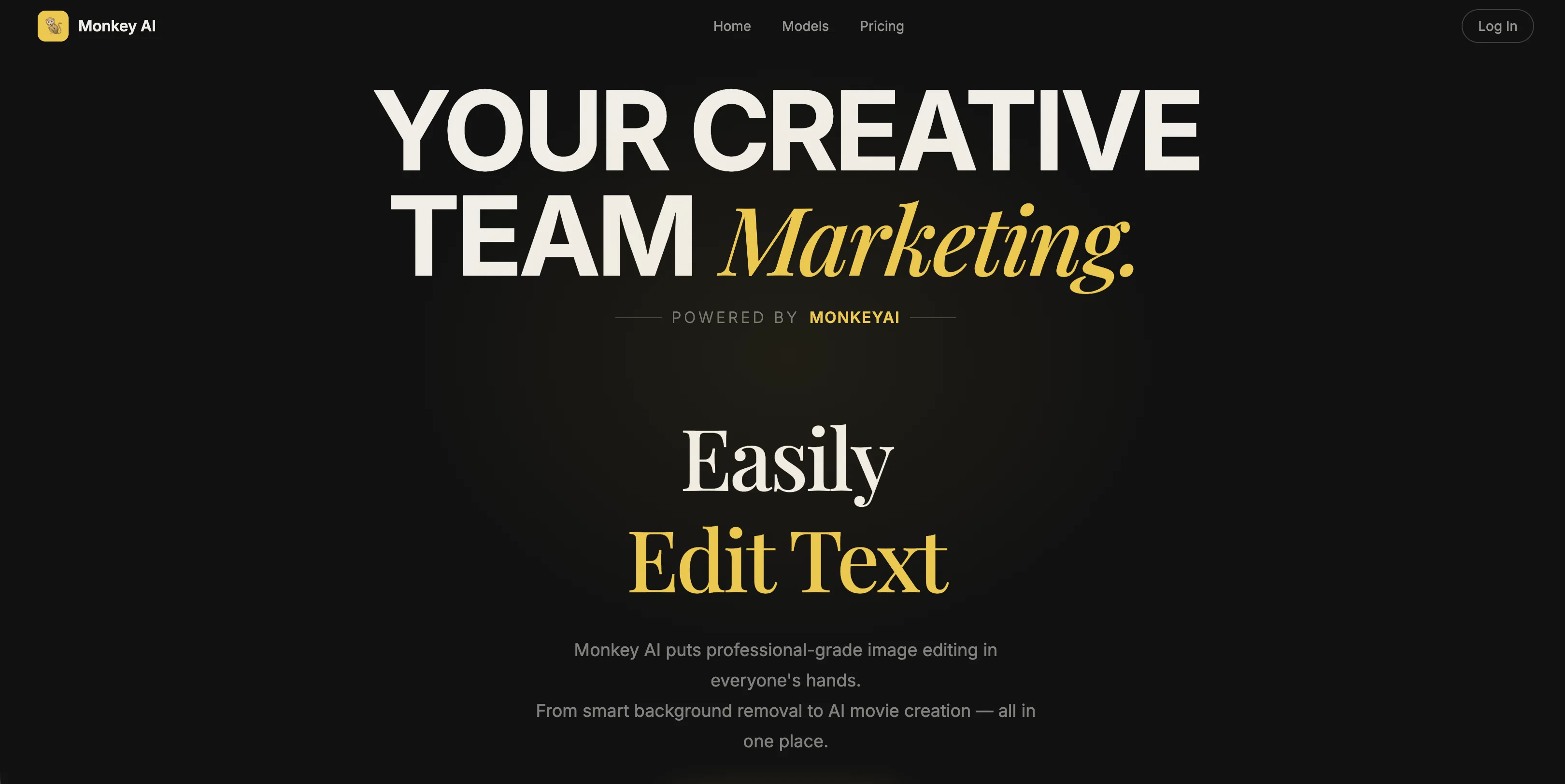
Powerful Visual Workflow Studio
Build multi-step creative pipelines on an infinite canvas — drag nodes, connect models, chain image → video → audio, add masks/timelines, and run complex productions end to end. From a single edit to a full storyboard-to-video assembly, the workflow space scales with your ambition. -
More Top-Tier Models
We've expanded our model lineup with the latest generation of image, video and audio models — including Nano Banana & GPT Image 2 for images, WAN 2.5/2.6, Kling, Seedance and MiniMax H3 for video, plus Sora 2, HappyHorse and next-gen speech models. Whatever the style or format, you'll find a best-in-class model for it. -
Design Tools & Creative Apps
A growing suite of one-click tools and creative apps: AI Image Upscaler, Background Removal, Face Swap, Relight with 13 cinematic lighting presets, AI Stylist, Motion Control, Character Bible, Storyboard Designer, Video Extend, Add Sound and more. Turn ideas into polished results without touching a single technical setting. -
AI Agent & AI Prompter
An intelligent agent now assists you from the very first prompt — it understands your intent, picks the right scene and model, and helps you write better prompts with the built-in AI Prompter. Beginners can start creating in seconds; pros can go deeper with smart parameter suggestions. -
Brand-New UI
A completely redesigned interface: cleaner homepage, faster navigation, and a unified create panel that keeps uploads, references, settings and results in one place. Both Quick mode (upload & run) and Canvas mode (full workflow control) share the same polished experience. -
Templates & Tutorials
Explore a growing library of workflow templates and step-by-step tutorials — from product mockups to cinematic video productions — to spark your next idea and learn the craft as you go.
Imported reviews 1
Great value for the price with powerful features. I especially love the video generation function - it has taken my content creation to the next level.
FAQ 12
What is Monkey AI Image Generator?
What can I do with Monkey AI Image Generator?
How does Monkey AI Image Generator work?
How fast is Monkey AI Image Generator in creating artworks?
What kind of ideas can I upload to Monkey AI Image Generator?
Who can use Monkey AI Image Generator?
Can Monkey AI Image Generator help me with my marketing efforts?
Can I use Monkey AI Image Generator for my social media content?
What does 'remixing references' mean in the context of Monkey AI Image Generator?
Is there a limit to the complexity of the concepts that can be uploaded to Monkey AI Image Generator?
Can multiple users collaborate on Monkey AI Image Generator?
Can I use Monkey AI Image Generator to personalize customer experiences?
Related tools
Recommended

remio: Your Personal ChatGPT ✓
FreemiumGet Tailored Answer with Your Personal ChatGPT

ClipFinder ✓
FreemiumTurn hours of streams and VODs into viral clips automatically.

Business Idea Generator AI ✓
FreeGenerate innovative business ideas with AI

Thea ✓
FreemiumAI study tools to master material, not just memorize it.

LearnGPT ✓
FreeLearn any topic with AI-powered guidance

Findsight ✓
FreeCompare non-fiction ideas from multiple sources.