

MindMap AI ✓
Turn ideas and files into AI powered mind maps
Verdict
A quick read before you dig into the full page.
- Best if
- You are students and need: Brainstorming and idea generation
- Skip if
- SVG and CSV exports paid-only
- Pick this when
- AI Copilot Chat
Considering Mind Map Wizard instead? Compare side by side
Overview






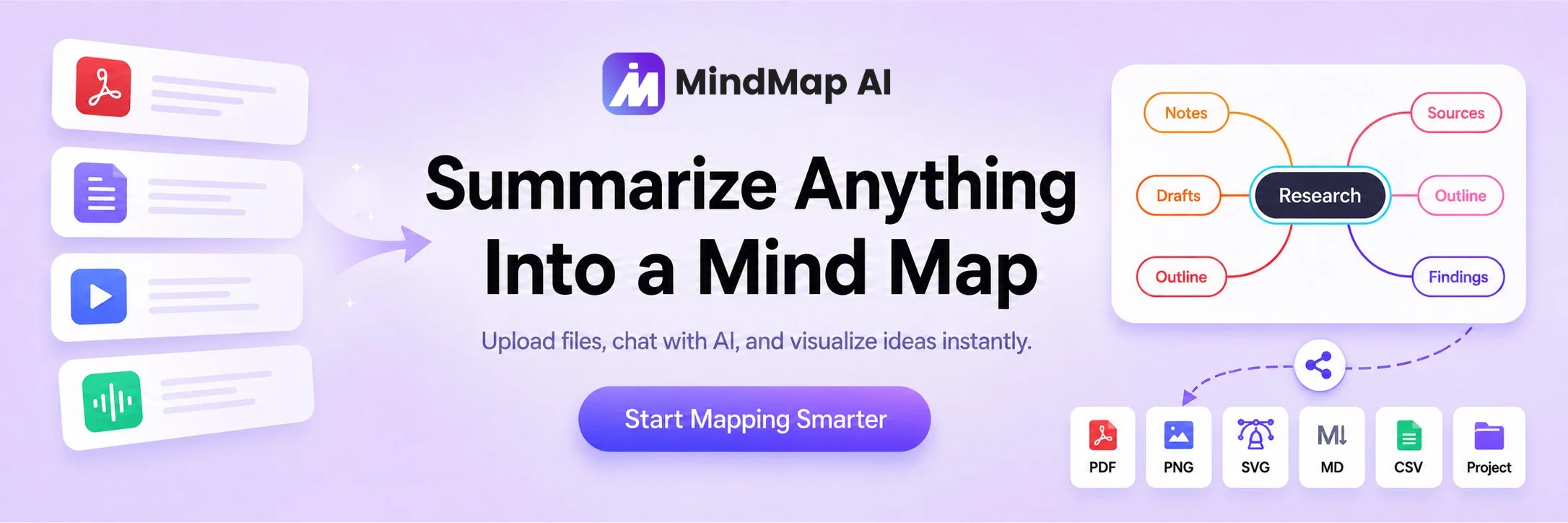
Unlike simple mind map generators, MindMap AI supports multiple input formats including text, PDFs, images, audio, video, CSV files, and webpages. Users can create mind maps from scratch, upload content, or use AI assistance to organize complex information into structured visual maps.
The built-in AI Copilot Chat helps users brainstorm, expand ideas, summarize information, focus on specific topics, and refine mind maps through an interactive conversation. Copilot history is saved with each mind map, making it easier to continue complex brainstorming sessions over time.
MindMap AI also supports manual editing, multiple layouts such as mind map, logic chart, and org chart, themes, icons, tags, images, links, shareable links, and export options including PNG, PDF, SVG, CSV, Markdown, and project files.
It is useful for students, researchers, professionals, creators, educators, and teams who need a faster way to study, plan, brainstorm, organize knowledge, summarize documents, and turn complex ideas into clear visual maps.
MindMap AI is available on web, mobile, browser extensions, and ChatGPT GPT, with team plans available for schools, companies, agencies, and organizations.
- Ai Mind Map Generation
- Ai Copilot Chat Assistance
- Ai Expand, Ai Summarize, Ai Focus Topic Features
- Ai Org Chart Generation
- Multi-format Support
- Export Capabilities
Best for
Short scenarios where MindMap AI tends to shine.
-
Brainstorming and idea generation
Best for Students
-
Summarizing documents and articles
Best for Teachers
-
Organizing thoughts and information
Best for Project managers
-
Creating presentations and reports
Best for Business professionals
-
Selling mind maps in the store
Best for Writers
Example outputs 1
Sample generations and before/after results for MindMap AI.
Access & connections
Where you can use MindMap AI.
Platforms
Capabilities
What this tool accepts, produces, and is strongest at.
Input
- Image
- Text
- Video
- Audio
Output
- Tabular
- Text
- Image
Highlights
- Use code TAAFT
- 20% OFF
Pros & cons
Pros
- AI Copilot Chat
- AI Reasoning Mode
- Editable AI Mind Maps
- Advanced File Analysis
- Generate From Documents (Text/PDF/Word)
- Generate From Media (Audio/Video/Recordings)
- Unlimited mind map projects
- Unlimited Storage
Show 18 more
- Multiple layouts including mind map, logic chart, and org chart
- Multi-format input support
- Collaborative ideation support
- Easy sharing feature
- Versatile user base
- Available on web, mobile, browser extensions, and ChatGPT GPT
- Flexible pricing plans
- File size limitation flexibility
- Large PDF file support
- Multiple export formats
- File shareability
- Community-shared content in gallery
- Earn extra with referrals and webinars
- Platform availability ChatGPT
- Offers advanced features in full app
- Weekly software updates
- Data security with encryption
- Community shared mind map gallery
Cons
- No dedicated desktop app yet
- No offline mode
- No public API yet
- SVG and CSV exports paid-only
- Presentation mode still on roadmap
Compare alternatives
Similar tools in the catalog — with a clear reason to open each one.

Mind Map Wizard ✓
FreemiumGenerate mind maps with AI: free, no sign-up, no ads
Why look Offers a public API
Full comparison
InstantMind ✓
Free TrialAI-powered mind maps from any content, instantly.
Why look Better for writing
Full comparison

Mindmap ✓
FreemiumVisualize ideas effortlessly with free mindmaps.
Free + from $12/mo
Full comparison
Mapify ✓
PaidTransform anything to mind maps by AI
Why look Higher community rating
Full comparison
People also view
Tools that often show up alongside MindMap AI in collections and comparisons.

Voila ✓
Free TrialSeamless AI assistant to help you create, write, brainstorm, and research.

Recall ✓
FreemiumSummarize Anything, Forget Nothing!

Notis ✓
Free TrialThe first WhatsApp assistant that runs on your ChatGPT and Claude subscriptions

NotebookLM ✓
FreemiumAI-powered note-taking and research assistant

Mindsmith ✓
FreemiumPlatform for building and sharing eLearning content

Midjourney ✓
PaidExpand human imagination through AI-powered visuals.

Kin - Personal AI Advisors ✓
FreePrivacy-first & designed your for mind, and life at work

Informly Idea Validator ✓
FreemiumValidate and grow your business idea with AI.
Releases 1
Imported reviews 8
Fast and visual. takes your messy ideas and organizes them into clean maps. limited on customization but gets the job done.
Sketched out a rough project roadmap. Really clean layout and expanding on nodes was super smooth. Might start using it for brainstorming sessions, just to make the process faster.
So exciting, Unbelievably smart!
Love this quick Mind Map app. Sure, you can't configure it in any way, but it still provides you the info you need.
Mind-blowing. I love it.
Amazing app and really easy-to-use! It has all the things I need to create a neat, functional, and clear-cut mindmap.
🚀 Tried Over 80 Mind Mapping Tools—Here’s What I Learned:
As a co-founder of MindMap AI, I’ve explored almost 80 different mind mapping tools, and I noticed something surprising—only a handful offer AI capabilities. And among them, very few truly deliver solid AI-powered mind map generation.
That’s why we built MindMap AI—to provide a powerful AI-driven mind mapping experience at better pricing while keeping manual mind map creation completely free. Whether you need AI to generate mind maps effortlessly or prefer to create them yourself, we’ve got you covered.
Our goal is simple: to build the best mind mapping solution for anyone who finds value in visualizing ideas. If mind mapping is part of your workflow, give MindMap AI a try and let us know what you think! We truly appreciate your feedback—it helps us keep improving.
Pricing model only offers limited use. Competitors offer tiers with unlimited use.
FAQ 12
What is MindMap AI?
🛠️ 1
tool
🙏 4
karma
wrote:
MindMap AI is an AI-powered mind mapping tool that helps you turn ideas, notes, documents, and media files into clear, editable visual mind maps. You can use it for brainstorming, studying, research, project planning, meeting notes, content outlines, and knowledge organization.
Is MindMap AI free to use?
🛠️ 1
tool
🙏 4
karma
wrote:
Yes. MindMap AI offers a free plan that includes monthly AI credits, unlimited projects, manual editing, shareable links, and basic export options. Paid plans are available for users who need more AI credits, larger upload limits, private sharing, advanced exports, and priority support.
Can I integrate my own thoughts and ideas into the AI-generated mind maps?
What are the input formats supported by MindMap AI?
What is the co-creation feature for in MindMap AI?
Can I share my MindMap AI projects with others?
Who can benefit from using MindMap AI?
Can MindMap AI produce mind maps from audio and video files?
Does MindMap AI offer team plans for schools, companies, and organizations?
🛠️ 1
tool
🙏 4
karma
wrote:
Yes. MindMap AI offers team plans for schools, companies, agencies, and organizations that want to collaborate on mind maps in a shared workspace. Team plans include shared team workspaces, project sharing with team members, centralized billing, team member management, team analytics, and team support. Team Basic includes 2,000 monthly AI credits per seat, while Team Pro includes 5,000 monthly AI credits per seat with advanced team management, analytics insights, and priority team support.
What assistance does the Copilot Chat in MindMap AI provide?
Are there limitations to input size in MindMap AI?
What export options does MindMap AI offer?
🛠️ 1
tool
🙏 4
karma
wrote:
MindMap AI offers multiple export options so users can save, share, and reuse their mind maps in different formats. Users can export mind maps as PNG, PDF, SVG, CSV, Markdown, and project files. Some export options may depend on the selected plan.
Related tools
Recommended

Thea ✓
FreemiumAI study tools to master material, not just memorize it.
Mindsmith ✓
FreemiumPlatform for building and sharing eLearning content
NotebookLM ✓
FreemiumAI-powered note-taking and research assistant

Automateed ✓
Free TrialCreate eBooks effortlessly with Automateed, the AI-powered writing tool.
Recall ✓
FreemiumSummarize Anything, Forget Nothing!

Scisummary ✓
Free TrialCutting-edge scientific articles summarization.