

MimicPC ✓
Instantly run AI apps in your browser, no setup required.
Free + from $0.49
Verdict
A quick read before you dig into the full page.
- Best if
- You are aI artists and need: Creating AI-generated images using Stable Diffusion
- Skip if
- Limited integration capabilities
- Pick this when
- Browser-run tool
Considering Photo AI instead? Compare side by side
Overview
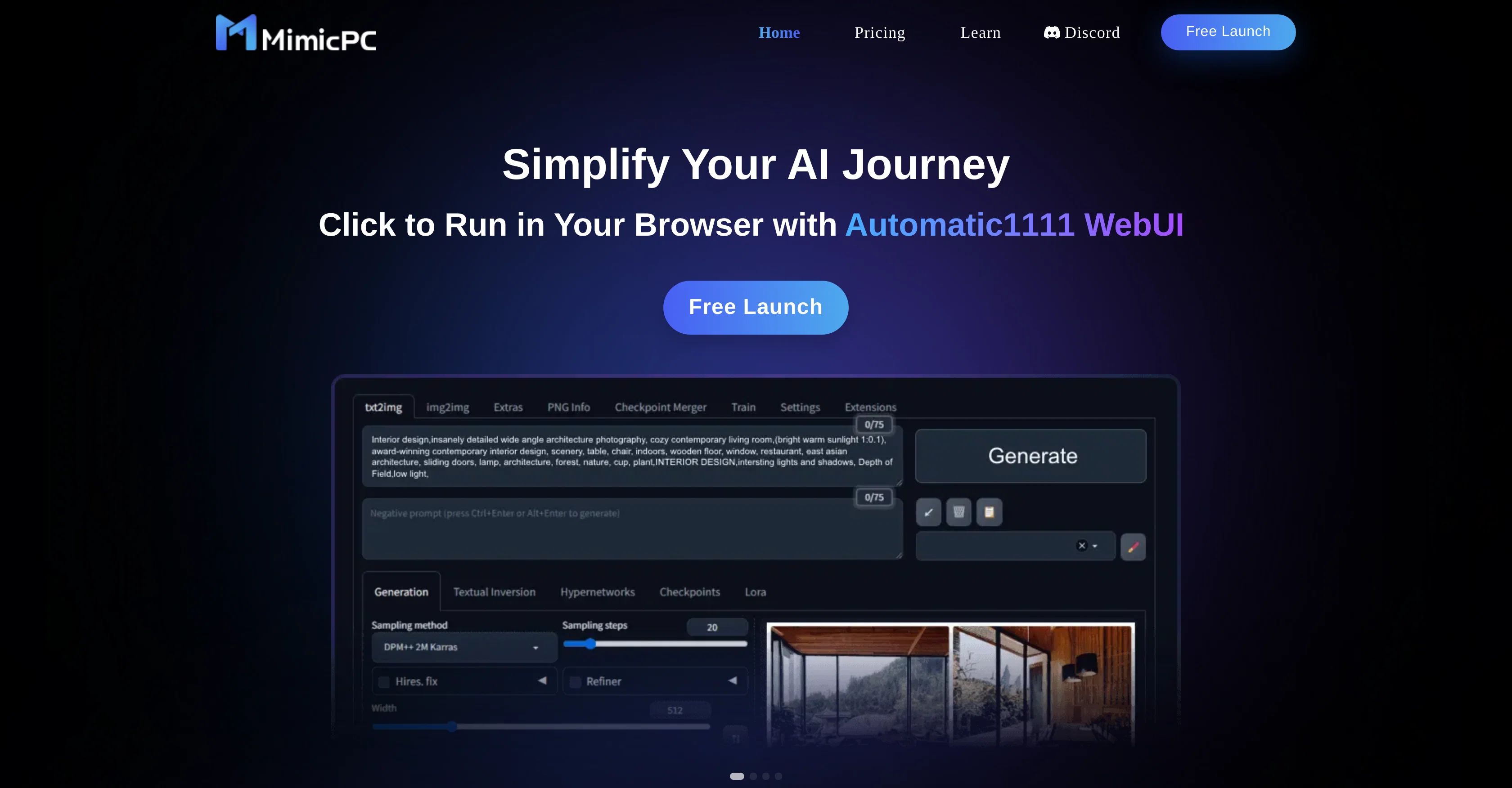
MimicPC is an AI-based, browser-run tool that facilitates access to and use of diverse AI open-source applications globally, directly through the user's browser.
It is platform agnostic, compatible with every kind of device, and browser inclusive of mobile devices. With MimicPC, users have the capability to create and learn AI in an individually-dedicated and private cloud workspace.
One of the significant advantages of MimicPC is that it eliminates the requirement for costly hardware or complex technical expertise for installation and maintenance.
Simplifying the process of using AI apps, it presents a conducive environment for individuals who want to explore and experiment with AI but lack the necessary resources.
Their unique platform encourages learning and implementation of AI, making it accessible to a wider user base without compromising on privacy or the quality of tools available.
The tool bridges the gap between complex AI applications and users, democratizing the use of AI apps without the need for substantial investment.
Best for
Short scenarios where MimicPC tends to shine.
-
Creating AI-generated images using Stable Diffusion
Best for AI artists
-
Training custom LoRA models for specific needs
Best for Designers
-
Face swapping in images and videos
Best for Researchers
-
Converting text to speech and creating music
Best for Hobbyists
-
Generating dynamic conversations with large language models
Best for Professionals in AI
Example outputs 1
Sample generations and before/after results for MimicPC.
Access & connections
Where you can use MimicPC.
Platforms
Capabilities
What this tool accepts, produces, and is strongest at.
Highlights
- SOTA
Pros & cons
Pros
- Browser-run tool
- Access to open-source applications
- Platform agnostic
- Device and browser compatibility
- Mobile device friendly
- Private cloud workspaces
- User-friendly
- No hardware required
Show 4 more
- No technical expertise required
- Ensures privacy
- Quality tools availability
- Less financial investment
Cons
- Depends on Internet connectivity
- Non-intuitive user interface
- Limited tool customization
- Strictly browser-based
- Limited offline functionality
- Potential data privacy concerns
- Lacks in-depth documentation
- Limited user support
Show 2 more
- Depends on cloud availability
- Limited integration capabilities
Compare alternatives
Similar tools in the catalog — with a clear reason to open each one.

Stockimg AI ✓
PaidGenerated images and text for design ease.
Why look Stronger for image work
Full comparisonPeople also view
Tools that often show up alongside MimicPC in collections and comparisons.
Stockimg AI ✓
PaidGenerated images and text for design ease.

Photo AI ✓
PaidCreate beautiful AI photos and videos of real people

Midjourney ✓
PaidExpand human imagination through AI-powered visuals.

CreativePixel ✓
FreemiumOut-create Your Competition in Minutes

BestPhotoAI ✓
FreemiumCreate amazing AI photos instantly

Nathan Tailors AI Suit Generator ✓
FreeDescribe your dream suit. We draw it, then build it.

LineArt ✓
Free TrialTurn one photo into a whole coloring book.

Line Drawing Converter ✓
Free TrialConvert photos into clean line drawings online.
Releases 1
Imported reviews 2
Very useful , you have one click access to several opensource model and free workflows in comfyui preconfigured
AI is the trend of the times. This product makes it easier and faster for me to learn and practice AI knowledge. It’s great.
Related tools
Recommended

Mindsmith ✓
FreemiumPlatform for building and sharing eLearning content

PrometAI ✓
FreemiumTurn ideas into viable reality with AI business plan generator.

IllumiChat ✓
FreemiumFrom Ticket Backlog to Instant Answers Powered by AI

Automateed ✓
Free TrialCreate eBooks effortlessly with Automateed, the AI-powered writing tool.

Gulf Picasso ✓
FreemiumSimple AI Magic to Achieve Your Creative Goals

Transcript LOL ✓
FreemiumUnlimited transcripts, summaries, 99.8% accuracy, speaker recognition, superfast