

Content vv1.4
Leonardo AI ✓
Create AI art, images, and videos with prompts
Free + from $15.99
Verdict
A quick read before you dig into the full page.
- Best if
- You are game developers and need: Character Design
- Skip if
- Complex for inexperienced users
- Pick this when
- Generates production-quality assets
Considering FlowPost instead? Compare side by side
Overview
Leonardo AI is a comprehensive suite of artificial intelligence tools designed to elevate various creative projects through the generation of art, images, and video.
The suite includes several distinct capabilities. First, the AI Art Generator, which can produce art and illustrations based on given prompts. This helps in the creation of unique, conceptually driven visual content.
The AI Video Generator can convert images into animations, providing a dynamic element of storytelling. The Transparent PNG Generator allows users to effortlessly obtain images with a true background-free visual effect.
Leonardo AI also offers specialized tools like the AI Marketing Tools to augment marketing initiatives, AI Graphic Design to enhance designs, and AI Print on Demand for transforming digital art into print-ready masterpieces.
Additional specialized tools for Photography, Interior Design, and Architecture can supplement a range of professional workflows. Leonardo AI also features a responsive API for developers to create content at scale as per their brand guidelines.
Available models cater to different styles such as Anime, Cinematic, Realistic and Photographic outputs. Leonardo AI is a multifaceted platform that bridges AI technology with creative processes, targeting creators, teams, and developers.
Best for
Short scenarios where Leonardo AI tends to shine.
-
Character Design
Best for Game developers
-
Game Assets
Best for Graphic designers
-
Concept Art
Best for Concept artists
-
Graphic Design
Best for Fashion designers
-
Fashion Marketing
Best for Marketing professionals
-
Advertising
Best for Advertisers
-
Product Photography
Best for Product photographers
-
Architecture
Best for Architects
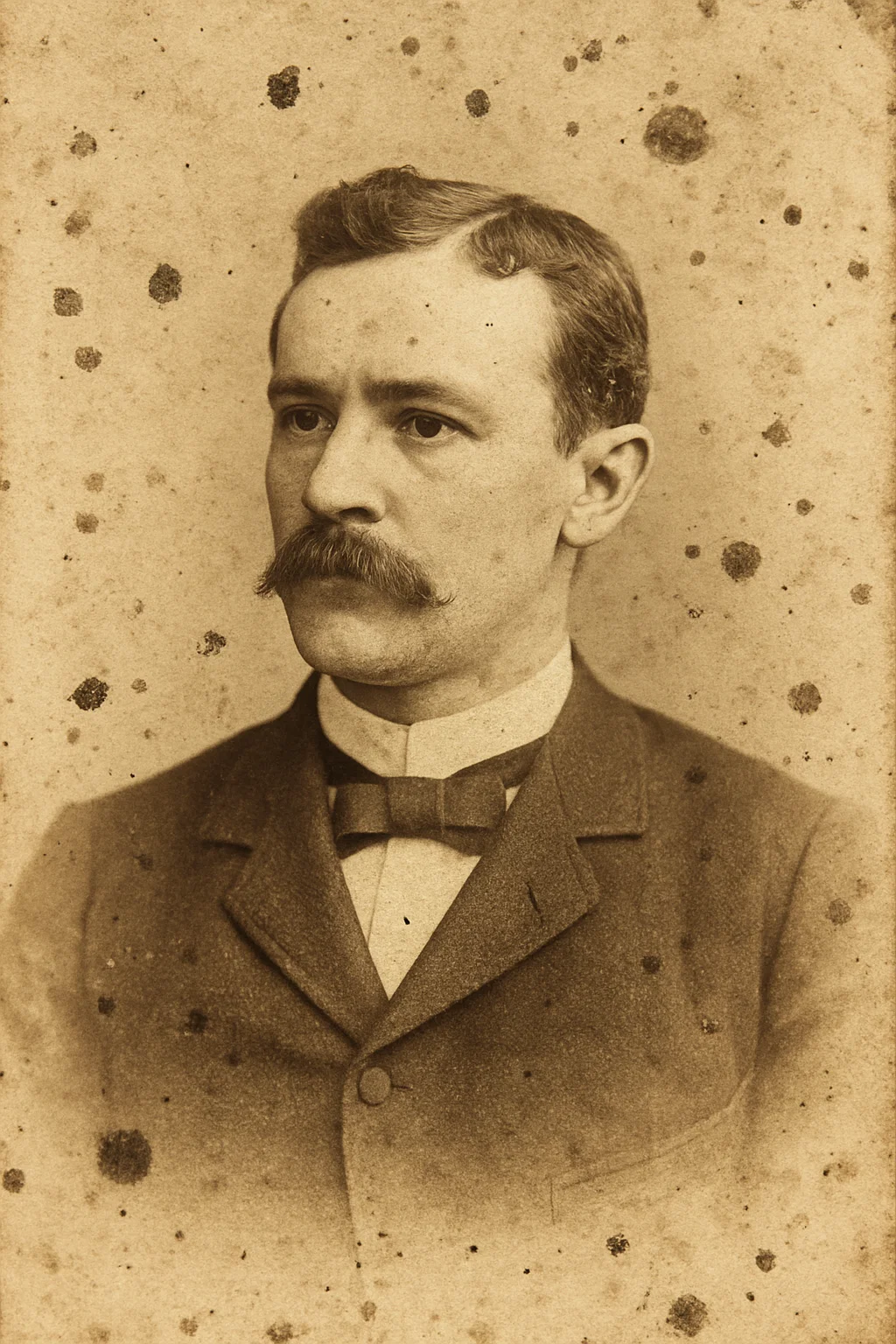
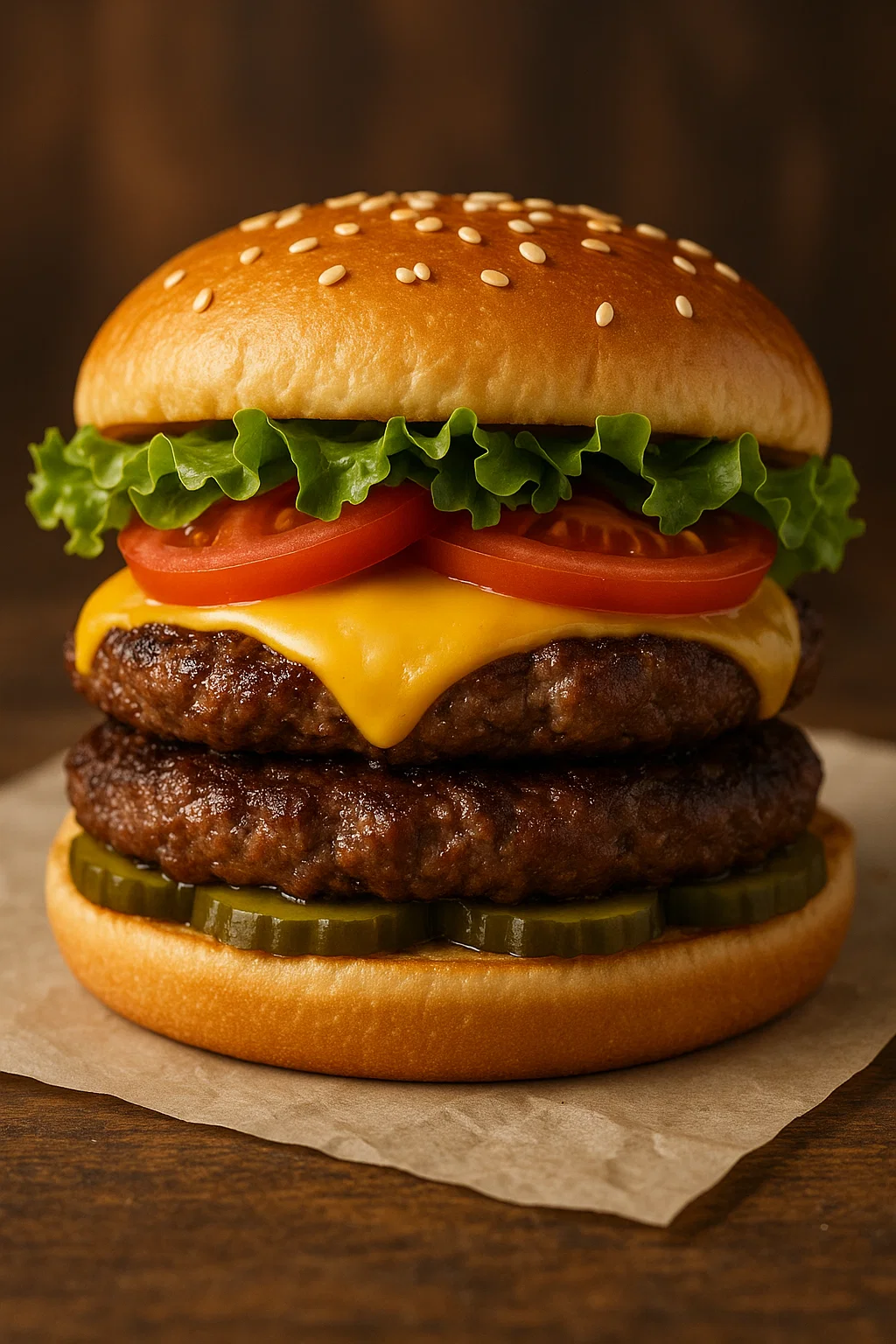
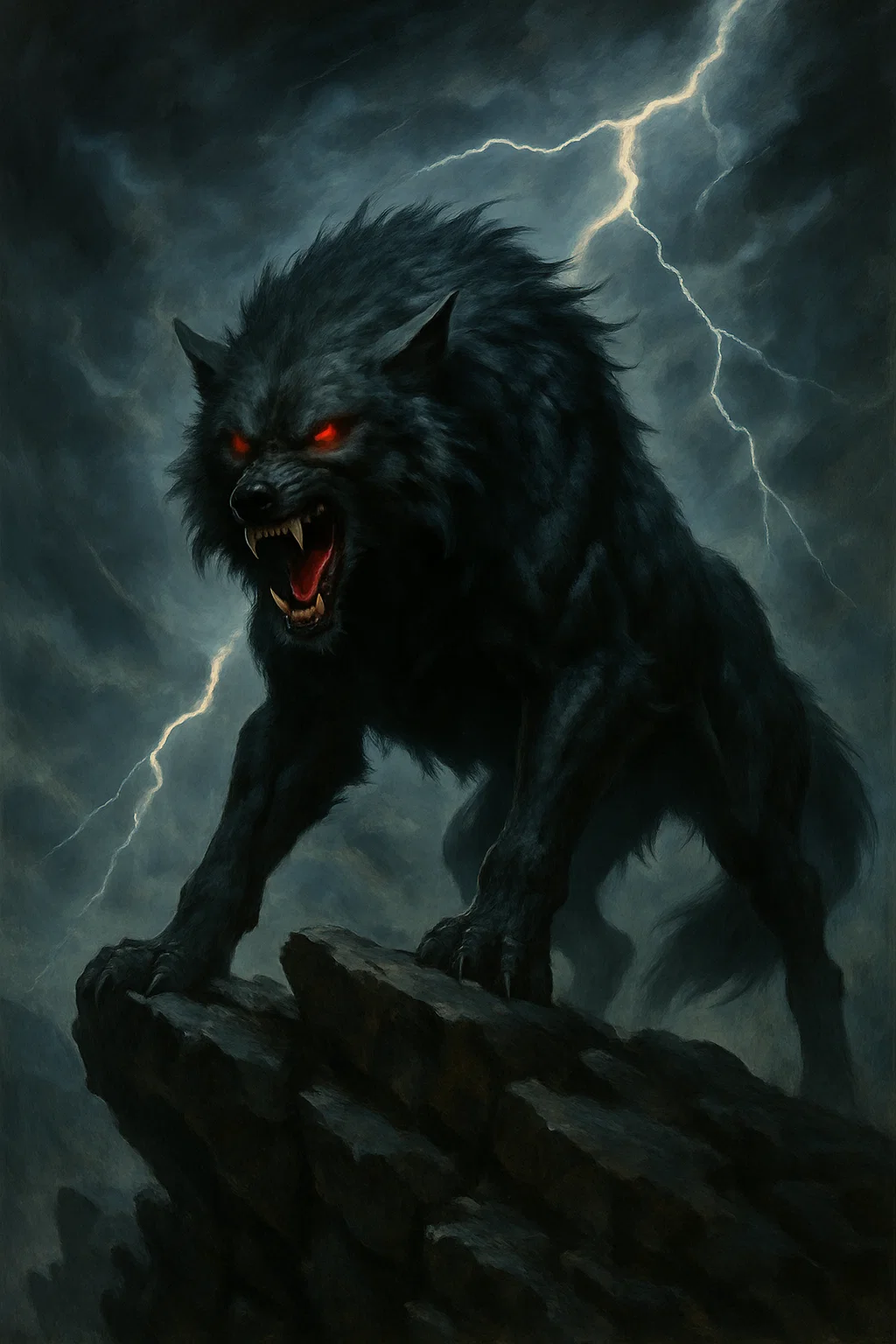
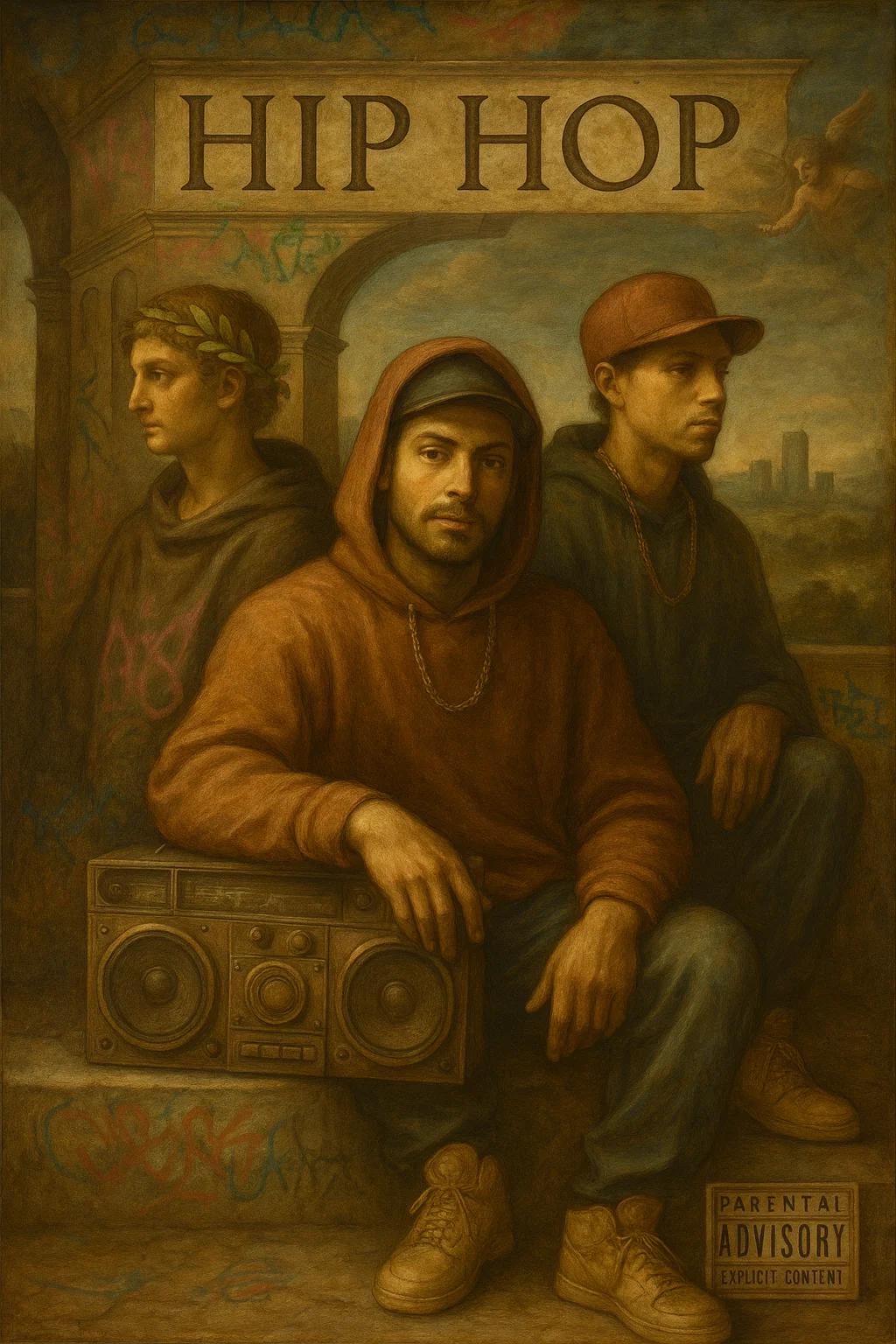
Example outputs 4
Sample generations and before/after results for Leonardo AI.
Access & connections
Where you can use Leonardo AI.
Platforms
Capabilities
What this tool accepts, produces, and is strongest at.
Input
- API
- Tabular
- Image
- Text
Output
- Video
- 3D
- API
- Image
Highlights
- SOTA
Supported features
- Image Generation
- Image Edit
- Video Generation
- Styling
- Visual Creation
- Realism
- Image to prompt
- Fine-tuning
- Outpainting
- Inpainting
Pros & cons
Pros
- Generates production-quality assets
- Helps maintain style-consistency
- Provides control over generation process
- Multiple pre-trained models
- Option for user-trained models
- Creates assets rapidly
- Generates models from existing work
- Generates art from mood boards
Show 33 more
- Combines multiple tiles for landscapes
- Generative concept art ability
- White-listed user access
- Transforms any project
- Multiple tool suite
- Transparent PNG Generator
- Tools for Photography
- Tools for Interior Design
- Tools for Architecture
- Developer-friendly API
- Variety of style models
- User-friendly operation
- Accelerate marketing initiatives
- Enhances designing process
- Transforms art into print-products
- Assists professionals in various fields
- Offers content at scale
- Animated storytelling
- Advanced model for anime
- Complete control over design process
- Design sharing for collaboration
- Generates lifelike portraits
- Creates varied shield designs
- Animation style rendering
- Multiple ControlNet options
- Progressive model update offerings
- Isometric environment creation
- 3D texture generation
- Large user community
- Personal expression facilitator
- Credits use with no cost requirement
- Offers independent weighting
- Training capabilities for beginners
Cons
- Whitelist required for access
- Early alpha version instability
- Complex for inexperienced users
- Limited styles (Anime, Cinematic, Realistic, Photographic)
- No offline operation
- Tool-specific learning curve
- Unspecified response time on API
- Variable model performance
Show 1 more
- Potential overreliance on specific models
Compare alternatives
Similar tools in the catalog — with a clear reason to open each one.


EasyAI – AI Flow - No Code Content (Video/Image) Ge... ✓
Free TrialChain AI tasks with no-code into workflows for chatbots, video, documents, and
Why look Offers a public API
Full comparison
RightBlogger ✓
FreemiumAutomate blogging, SEO, and publishing in one simple platform
Why look Higher community rating
Full comparison
myAIninja ✓
Free TrialAI-powered content creation for social media, 10x faster
Why look Typically cheaper
Full comparison

People also view
Tools that often show up alongside Leonardo AI in collections and comparisons.

Runway ✓
Free TrialAI-powered creative tools for content generation and editing

Midjourney ✓
PaidExpand human imagination through AI-powered visuals.
Stable Diffusion ✓
FreemiumUnleash humanity's potential with generative AI

Adobe Firefly ✓
FreemiumCreate stunning visuals with AI-powered text prompts

Perplexity ✓
FreemiumAI-powered answers to any question, instantly.

Ideogram ✓
FreemiumAI-powered creativity booster

Gamma ✓
FreemiumAI-powered content creation, minus the hassle.

ElevenLabs ✓
FreemiumCreate lifelike AI voices for compelling storytelling.
Prompts 4
Before and After Restoration Reveal Prompt · Robert Zięba
Showcase the impressive transformation of an old, damaged, or low-quality image into its beautifully restored, high-quality version. Perfect for restorers, photographers, or anyone promoting their editing skills, this prompt creates a clear, polished, and professional video that makes the difference impossible to miss.
Create a smooth, clear video that reveals the transformation from a damaged or low-quality image to its fully restored version. Animate a steady, seamless fade or wipe that moves from the original image with cracks, fading, noise, or low resolution, to the improved version featu…
Loading full prompt…
Food Commercial Ad Shot · Chayan Kumar
Turn your signature dish into a show-stopping video ad that sells itself. This prompt transforms your single food photo into a mouth-watering, cinematic commercial clip that captures every delicious detail. Make your audience crave what you serve with smooth, professional camera moves, rich lighting, and optional steam or glow effects that make your food look fresh, hot, and irresistible. Perfect for restaurant promos, social media ads, or menu showcases that demand attention and drive customers to your door.
Prompt: Camera and Image Options: Decide exactly how your commercial video should look and feel by customizing all camera and image settings. Choose movements like pans, slow zooms, or tilts that naturally highlight the dish. Pick the lens style, from close-ups for detail to wid…
Loading full prompt…
Spirit Animal Visual Interpreter · Muhammad Irfan
Transform personality traits into a meaningful spirit animal image. Describe emotions, strengths, and symbolism to generate a unique, artistic representation that captures the essence of your character in animal form.
Generate a detailed, expressive image that visually represents a spirit animal chosen to match specific personality traits. Use careful design, color, and composition to embody the described qualities in animal form. Focus on mood, posture, setting, and symbolic details to ensur…
Loading full prompt…
Renaissance Hip Hop Fusion Album Cover · Arshad Rangahr
Renaissance-style painting with chiaroscuro, sfumato, streetwear, graffiti, gold chains, classical architecture, and carved marble album title.
Create image of a Hip Hop album poster that fuses Leonardo da Vinci’s Italian Renaissance painting style with contemporary urban music culture. Render the central figures in anatomically precise, idealized human forms with masterful chiaroscuro lighting that sculpts their bodies…
Loading full prompt…
Releases 2
Phoenix Model Preview: Debuted Leonardo’s first foundational model, featuring improved prompt understanding and the ability to generate readable, coherent text within images.
Flow State: Launched a new creative mode that streams a sequence of image variations from a single prompt, helping users explore concepts quickly and fluidly.
Realtime Canvas: Integrated a Latent Consistency Model for fast, responsive image generation, allowing users to see results in real time as they iterate.
Motion Tool: Added the ability to animate static images into 4-second video loops, expanding creative output beyond still visuals.
Enhanced Canvas Editor: Upgraded the editor with more powerful inpainting and outpainting tools, giving users finer control when editing AI-generated art.
Canva Integration: Partnered with Canva to embed Leonardo’s generative tools into the Canva ecosystem, making advanced AI image creation available to a wider creative audience.
Imported reviews 12
really nice for nature concept art, fed it some forest and waterfall prompts and got stuff that actually felt alive. some outputs lean too fantasy when i wanted realistic, but the variety is there. good for wallpapers and inspo boards.
switched to this for all my character concept work. the style consistency between generations is what makes it usable for actual projects. can iterate on designs without everything looking random
the 3D rendering capabilities on this are no joke. i've been using it for character turnarounds and the consistency between angles is way better than other generators. cuts my concept phase in half easily
obsessed with the nature rendering on this!! made a whole series of forest creatures in different art styles and the quality is chef's kiss. way better than the other generators I've tried.
fast and handles anime style well. pretty solid.
dope for vehicle concepts, fast and easy to use. tried some truck designs and they came out cool. metallic finishes could be better though. solid tool :D
super cute for making pet art. tried generating different cat breeds and the style's really dreamy. would love more animal focused features or presets though. still, fun little tool for pet lovers
Just perfect
I use this mostly for quick fashion visuals and ideas. It’s easy to get something that looks good fast, even if some details need fixing after. Definitely useful when you want to test concepts without spending too much time.
Used this for wedding invitation mockups and it came through! Threw in my sketch ideas and got back clean designs with nice details. Way faster than doing it manually, super helpful tool!!
this thing actually delivers! gave it character descriptions and boom, clean anime art with proper proportions. the colors pop and lighting effects look professional. definitely my go to now. SOLID!
really solid for generating game assets and UI icons, I fed it some style prompts and it cranked out consistent designs I could actually use. way faster than drawing everything manually and the quality holds up. great for indie devs or plugin visuals. :D
FAQ 12
What is Leonardo.ai?
How does Leonardo.ai generate images?
What key features does Leonardo.ai offer?
How can Leonardo.ai be used in creative projects?
What is the process to access the early alpha version of Leonardo.ai?
What kind of art can Leonardo AI Art Generator produce?
How does the AI Video Generator tool in Leonardo.ai work?
What are the capabilities of Leonardo's Transparent PNG Generator?
Can Leonardo.ai be used for marketing initiatives?
How does Leonardo.ai cater to interior design and architecture?
Is there an API offered by Leonardo.ai for developers?
Can the style of output from Leonardo.ai be customized?
Related tools
Recommended
Midjourney ✓
PaidExpand human imagination through AI-powered visuals.
Perplexity ✓
FreemiumAI-powered answers to any question, instantly.

Suno ✓
FreemiumMake music at the speed of your ideas.
ElevenLabs ✓
FreemiumCreate lifelike AI voices for compelling storytelling.

Claude ✓
FreemiumBuilding reliable, interpretable AI systems
Gamma ✓
FreemiumAI-powered content creation, minus the hassle.