

Image editing 2026 Rank: #2118
Luckiss AI ✓
Edit images instantly using text prompts.
Verdict
A quick read before you dig into the full page.
- Best if
- Edit images instantly using text prompts
- Skip if
- Limited to text instructions
- Pick this when
- Free online tool
Considering Viyou AI Image Generator instead? Compare side by side
Overview
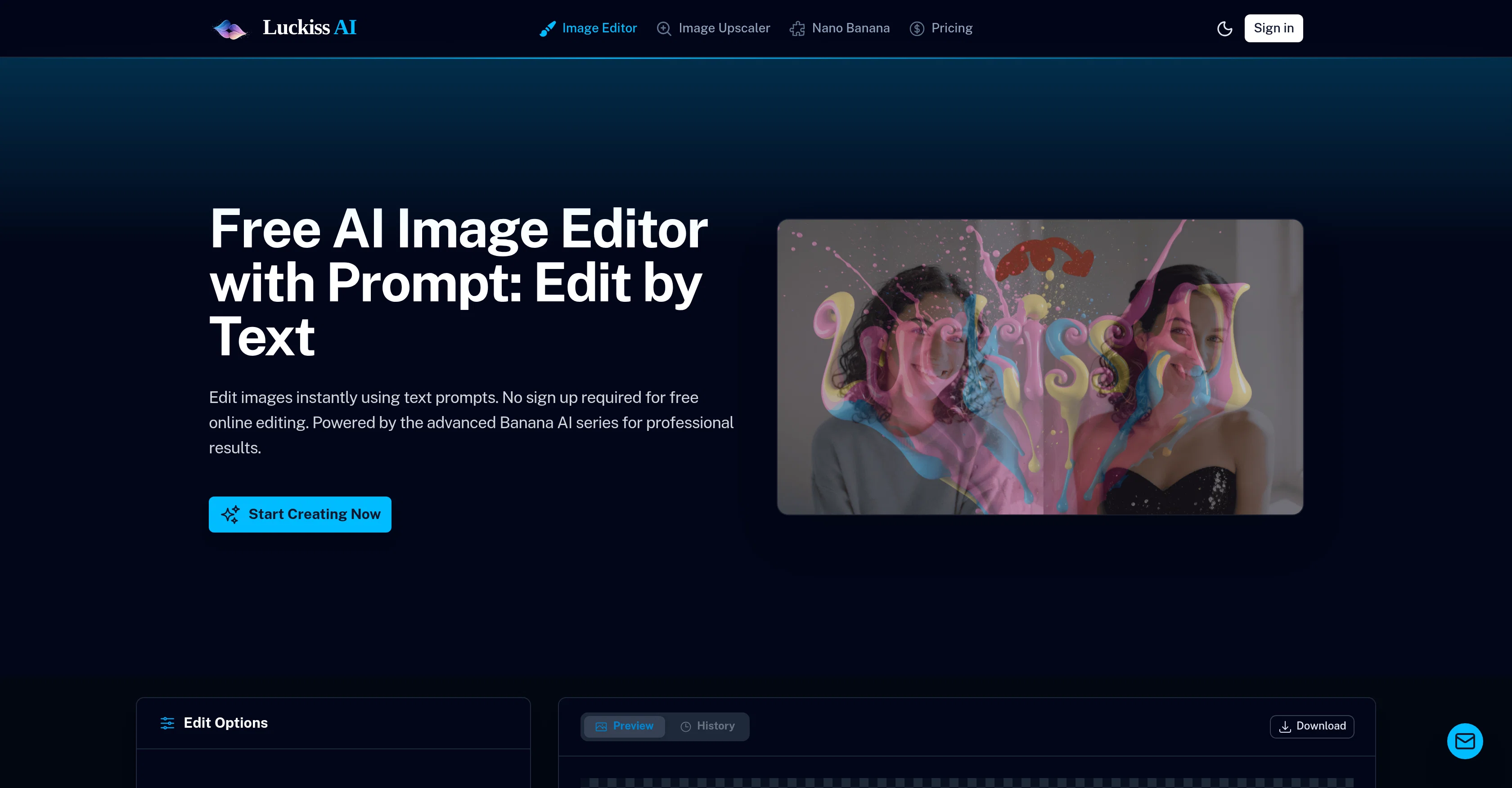
The Luckiss AI Image Editor is a robust and user-friendly AI tool designed to simplify photo editing through the power of AI prompts. It requires no sign-up, providing immediate access to free online editing.
Edit images quickly with simple text instructions, like 'change hair color' or 'remove background'. The editor utilizes the advanced Banana AI series for professional-grade image alterations.
It offers multiple features, such as object removal, photo restoration, and generation of stickers from photos. Additionally, it provides full control to the user, allowing for stylization, lighting changes, or complete scene reimagining.
Features include the latest architecture from Google for precision editing, and Luckiss own flagship artistic model for more creative adjustments. This makes the tool versatile and suitable not only for professional photo editors but also for e-commerce sellers and content creators looking to make subtle retouches or complete transformations to their images.
The tool is built with privacy and efficiency in mind; all uploaded and generated images are automatically deleted after 24 hours, and users retain full ownership of their creations.
Strategic use of high-performance GPUs ensures photo edits are completed in seconds. The Luckiss AI Image Editor pioneers the next generation of AI image editing, providing a streamlined, efficient, and easy-to-use tool for all photo editing needs.
Access & connections
Where you can use Luckiss AI, and what it plugs into.
Platforms
Integrations
Capabilities
What this tool accepts, produces, and is strongest at.
Input
- Text
- Image
Output
- Image
Highlights
- SOTA
Supported features
- Assistant
- Medical
Pros & cons
Pros
- Free online tool
- No sign-up required
- Edit using text prompts
- Instant image processing
- Showcase of editing commands
- No manual brushing needed
- Precision and stylization options
- Suitable for diverse users
Show 39 more
- From retouching to transformation
- User owns the content
- Ensures data privacy
- Automatic image wiping after 24hrs
- Full commercial use license
- High-performance GPUs
- Real-time editing
- Object removal feature
- Photo restoration capability
- Transforms photos into stickers
- Allows heavy stylization
- Ability to change lighting
- Scene reimagining feature
- Google Architecture
- Strategic high-end GPU use
- User-friendly interface
- Privacy-oriented design
- Edit by instruction
- Immediate access to editing
- Automatic deletion of images
- User-owned creations policy
- Multiple feature offerings
- Flagship artistic model incorporated
- Versatile usage suitability
- Automatic generation of stickers
- Detailed editing precision
- Commercial use license included
- Infrastructure promotes quick edits
- Supports complete scene transformation
- Designed for professional editors
- E-commerce seller-compatible design
- Supports content creators
- Efficient performance design
- Automatic deletion after 24 hrs
- Google's latest architecture utilization
- Secure data handling
- Instant style transformation
- Robust photo editing tool
- Supports multiple file types
Cons
- No mobile app
- No offline capabilities
- Limited to 4 uploads
- Possible latency issues
- No batch processing
- No plugin support
- Doesn't support all image formats
- Automatic deletion can be inconvenient
Show 2 more
- No explicit data encryption
- Limited to text instructions
Compare alternatives
Similar tools in the catalog — with a clear reason to open each one.

Viyou AI Image Generator ✓
FreemiumTransform text and images into stunning videos and visuals.
Why look Freemium alternative
Full comparison
Img2Img AI ✓
FreemiumTransform any image with AI in seconds.
Why look Freemium alternative
Full comparison

Photoeditor ✓
PaidEnhanced image editing with object and text removal.
from $9.99/mo
Full comparison
Cleanup pictures ✓
FreemiumRemove unwanted elements from photos instantly.
Why look Freemium alternative
Full comparisonReleases 1
FAQ 12
What is the Luckiss AI Image Editor?
How does Luckiss AI Image Editor work?
What makes Luckiss AI Image Editor different from other image editing tools?
Do I need to sign up to use Luckiss AI Image Editor?
What kind of edits can Luckiss AI Image Editor handle?
Can Luckiss AI Image Editor handle heavy stylization and changing lighting or ambiance?
What is the Banana AI series that Luckiss AI Image Editor is powered by?
How fast can Luckiss AI Image Editor process image edits?
Do I maintain full ownership of my images when using Luckiss AI Image Editor?
How does Luckiss AI Image Editor ensure data privacy?
What types of users is Luckiss AI Image Editor suitable for?
What is the commercial use license that comes with Luckiss AI Image Editor?
Related tools
Recommended

Thea ✓
FreemiumAI study tools to master material, not just memorize it.

Recall ✓
FreemiumSummarize Anything, Forget Nothing!

Claude ✓
FreemiumBuilding reliable, interpretable AI systems

Grok ✓
FreemiumConversational AI for understanding the universe.

AI Image to Image.io ✓
FreemiumTransform images with simple text commands.

Image Editor Online ✓
FreeTransform images with AI prompts instantly online.
