
Verdict
A quick read before you dig into the full page.
- Best if
- Talk. Kivi types
- Skip if
- Limited language support
- Pick this when
- MacOS compatibility
Considering Wispr Flow instead? Compare side by side
Overview
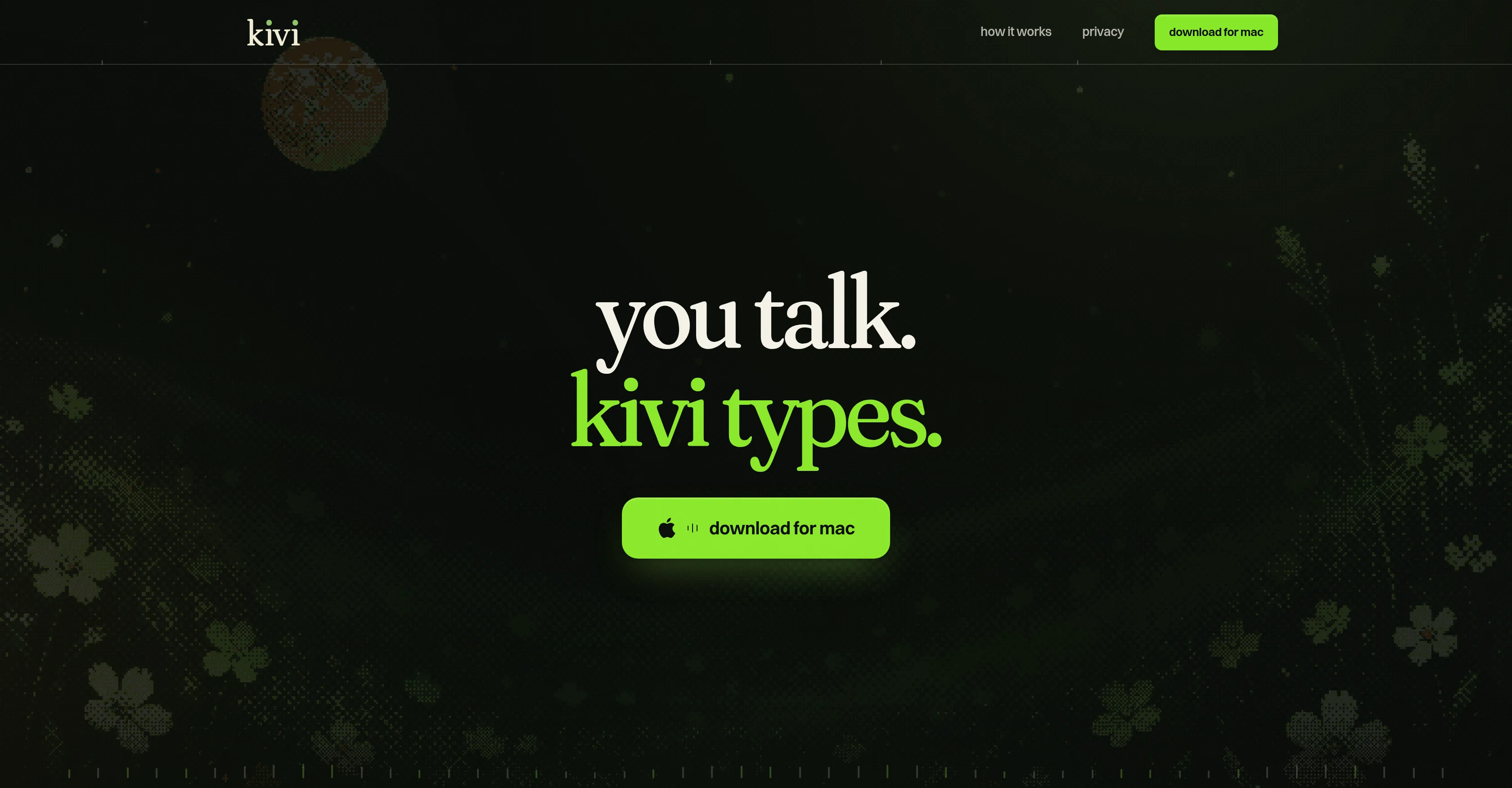
Kivi is a voice dictation tool designed for Mac users. It transcribes spoken words into written text in any application, providing users with a hands-free typing alternative.
Users activate Kivi by holding the 'fn' key on their keyboard and speaking; it then captures and transforms the verbal instructions into text in any active app.
The tool supports multilingual dictation, with the ability to type in both English and Hindi. One of Kivi's distinguishing features is its correct and polish function.
It transcribes not only words but entire sentences or phrases and refines them into polished text. This proves useful in various applications like drafting emails, sending messages, updating status in productivity apps such as Slack, capturing reminders, and even writing code comments.
Kivi also remembers corrected names or phrases, ensuring higher accuracy in future dictations. Additionally, it is able to adapt its transcription style according to the application in use, giving it a context-sensitive versatility.
Its download is currently free for alpha testing on macOS 14 and higher versions.
Access & connections
Where you can use kivi, and what it plugs into.
Platforms
Integrations
Capabilities
What this tool accepts, produces, and is strongest at.
Input
- Audio
Output
- Text
Pros & cons
Pros
- MacOS compatibility
- Multilingual transcription
- Polishes transcribed text
- Corrects and remembers names
- Compatible with multiple apps
- Context-sensitive transcription style
- Adaptability to different apps
- Transcribes full sentences
Show 8 more
- Supports code comments transcription
- Free alpha testing
- Selects text with 'fn' + control
- App-specific transcription styles
- Remembers corrected phrases
- Accommodates formal and informal styles
- Formulates dictated email drafts
- Real-time response
Cons
- Mac only
- Limited language support
- Requires manual activation
- Potential privacy issues
- Adaptive transcription inconsistency
- Low utility for non-typists
- Alpha version bugs
- Possible inaccuracy with slangs
Show 2 more
- Compatibility issues with older macOS versions
- Lack of third-party integrations
Compare alternatives
Similar tools in the catalog — with a clear reason to open each one.

Wispr Flow ✓
FreemiumSpeak naturally, write perfectly, 4x faster.
Why look Better for writing
Full comparison
Voibe ✓
Free TrialType 3x faster with private offline dictation.
Why look More privacy-focused
Full comparison
Spokenly ✓
FreemiumSeamless speech-to-text in every app.
Why look Offers a public API
Full comparison
Aqua Voice ✓
FreemiumVoice-driven text editing for effortless document creation.
Free + from $10/mo
Full comparison
EchoWrite ✓
FreemiumDon't type text anymore, just speak
Why look Higher community rating
Full comparison
Releases 1
FAQ 12
What is Kivi?
How does Kivi transform spoken words into written text?
Which key should I hold to activate Kivi?
What languages does Kivi support for dictation?
What is the 'correct and polish' function in Kivi?
Can Kivi be used for drafting emails and messages?
Can Kivi transcribe programming code comments?
Does Kivi adapt its transcription according to the application in use?
Which macOS versions is Kivi compatible with?
Is Kivi available for free download?
Does Kivi remember corrected names or phrases for accuracy?
How does Kivi achieve context-sensitive versatility?
Related tools
Recommended

GetLogit ✓
FreemiumArtificial intelligence, available for everyone.

ElevenLabs ✓
FreemiumCreate lifelike AI voices for compelling storytelling.

freebeat AI ✓
FreemiumTurn Music & Ideas into Viral Videos In One Click

DeepSeek ✓
FreeUnravel the mystery of AGI with curiosity

AppDeploy ✓
FreeDeploy real apps directly from ChatGPT or Claude

GenFlik ✓
FreemiumTurn product descriptions into viral video ads instantly.